In this app, users can edit and customize footage captured with Insta360 cameras using AI-powered tools and manual controls. Includes AI edits, templates, reframing, deep tracking, hyperlapses, and social sharing features.
AppRecs review analysis
AppRecs rating 4.3. Trustworthiness 79 out of 100. Review manipulation risk 22 out of 100. Based on a review sample analyzed.
★★★★☆
4.3
AppRecs Rating
Ratings breakdown
5 star
80%
4 star
6%
3 star
3%
2 star
2%
1 star
8%
What to know
✓
Low review manipulation risk
22% review manipulation risk
⚠
Ad complaints
Many low ratings mention excessive ads
⚠
Pricing complaints
Many low ratings mention paywalls or pricing
About Insta360
New Album Page Layout
Thumbnails now automatically uses the best angle to easily identify and manage files.
AI Edit
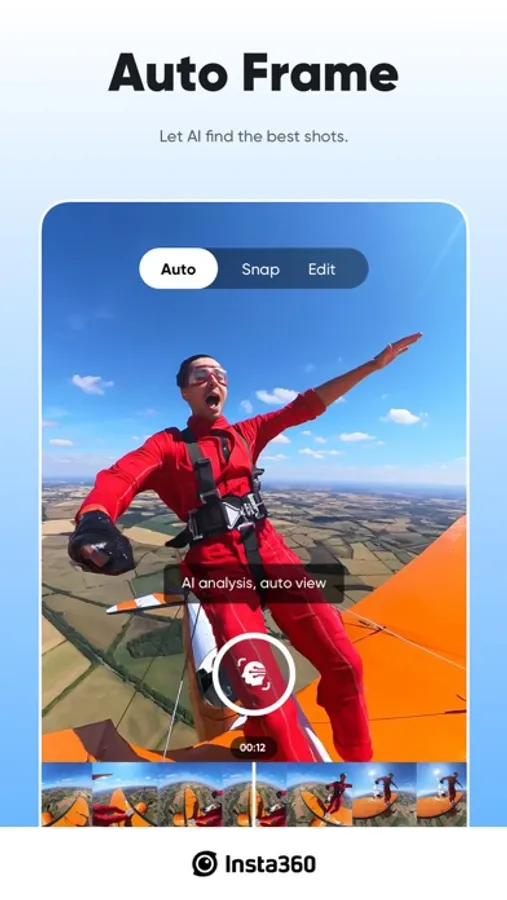
AI can handle the entire reframing process! Sit back and let your action highlights make themselves, now faster with improved subject detection for even easier editing.
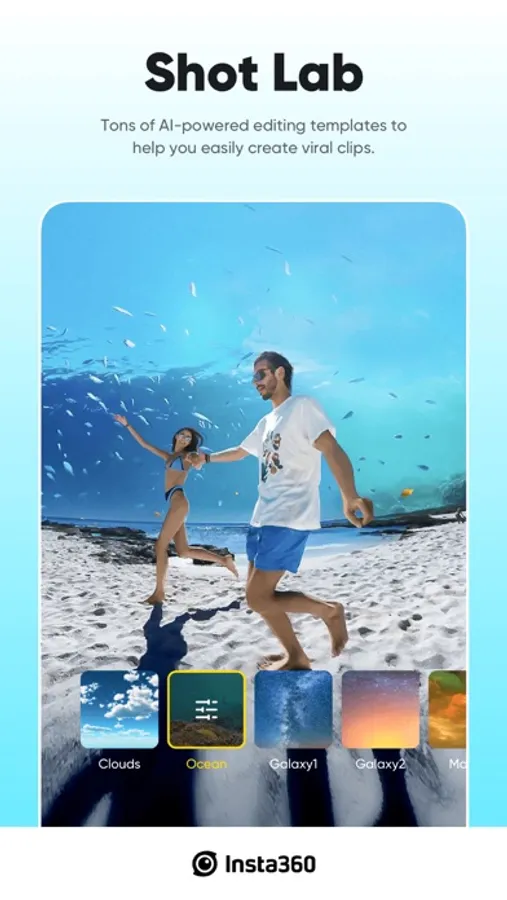
Shot Lab
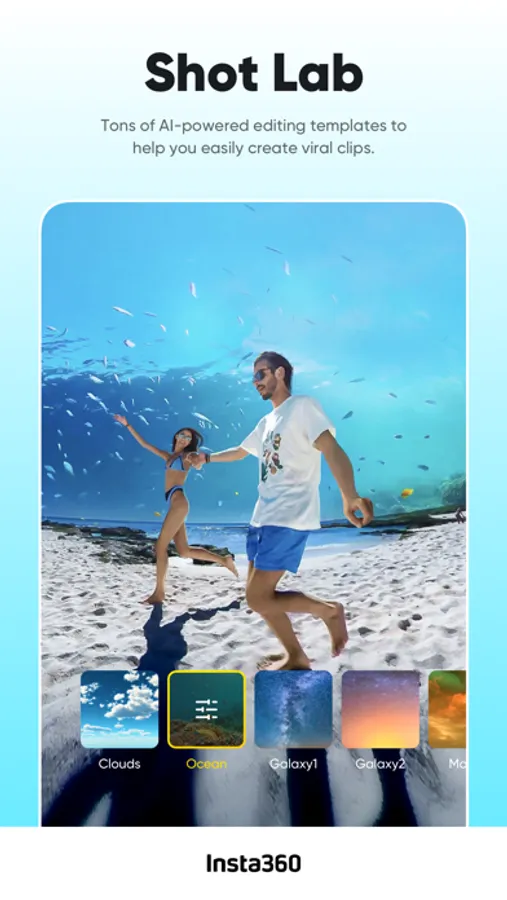
Shot Lab is home to tons of AI-powered editing templates that help you create viral clips in just a few taps. Discover over 25 templates, including Nose Mode, Sky Swap, AI Warp and Clone Trail!
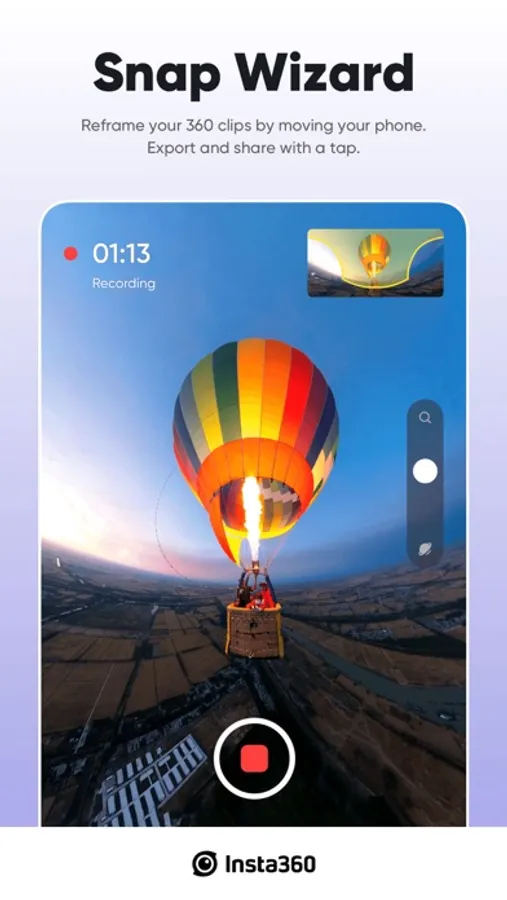
Reframing
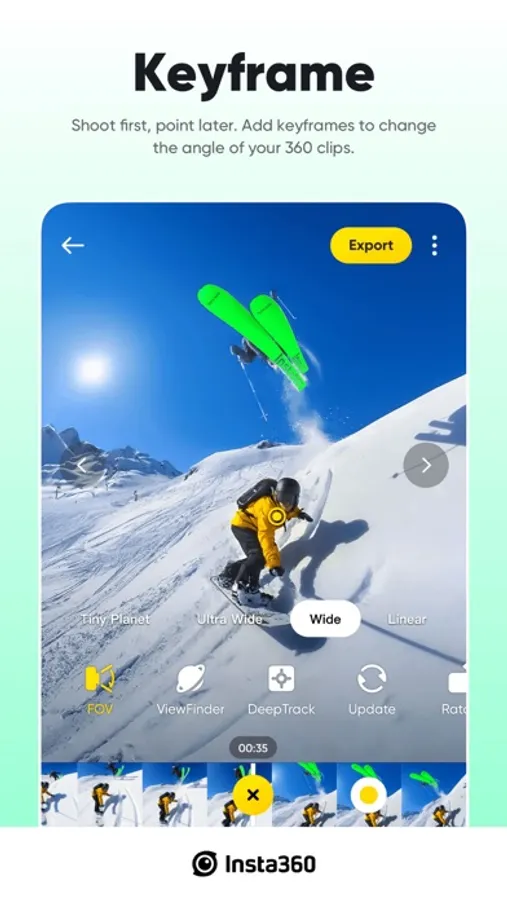
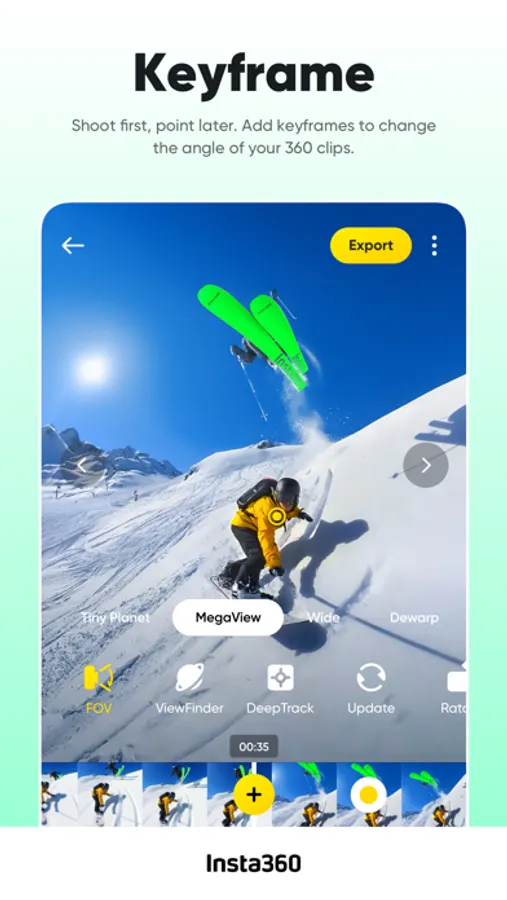
The creative possibilities are endless with easy 360 reframing tools in the Insta360 app. Tap to add a keyframe and change the perspective of your footage.
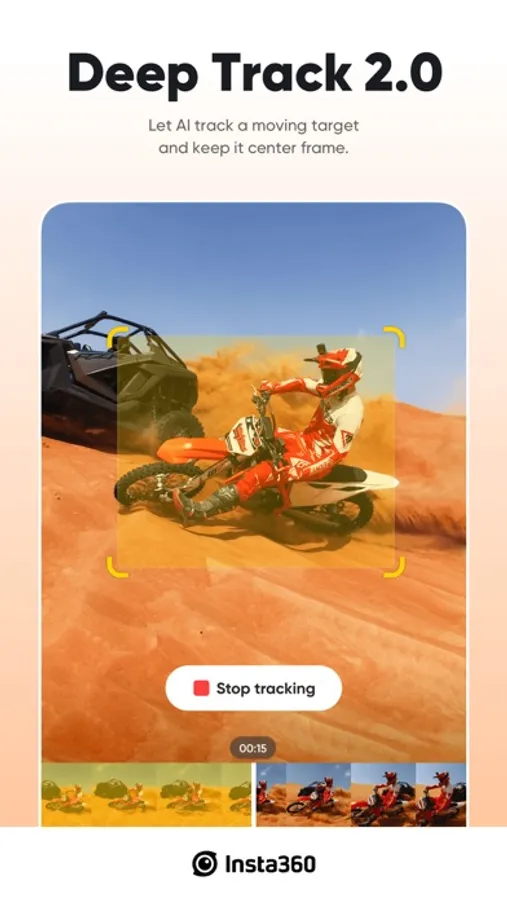
Deep Track
Whether a person, animal, or a moving object, keep the subject centered in your shot with a single tap!
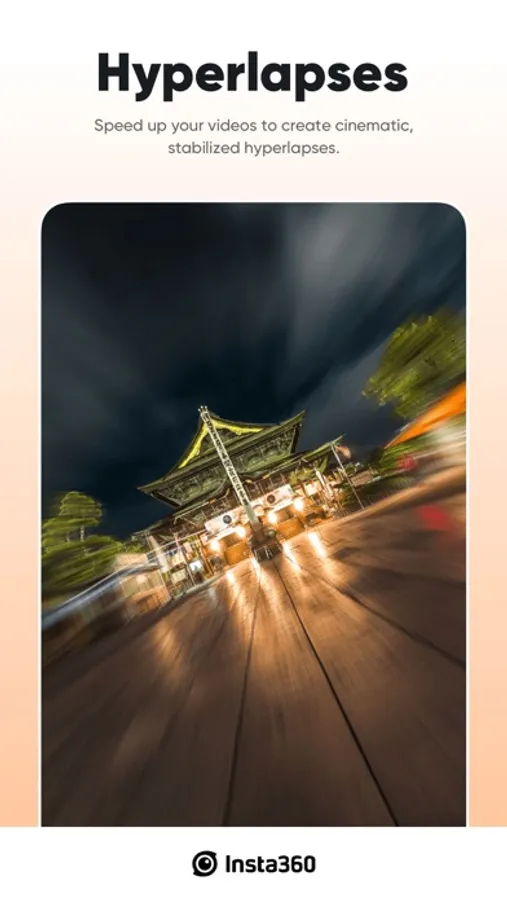
Hyperlapses
Speed up your videos to create a stabilized hyperlapse in just a few taps. Adjust the speed of your clip on a whim—you have full control over time and perspective.
Download-Free Editing
Edit and share your clips to social media without downloading them to your phone first! Save your phone’s storage space and edit clips while you’re on the go.
Please feel free to reach out to us at any time!
Official website: www.insta360.com (you can also download the Studio desktop software and the latest firmware updates)
Official customer service email: service@insta360.com
Plus, discover the best content from creators around the world in the Insta360 app! Find new video ideas, learn from tutorials, share content, interact with your favorite creators, and more. Download now and start exploring!
Here are the Insta360+Privacy Policy and Insta360+ User Service Agreement
Insta360+Privacy Policy: https://www.insta360.com/support/supportcourse?post_id=20767&utm_source=app_oner
Insta360+ User Service Agreement: https://www.insta360.com/support/supportcourse?post_id=20768&utm_source=app_oner
If you would like to share feedback about our app, please search for the "Insta360 Official" account in the app private message system, and send us a private message after following.
Insta360 Screenshots
Tap to Rate:
Reviews for Insta360
ACP 15Pro
Best in industry
One of the best apps I’ve used in a long time! The Insta360 app is packed with so many powerful features — from smart AI editing to smooth stabilization and creative effects. Even after just two days of using it, I’m genuinely impressed with how intuitive and feature-rich it is. The editing tools are easy to use, exporting is fast, and the overall experience feels very polished. Definitely worth the download if you’re using an Insta360 camera. Highly recommended! 🔥📸
DeeKayOneZero
Still a brand fan
The Go Ultra is the (current) king. Enough said.