In this app, users can control DJI cameras via Bluetooth or Wi-Fi and edit their videos with professional templates. Includes HD live view, real-time beautify, and sharing tools.
AppRecs review analysis
AppRecs rating 4.5. Trustworthiness 64 out of 100. Review manipulation risk 35 out of 100. Based on a review sample analyzed.
★★★★☆
4.5
AppRecs Rating
Ratings breakdown
5 star
80%
4 star
6%
3 star
3%
2 star
3%
1 star
8%
What to know
✓
High user satisfaction
86% of sampled ratings are 4+ stars (4.5★ average)
About DJI Mimo
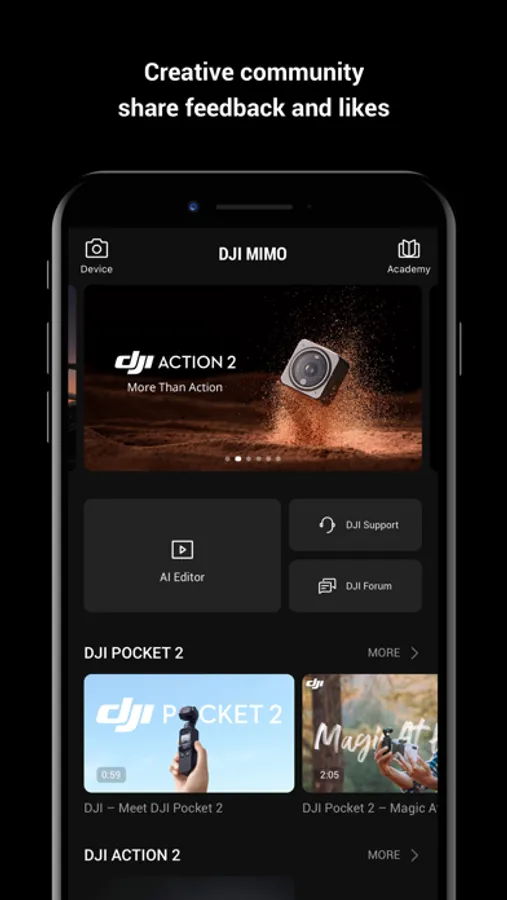
As the all-in-one app made specifically for the DJI Osmo Pocket handheld gimbal, Osmo Action camera, Osmo Mobile 3, DJI OM4 and DJI Pocket2, Mimo offers HD live view during recording, intelligent features such as My Story for quick editing, and other tools not available with a handheld stabilizer alone. Mimo lets you capture, edit, and share the best of your moments, right from your fingertips.
Highlights:
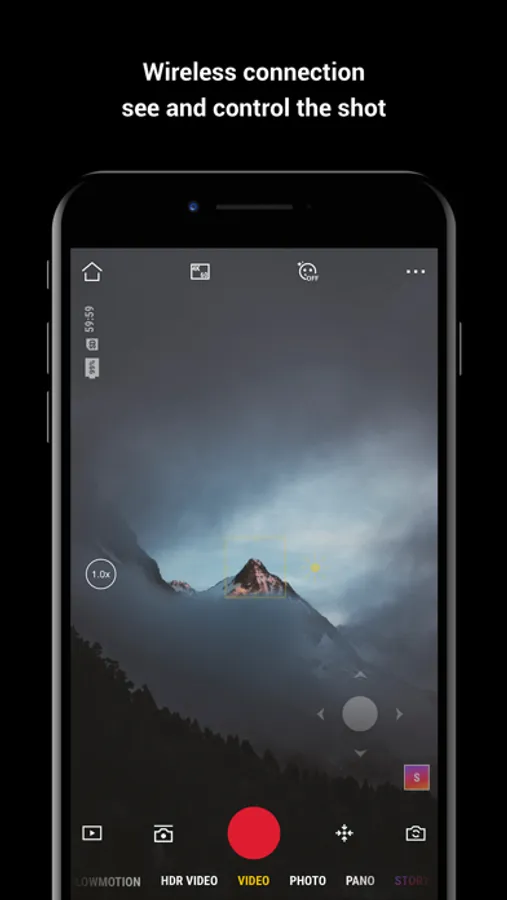
1. Supports HD live view and 4K video recording.
2. Controls Osmo Pocket, Osmo Action or Osmo Mobile 3 via Bluetooth or Wi-Fi.
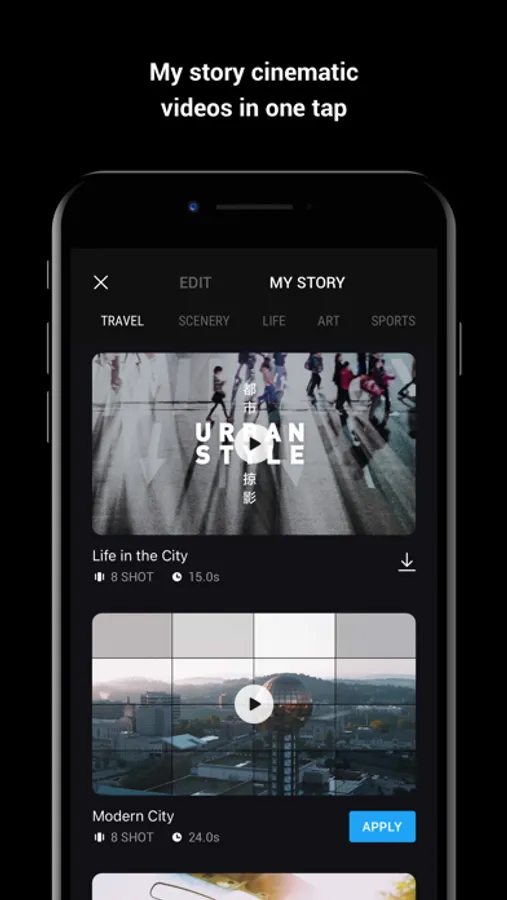
3. My Story video templates designed by professionals allow you to edit your videos in a single tap.
4. Precise face identification and real-time Beautify mode enhances photos and videos instantly.
5. Upload and share videos with just a tap.
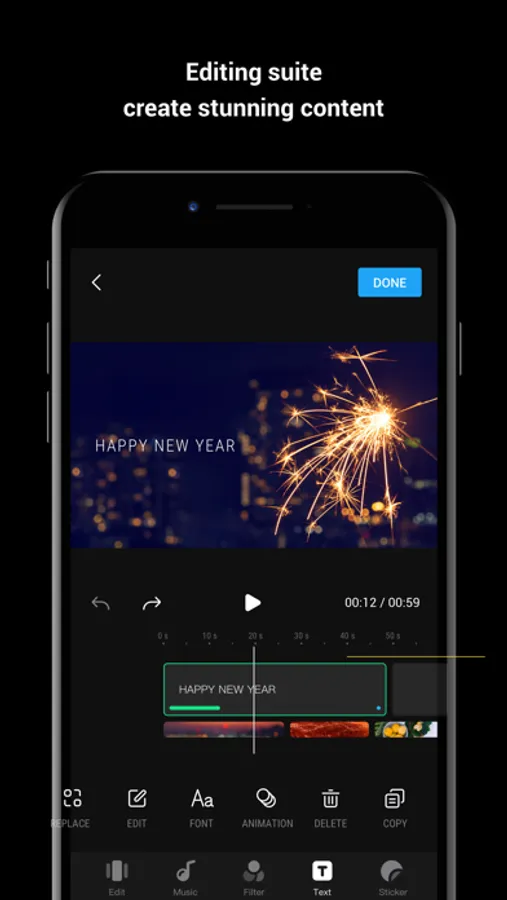
6. Advanced video editing functions: Trim and split clips, adjust playback speed, reverse, and more.
7. Tune image quality to meet your needs: Brightness, saturation, contrast, color temperature, vignette, and sharpness.
8. Multiple filters, music templates, and watermark stickers finish your videos with a unique flair.
Highlights:
1. Supports HD live view and 4K video recording.
2. Controls Osmo Pocket, Osmo Action or Osmo Mobile 3 via Bluetooth or Wi-Fi.
3. My Story video templates designed by professionals allow you to edit your videos in a single tap.
4. Precise face identification and real-time Beautify mode enhances photos and videos instantly.
5. Upload and share videos with just a tap.
6. Advanced video editing functions: Trim and split clips, adjust playback speed, reverse, and more.
7. Tune image quality to meet your needs: Brightness, saturation, contrast, color temperature, vignette, and sharpness.
8. Multiple filters, music templates, and watermark stickers finish your videos with a unique flair.
DJI Mimo Screenshots
Tap to Rate:
Reviews for DJI Mimo
Idimnop6
Yes
Love
York feliz
Por que los eleji ?
Los eliji por que sus equipos son muy buenos en conclusión son los mejores