AppRecs review analysis
AppRecs rating 4.5. Trustworthiness 65 out of 100. Review manipulation risk 31 out of 100. Based on a review sample analyzed.
★★★★☆
4.5
AppRecs Rating
Ratings breakdown
5 star
83%
4 star
0%
3 star
8%
2 star
0%
1 star
8%
What to know
✓
High user satisfaction
83% of sampled ratings are 5 stars
About Set Light
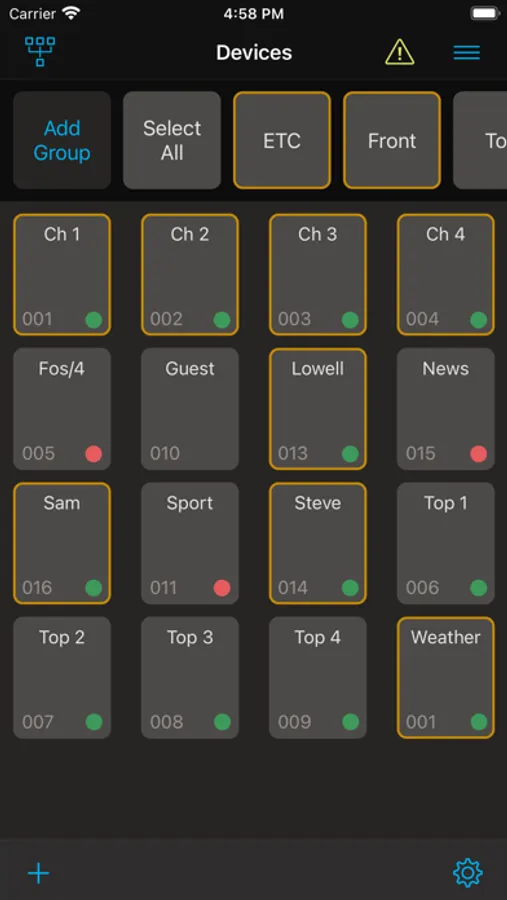
You can also connect to your ETC and High End Systems fixtures via a bluetooth bridge such as City Theatrical’s DMXcat® or Multiverse® Transmitter. Once connected, identify and set the RDM label, personality, and DMX address of your fixtures. Save time by planning your configurations in advance and pushing them to your fixtures when ready.
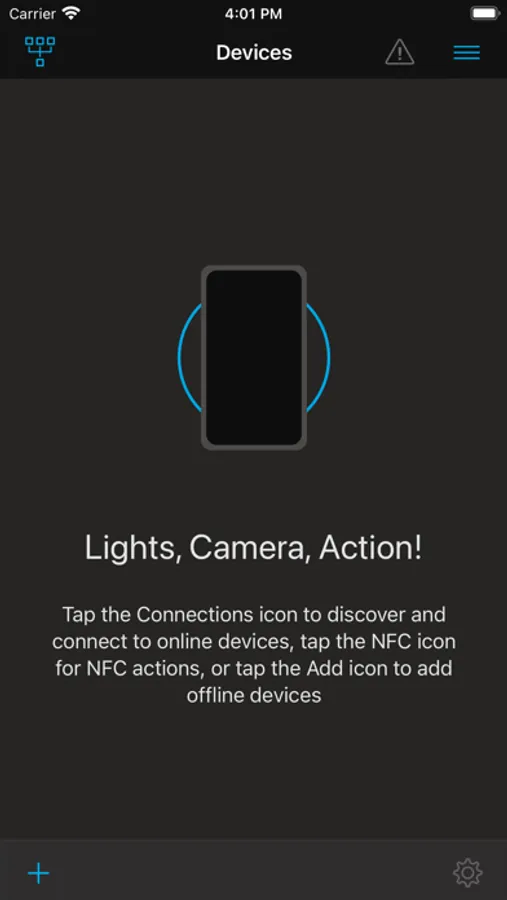
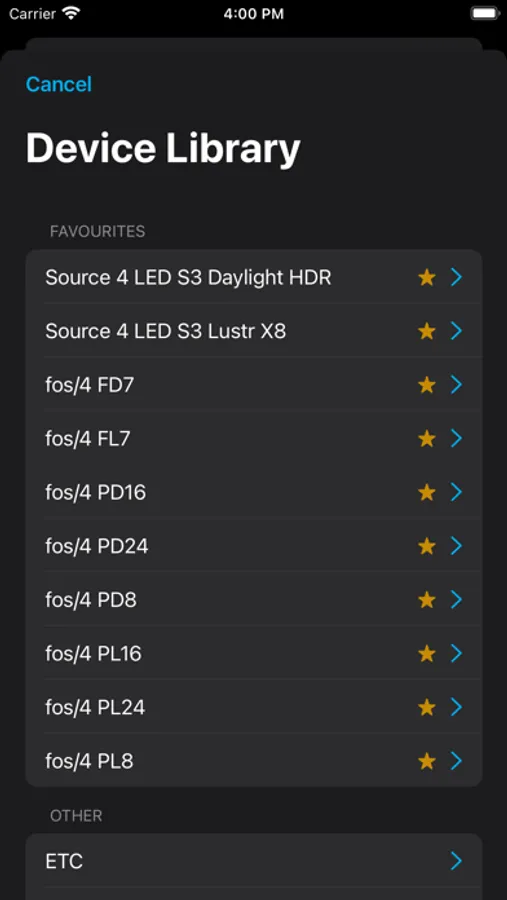
Set Light Screenshots
Tap to Rate:
Reviews for Set Light
SomeOtherGuy0
Works, but missing some specific features
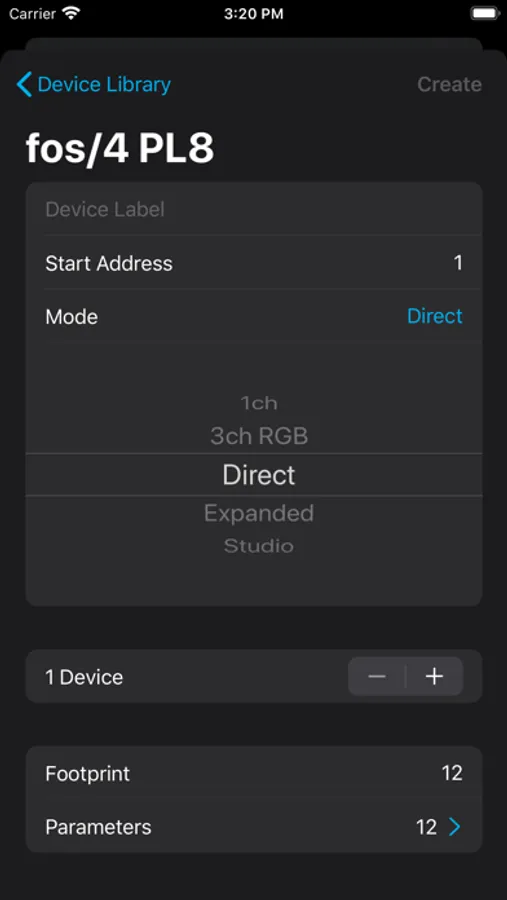
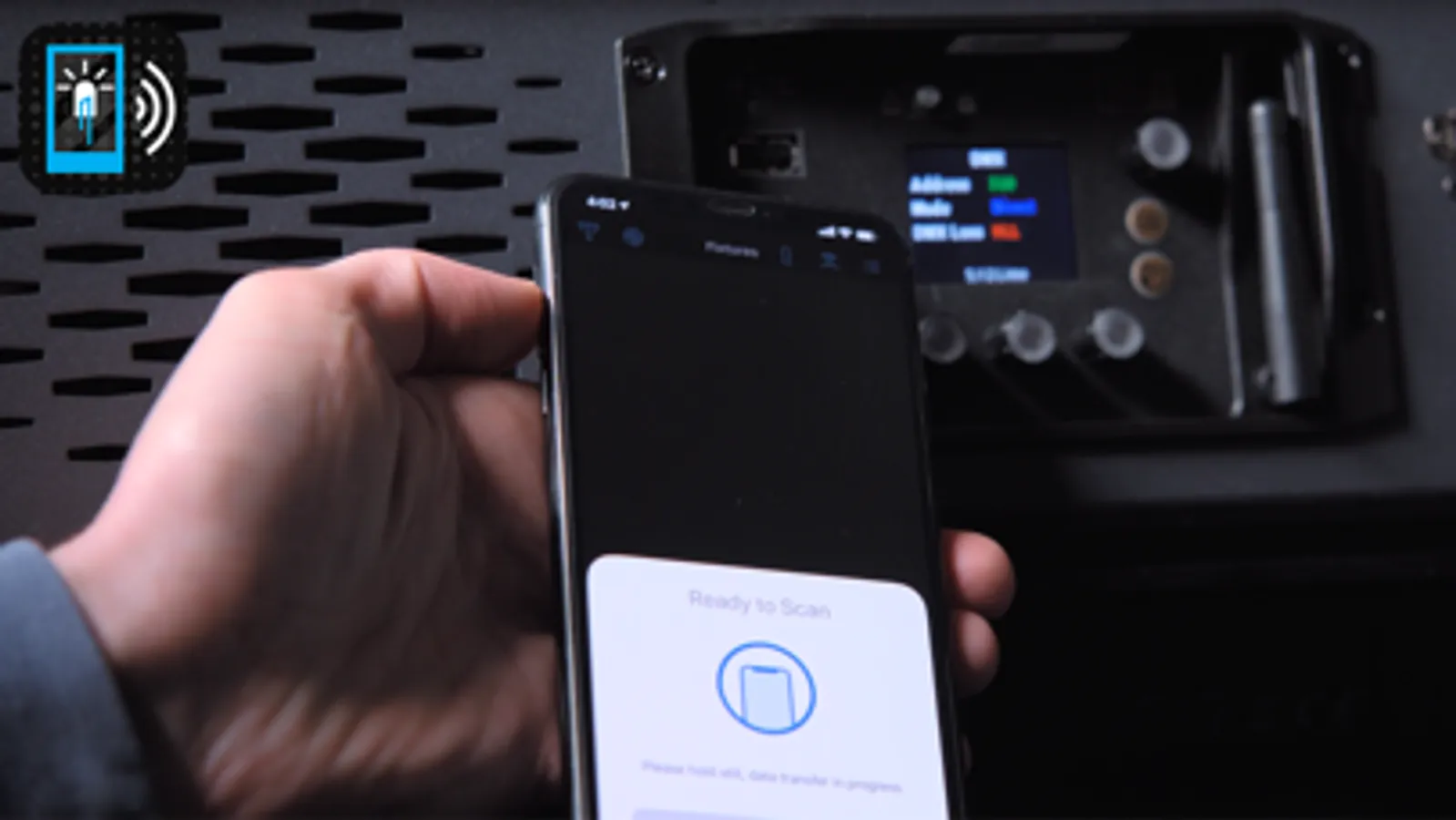
First, the app works as intended. You can plan your patch out, and program lights via NFC. It’s very handy for mass-editing a patch. Definitely faster than sitting at every single fixture with your finger on the up arrow, scrolling through DMX addresses. At least, it’s faster in theory. But there is one key thing missing: You can’t easily mass-edit lights in the app. As someone who just recently had to program a rig with +100 multiverse-capable lights, I’m begging for the ability to mass edit the Parameters and Multiverse Parameters values. You can create multiple lights at once… You can even create a group when you do so, making them easily selectable in your menu. But those parameters aren’t editable when creating the fixtures. You need to edit every single individual light to tell it which SHoW ID, SHoW Key, etc to use. What could be a quick 2 minute job turns into a 45 minute long “let me dig into every single light and fix this setting” chore. At the very least, add the ability to edit those values when you’re creating multiple lights. Also, please let us export/import those values. Being able to send that pre-made file to a lighting crew would make the hang easy. But since those values don’t get exported, every single tech would need to manually edit those values on their own phones after importing the file. Lastly, please consider the option to mark fixture universes in the app. The “Universe” option already exists when dealing with Multiverse Parameters, but the app throws up errors whenever you have overlapping addresses. Being able to sequester fixtures into different universes to suppress that error would be nice. Maybe even add it as a filter in the menu, so you can sort by universe or only see universes {x} and {y}, while hiding all the rest. I want to like this app, because it has a lot of potential to revolutionize the way a crew programs their fixtures during a hang… But as it is currently, any time saved while programming the fixture is lost due to the fact that you need to individually edit every single fixture in the app.