AppRecs review analysis
AppRecs rating 4.4. Trustworthiness 78 out of 100. Review manipulation risk 22 out of 100. Based on a review sample analyzed.
★★★★☆
4.4
AppRecs Rating
Ratings breakdown
5 star
88%
4 star
4%
3 star
0%
2 star
4%
1 star
4%
What to know
✓
Low review manipulation risk
22% review manipulation risk
✓
Credible reviews
78% trustworthiness score from analyzed reviews
✓
High user satisfaction
88% of sampled ratings are 5 stars
About QLab Remote
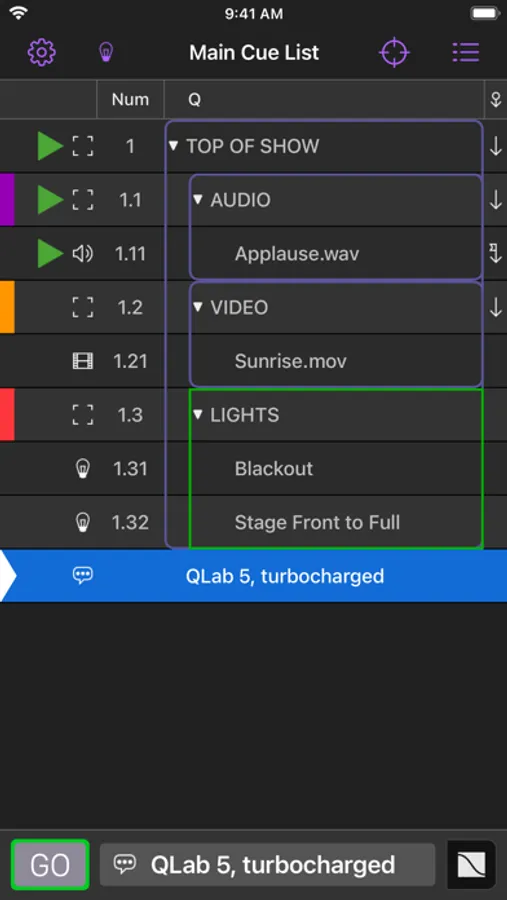
Get out of the booth and edit your QLab workspace from wherever you are. Flag cues as you sit in tech rehearsal. Adjust audio levels from the front row. Change the geometry of a video cue from the stage.
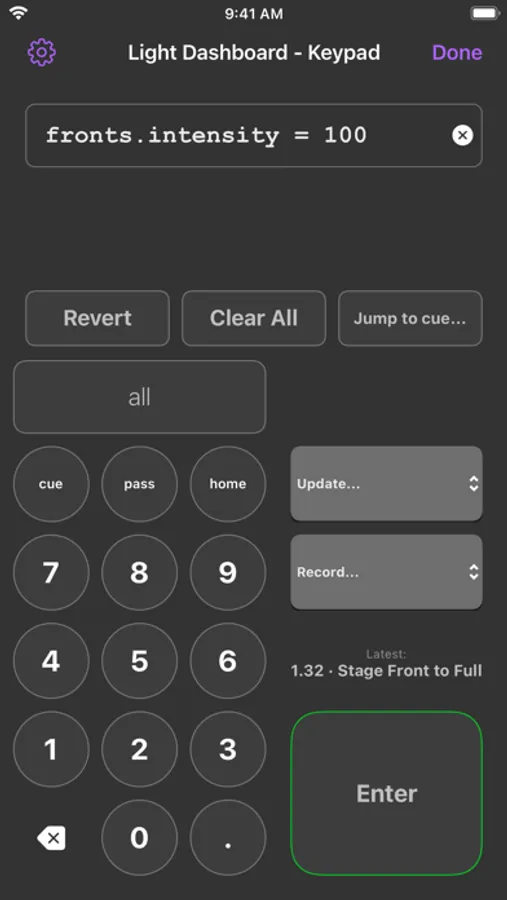
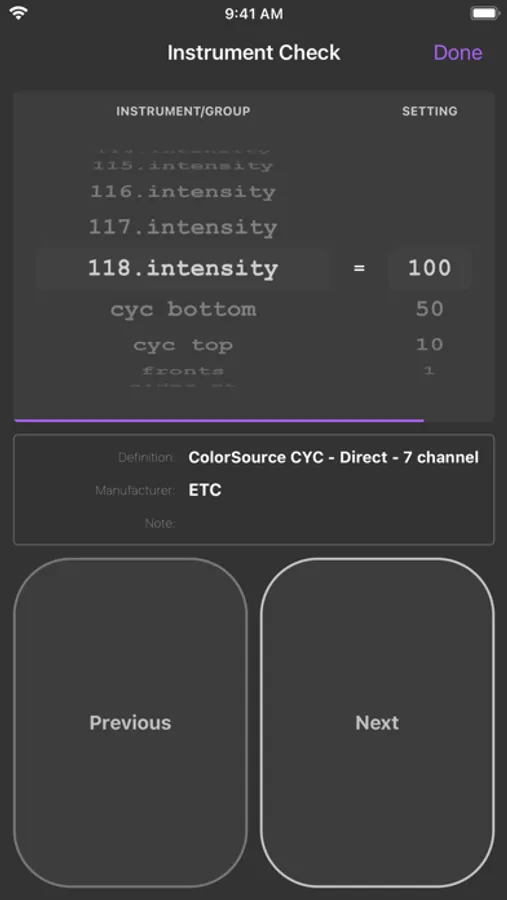
QLab Remote is free to use in "Read-Only Mode", which allows you to view a workspace & follow along worry-free and also includes the unlimited ability to flag cues & edit cue notes. Optional In-App Purchases are available to unlock show control, editing, and light tools features.
FEATURES
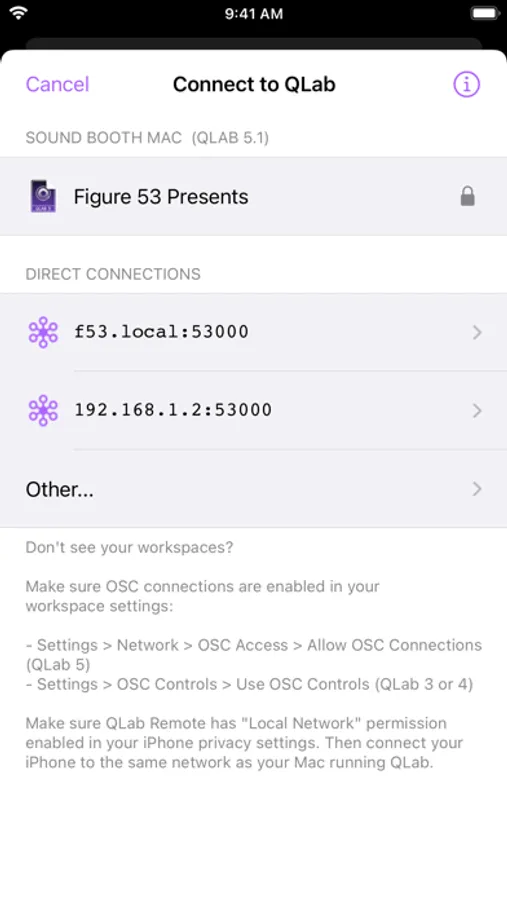
- Automatically finds any QLab workspace on the network.
- Updates in QLab are instantly reflected in QLab Remote and vice versa.
- Open multiple windows on iPad to view workspaces side-by-side on one screen.
- Quickly flag and edit notes for cues.
- Easily switch between cue lists.
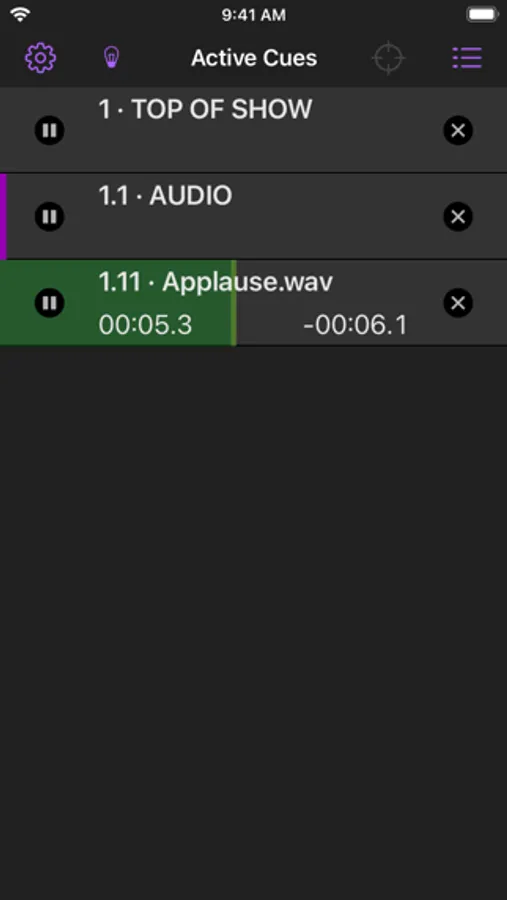
- Watch active cues update in real-time.
- Enable "Read-Only Mode" to follow along without worrying you'll accidentally trigger a cue.
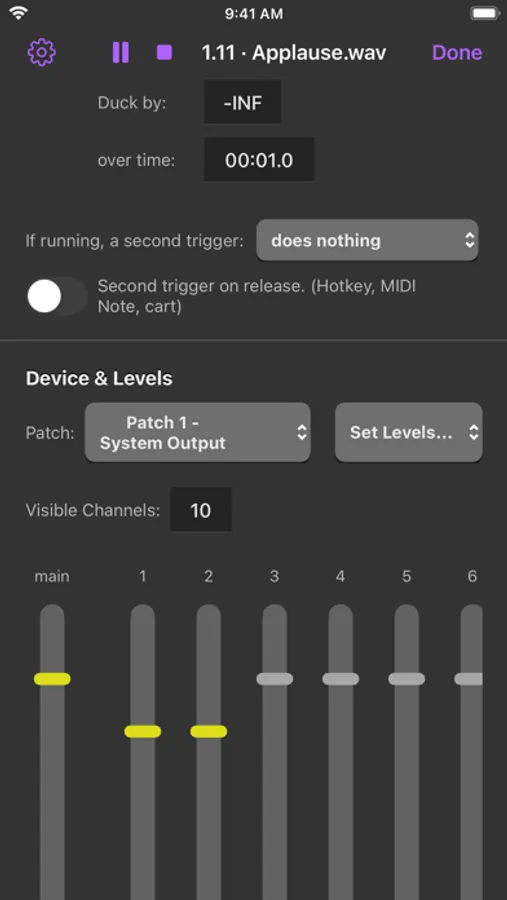
- Edit basic properties for all cues, such as name, number, notes, color, armed, flagged, etc.
- Adjust audio levels and patches for audio, mic, and video cues.
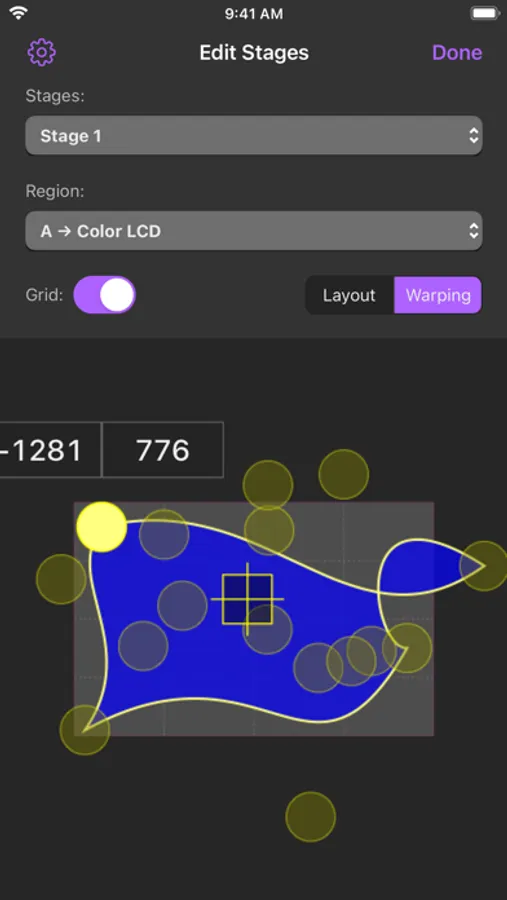
- Change display geometry for video, text, and camera cues.
- Double-tap a cue to quickly edit it.
Please contact support@figure53.com with issues or feedback.
QLab Remote Screenshots
Tap to Rate:
Reviews for QLab Remote
764annaavenue
Didn't work when I needed most
Love the software and had high hopes for the phone app, but complete disappointment and a shaky connection and ultimately couldn't use it for the show I NEEDED it for. Wish I could get a refund...
Disappointed5635
Great app, but:
QLab is a great app and functions well. The only caveat I have with it is the Go/control button. I WISH it was significantly larger and more central! It’s often challenging to hit the button while doing a presentation, to the extent that I need to put my iPhone on lock mode and turn the phone upside down so my thumb can hit it when it’s at the top. Developers: Thanks for a great app, please consider significantly enlarging the button!