
With this app, you can control and monitor your CFX fridge/freezer remotely using Wi-Fi or Bluetooth. Includes temperature regulation, power source status, and lid open alerts.
AppRecs review analysis
AppRecs rating 1.3. Trustworthiness 75 out of 100. Review manipulation risk 29 out of 100. Based on a review sample analyzed.
★☆☆☆☆
1.3
AppRecs Rating
Ratings breakdown
5 star
7%
4 star
3%
3 star
4%
2 star
3%
1 star
84%
What to know
✓
Low review manipulation risk
29% review manipulation risk
⚠
Mixed user feedback
Average 1.5★ rating suggests room for improvement
⚠
High negative review ratio
87% of sampled ratings are 1–2 stars
About Mobile Cooling
Use the Mobile Cooling app to:
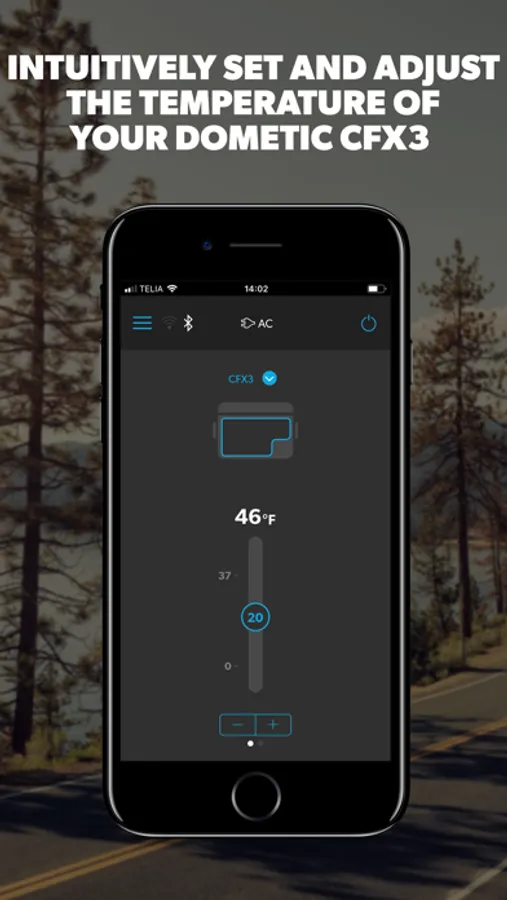
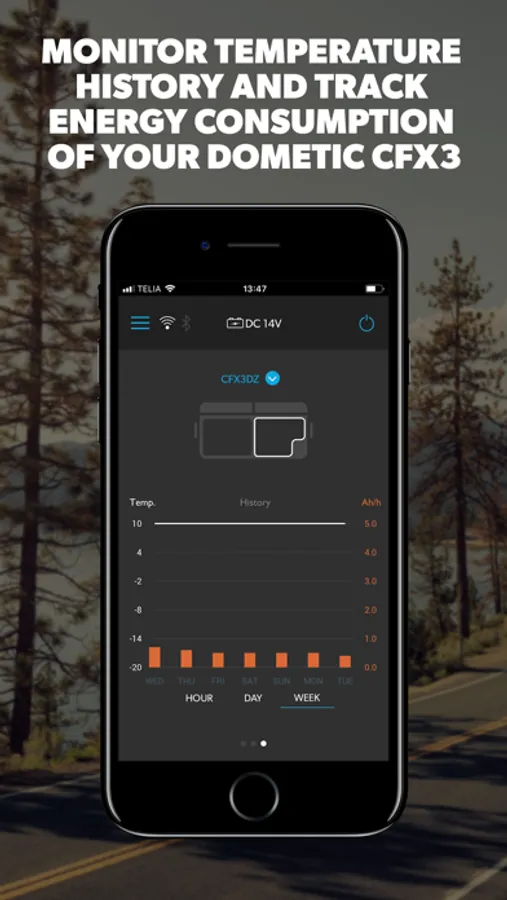
· Control and monitor temperatures remotely (distance depends on environment)
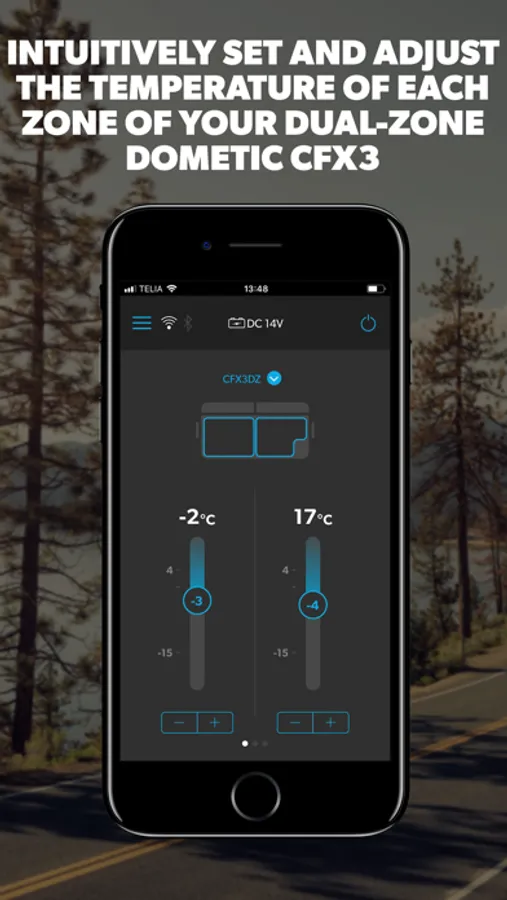
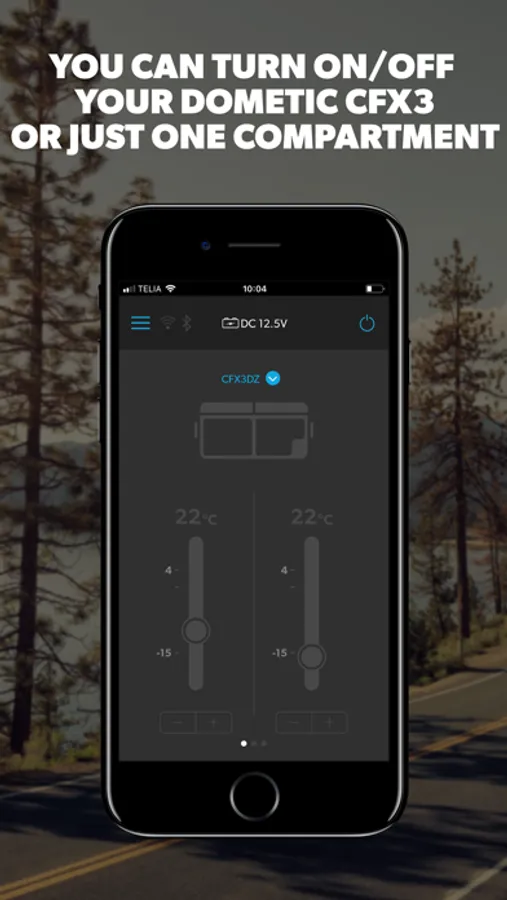
· Turn your cooler off/on, and/or control individual compartments
· Set your battery protection level
· Select temperature unit (°C or °F)
· View which power source your cooler is running on – AC or DC
· View the supply voltage level if running on DC power (CFX3 and CFX5)
· See whether your cooler lid is open, and receive an alert if left open for more than 3 mins
Compatible products: CFX3 , CFX5 and CFX2
Mobile Cooling Screenshots
Tap to Rate:
Reviews for Mobile Cooling
Soccerob
Useless for Fahrenheit
It’s been a while since I’ve used the app, but the current version no longer allows me to choose temperatures below 17F. It will work to change the interface to use Celsius, then adjust the temperature lower, and then change back to F, as long as you don’t want to change the temperature again. I wrote the support team and they suggested that I just use Celsius. This isn’t a difficult fix within their app, and I suggest they fix it as most people won’t be able to figure out the workaround of changing to C in order to get a lower setting.
WIILLLSSSOONNN
Bluetooth only
I’m able to connect my cooler to wifi but can only monitor and make updates via Bluetooth. Why even have wifi if it doesn’t do anything?