
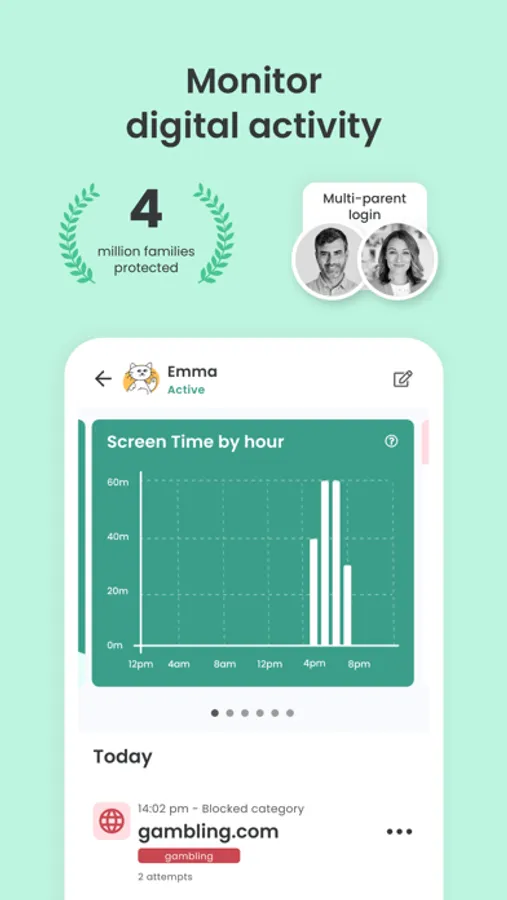
With this parental control app, you can set screen time limits, block apps, and monitor online activity. Includes web filtering, activity reports, location tracking, and message alerts.
AppRecs review analysis
AppRecs rating 3.9. Trustworthiness 78 out of 100. Review manipulation risk 22 out of 100. Based on a review sample analyzed.
★★★☆☆
3.9
AppRecs Rating
Ratings breakdown
5 star
71%
4 star
10%
3 star
4%
2 star
3%
1 star
13%
What to know
✓
Low review manipulation risk
22% review manipulation risk
⚠
Ad complaints
Many low ratings mention excessive ads
⚠
Pricing complaints
Many low ratings mention paywalls or pricing
About Qustodio Parental Control App
Start by downloading this Qustodio Parental Control App onto your device. Then download the Kids App Qustodio companion app onto your child’s device or devices. Our two monitoring apps work together to give parents all the tools they need to protect their kids online and encourage a healthy, balanced digital presence.
Parents, with Qustodio Parental Control App you can:
Protect your child’s online safety
• Filter web (block games, porn, gambling and block all unwanted content)
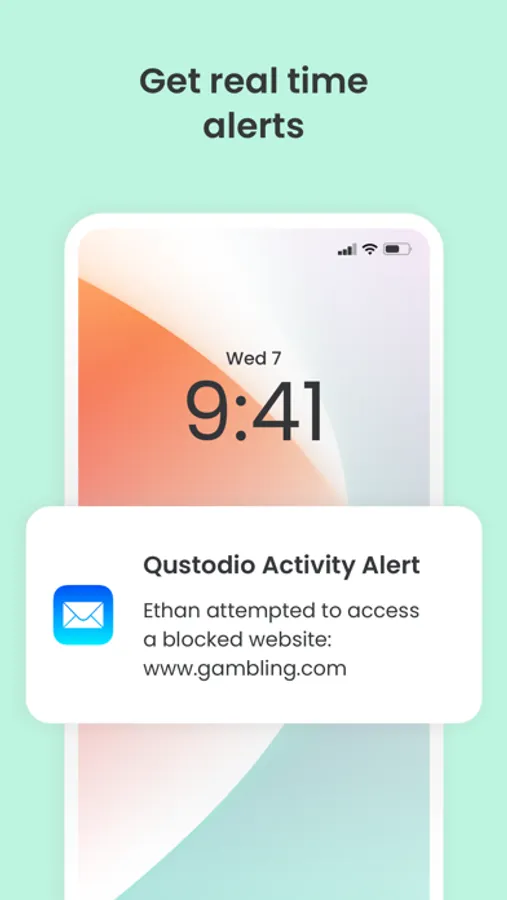
• Receive alerts about web activity and blocked websites
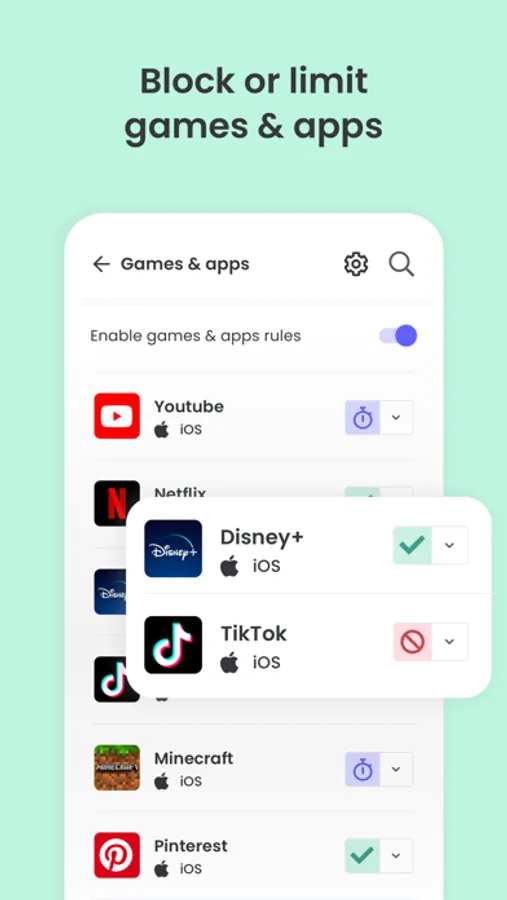
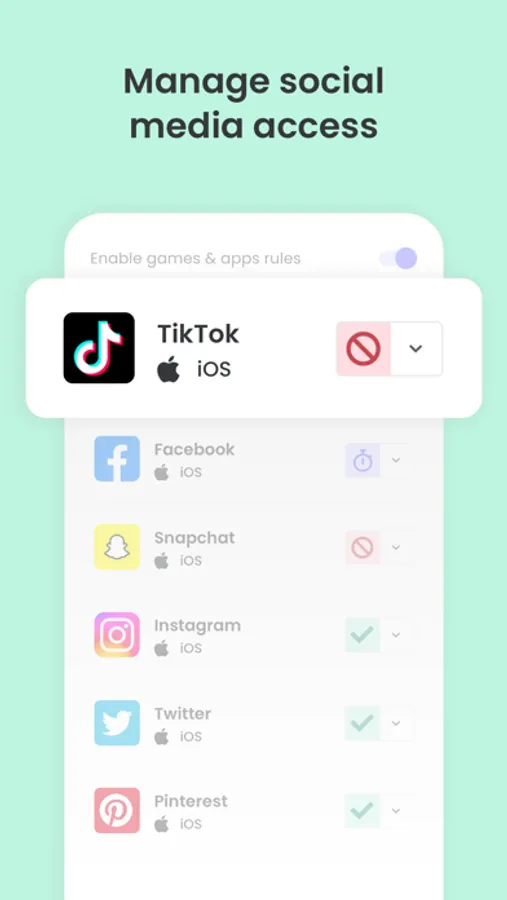
• Block games & apps
• Enforce safe search (filter out inappropriate results in search engines such as Google, Bing, YouTube)
• App insights
Nurture healthy habits
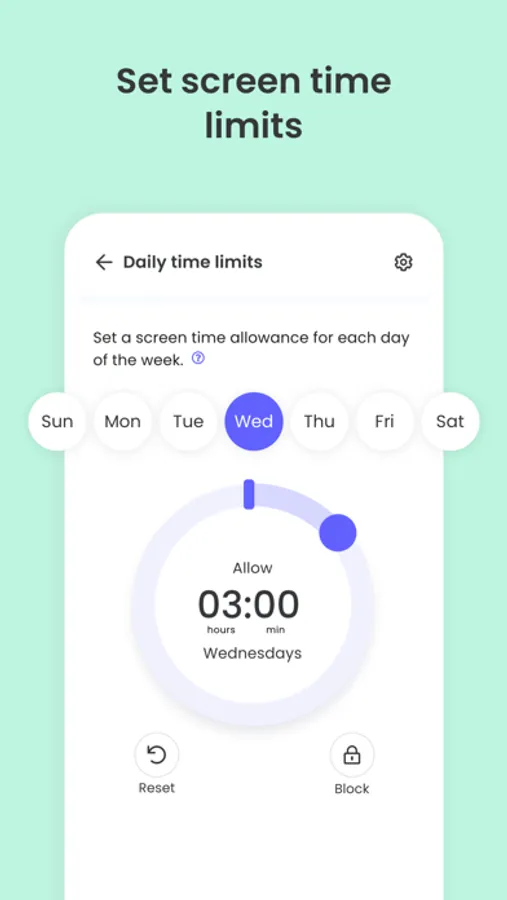
• Set daily screen time limits
• Schedule restricted times
• Pause the internet at the click of a button
• Set limits on games & apps
• Custom routines for apps and websites
Have full visibility
• Receive search alerts
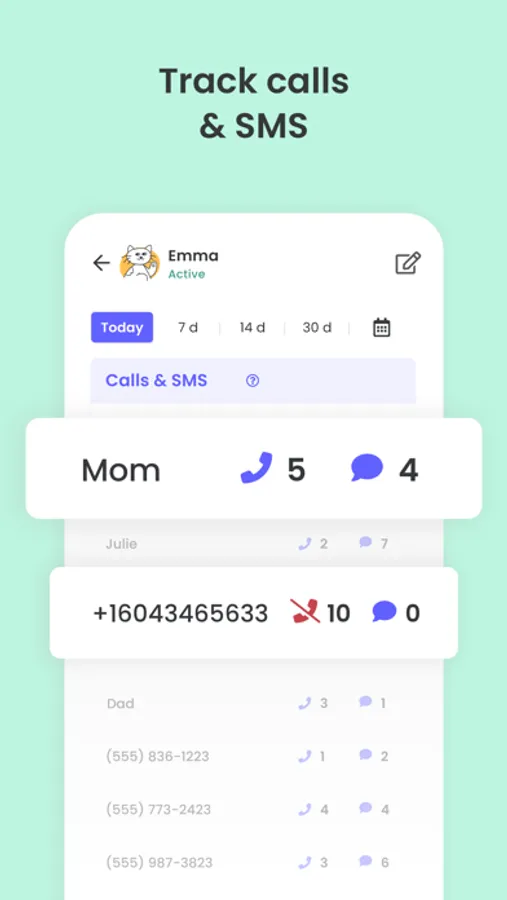
• Receive SMS message alerts.
• Receive social monitoring alerts. (available WhatsApp, Instagram, and Line)
• 30-day online activity reports
• App download alerts
• Monitor Youtube activity
• Track calls
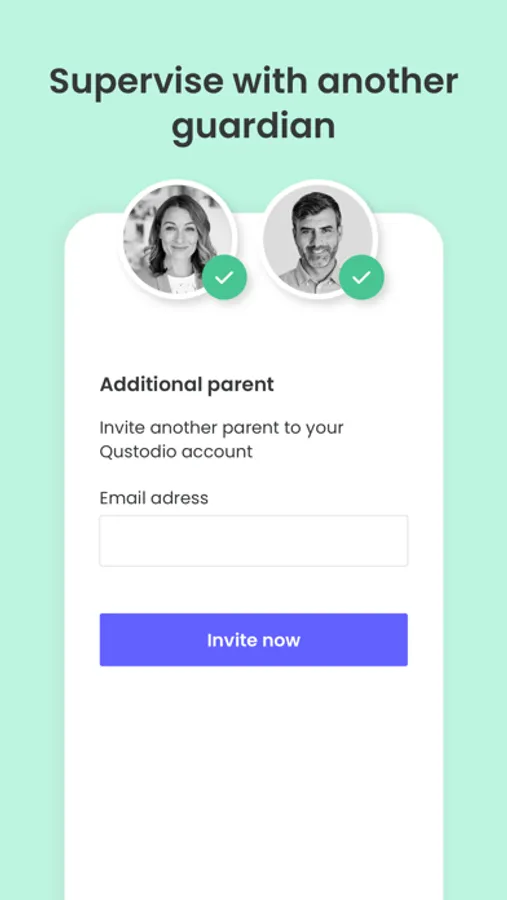
• Supervise together: Invite another parent/guardian to monitor and set rules for your child (co-parent)
Locate family
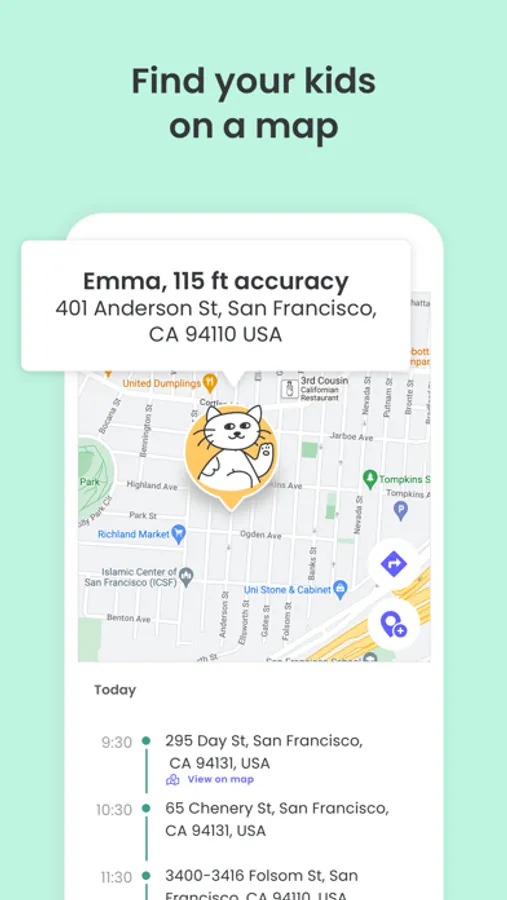
• GPS location monitoring (geolocation kid tracker)
• Find your child’s phone
• Locate kids on the move
• Share your location
• Save your favorite places
Choose Qustodio’s basic parental control plan to access some of these features, or upgrade to the premium plan for full access to all features
Qustodio Premium family parental control & screen time app is available with an annual subscription. Your payment will be charged to your iTunes account upon purchase confirmation and any unused portion of your free trial period will be ended. Your subscription will renew automatically and at the same cost unless auto-renew is turned off at least 24-hours before the end of the current period. To avoid being billed for an additional period, subscriptions must be canceled at least 24 hours before the end of the current period. You can manage your subscription and set auto-renewal to off by going to “Settings” on your iPhone or iPad.
If you have any questions or need help, contact us at info@qustodio.com
We take privacy and the protection of your family and children’s data extremely seriously. We do not and will not sell data to third-parties. Your child’s screen time activity is for your eyes only.
Our Terms of Use are available here: https://www.qustodio.com/family/terms/
The Qustodio family parental control & screen time app is available in English, Spanish, French, German, Italian, Chinese, Japanese Dutch & Brazilian Portuguese.
Qustodio Parental Control App Screenshots
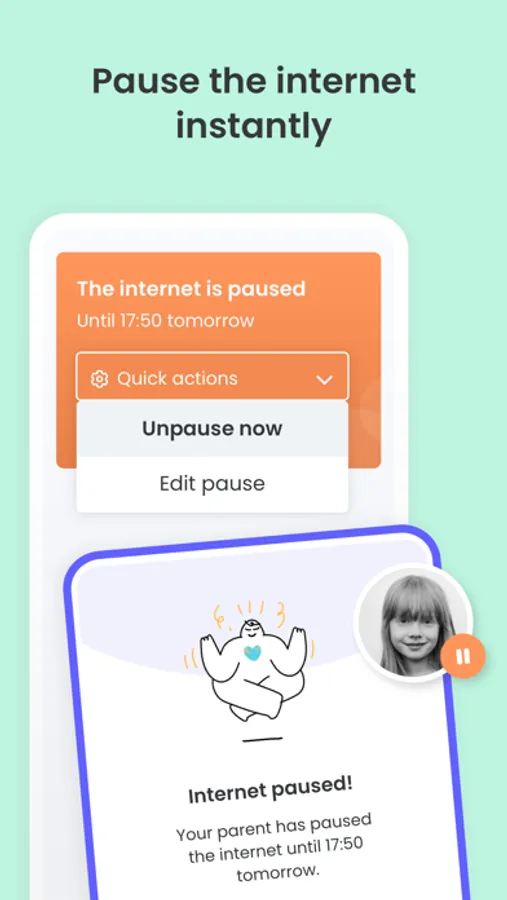
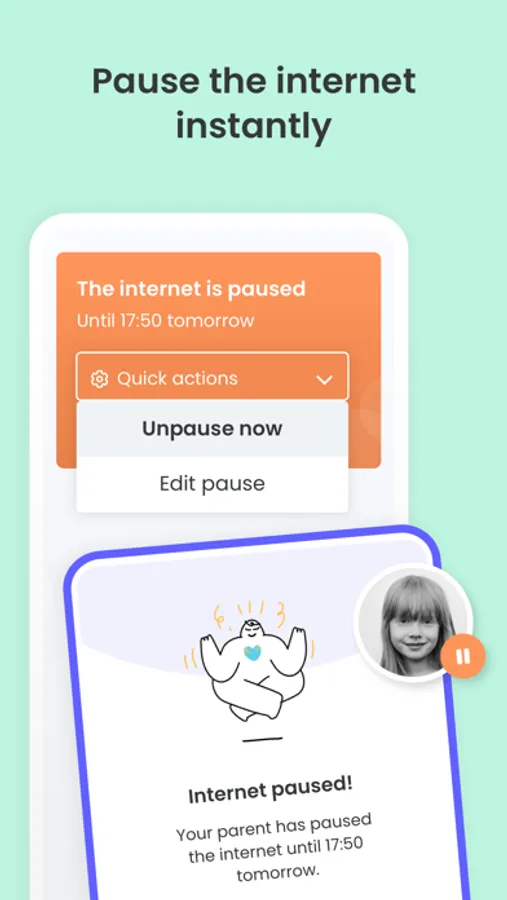
Tap to Rate:
Reviews for Qustodio Parental Control App
Jfjdjsnxjekwkskkdmcmdjdje
GET ANOTHER APP, STAY AWAY FROM THIS ONE!
Qustodio sounded like the best option for my family and I… until I downloaded it. Not only does it not register/tell you WHEN your child has been on the internet/safari… it doesn’t work with over half of the apps it claims it does. It worked for the first couple of hours, showing me that my child searched up a tutorial on safari… but after hour 4, it suddenly stopped. I even tested it out myself, taking my child’s phone for an hour and going to different apps and spending time on them. But NOPE, over HALF of them did not register. So please, get another app to protect your child. I will be trying out Bark next, so if it works, I will try and update this review (I’m not even sure if I can). But please.. save your money, save your time, save the stress, and just PAY FOR ANOTHER APP!!!
Giulia Kososki Santos
Several improvements needed
In theory, this app works. But many things I huge noticed is that there is no option for unrestricted mode on an app such as YouTube. My daughter is 15. She doesn’t need kids mode on YouTube. My issue is that it doesn’t let me allow or not allow that. Another thing that I dislike is that I often receive notifications saying that my daughter has visited a website that she doesn’t even use. For example, when my daughter enters a website that has an ad for twitter, the program alerts me saying that she’s been on twitter. Also, the program doesn’t understand the concept of time zones. If we travel to our home country on vacation, the program will start counting her screen use starting at 9pm instead of 12am. What I mean is that it uses up her time allowance for the next day starting in the previous day. She’s had this app since she was 13, and these things still haven’t been changed.