In this cycling tracker app, you can monitor performance, plan routes, and navigate with turn-by-turn directions. Includes GPS recording, route planning, performance insights, and Bluetooth sensor connectivity.
AppRecs review analysis
AppRecs rating 4.6. Trustworthiness 86 out of 100. Review manipulation risk 20 out of 100. Based on a review sample analyzed.
★★★★☆
4.6
AppRecs Rating
Ratings breakdown
5 star
83%
4 star
8%
3 star
4%
2 star
2%
1 star
4%
What to know
✓
Low review manipulation risk
20% review manipulation risk
✓
Credible reviews
86% trustworthiness score from analyzed reviews
✓
High user satisfaction
83% of sampled ratings are 5 stars
About Navigr8 : Bike Computer
With Navigr8, you can:
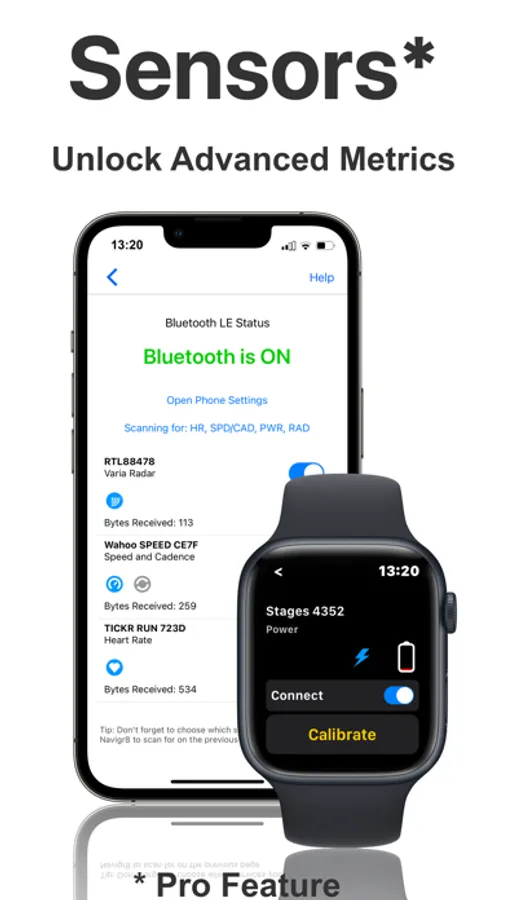
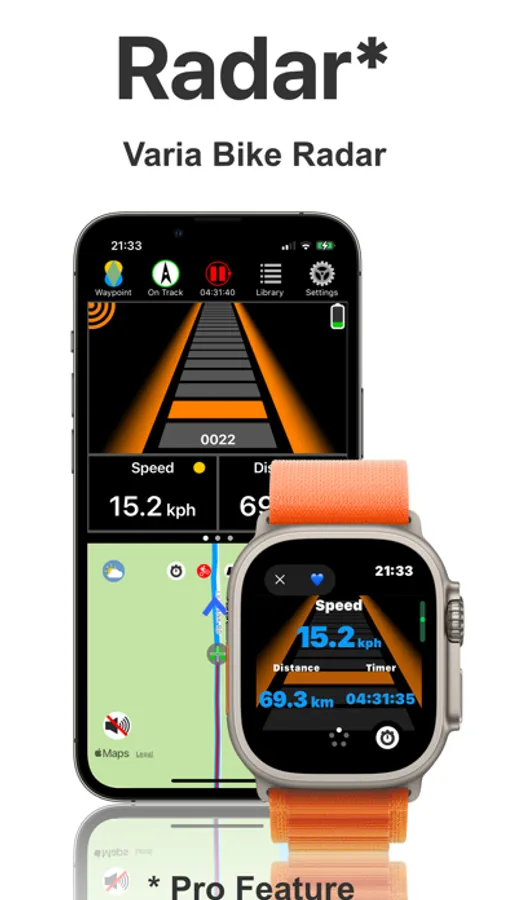
• Connect your favorite Bluetooth sensors, including Varia Bike radar*
• Plan rides using our powerful in-app route planning tool
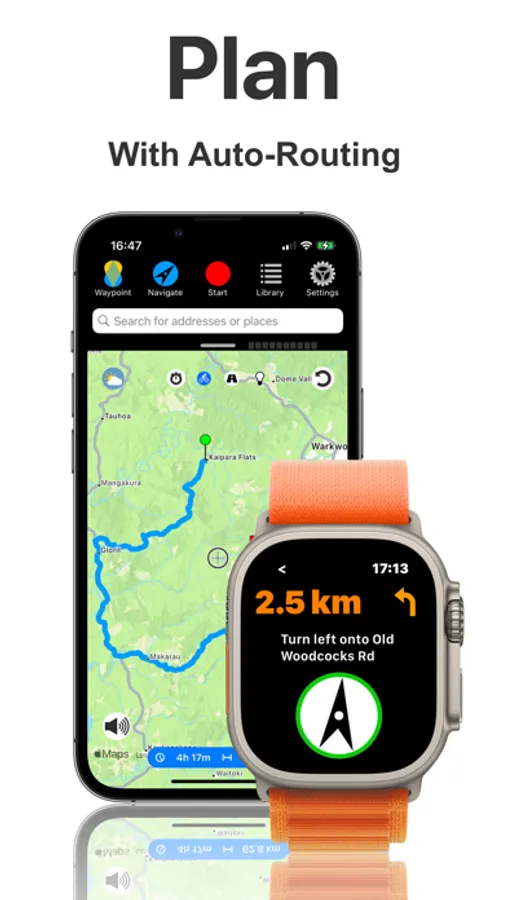
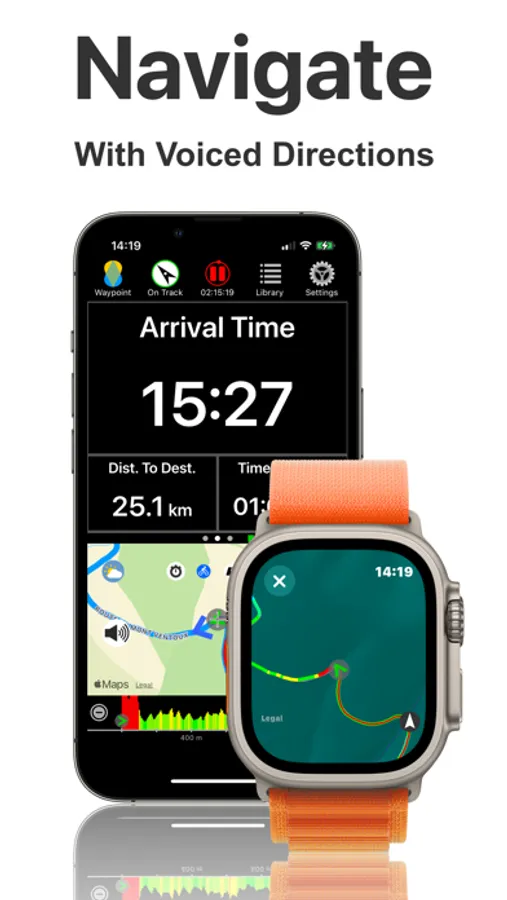
• Be guided along your route with turn-by-turn navigation
• Get motivated to train harder
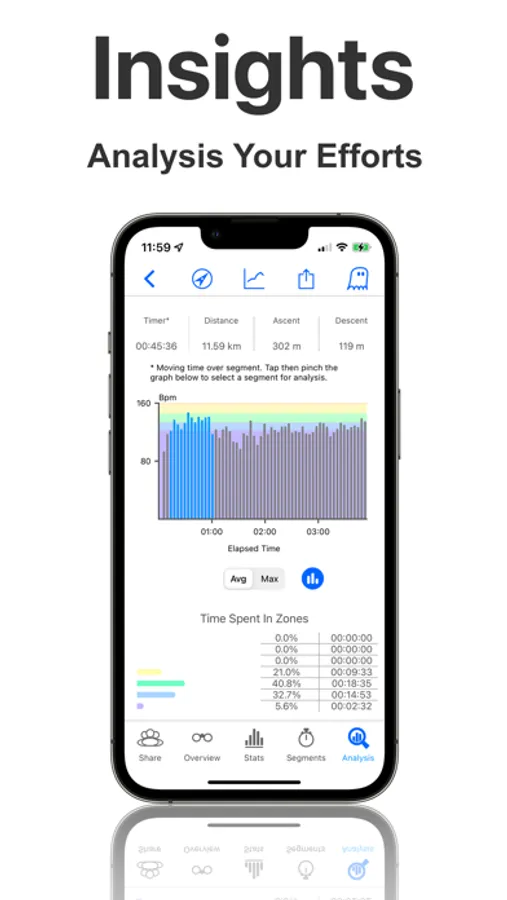
• Gain insights into your performance
• Automatically share rides with Strava and Intervals.icu
• Connect with ActiveLook® AR glasses for full navigation in a head-up display!*
• NEW – digitize printed maps with your camera and follow them on the Dashboard map*
Main features:
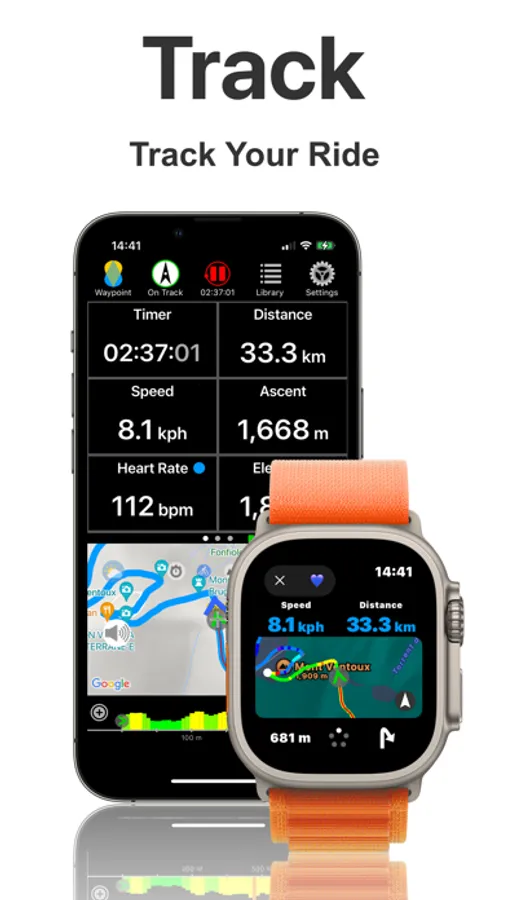
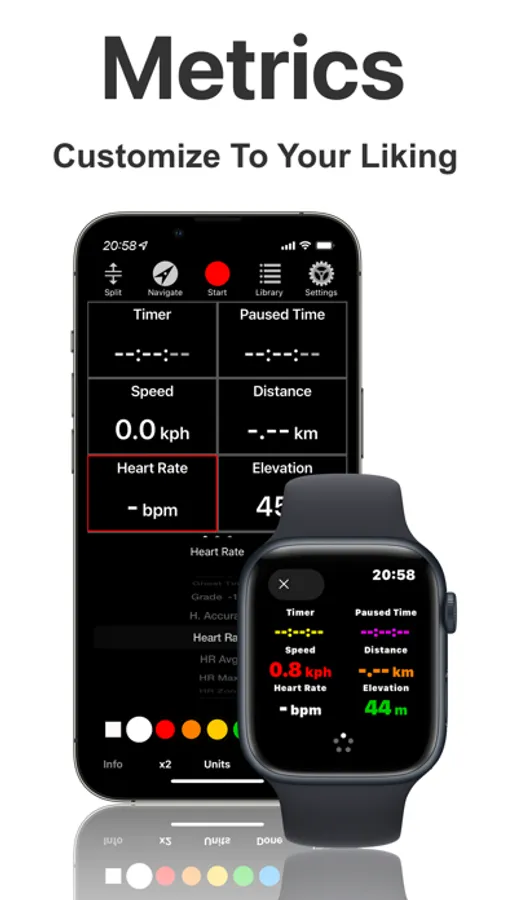
Bike Computer – Records your GPS workouts and displays distance, speed, elevation, heart rate, and more. Features like Auto-Pause, Rain Mode, and a customizable dashboard help track your progress.
Bike Navigation – Navigate your route with Apple or Google Maps, offline maps*, turn-by-turn directions, slope forecast*, and voice instructions. Create custom routes with the built-in Route Planner, save them for offline use, and send them to the Navigr8 watch app. Set waypoints anywhere and use the speech synthesizer for turn directions.
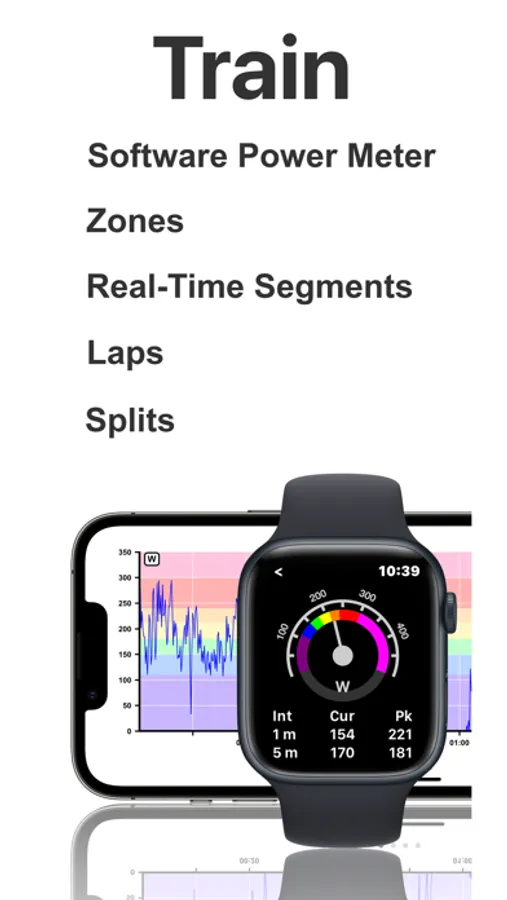
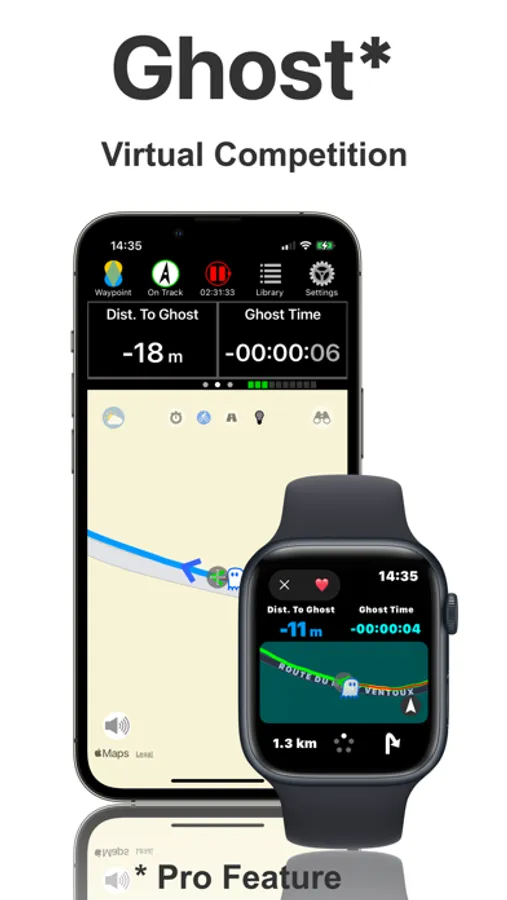
Bike Training – Compete against a ghost competitor*, race live private segments, track laps and statistics like maximum and average values. Analyze performance with post-workout graphs and maps.
Use one or both devices – Navigr8 works on iPhone, Apple Watch, or iPhone + Apple Watch. The watch app can run independently.
Workout Library – Organize workout and route files, store them securely on your device or in iCloud, and personalize them with folders and favorites.
External Sensors* – Connect Bluetooth sensors like heart rate monitors, power meters, speed, and cadence sensors, and Garmin Varia radar. View the battery level of each sensor. Calibrate your power meter in the app.
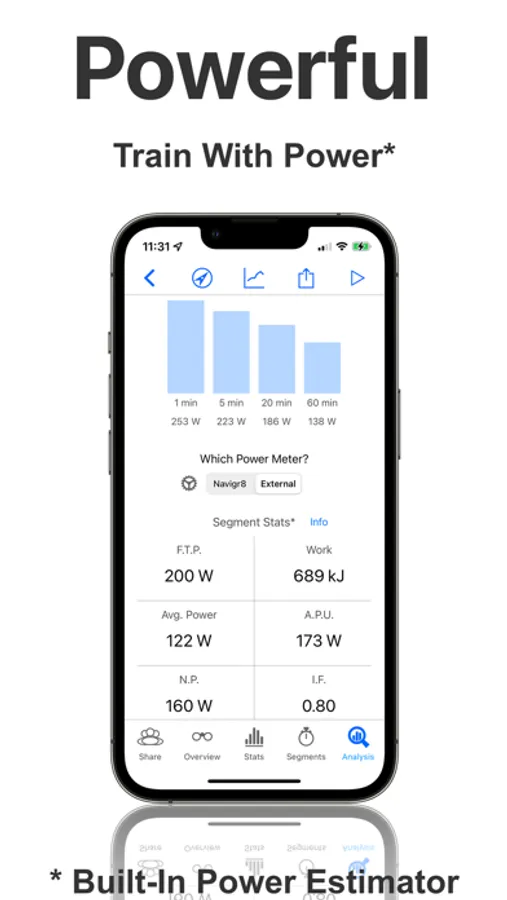
Software Power Meter – Calculates your power in real-time using sensors on your watch or phone. Train in power zones and track power metrics over time.
Extended Battery Features – Customizable screen dimming, low power mode, and efficient code ensure Navigr8 is easy on your battery.
Navigr8 integrates seamlessly with HealthKit, Strava, and Intervals.icu, and you can export your workout data in common formats.
We respect your privacy. Sign-In with Apple ensures secure data. Location and workout information, along with biometric data, are stored locally on your device and backed up on iCloud or email. Your data is for your eyes only.
Navigr8 is compatible with iPhones running iOS 13.6 or later (iPhone 8 and newer) and Apple Watches running watchOS 8.0 or later (Series 4 and newer). For best results, stay current with Apple’s OS updates. Navigr8 may work on older models, but these are unsupported.
*Navigr8 Pro feature, available as an in-app purchase.
Navigr8 : Bike Computer Screenshots
Tap to Rate:
Reviews for Navigr8 : Bike Computer
ClearlyEnlight
No customer service
I’m giving a two star because there is no way to contact anyone from this app, and the app will add about 500 feet of elevation gain to the workout. Also, it does drain the battery.
SG Texas
Watch app crashes
I use this app in my trial period on my Apple Watch. Initially it runs without any problem connects to Radar, etc but after a few minutes it crashes and it can’t be started again I had to delete the app and reload it to run it again. So the trial of this app failed.