
AppRecs review analysis
AppRecs rating 4.5. Trustworthiness 85 out of 100. Review manipulation risk 21 out of 100. Based on a review sample analyzed.
★★★★☆
4.5
AppRecs Rating
Ratings breakdown
5 star
72%
4 star
14%
3 star
8%
2 star
6%
1 star
0%
What to know
✓
Low review manipulation risk
21% review manipulation risk
✓
Credible reviews
85% trustworthiness score from analyzed reviews
✓
High user satisfaction
72% of sampled ratings are 5 stars
About Toolbox for MS PowerPoint
Whether you are preparing a business pitch, marketing deck, educational presentation, company report, strategy overview, workshop slides, or promotional visuals, Toolbox for MS PowerPoint provides a fast, efficient, and visually impressive solution.
Why it’s great:
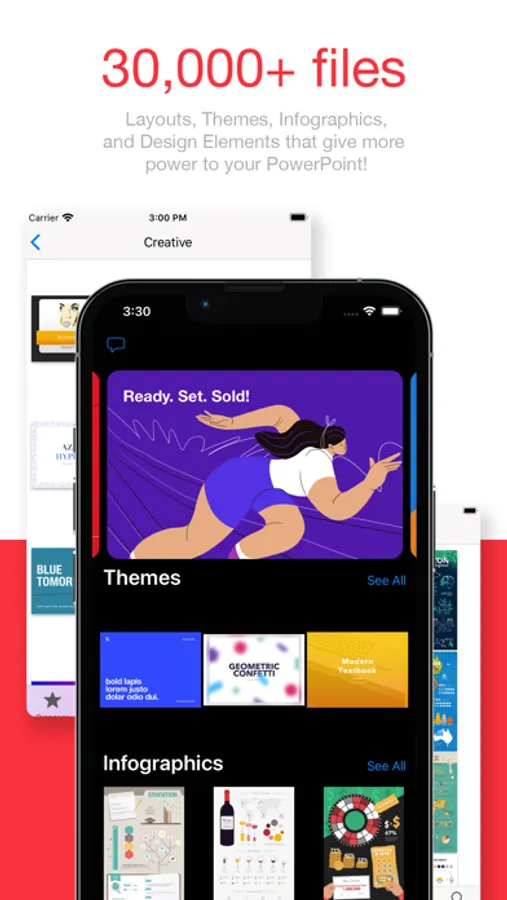
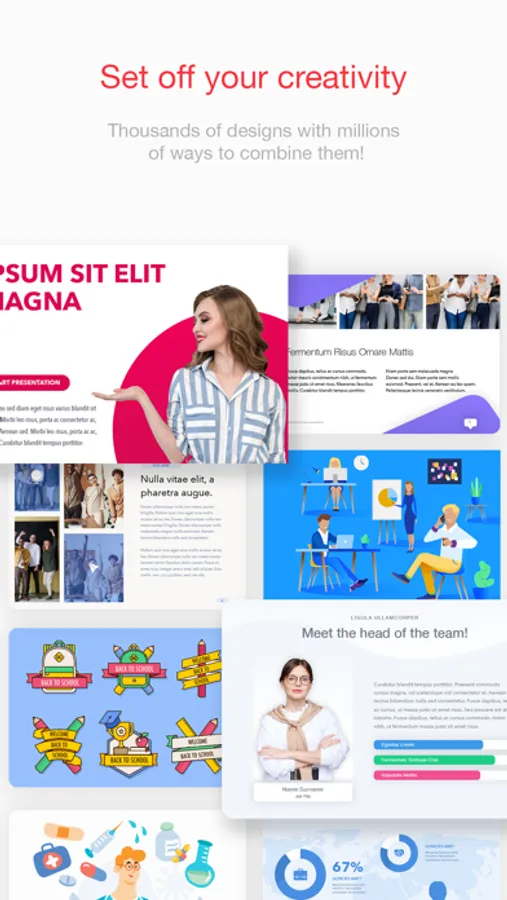
Thousands of professionally designed slides, layouts, diagrams, and infographics
Perfect for business, education, marketing, creative work, and training presentations
Fresh content is added regularly by our design team
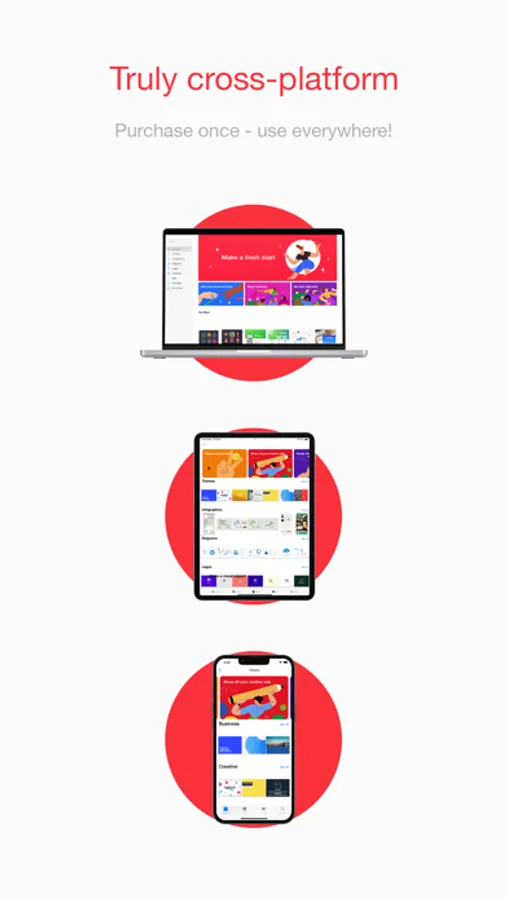
One subscription across all your devices
3-day free trial to explore the full library
What’s inside (detailed highlights):
Presentation Templates and Slide Layouts:
Pitch decks, business reports, analytics, strategy slides
Marketing presentations, product overviews, campaign materials
Educational slides, lessons, class materials, workshops
Title slides, section dividers, quote slides, photo layouts
Tables, lists, comparison layouts, dashboards
Event slides, announcement pages, promo visuals
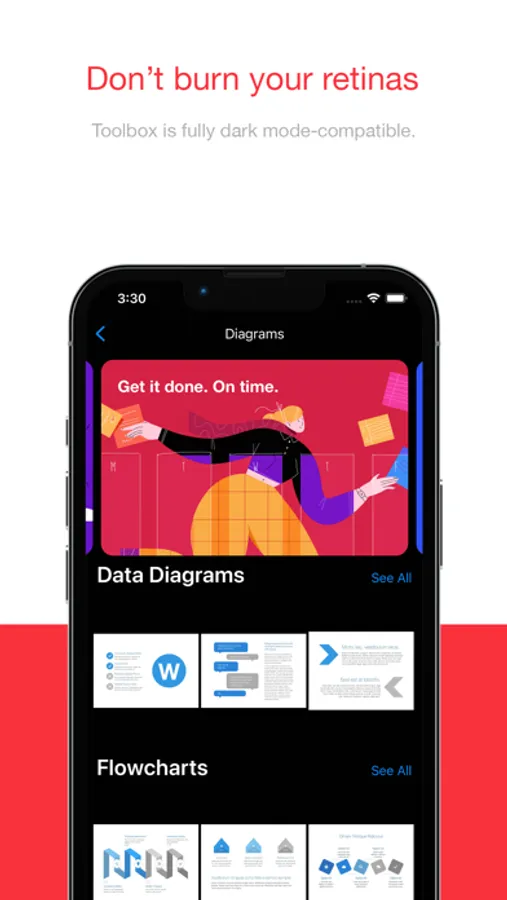
Diagrams and Infographics:
Bar, line, and pie charts
Flowcharts, mind maps, decision diagrams
Process charts, funnels, cycles, pyramids, hierarchies
Timelines, milestones, roadmaps
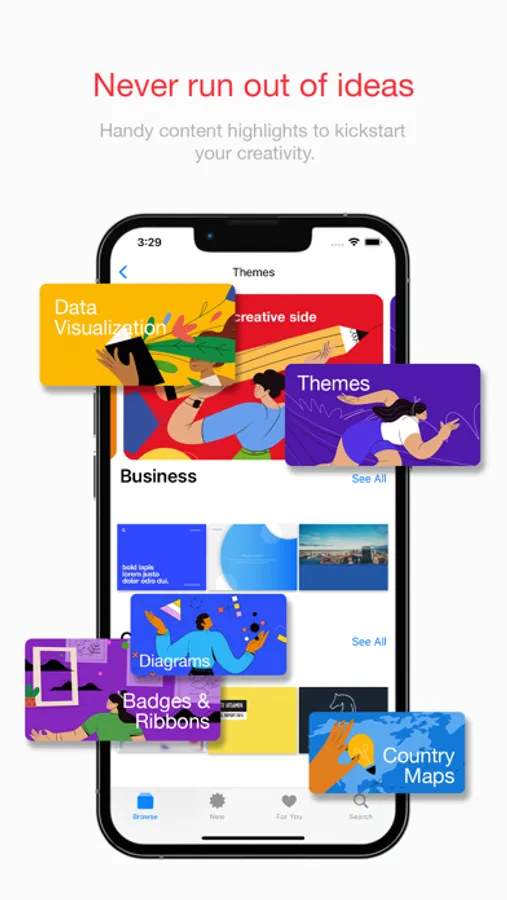
Geographic maps with countries, cities, and regions
Visual elements for data analysis and corporate storytelling
Graphics and Creative Elements:
Icons, shapes, pictograms, symbols
Backgrounds, gradients, textures
Badges, labels, frames, decorative elements
Clipart for business, tech, education, lifestyle topics
Themes and Style Packs:
Full presentation themes with consistent fonts and colors
Coordinated styles for complete, unified slide decks
Matching slide collections for larger presentations
Perfect for:
Business professionals preparing reports, pitches, and analytics
Teachers and students creating lessons and classroom presentations
Marketing teams designing product and campaign slides
Trainers, speakers, and workshop facilitators
Anyone who wants better-looking PowerPoint presentations in less time
Fast and simple workflow:
Download the app
Browse categories or search
Open a slide or theme in PowerPoint
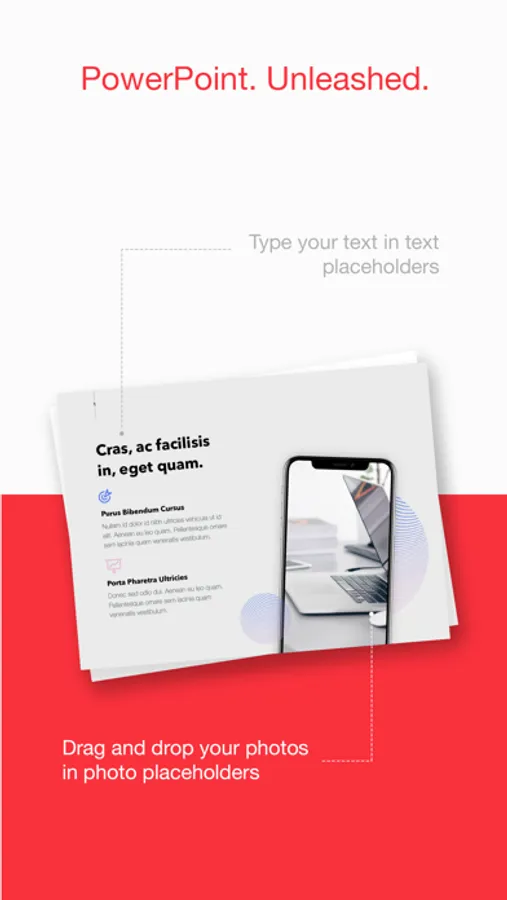
Customize text, colors, images, and layout
Export or present immediately
Always up to date:
Our design team continually adds new slides, diagrams, graphics, and themes to ensure Toolbox for MS PowerPoint stays modern and complete.
Support and feedback:
If you experience issues or have suggestions, contact support@jumsoft.com.
If you enjoy Toolbox for MS PowerPoint, please consider leaving a review. Your feedback helps others discover the app.
Compatibility:
Requires Microsoft PowerPoint.
Optimized for macOS and iOS for seamless cross-device use.
Toolbox for MS PowerPoint Screenshots
Tap to Rate:
Reviews for Toolbox for MS PowerPoint
smtmzt
Great investment
Saves so much time, great designs and really easy to use. Updates are coming frequently. Really pleased with this purchase
Indyathome
Unhappy Client with Caution to Others
A NOTE OF CAUTION TO ALL WHO ARE CONSIDERING THIS APP.; To the websight manager: Right now I am a very unhappy client. I purchased the "get everything" package at $49.99 when I first downloaded your App. However, all I get is a few single templets that are of no use to me. I have attempted to restore my purchase without success. The purchase of the app was within the last two weeks. I am now working on a major project. It was with this project in mind that I purchased this app. Consquently, I have lost time with a time sensative project trying to find out what's wrong with your app. Please advise as I am beginning to sense you are nothing but an expensive RIPOFF.