In this productivity app, you can access customizable templates, design elements, and asset collections to create professional documents efficiently. Includes templates for resumes, reports, flyers, invitations, and social media posts, as well as icons, charts, backgrounds, and decorative assets.
AppRecs review analysis
AppRecs rating 4.2. Trustworthiness 79 out of 100. Review manipulation risk 37 out of 100. Based on a review sample analyzed.
★★★★☆
4.2
AppRecs Rating
Ratings breakdown
5 star
88%
4 star
1%
3 star
3%
2 star
0%
1 star
7%
What to know
✓
Credible reviews
79% trustworthiness score from analyzed reviews
✓
High user satisfaction
88% of sampled ratings are 5 stars
✓
Authentic reviews
No red flags detected
About Toolbox for Microsoft Word
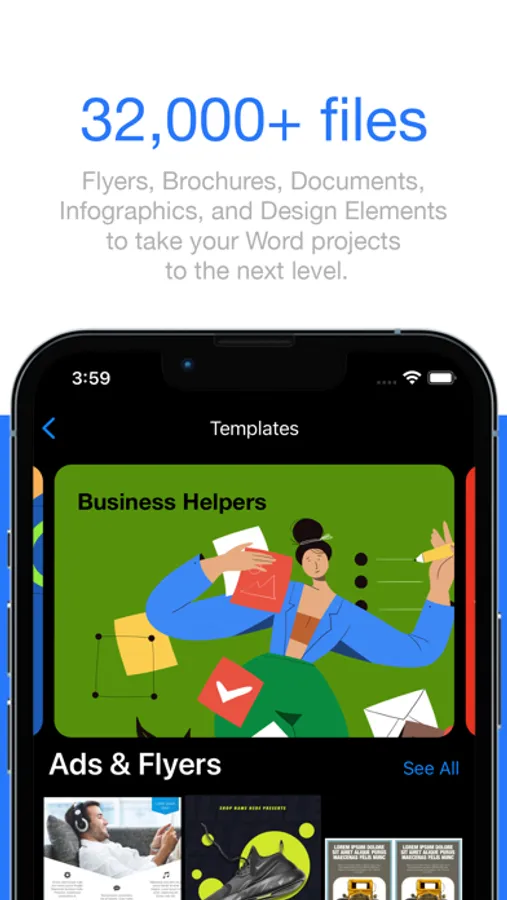
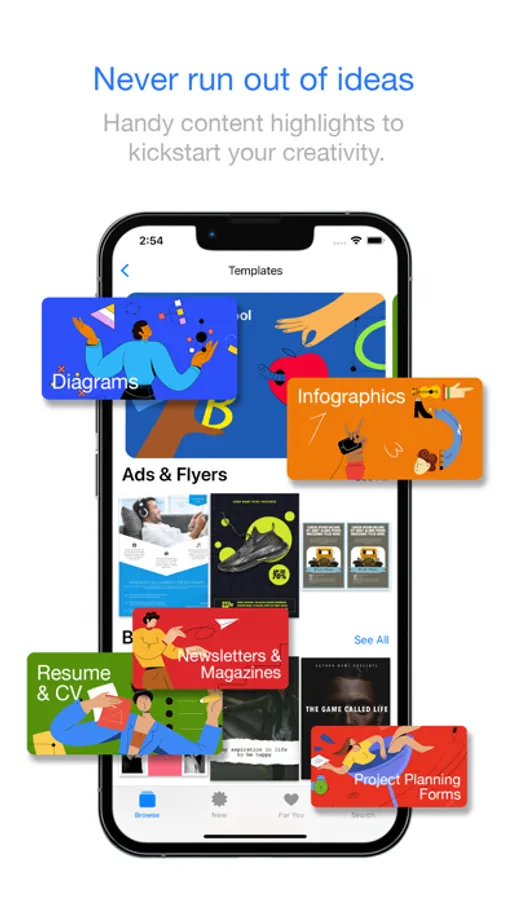
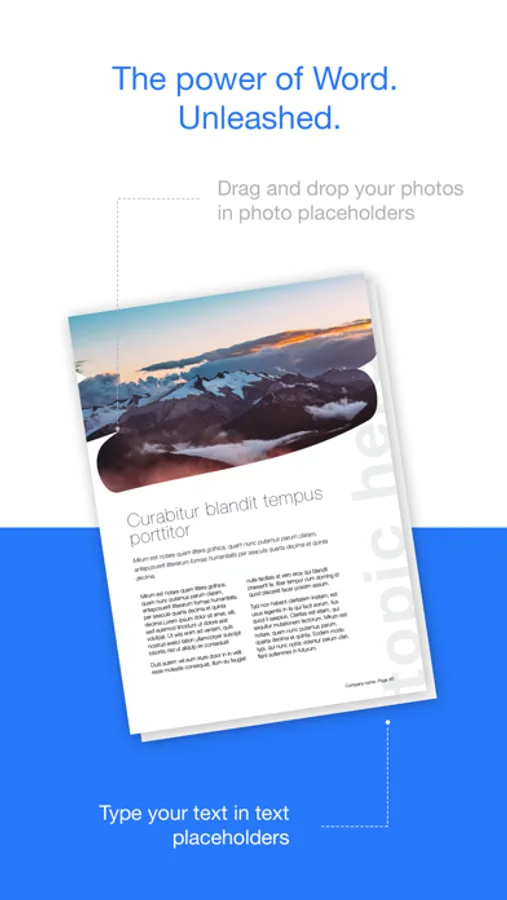
Inside the app you will find templates for resumes, CVs, cover letters, business reports, marketing brochures, flyers, proposals, newsletters, planners, calendars, worksheets, academic papers, certificates, invitations, posters, journals, trackers, forms, and many other document types. Each template is easy to customize and optimized for the Microsoft Word editing experience. You can adjust text, colors, images, structure, and layout without breaking formatting or losing consistent style.
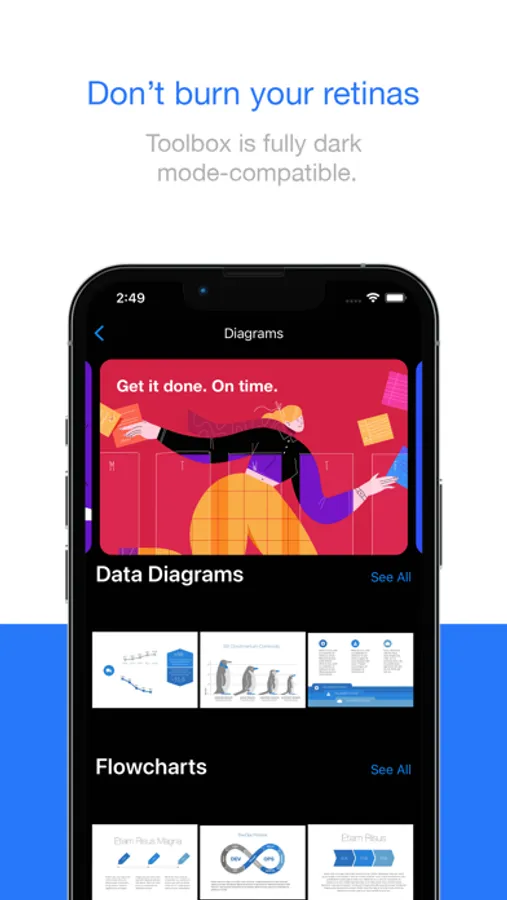
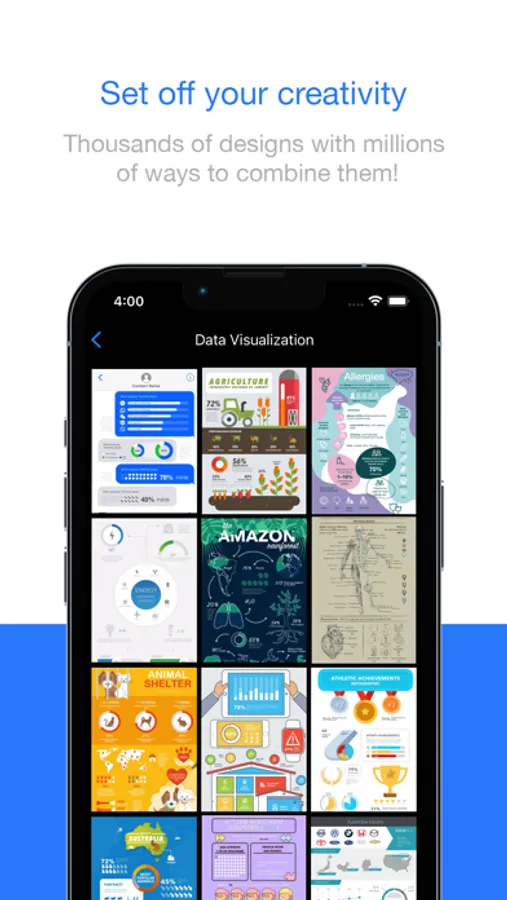
Toolbox for Microsoft Word also includes an extensive collection of design elements. You can use infographics, diagrams, timelines, charts, icons, badges, ribbons, labels, bullets, clipart, doodles, shapes, frames, borders, patterns, textures, backgrounds, photo masks, and decorative elements to enhance document visuals and present information clearly. These assets allow you to build structured, readable, and engaging documents without the need for external design tools.
The content library covers a wide range of categories. You can build professional resumes, corporate letters, business proposals, marketing materials, promotional flyers, product sheets, company profiles, meeting documents, academic reports, study materials, event invitations, daily planners, calendars, journals, habit trackers, certificates, posters, and announcement pages. You can also create social media templates for Instagram, Facebook, TikTok, LinkedIn, Pinterest, YouTube, and other platforms, including post layouts, story templates, highlight covers, and announcement designs.
The app provides creative assets for branding as well. These include logo foundations, business card layouts, letterhead designs, page style sets, typographic presets, color palette concepts, and layout guidelines that help maintain a professional and consistent identity across documents.
Toolbox for Microsoft Word is designed to improve productivity by offering ready made formatting styles for headings, paragraphs, tables, spacing, lists, and page layout. Structured document templates help you stay organized and focus on the content instead of formatting. This is especially useful for business users, students, educators, marketers, content creators, and anyone who needs clean and organized documents.
All templates and design elements are created by experienced designers to ensure modern style, clear structure, and professional quality. New content is added regularly so you always have access to fresh templates and updated design resources for every type of project.
Toolbox for Microsoft Word helps you work faster, communicate more clearly, and produce better looking documents with minimal effort. Whether you are writing a report, preparing a resume, designing marketing materials, building an infographic, or creating social media content, the app gives you everything you need in one place.
Toolbox for Microsoft Word Screenshots
Tap to Rate:
Reviews for Toolbox for Microsoft Word
Compassionate Egoist
I hate Apple Cash
Apple refuses to give me a refund for not canceling the subscription on time and I’m assuming it’s because the merchant said no. Bc yes let’s just charge me 49.99$ for something I don’t want or need or can afford. At this point I’d just be calling my bank but since it was in apple. Smh
JustJennyD
Awesome
I use the Toolbox practically every day. It saves a lot of time, sometimes when you are short of ideas for documents, you can find inspiration using this App. I really like the data visualizations and charts. Frequent content updates are added. Thank you!