In this photo editing app, you can remove unwanted objects and expand images using AI technology. Includes AI object removal, generative fill, and image expansion tools.
AppRecs review analysis
AppRecs rating 4.1. Trustworthiness 73 out of 100. Review manipulation risk 24 out of 100. Based on a review sample analyzed.
★★★★☆
4.1
AppRecs Rating
Ratings breakdown
5 star
87%
4 star
8%
3 star
2%
2 star
1%
1 star
2%
What to know
✓
Low review manipulation risk
24% review manipulation risk
✓
Credible reviews
73% trustworthiness score from analyzed reviews
⚠
Pricing complaints
Many low ratings mention paywalls or pricing
About Remove Objects
Key Features
- AI Remove Objects
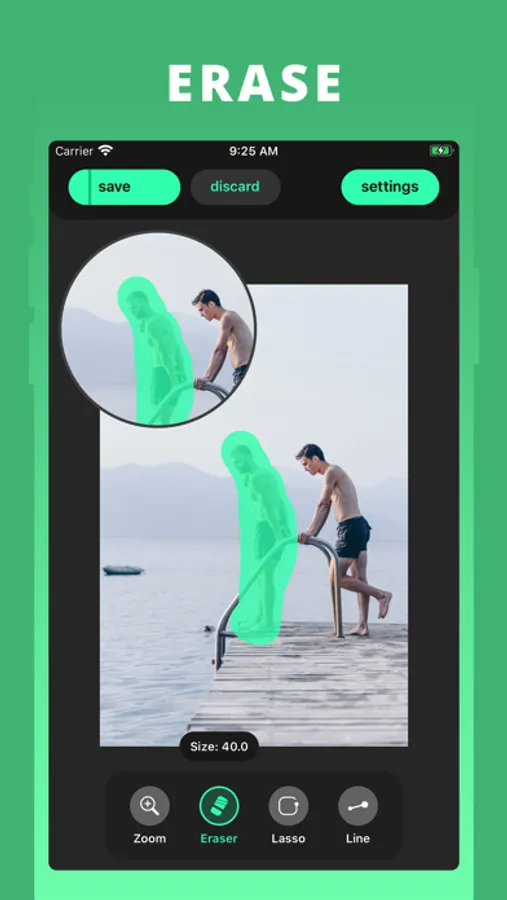
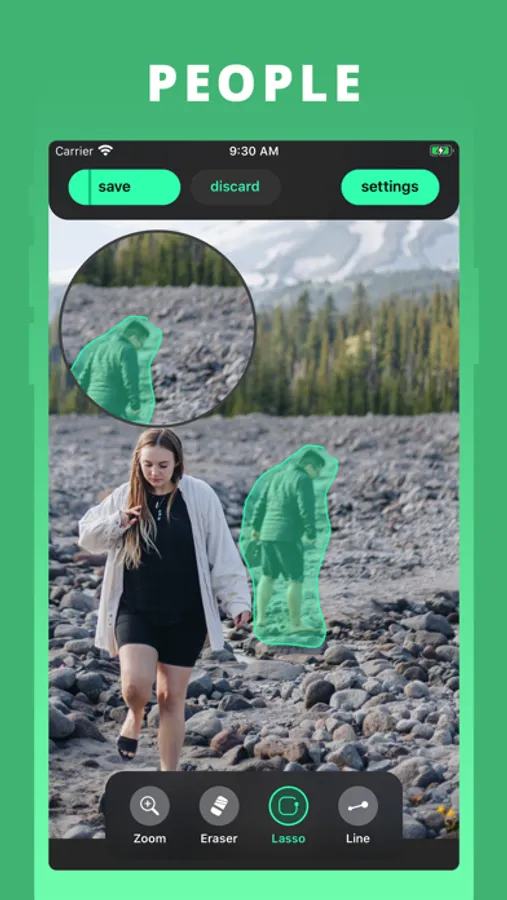
This magic eraser feature use AI remove to erase objects with precision and leave behind a natural looking background. Whether it's a stray passerby, an unwanted object, or anything else you wish was not there, this AI remove objects tool will make it disappear like magic.
- AI Generative Fill
This AI fill technology can intelligently predicts and generates content that blends perfectly with your photo, allowing you to enhance what's already there. Our AI replace feature giving you the power of unleashing your creativity without the need of complex software.
- AI Expand Image
Enlarge the boundaries of your image while maintaining the level of detail and quality. With the help of the new AI expand tool, you can easily fit your picture into a any format, or just to blow a new breathe to your photo.
How to use our magic eraser tools
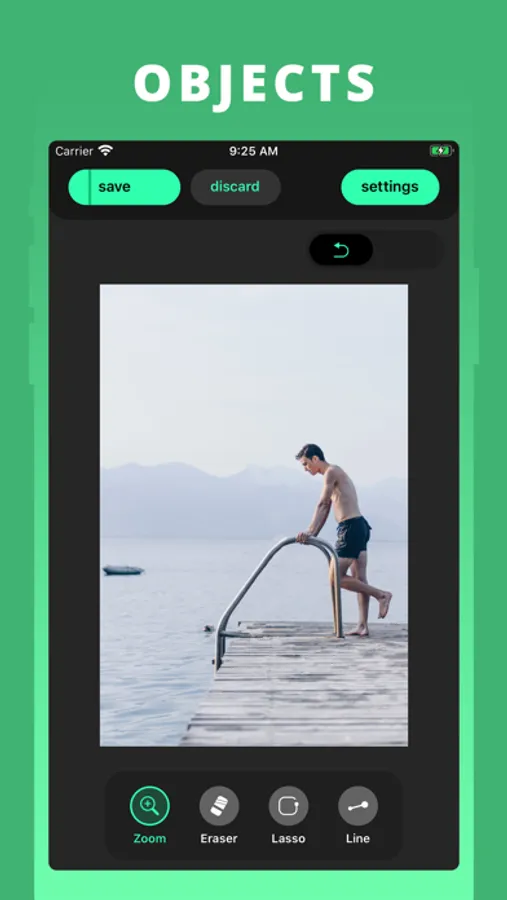
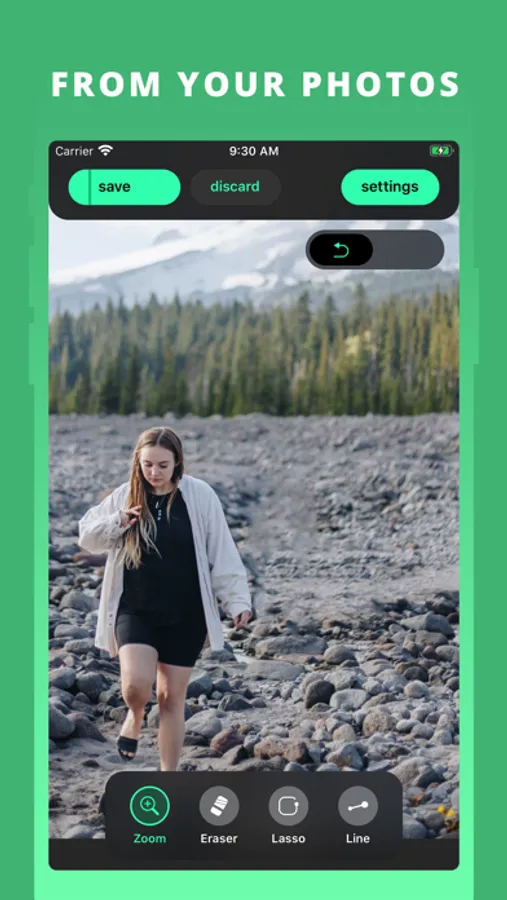
1. Take a picture or choose a photo you want to remove objects
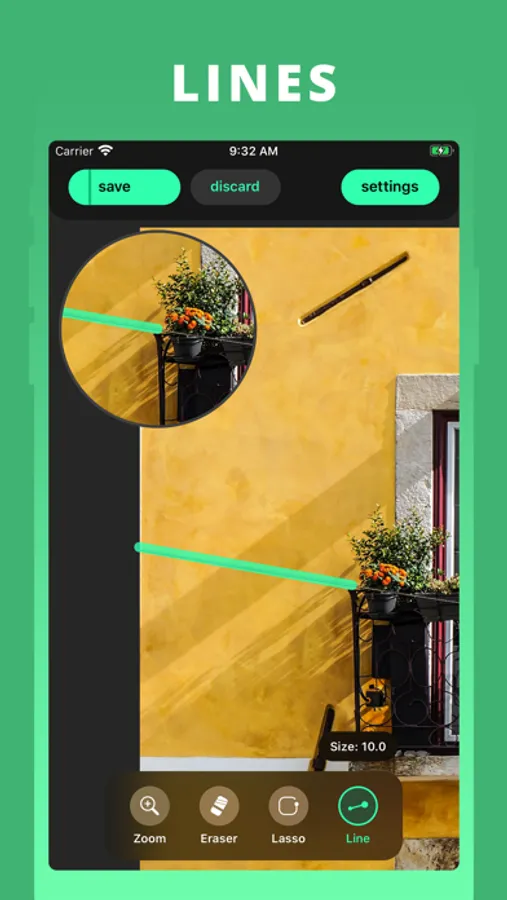
2. Choose where you want to replace or erase objects
3. Retouch the image with AI replace or generative fill based on your need
4. Get a peak outside of what the lens captured with AI expand your picture
5. Export your content to library or send it via any social media
Remove Objects is your go-to AI remove app for quick and easy photo edits, powered with a creative generative fill and AI remove objects toolkit that empowers you to transform your images in a way you never thought before. With the development of AI features that deliver professional results in seconds, you can focus on what matter most: creating the perfect photo.
Smart Eraser:
• You can subscribe to unlock Smart Eraser, an AI-powered object removal that provides super realistic result.
• Subscription auto-renew at the end of current period, unless cancelled 24-hours in advance prior to the end of the current period. The subscription fee is charged to your iTunes account at confirmation of purchase. You may manage your subscription and turn off auto-renewal by going to your Account Settings after purchase. Per Apple policy, no cancellation of the current subscription is allowed during active subscription period. Once purchased, refunds will not be provided for any unused portion of the term.
Privacy Policy: https://tapuniverse.com/privacy/
Terms of Service: https://tapuniverse.com/terms/
Remove Objects Screenshots
Tap to Rate:
Reviews for Remove Objects
Ghostifis
AI eraser photo editor
Overall: Great. Simplistic, easy to use, quick and very efficient when removing a few things at a time. **You’re limited to edit and save ONE photo for free, then subscription is required. **No ads (from what I’ve seen) Downloaded this app after being disappointed by several other photo editors requiring a subscription to use the eraser feature. This app is much more simplistic, though the eraser tool does have more editing options. Selecting objects and areas you want to erase in your photo is easy and doesn’t take much time. The wait timer is a little annoying though, since the editors I’ve used are instantaneous. Upon learning how to use the tool, I’m impressed and happy I am able to save my edited photo both to the app and my camera roll without needing to pay. You’re limited to saving only one edited image for free though, which is a bummer but still way better than the rest of the apps. I think this free trial feature is a lot more user friendly. There are also no sneaky premium only features. I would suggest maybe allowing more images to be edited and saved for free with reward ads. That way non-paying users can still benefit from the app and the developers can still profit from ad compensation and user activity. I used this to edit out mirror smudges on a mirror photo I took with the flash on. Because of the wait time, I first tried selecting all of the imperfections and mirror smudges at the same time to remove it all at once. These were very tiny white specks which the AI struggled to remove all at once. So I removed them easily in small sections which worked way better and only took about 3 seconds for the ai to remove. My photo was perfected and the saving options are great, allowing you to save your final image to the app, your camera roll, files, and shared to contacts and apps. I didn’t notice any ads which was great. I then tried to edit another but when pressing the button for the eraser I was notified that I had reached my limit, then brought to the subscription screen.
kdkcjcjc
Pay
You have to pay after one use.