
Object Removal AI - AI Retouch
Spring Tech Co., Ltd.
4.6 ★
655 ratings
Free
In this photo editing app, you can remove unwanted objects using AI auto-select, brush, or lasso modes, and refine images with AI Fill and AI Expand tools. Includes object removal, background editing, and image adjustment features.
AppRecs review analysis
AppRecs rating 4.2. Trustworthiness 73 out of 100. Review manipulation risk 28 out of 100. Based on a review sample analyzed.
★★★★☆
4.2
AppRecs Rating
Ratings breakdown
5 star
82%
4 star
6%
3 star
3%
2 star
2%
1 star
7%
What to know
✓
Low review manipulation risk
28% review manipulation risk
✓
Credible reviews
73% trustworthiness score from analyzed reviews
⚠
Pricing complaints
Many low ratings mention paywalls or pricing
About Object Removal AI - AI Retouch
Our powerful AI features-AI Fill & AI Expand, help refine every detail of your photos to create perfect results.
Want a more personalized touch? Try AI Replace to modify details like clothing or hairstyles with simple prompts, creating unique works in no time.
Get it now and experience fast, smart, and hassle-free photo editing!
Object Removal:
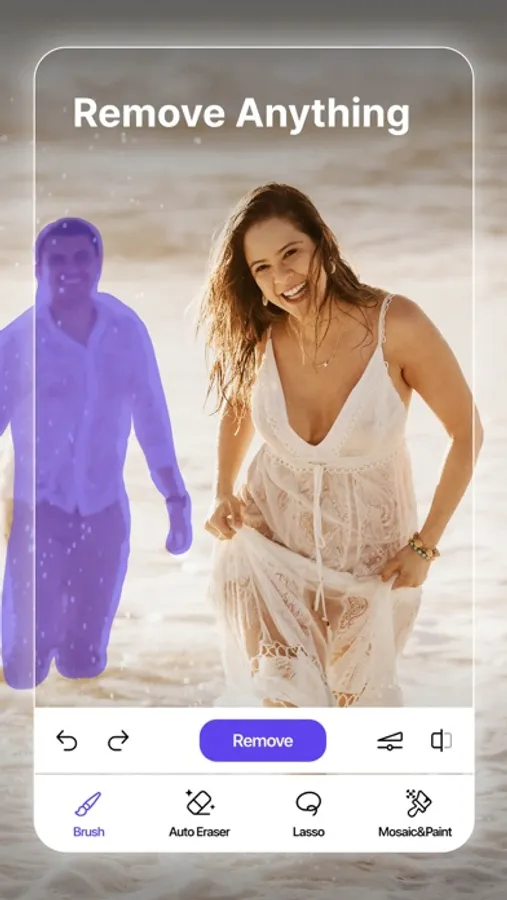
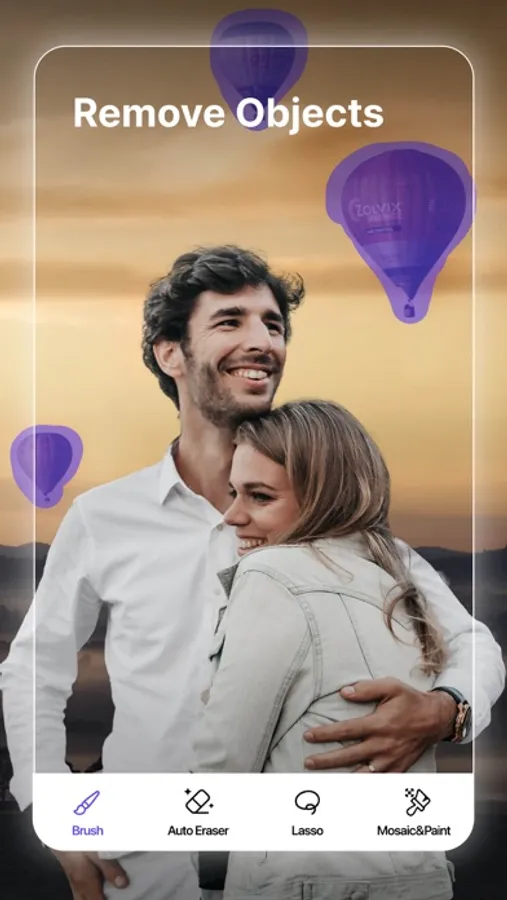
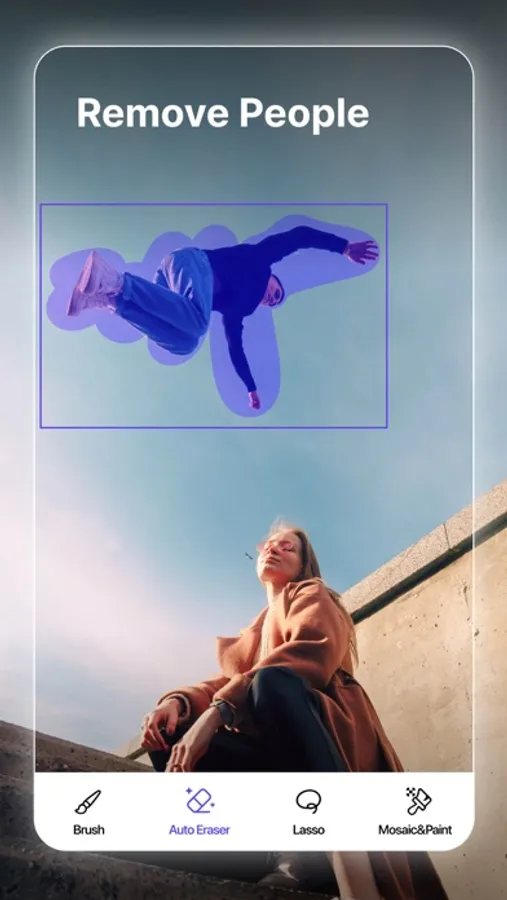
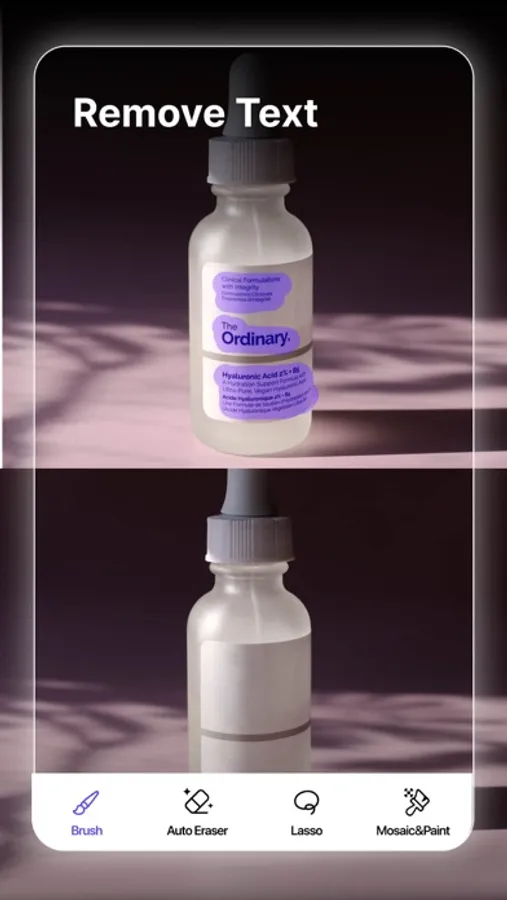
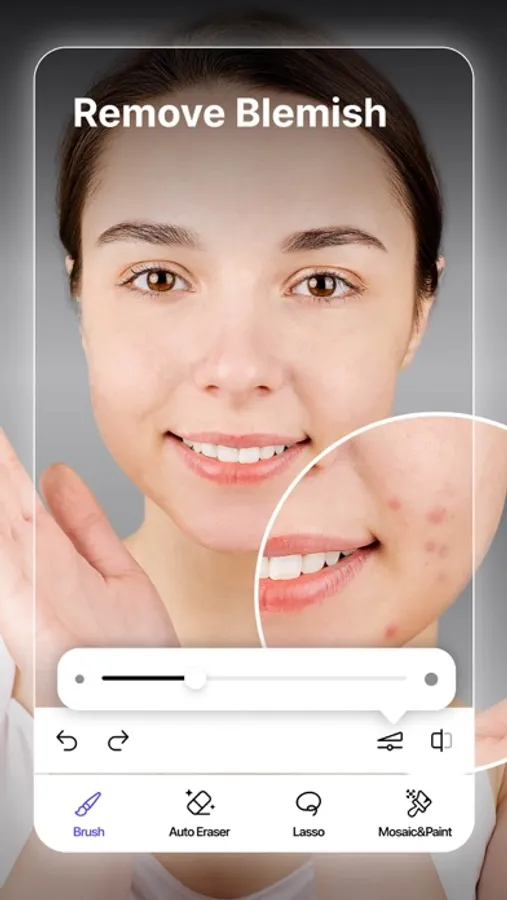
Bid farewell to unwanted objects in just a few taps! Whether it’s objects, people, text, logos, watermarks, distracting lines, or mosaics. You don't even need to manually pick out objects—our AI Auto-Select feature makes the process smoother!
THREE erasing modes for all your needs:
1. AI Auto-Select Mode: Detect unwanted objects automatically and remove them!
2. Brush Mode: Swipe to remove objects.
3. Lasso Mode: Circle and delete the unwanted part.
AI Generative Fill:
Let AI Fill intelligently recognize the scene and seamlessly fill in gaps after removing unwanted elements. By matching the colors, lighting, and atmosphere of the original photo, it creates natural, professional-quality results that feel perfectly balanced.
AI Replace:
Easily modify specific areas with simple prompts. Change outfits, hairstyles, hair colors, or even surrounding elements in seconds. Bring your fresh, creative ideas to life and make every photo uniquely yours.
AI Expand:
Expand your photo’s boundaries and let AI automatically fill the new space with details that fit the scene. Whether you’re resizing photos for social media, creating widescreen posters, or restoring missing sections, Remove Objects handles it with ease.
More exciting features await you:
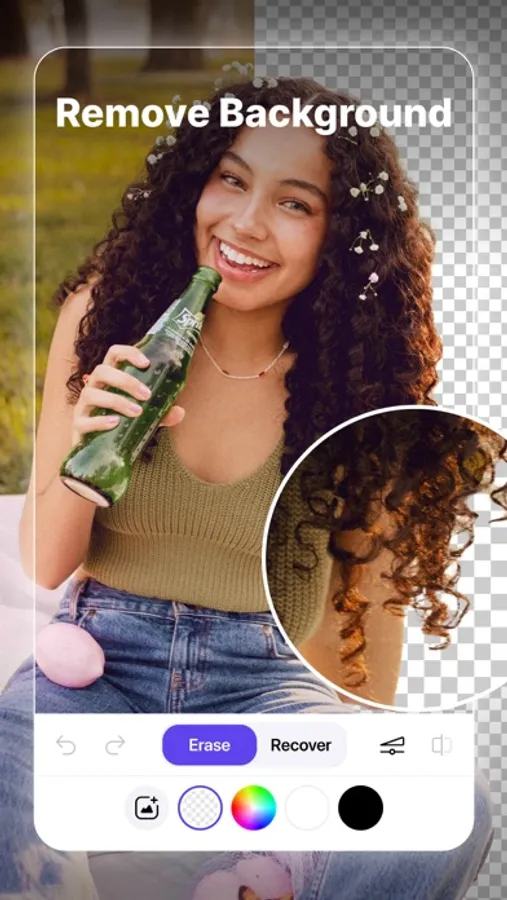
- Remove background: Quickly identify and remove backgrounds, then replace them with ease. Easy to cutout in the picture.
- Adjust: Customize the brightness, saturation, and color temperature of either the subject, the background, or both to create a perfectly balanced image.
- AI Enhance: Clear any low-quality image and bring every cherished memory into vivid focus.
Perfect your photos with just a few clicks. Let's become a photo-editing pro!
Terms of Use: https://collart.app/photo_enhancer_terms_of_service.html
Privacy Policy: https://collart.app/photo_enhancer_privacy_policy.html
If you have any questions or comments, contact us at support@collart.app
Object Removal AI - AI Retouch Screenshots
Tap to Rate:
Reviews for Object Removal AI - AI Retouch
Norm N Clature
The irritating free trial… is.
Free trial my eye! That was a small piece of debris. You’ll do better with a much more thorough and lengthy trial period than irritating the App Store customer right out the box. But what do eye know?
LycheeFox
Doesn’t work
Tried to edit my picture but for some reason the photo wasn’t showing up on my screenshots