In this project management app, you can organize workspaces, access cloud documents, and manage tabs across devices. Includes features for workspace management, tab organization, and resource sharing.
AppRecs review analysis
AppRecs rating 3.6. Trustworthiness 76 out of 100. Review manipulation risk 21 out of 100. Based on a review sample analyzed.
★★★☆☆
3.6
AppRecs Rating
Ratings breakdown
5 star
43%
4 star
19%
3 star
11%
2 star
17%
1 star
11%
What to know
✓
Low review manipulation risk
21% review manipulation risk
✓
Credible reviews
76% trustworthiness score from analyzed reviews
✓
Good user ratings
61% positive sampled reviews
About Workona - Project organizer
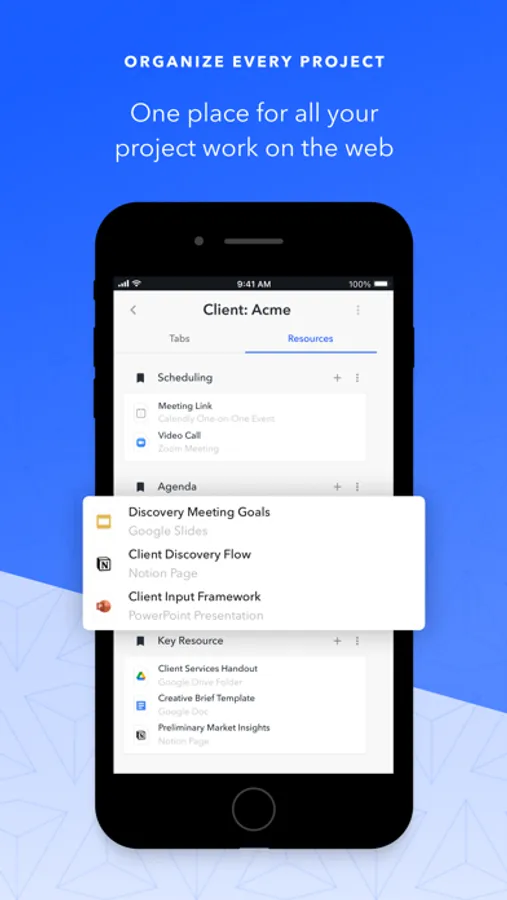
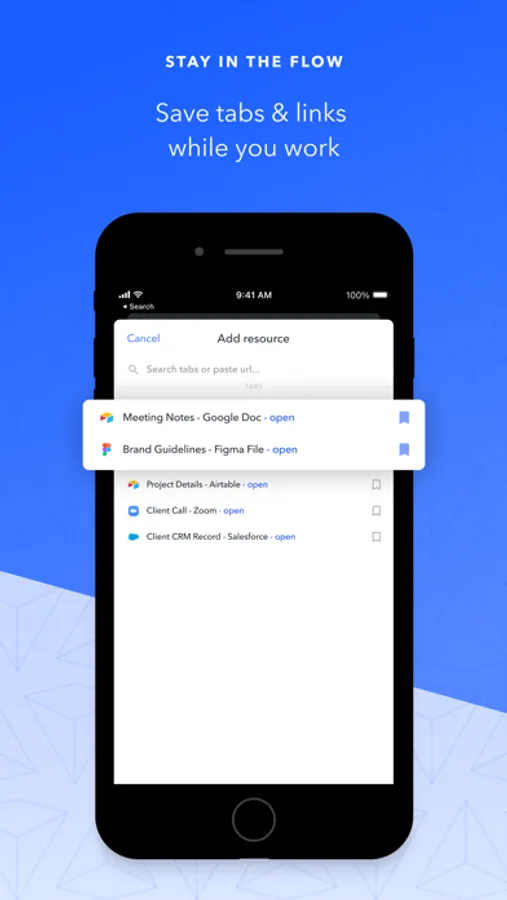
• Access your workspaces on the go, putting cloud docs & links at your fingertips
• Access tabs you have open on your computer from your iPad or iPhone
• Keep projects up-to-date when you’re away from the desktop
• Add a tab or resource to a workspace from the iOS share button
The iPad app offers a full-featured browser built for work:
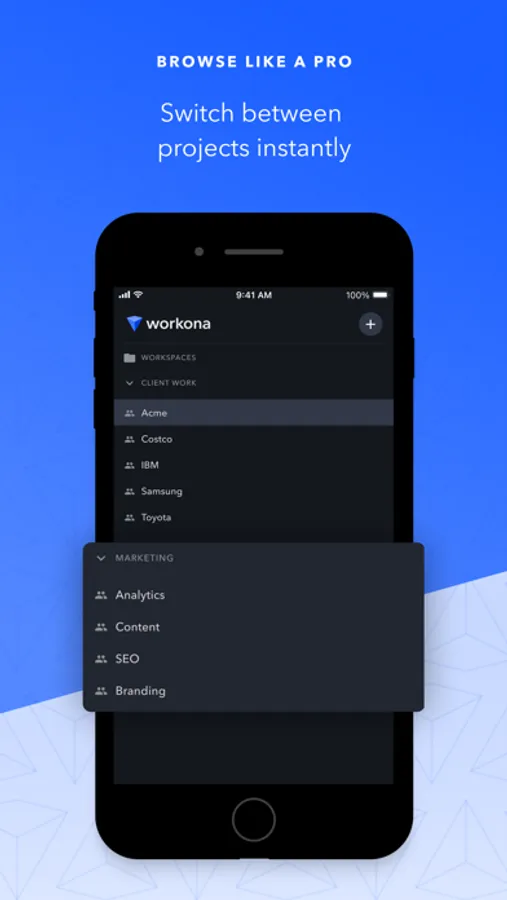
• Seamlessly transition between your workspaces & tabs
• Search your saved resources from the browser address bar
• Manage tabs without interrupting your flow
Workona helps solve the problems of modern work:
• You can’t find the work you need - Workspaces put everything for a project in one place, so your important docs & links are easy to find
• You need a laptop to get real work done - The Workona iPad & iPhone apps are designed for serious work, allowing you to travel light
• Your browser is messy and disorganized - Workspaces display your open tabs at a glance, so you can rapidly close and organize tabs
• You need your work on the go - The Workona app syncs your open tabs, acting like a portal into your desktop browser
“Workona has enhanced my productivity more than any other tool I use” – Ed Bott, ZDNet
Workona - Project organizer Screenshots
Tap to Rate:
Reviews for Workona - Project organizer
PsychJay
Missing half the features 🤨
Love the chrome extension. But seriously, having only Tabs and Resources in the iOS app an no Tasks and Notes section is utterly laughable.
062480
Where is the tasks??
Not sure why the mobile version would be released without the tasks section. This was the sole reason for downloading the mobile and stay on track on the go. Im a lot disappointed, especially when I come here and see someone asked 3 years ago and today still no tasks section in mobile