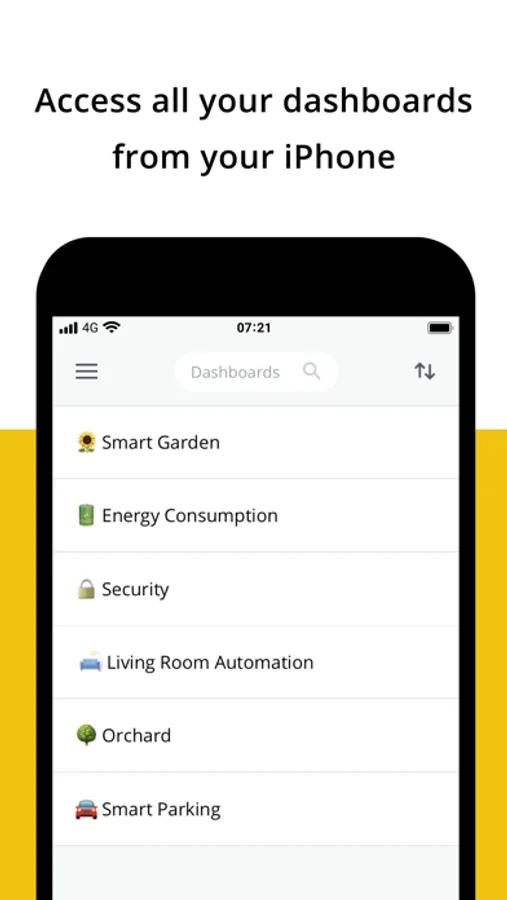
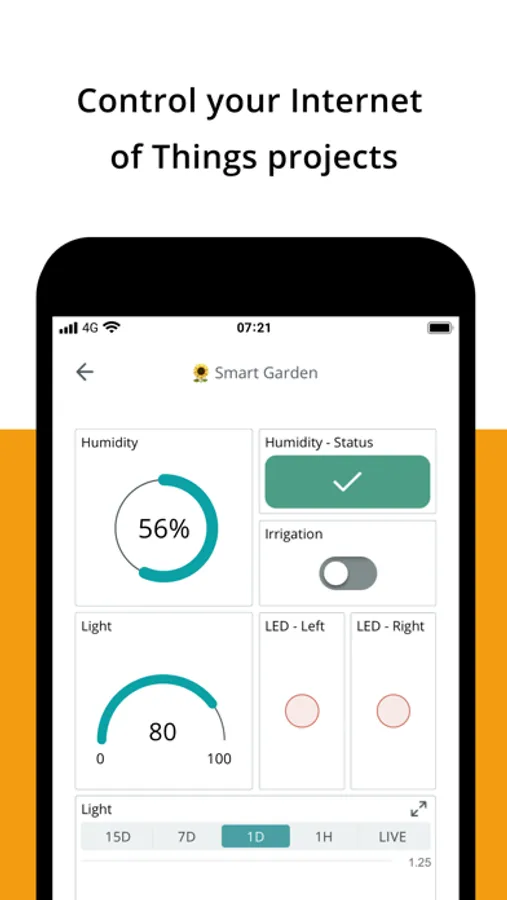
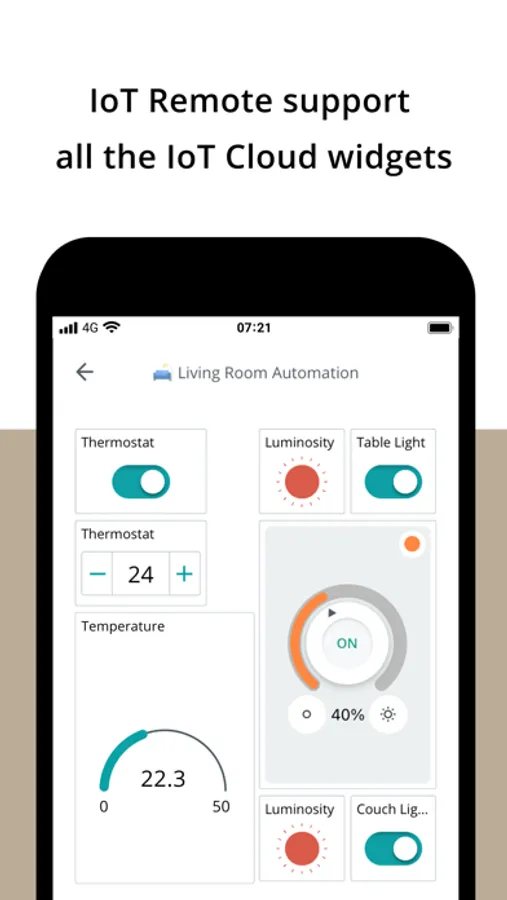
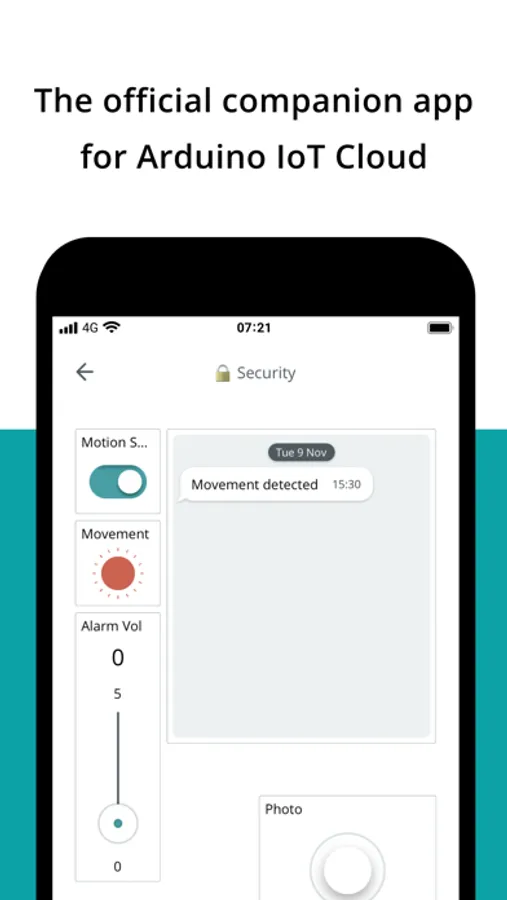
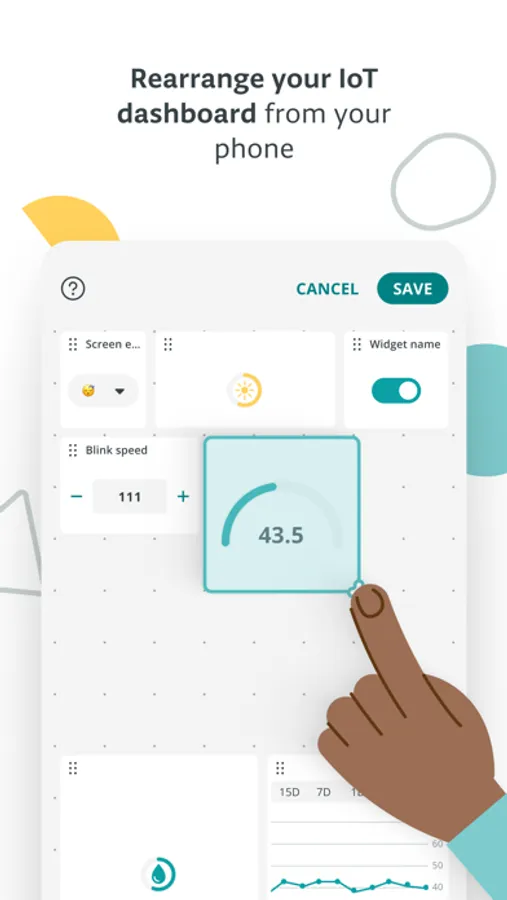
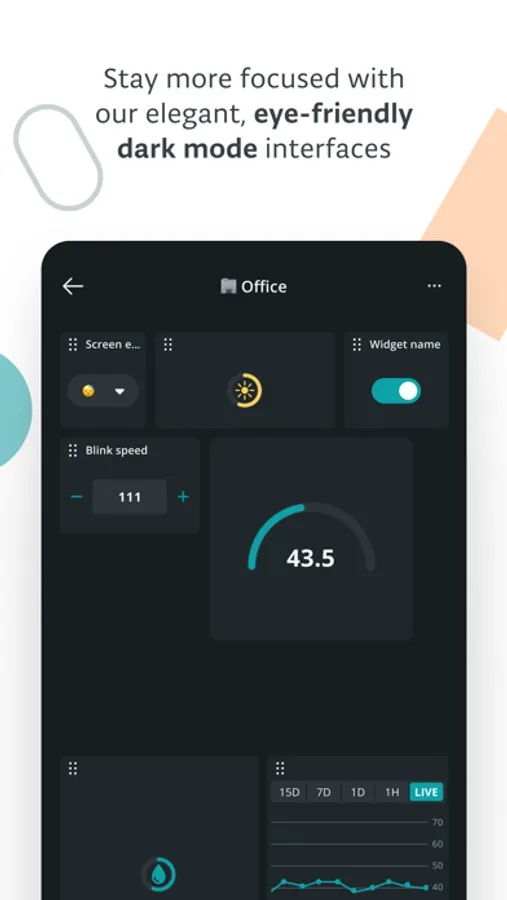
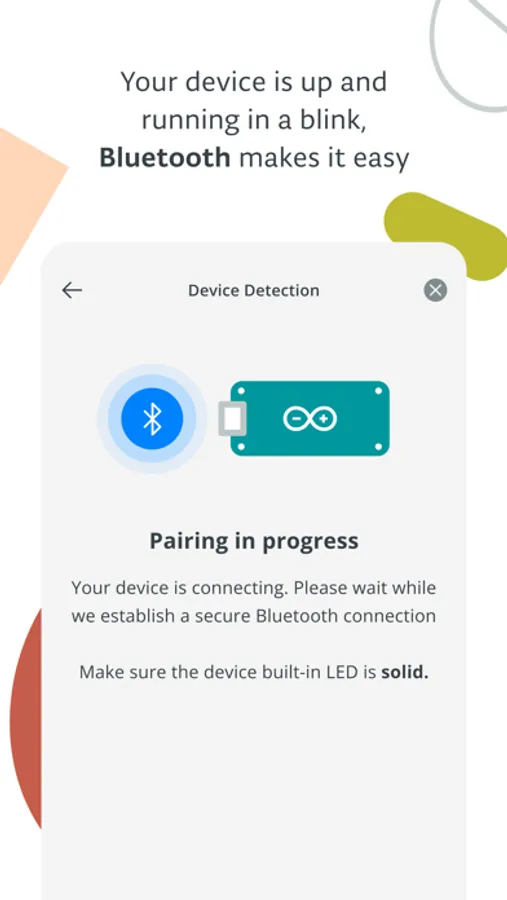
With this app, you can access, monitor, and control your Arduino IoT Cloud dashboards through your mobile device using simple taps. Includes support for versatile widgets such as switches, sliders, maps, and charts.
AppRecs review analysis
AppRecs rating 4.5. Trustworthiness 77 out of 100. Review manipulation risk 21 out of 100. Based on a review sample analyzed.
★★★★☆
4.5
AppRecs Rating
Ratings breakdown
5 star
79%
4 star
10%
3 star
4%
2 star
2%
1 star
5%
What to know
✓
Low review manipulation risk
21% review manipulation risk
✓
Credible reviews
77% trustworthiness score from analyzed reviews
✓
High user satisfaction
79% of sampled ratings are 5 stars
About Arduino IoT Cloud Remote
Arduino IoT Cloud Remote can be very useful in a variety of use cases where you need to monitor or control regardless of the time or place:
- In the field: you can read the data from your soil sensors or start your irrigation system directly from anywhere.
- In the factory: constant visibility of the state of your manufacturing process status, with the ability to control your automation remotely.
- In the home: simply monitor your home automation systems, check your previous or actual energy consumption from the convenience of your sofa.
Create your dashboards on https://app.arduino.cc from your computer or tablet and control them with IoT Cloud Remote from your iPhone. When creating your dashboards on the Arduino IoT Cloud you can link your widgets to multiple IoT projects for maximum flexibility.
Featuring a broad set of versatile and simple widgets, including:
- Switch
- Push-button
- Slider
- Stepper
- Messenger
- Color
- Dimmed light
- Colored light
- Value
- Status
- Gauge
- Percentage
- LED
- Map
- Chart
- Time picker
- Scheduler
- Value Dropdown
- Value Selector
- Sticky Note
- Image
- Advanced Chart
- Advanced Map
- Image Map
- Link
Arduino IoT Cloud Remote Screenshots
Tap to Rate:
Reviews for Arduino IoT Cloud Remote
Cuntinbed1
Too expensive
You got to pay for anything that’s actually worth doing. Don’t waste your time on this dumb app.
Mike. Real person
Works great. Love it. Took a little to get here
Now that I have it working, it’s an excellent product. It is stable and works well and gives me the information I need. Getting to finally work took a little bit of effort, but was not too bad. This is one of the better IoT cloud products on the market. Very happy with it so far. That update was one year ago. Today nothing works. The circuit and the board is the same. On all three devices. Not one of them connects via the Internet. What a waste of money and time.