AppRecs review analysis
AppRecs rating 4.4. Trustworthiness 68 out of 100. Review manipulation risk 31 out of 100. Based on a review sample analyzed.
★★★★☆
4.4
AppRecs Rating
Ratings breakdown
5 star
86%
4 star
8%
3 star
3%
2 star
0%
1 star
3%
What to know
✓
High user satisfaction
86% of sampled ratings are 5 stars
About IoT MQTT Panel
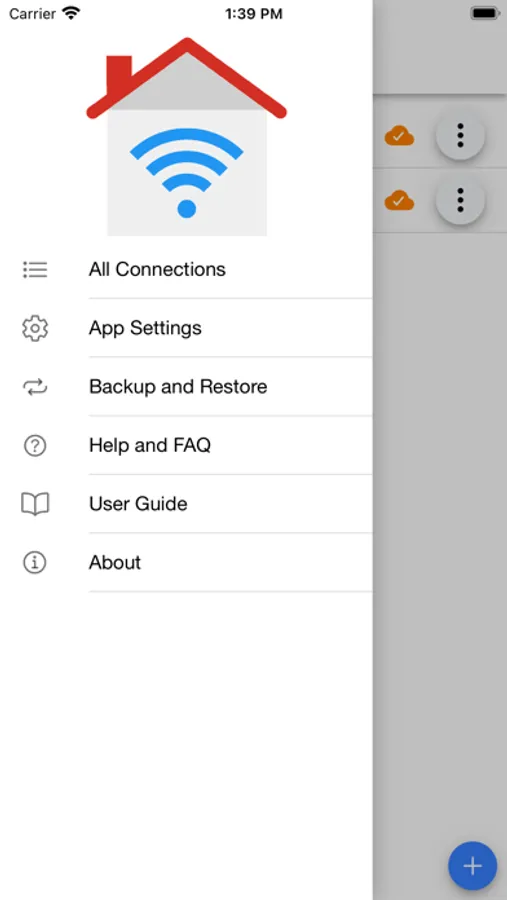
With this app you can make DIY Smart Home project in a minute. The configurations are very simple. Well documented FAQ and User Guide are available at application info page.
Features:
1. Can run as always on Dashboard.
2. Supports both MQTT (TCP) and Websocket protocol.
3. SSL for secure communication.
4. JSON Support for both subscribe and publish message.
5. Panels subscribe and / or publish the topic automatically, hence get updated in real time.
6. Designed to work with public broker efficiently (using device prefix).
7. Sent and Received timestamp from broker.
8. Material design.
9. Flexible panel width, merge any panels
10. More than 250 icons to customize specific panels.
11. Dark theme for comfortable use in low light.
12. Clone connection, device or panel for effortless configuration
13. Import/Export application configuration for easy share with multiple devices.
14. Re-connects automatically if connection lost.
15. Persist export message for log and graph.
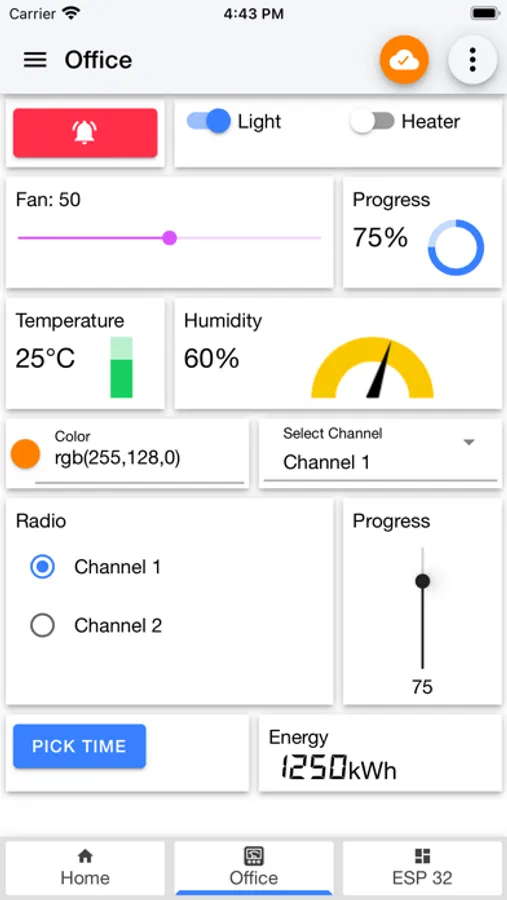
Available panels:
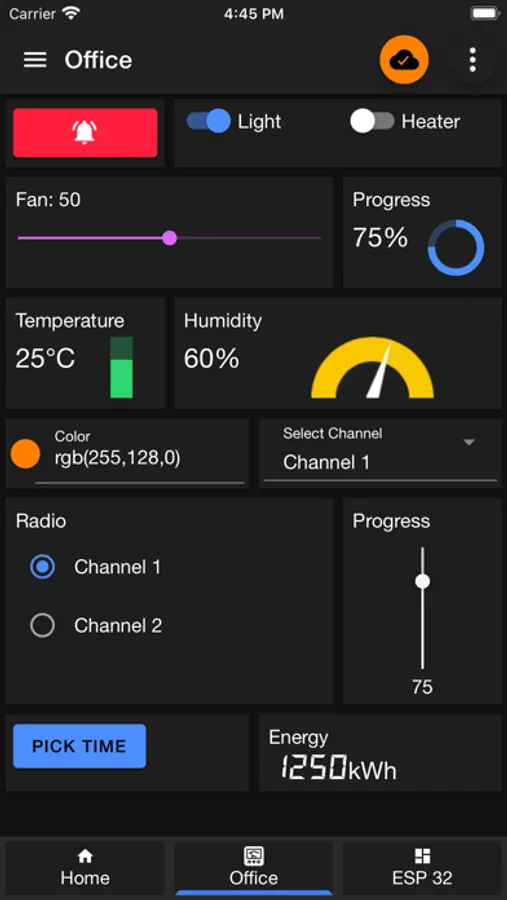
-Button
-Slider
-Switch
-LED Indicator
-Combo Box
-Radio Buttons
-Multi-State Indicator
-Progress
-Gauge
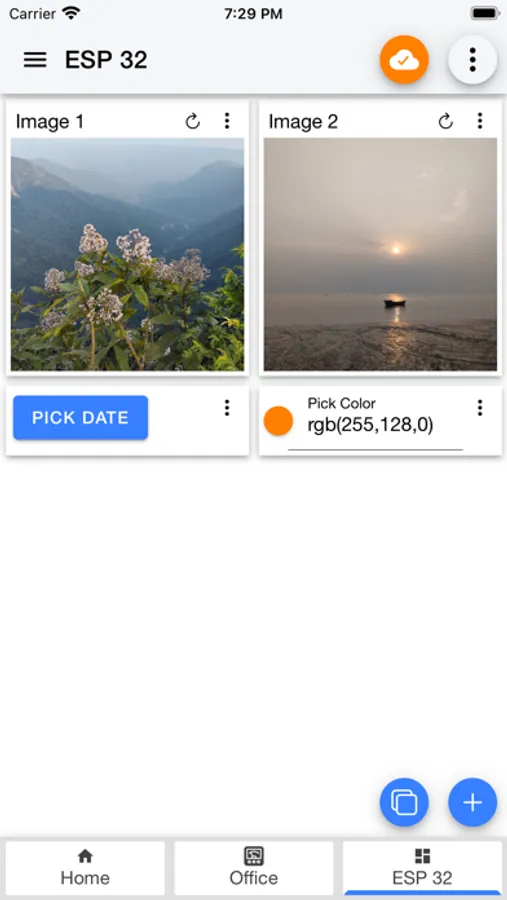
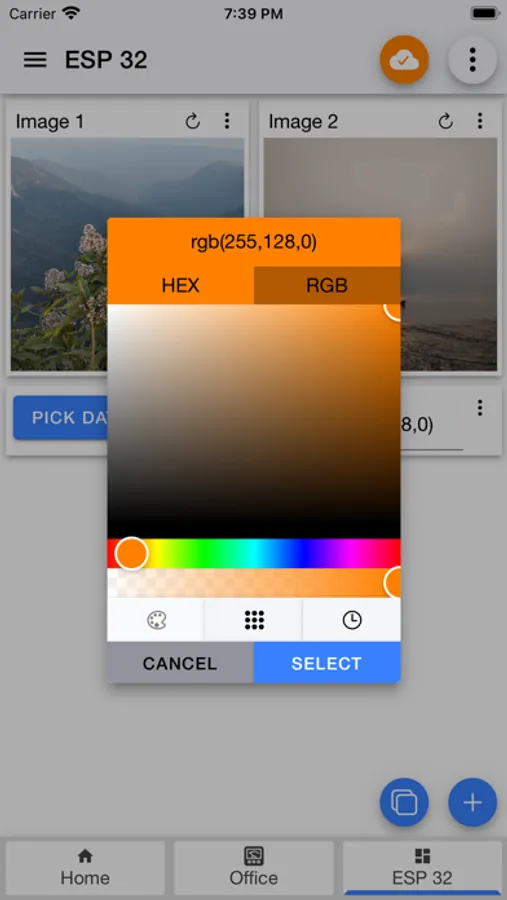
-Color Picker
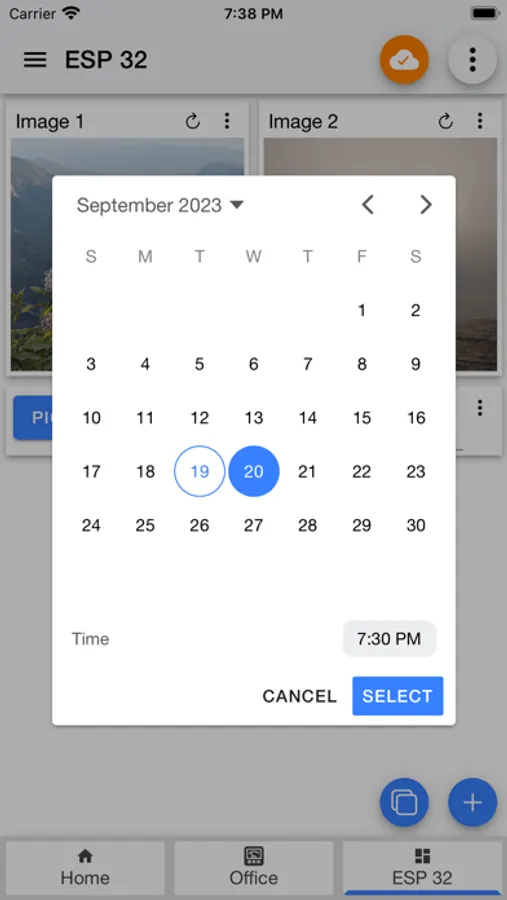
-Time Picker
-Text Input
-Text Log
-Image
-Barcode Scanner
-Line graph
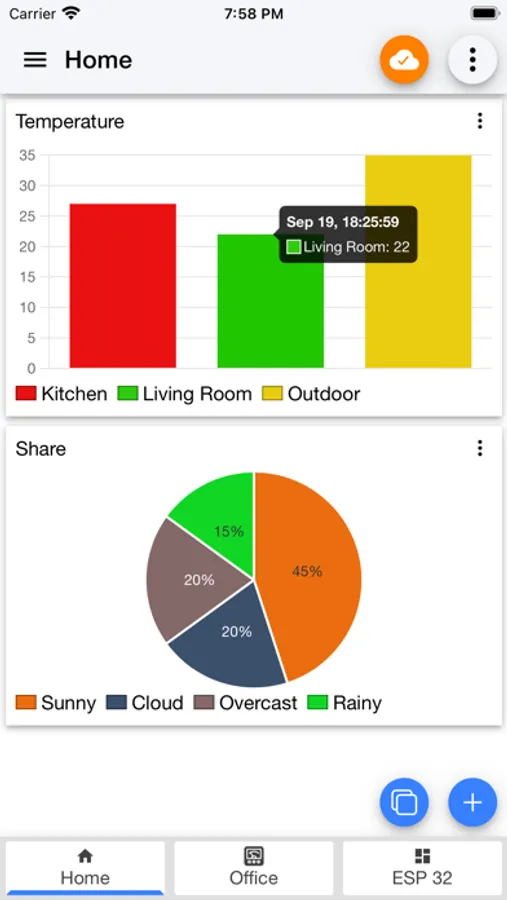
-Bar graph
-Chart
-URI Launcher
This list will grow upon feedback from users.
Your feedback is much appreciated. If you find any issue please feel free to leave a comment in my blog with steps to reproduce.
https://blog.snrlab.in/iot/iot-mqtt-panel-user-guide/
Features:
1. Can run as always on Dashboard.
2. Supports both MQTT (TCP) and Websocket protocol.
3. SSL for secure communication.
4. JSON Support for both subscribe and publish message.
5. Panels subscribe and / or publish the topic automatically, hence get updated in real time.
6. Designed to work with public broker efficiently (using device prefix).
7. Sent and Received timestamp from broker.
8. Material design.
9. Flexible panel width, merge any panels
10. More than 250 icons to customize specific panels.
11. Dark theme for comfortable use in low light.
12. Clone connection, device or panel for effortless configuration
13. Import/Export application configuration for easy share with multiple devices.
14. Re-connects automatically if connection lost.
15. Persist export message for log and graph.
Available panels:
-Button
-Slider
-Switch
-LED Indicator
-Combo Box
-Radio Buttons
-Multi-State Indicator
-Progress
-Gauge
-Color Picker
-Time Picker
-Text Input
-Text Log
-Image
-Barcode Scanner
-Line graph
-Bar graph
-Chart
-URI Launcher
This list will grow upon feedback from users.
Your feedback is much appreciated. If you find any issue please feel free to leave a comment in my blog with steps to reproduce.
https://blog.snrlab.in/iot/iot-mqtt-panel-user-guide/
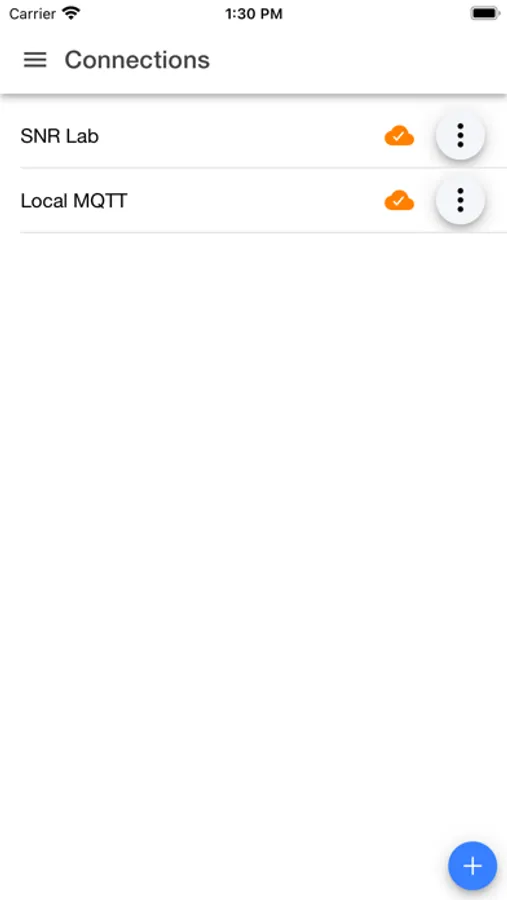
IoT MQTT Panel Screenshots
Tap to Rate:
Reviews for IoT MQTT Panel
imagesoft2000
very nice
很不错的一个应用,可以自定义,控件可以是json里的某个量,不用自己写代码就能做出漂亮的界面,而且广告显示的空间占用不多,完全可以忽视,值得推荐。
chrispo m
well thought out
This is a nice, flexible, and well thought out app for mqtt debugging