
In this GIS mapping app, users can view, search, and annotate digital maps with GIS data. Includes offline access, smart forms, and geofence alerts for field data collection.
AppRecs review analysis
AppRecs rating 2.4. Trustworthiness 75 out of 100. Review manipulation risk 20 out of 100. Based on a review sample analyzed.
★★☆☆☆
2.4
AppRecs Rating
Ratings breakdown
5 star
21%
4 star
9%
3 star
12%
2 star
12%
1 star
45%
What to know
✓
Low review manipulation risk
20% review manipulation risk
⚠
Mixed user feedback
Average 2.5★ rating suggests room for improvement
⚠
High negative review ratio
57% of sampled ratings are 1–2 stars
About ArcGIS Field Maps
Note about permissions:Field Maps is designed for organizational use. This app requires you to have an ArcGIS organizational account to collect and update data. Public maps shared by organizations can be viewed without signing in.
Understand your surroundings:
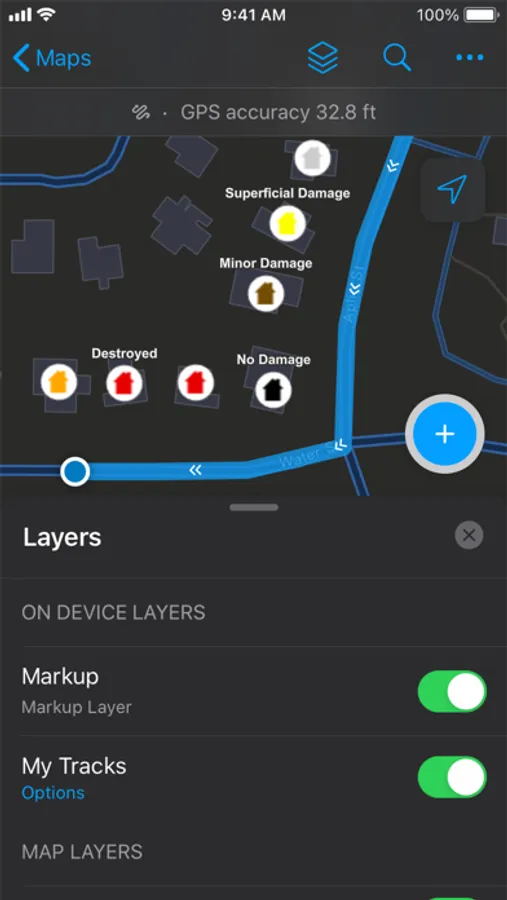
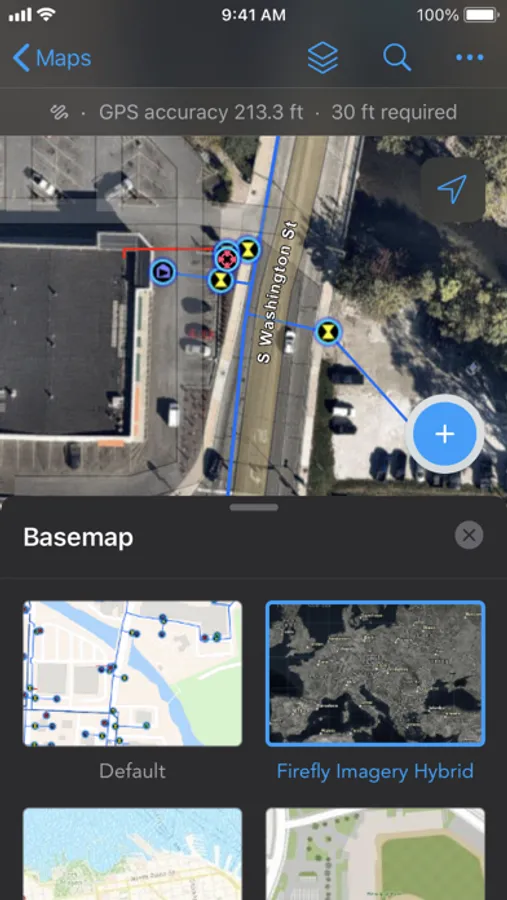
- View assets and surrounding landmarks or places on GPS-enabled maps.
- Search for assets and access important information about them.
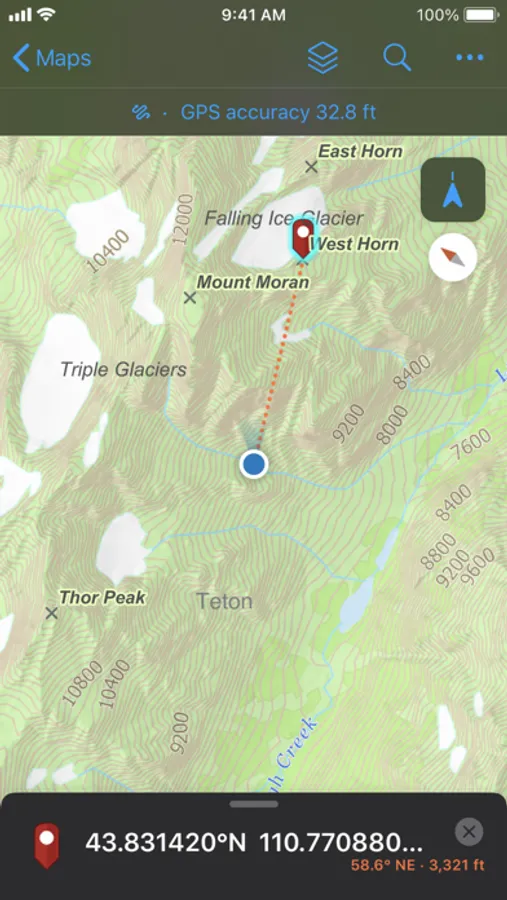
- Use compass guidance to lead you directly to assets and locations.
- Scan barcodes or QR codes to pull up asset records instantly.
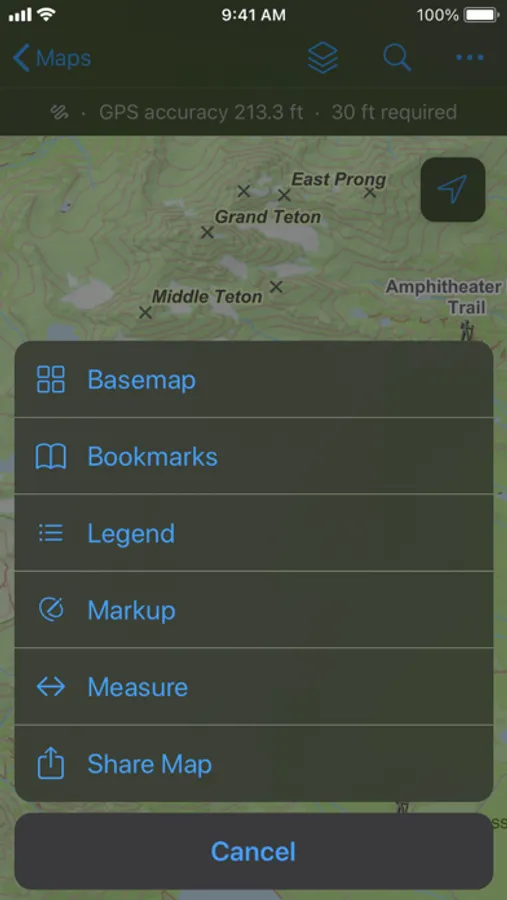
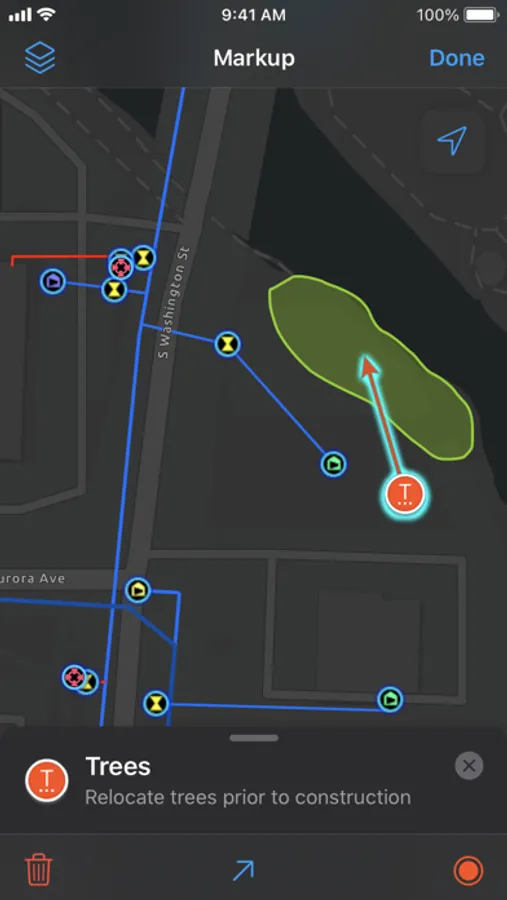
- Annotate directly on the map with your finger or stylus to create personal notes.
- Leverage integration with voice-guided turn-by-turn navigation apps to get to your assets.
- Stay safe with geofence alerts as you enter fire zones, wildlife habitats, work areas, etc.
- Measure distances and areas in the map.
- Gain advanced understanding by viewing and tracing utility networks.
- View stationing information along linear assets.
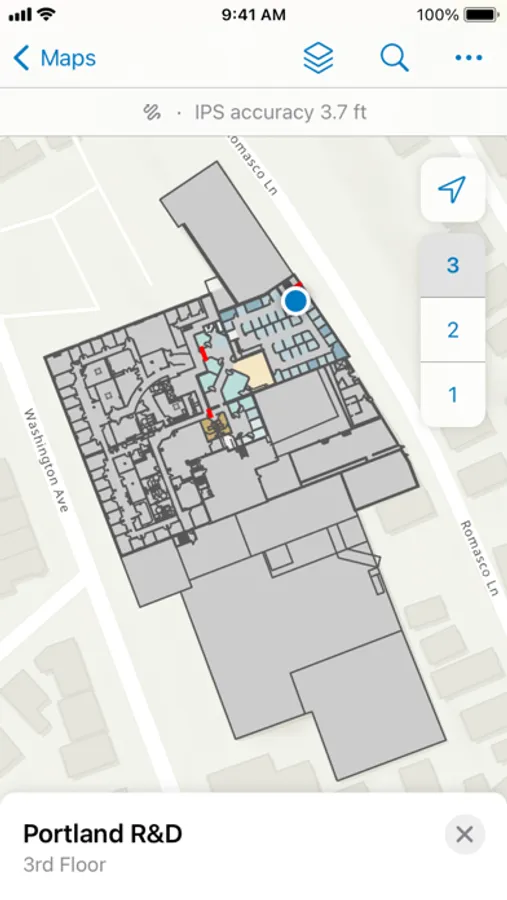
- View assets and locations in floor-aware indoor maps.
Perform data capture and inspections:
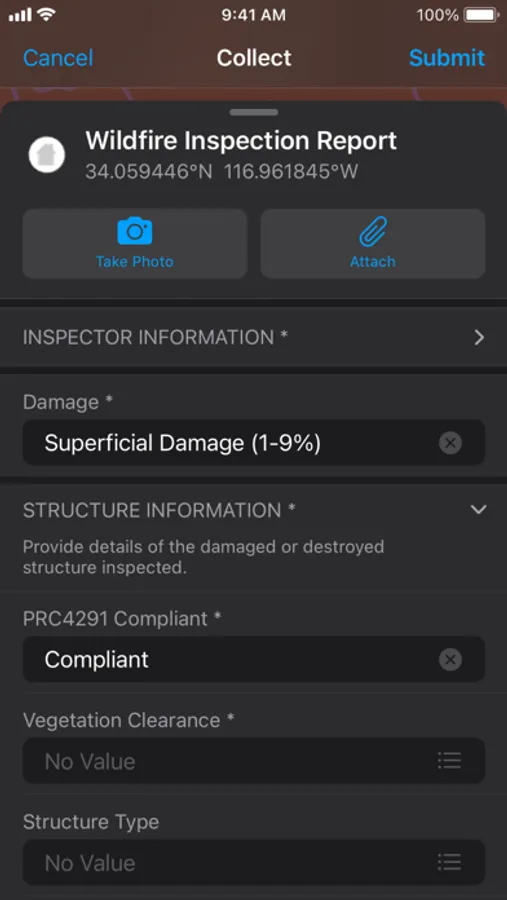
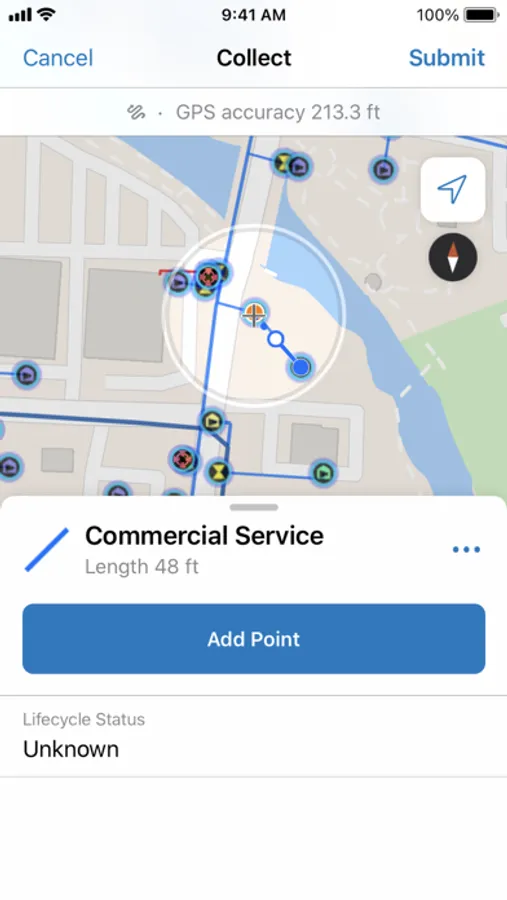
- Create new or edit existing asset data.
- Connect to external GNSS receivers for high-accuracy data.
- Digitally document inspection records.
- Capture photos, videos, and other attachments.
- Speed up data capture with smart forms and reduce manual entry by automatically filling in fields like date or inspector name and making automated calculations.
- Share your updates instantly with your organization when using an online map and automatically sync stored updates to offline maps when connected.
- Collect assets and perform inspections indoors.
Share your location for coordination & safety:
- Share your location with supervisors and teammates (when enabled).
- View teammate locations to coordinate efforts and ensure safety (when enabled).
- Tracks show where you’ve been so you can visually see what area you’ve covered.
Work offline in remote or disconnected areas:
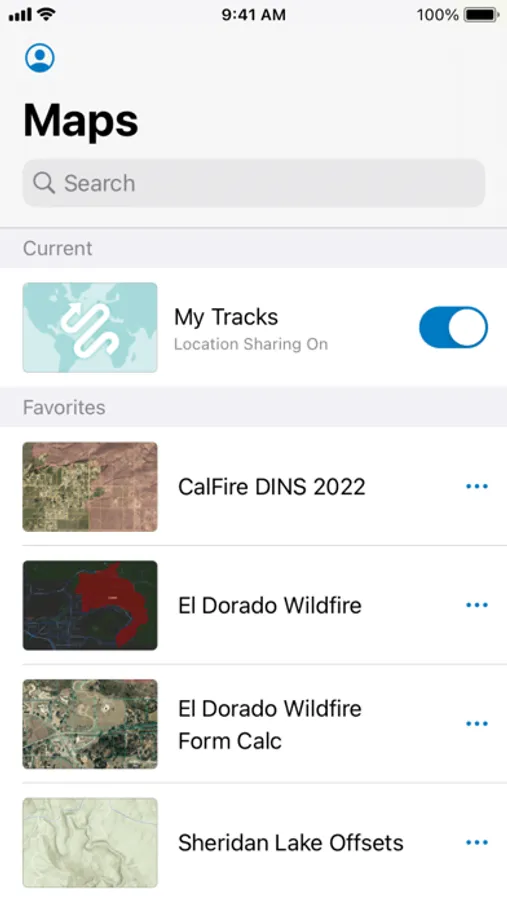
- Download offline map areas created for you.
- Create your own offline map areas on device (if enabled).
- Sync edits automatically or manually when connected.
Coordination and collaboration:
- View edits and contributions from others as they are synced with your map.
- Use tasks to view and complete field assignments from a to-do list.
- Stakeholders can view fieldwork progress in the office and make data-informed decisions.
Note: Continued use of GPS running in the background can dramatically decrease battery life.
ArcGIS Field Maps Screenshots
Tap to Rate:
Reviews for ArcGIS Field Maps
KGIS_dev
Let’s get it to the 5 stars
I don’t think it is fair that this app in 2026 has only 2.5 stars. We have been using this for years and yes it had its moments but it had been improved so much since then.
Offline dl
Works great except offline maps
Downloading offline maps for our program has been really frustrating. Tons of bugs, app crashing, downloads stopping, and struggles to an area downloaded, even after confirming there is space available on the phone and the map to download is configured and set up correctly. Really enjoy this software when it works but the offline download has made me dread this app