
With this accounting software, you can automate expense entries by capturing receipts and bills through photographs and attachments. Includes features for categorizing transactions, attaching documents, and tracking mileage.
AppRecs review analysis
AppRecs rating 1.7. Trustworthiness 74 out of 100. Review manipulation risk 24 out of 100. Based on a review sample analyzed.
★☆☆☆☆
1.7
AppRecs Rating
Ratings breakdown
5 star
14%
4 star
4%
3 star
7%
2 star
7%
1 star
68%
What to know
⚠
Pricing complaints
Many low ratings mention paywalls or pricing
⚠
Mixed user feedback
Average 1.9★ rating suggests room for improvement
⚠
High negative review ratio
76% of sampled ratings are 1–2 stars
About QuickBooks Desktop
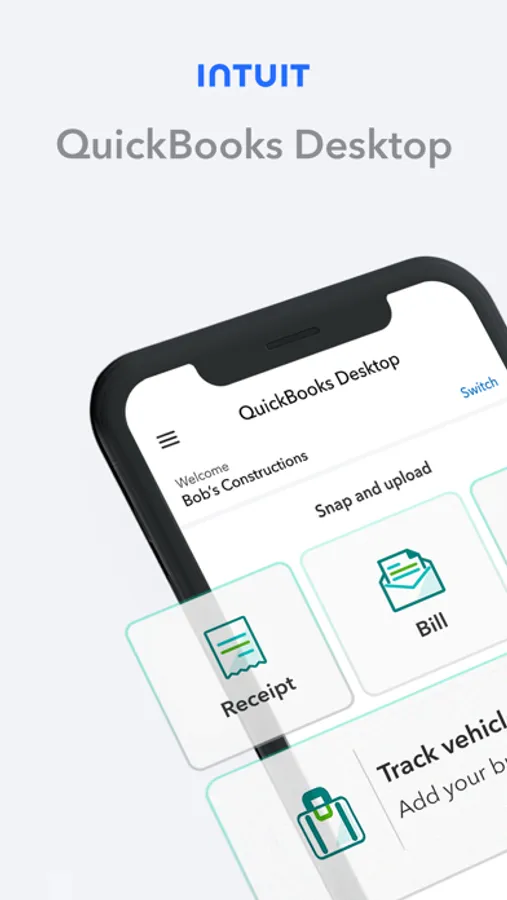
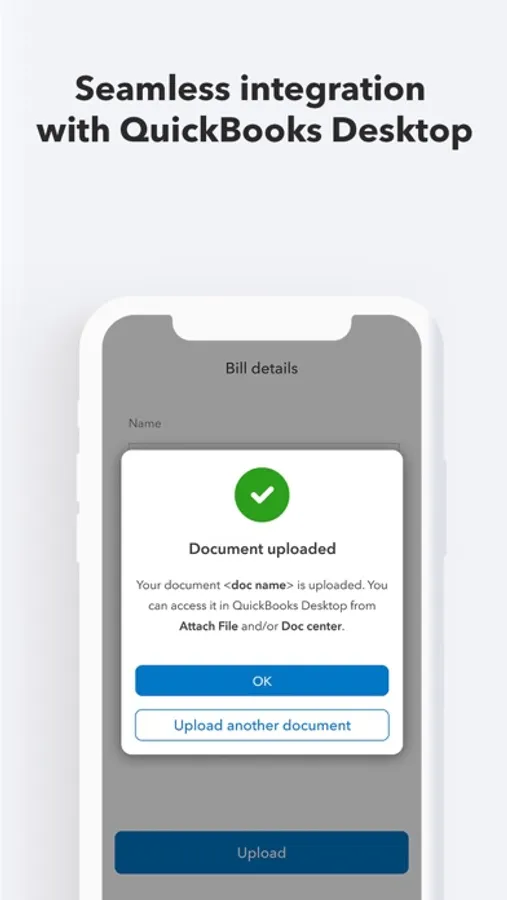
Save time with receipt and bill capture to automate entries. No more lost receipts or time consuming expense reports! Easily attach documents to transactions.
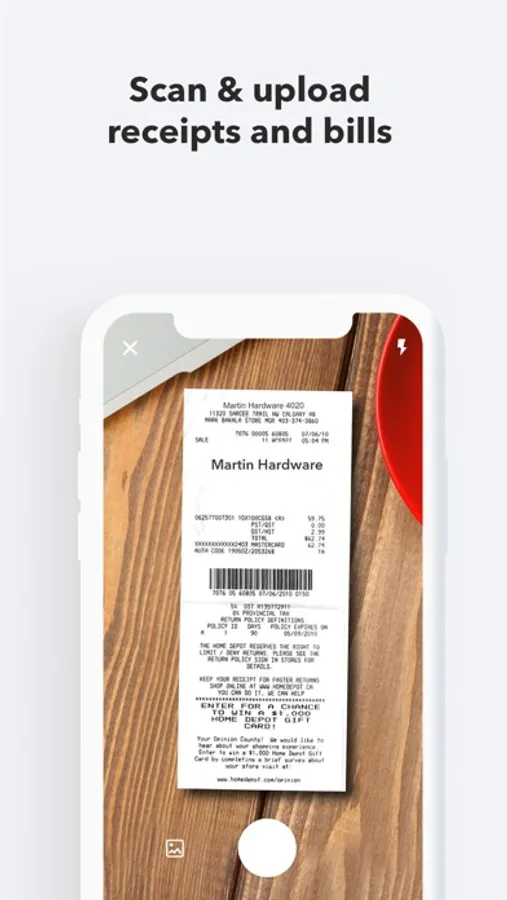
Scan receipts
- Save time by automatically creating categorized receipt expense entries. Just photograph, import and review.
- Stay organized by attaching digital receipt images to expense transactions for audit trails.
- Accurately categorize, modify or record multiple receipt transactions at once.
Upload bills
- Save time by automating bill entries. Just photograph, import, and review.
- Stay organized by attaching files to bill transactions for simplified audit trails.
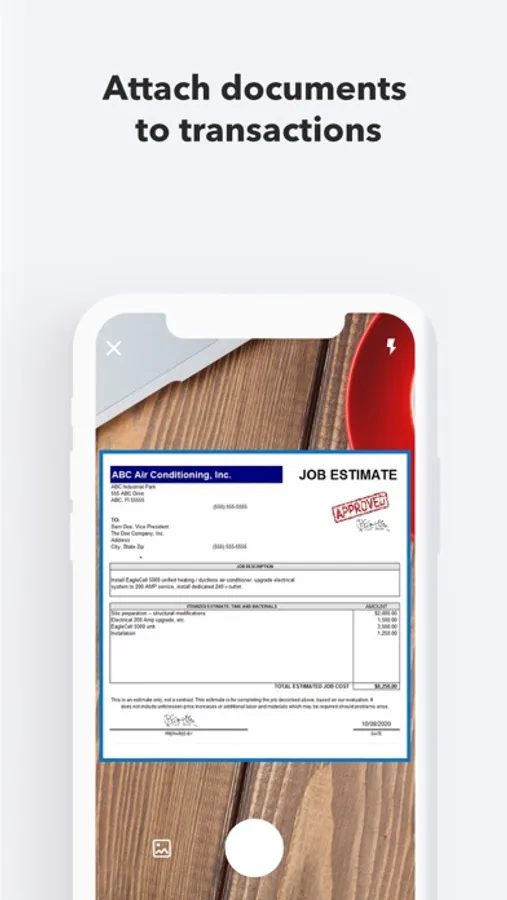
Attach documents to your transactions
- Attach documents to transactions faster by directly uploading them.
- Save time by directly attaching multiple documents to transactions at once.
- Stay organized by eliminating the need to store physical documents.
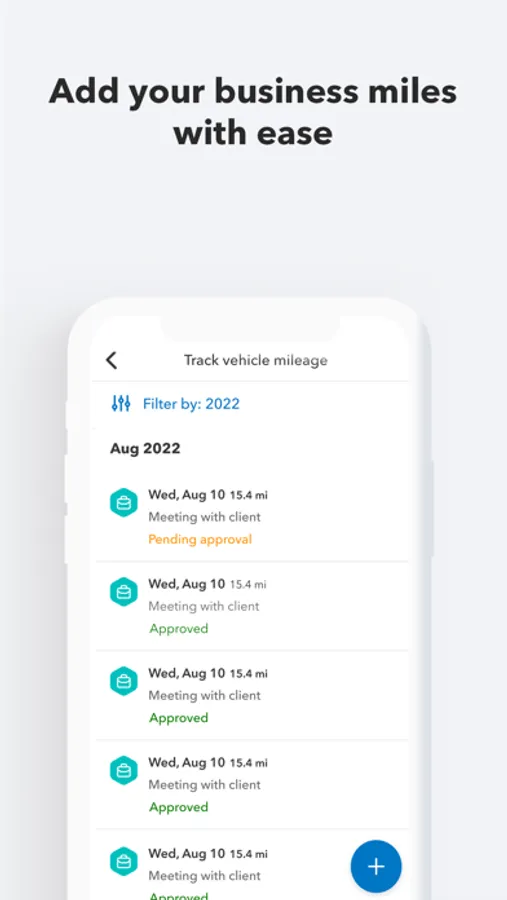
Track your business mileage
- Add your business miles on your mobile and manage it all in QuickBooks Desktop.
- Distance will be auto-calculated using starting and ending locations.
- QuickBooks automatically fetches the IRS standard mileage rate to calculate mileage expenses.
QuickBooks Desktop Screenshots
Tap to Rate:
Reviews for QuickBooks Desktop
johnderekh
Intuit is in self destruct mode
I am a long time user of quickbooks both desktop and online versions as well as their apps Time & Workforce. They were fortunate to have secured a significant market share early in their companies life cycle. Unfortunately, they now rest on their laurels. It is clear that no one in upper management has any connection to the typical user. They are well insulated. I give them 2 years before they realize, albeit too late, that newer, better, and more customer aware, customer centric companies have entirely disrupted their universe. I have seen this over and over. The signs are there if you look for them. Sell your stock. Their day is over. For Investors whose analyst is recommending them as a stock to buy or hold—I would fire your analyst. They will be joining Blockbuster along with the likes of Kodak, Borders, and others like them in the corporate trash heap of companies led by arrogant and naive management teams.
Vicwine
So glitchy!
At least half of the time I open the app, it freezes at the logo screen. Closing and reopening it doesn’t work, it still freezes. When I snap receipts, it can take hours for it to show up on my desktop. It makes me want to go back to Expensify!