
With this app, you can import pixel graphics from various formats, convert them into vector graphics, and adjust detail levels as needed. Includes file import options, detail adjustment, and multiple export formats.
AppRecs review analysis
AppRecs rating 4.2. Trustworthiness 79 out of 100. Review manipulation risk 21 out of 100. Based on a review sample analyzed.
★★★★☆
4.2
AppRecs Rating
Ratings breakdown
5 star
78%
4 star
8%
3 star
1%
2 star
4%
1 star
9%
What to know
✓
Low review manipulation risk
21% review manipulation risk
✓
Credible reviews
79% trustworthiness score from analyzed reviews
✓
High user satisfaction
86% of sampled ratings are 4+ stars (4.4★ average)
About Vectorize!
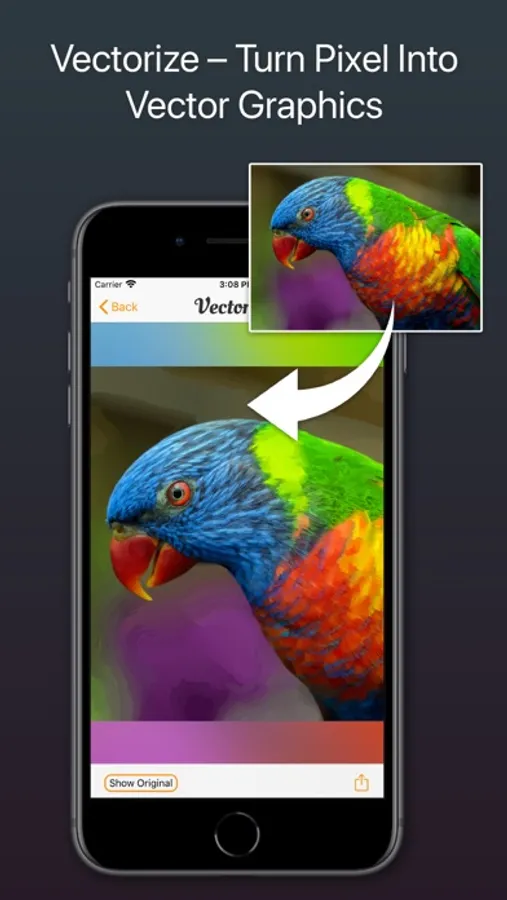
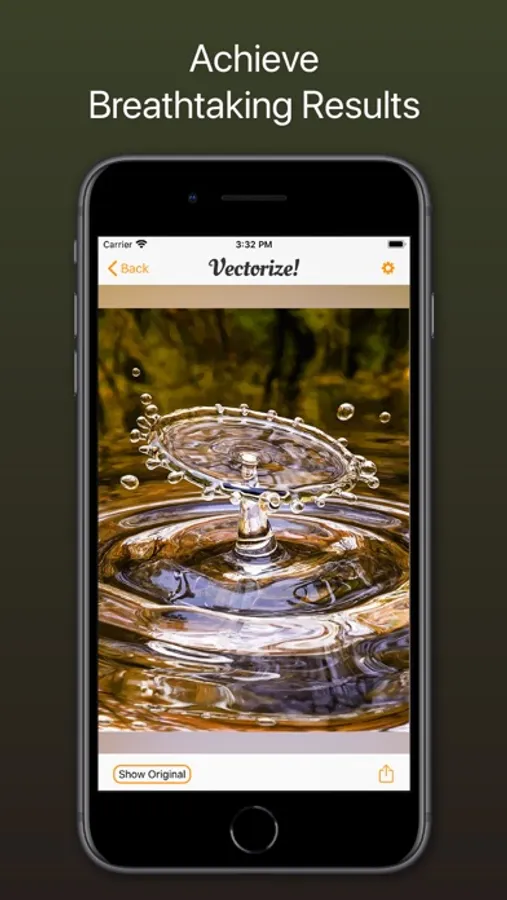
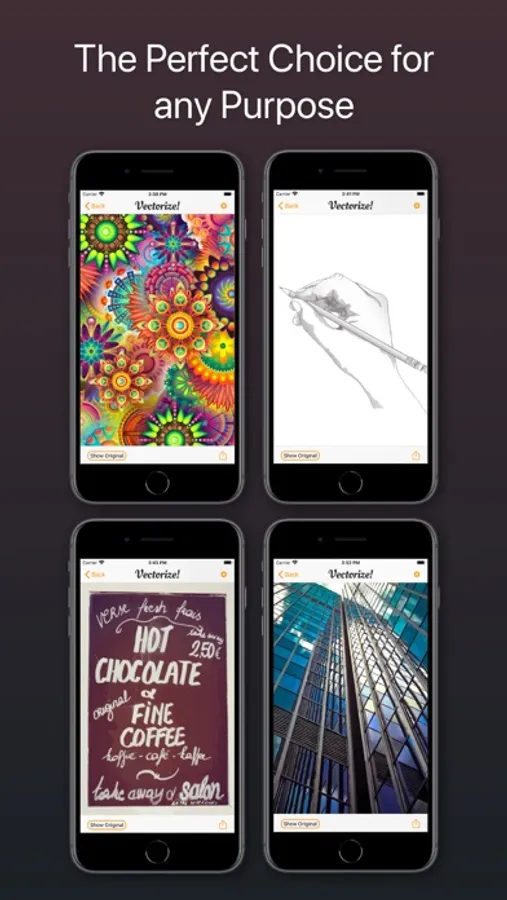
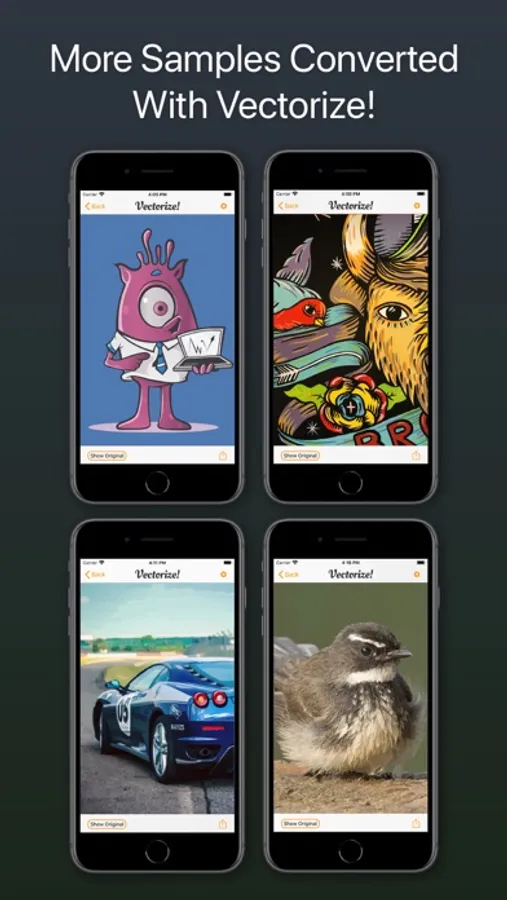
Vectorize! is the perfect tool for quickly and easily converting any pixel graphic into a resolution-independent, scalable vector format – and not just for iPhone and iPad, but also for Mac. No matter you’d like to convert, let’s say a low resolution JPG Logo, a comic, sketch, or even a complete photo – Vectorize! will turn your pixels into vectors. The starting material can then be upscaled at will.
Import, Convert, Export
Converting a pixel-based-graphic (e.g. a photo, drawing, etc.) into a resolution-independent vector graphic with Vectorize! is quite self-explanatory: First, simply choose a file, or use your iPhone to take a picture – and then let Vectorize! do the rest. Using your iPhone to take a photo to directly import into Vectorize! is another very practical option at your disposal.
Your options for importing are:
• JPG
• PNG
• TIFF
• HEIC
• GIF
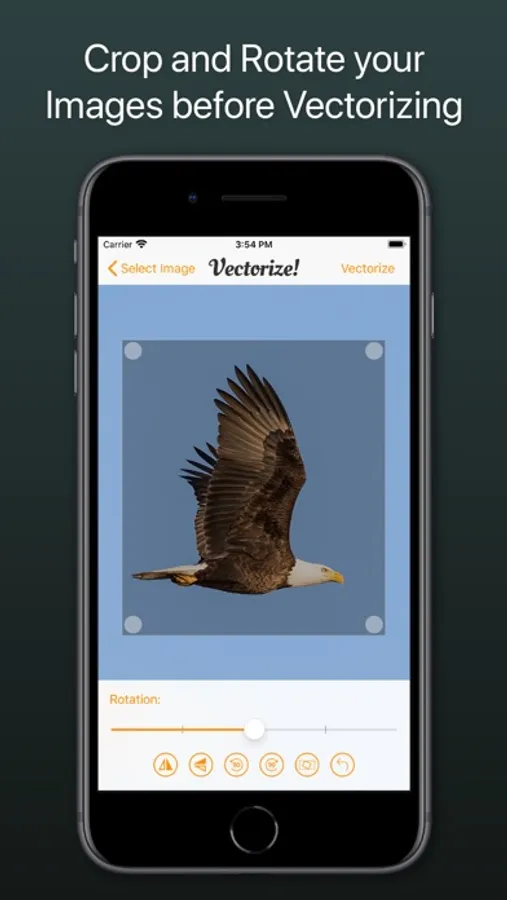
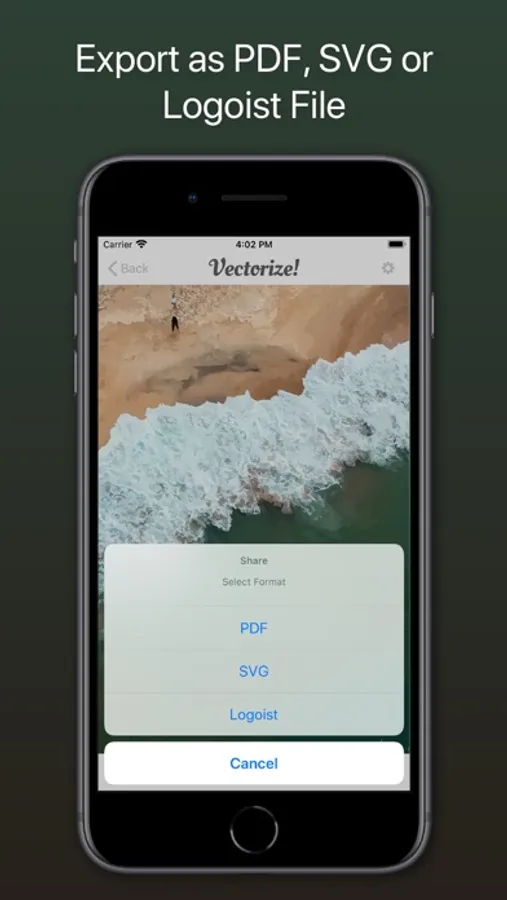
After your graphic has been selected and imported, you can determine the desired level of detail of your result and if additional contours or edge smoothing should be applied, after which the final product is only click on “Export” away.
Your options for exporting are:
• PDF
• SVG
• Logoist file – for further subsequent editing
Import, Convert, Export
Converting a pixel-based-graphic (e.g. a photo, drawing, etc.) into a resolution-independent vector graphic with Vectorize! is quite self-explanatory: First, simply choose a file, or use your iPhone to take a picture – and then let Vectorize! do the rest. Using your iPhone to take a photo to directly import into Vectorize! is another very practical option at your disposal.
Your options for importing are:
• JPG
• PNG
• TIFF
• HEIC
• GIF
After your graphic has been selected and imported, you can determine the desired level of detail of your result and if additional contours or edge smoothing should be applied, after which the final product is only click on “Export” away.
Your options for exporting are:
• SVG
• Logoist file – for further subsequent editing
Vectorize! Screenshots
Tap to Rate:
Reviews for Vectorize!
Abdul2613
No vectoriza a PNG
No vectoriza a png lo cual es una de las principales cosas que busca uno en un vectorizador
Pongajim
Great for the money
One of the best out there for the money. Especially since it's one time price. Could use more work on resolution...yes the demo photos are a bit misleading but overall a great app for the everyday jobs.