
AppRecs review analysis
AppRecs rating 1.5. Trustworthiness 68 out of 100. Review manipulation risk 25 out of 100. Based on a review sample analyzed.
★☆☆☆☆
1.5
AppRecs Rating
Ratings breakdown
5 star
9%
4 star
0%
3 star
0%
2 star
0%
1 star
91%
What to know
✓
Low review manipulation risk
25% review manipulation risk
⚠
Mixed user feedback
Average 1.3★ rating suggests room for improvement
About Inseego Mobile App
Installation
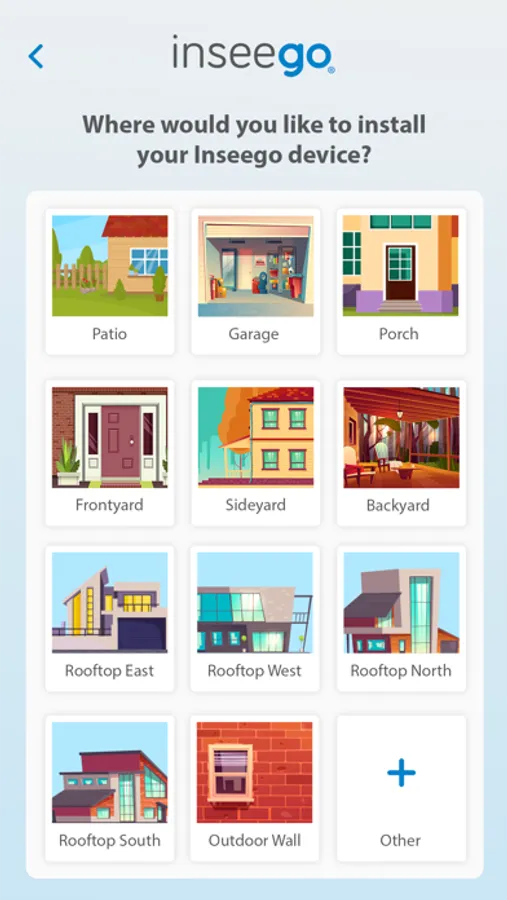
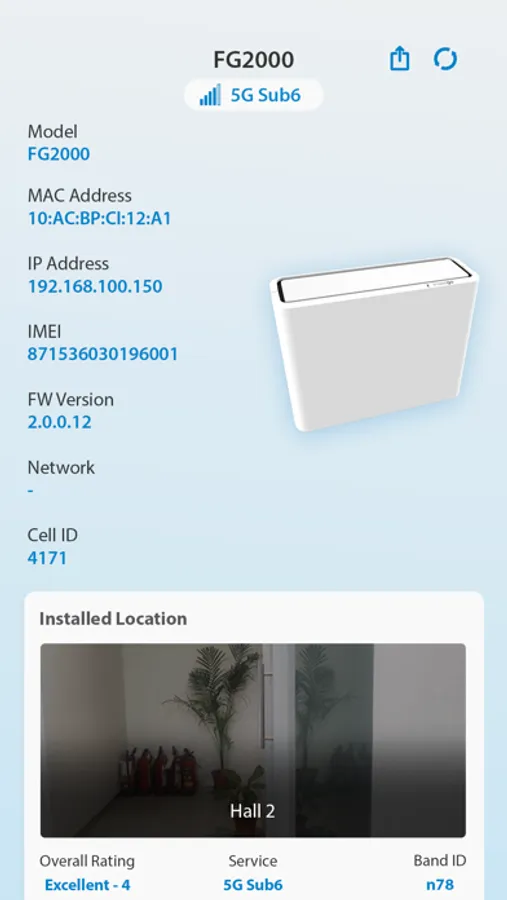
The Mobile App helps users to install their Inseego fixed wireless access (FWA) device in the optimal location to maximize broadband speed in their home, business or enterprise. Installation features are not available on Inseego mobile devices as by nature they can be moved around and don’t require installation in a fixed location.
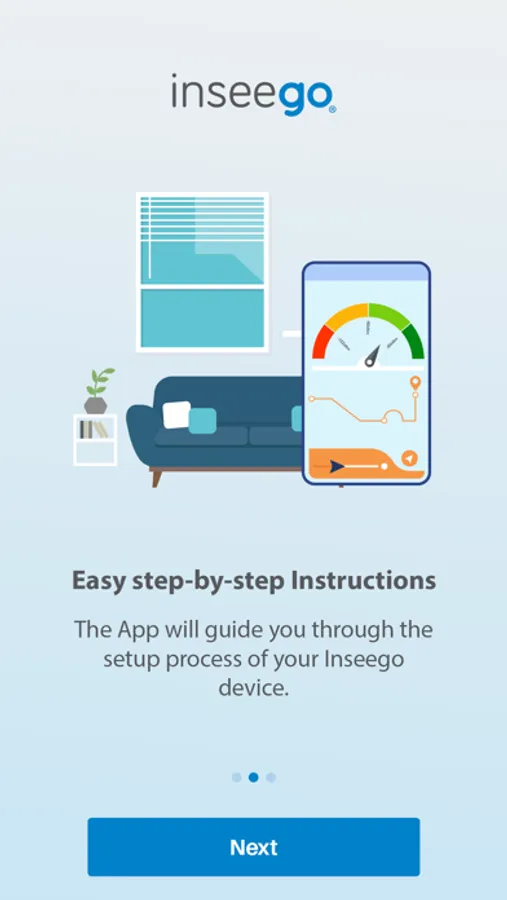
Simply scan the QR code on your device to pair with your phone and get started.
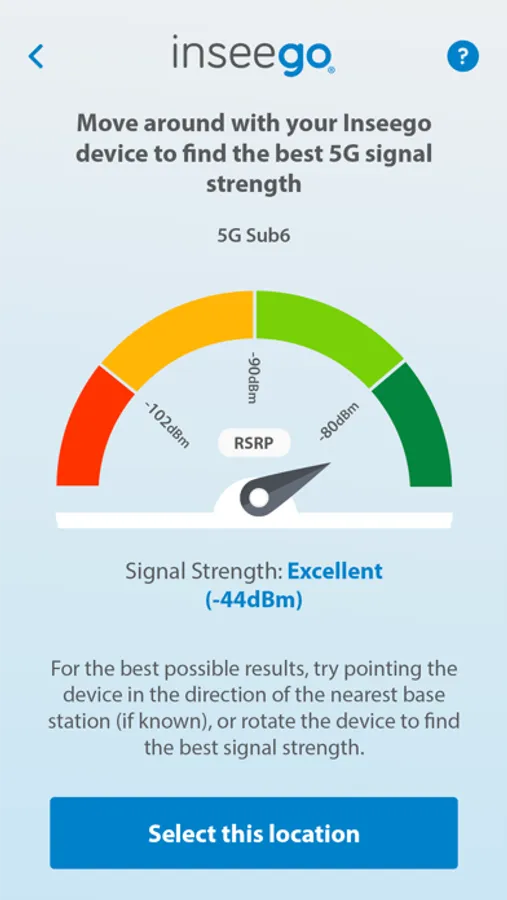
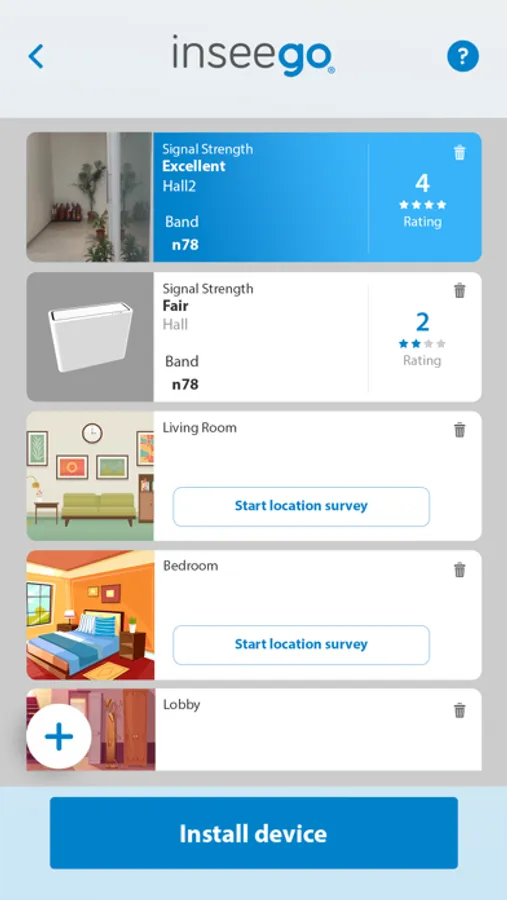
After pairing your smart phone or tablet with your Inseego FWA device, the mobile app automatically collects signal strength data from the device’s cellular connection. As you move the device to different locations and adjust the angle or orientation, the app provides easy-to-understand performance ratings. The app has customized installation flows for end-consumers doing self-installation, or for professional installers.
Device Management
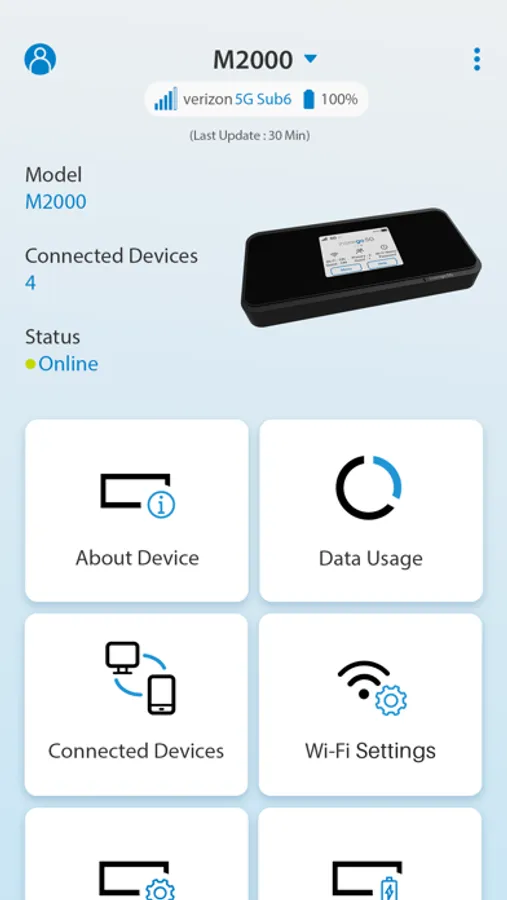
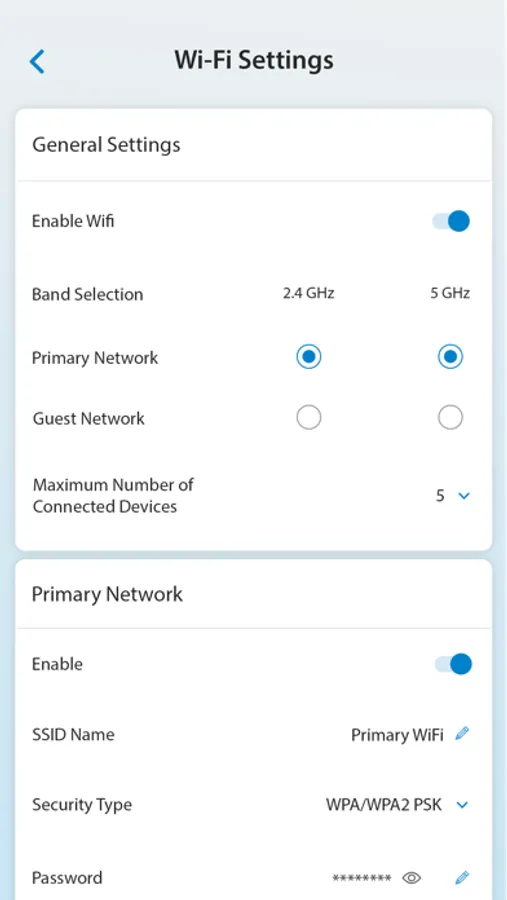
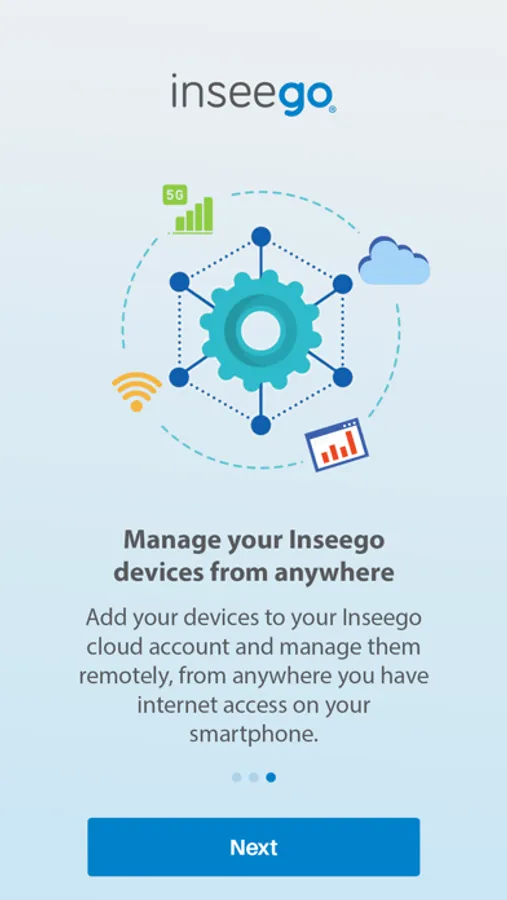
The Mobile App provides access to cloud-based device management features for all Inseego 5G devices, including FWA devices and mobile hotspots like the MiFi X PRO. The device management features of the app allow you to configure and manage all your Inseego devices on your smart phone, from anywhere in the world.
• View real-time signal strength and network statistics
• See daily and monthly data usage
• Control local Wi-Fi settings
• Remotely reboot or factory reset a device
If you don’t have a QR code or just want to manage a device, you can enter the IMEI number in the App to register with the cloud and get started.
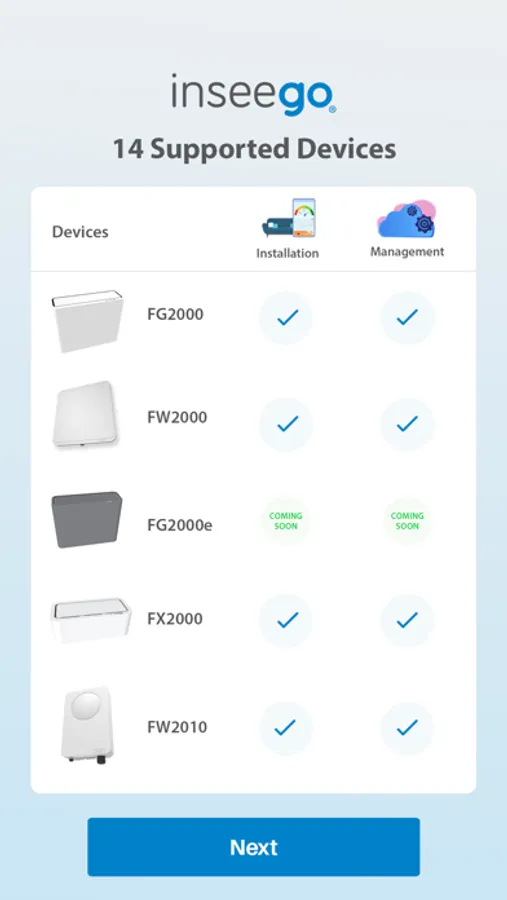
Devices supported in this release of the App:
• FX4100 5G cellular router – Installation and device management
• FX3100 5G cellular router series – Installation and device management
• MiFi X PRO 5G mobile hotspot – device management
• FW3000 5G outdoor CPE – Installation and device management
• FW2000 5G outdoor CPE - Installation and device management
• FG2000 5G cellular router - Installation and device management
• FW2010 5G mmWave outdoor CPE - Installation and device management
• FX2000 5G cellular router – Device management
• S2000 5G industrial router – Installation and device management
• Skyus 160 4G industrial gateway – device management
• M2000 5G mobile hotspot – device management
Inseego Mobile App Screenshots

Tap to Rate:
Reviews for Inseego Mobile App
hardikdev
App does not work
This app is so old, not maintained at all. The instructions don’t make sense, and it’s impossible to use.
Tron-User
Horrible support team; horrible app
Do not bother using their app; it’s incredibly bad; they didn’t bother putting a label on the WiFi device so I couldn’t get the sku number; I was only able to log in through the ip address of the device, after I connected to it. This app is pointless and is nothing more than to take up space on your phone, and perhaps to spy and know what you do within your phone. All you have to do is connect to your WiFi device, get the ip address of your device, put it into your device, and the the page will take you to the page to modify the seatings of your device. Their support team is not any better. They never bothered contacting me - lol.