
AppRecs review analysis
AppRecs rating 3.7. Trustworthiness 82 out of 100. Review manipulation risk 21 out of 100. Based on a review sample analyzed.
★★★☆☆
3.7
AppRecs Rating
Ratings breakdown
5 star
61%
4 star
0%
3 star
11%
2 star
6%
1 star
22%
What to know
✓
Low review manipulation risk
21% review manipulation risk
✓
Credible reviews
82% trustworthiness score from analyzed reviews
✓
Good user ratings
61% positive sampled reviews
About Fly Virga
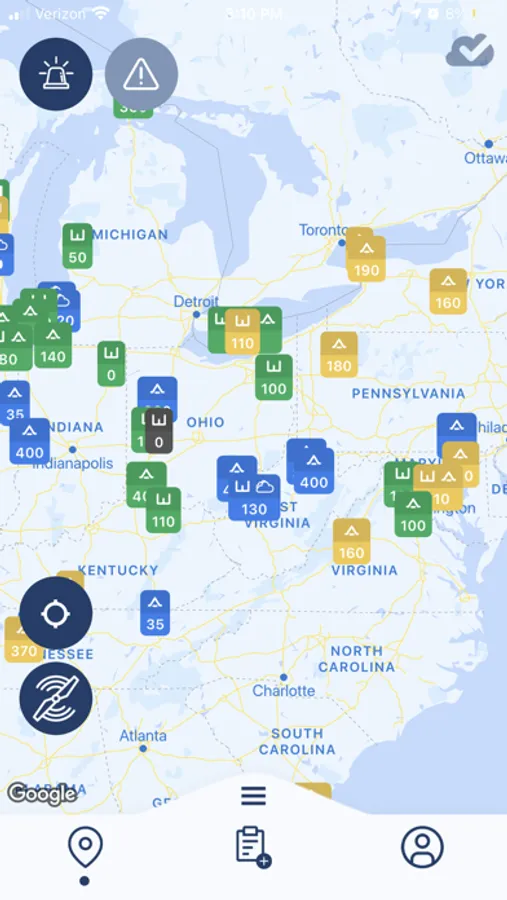
Virga includes powerful graphical flight planning tools which alert you to PIREPs that have been submitted in your geographic area of interest and at the altitudes you plan to travel. Never be surprised by flight conditions ahead of you again.
Virga also gives you the ability to follow the PIREPs submitted by your friends and colleagues. It is a great way to stay close to other pilots and follow reports from pilots you trust.
Filter, sort, and search PIREPs easily on the map based on criteria that are of interest to you.
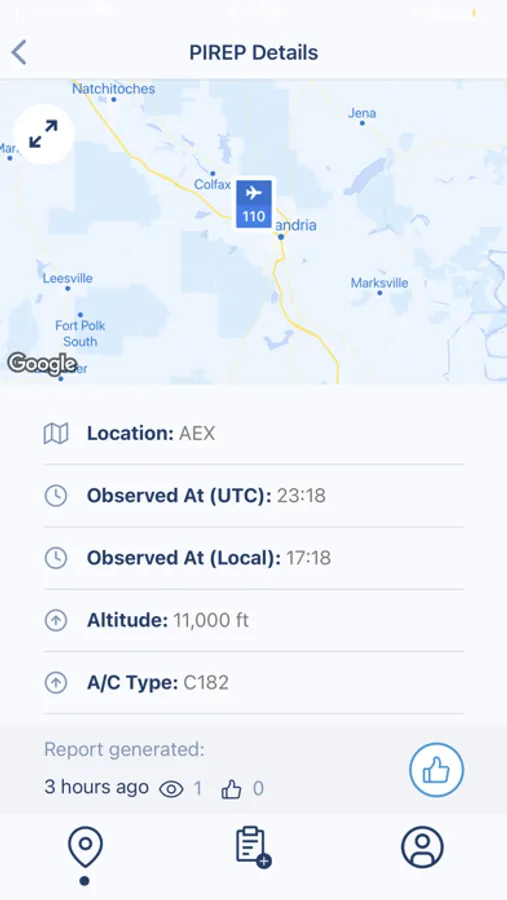
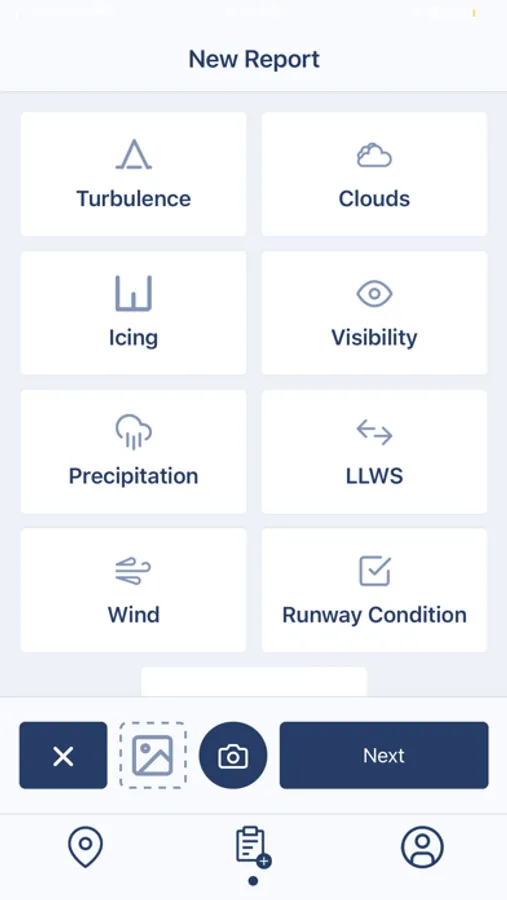
Rest assured that you have access to not only ALL FAA/ATC PIREPs that have been submitted, but also all PIREPs provided by other Virga users. Virga users have the ability to submit photographic detail with their PIREPs, and we all know a picture is worth a thousand words!
Fly confidently and safely, by reliably knowing what is around the corner when using Virga both on the ground and in the air!
Best of all, it's completely free. Download Virga today!
Fly Virga Screenshots
Tap to Rate:
Reviews for Fly Virga
Flyin_D
Disappointing
PIREPS don’t actually get submitted to the FAA. Cannot enter cloud bases and tops below 1000 feet. Wish it worked. It doesn’t.
Carter Hale
Could be a lot better
With Virga Every day is Groundhog Day! let me explain Let’s say I flew a week ago and used Virga, but today I’m going to go fly and so I open up the app and it still has the date being from last week. So I hit the little propeller icon that is supposed to update to today’s date. But it never works So I end up deleting the app, going to the App Store and reloading it. This is the only way I can get it to work on today’s date. I told them about this four months ago, but nothing has been done. Why is this so hard? If you would fix this glitch then I would give it a four star rating. There is really no good instructional video on how to operate the application. I guess the developer just thought we would figure it out. If you fix this, then I would give me a five star rating.