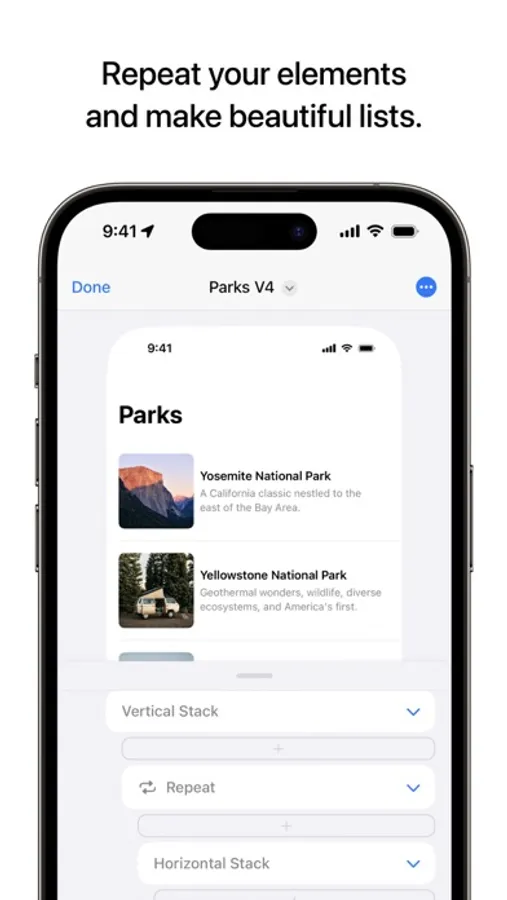
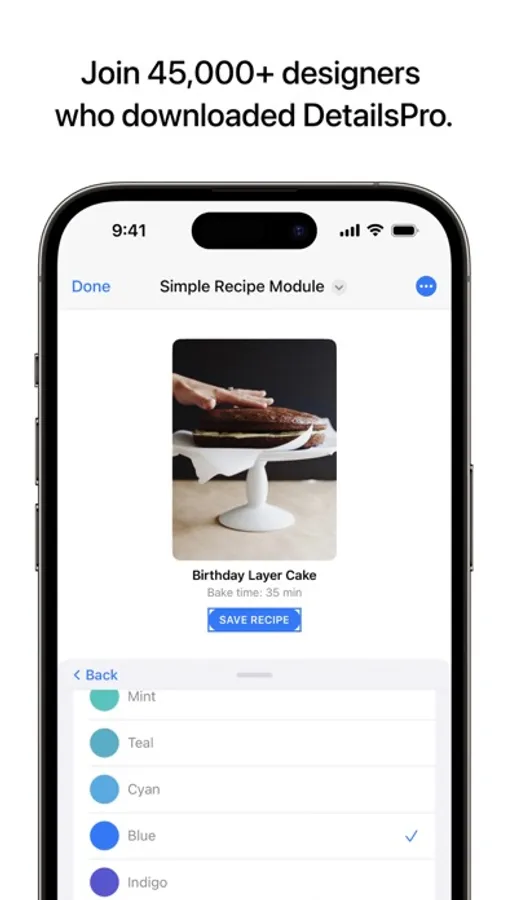
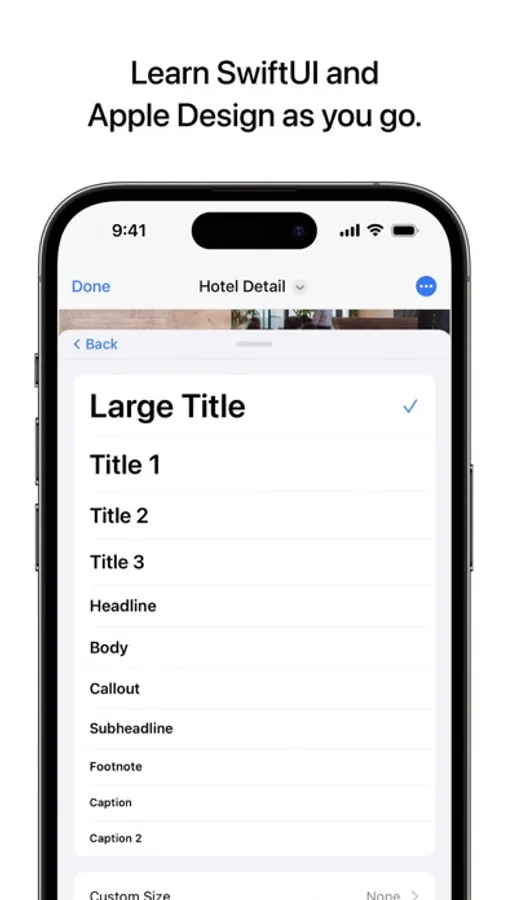
In this design app, you can create app mockups and produce SwiftUI layouts without coding. Includes real SwiftUI components, visual modifiers, and export options for Xcode.
AppRecs review analysis
AppRecs rating 4.4. Trustworthiness 70 out of 100. Review manipulation risk 33 out of 100. Based on a review sample analyzed.
★★★★☆
4.4
AppRecs Rating
Ratings breakdown
5 star
89%
4 star
4%
3 star
2%
2 star
1%
1 star
3%
What to know
✓
High user satisfaction
89% of sampled ratings are 5 stars
✓
Authentic reviews
No red flags detected
About DetailsPro
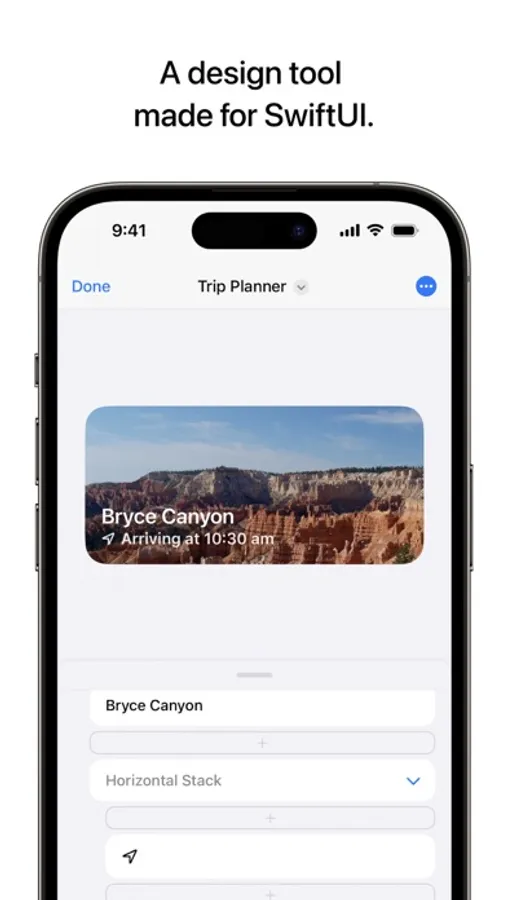
— Create with SwiftUI views like VStack, Text, Image, and more
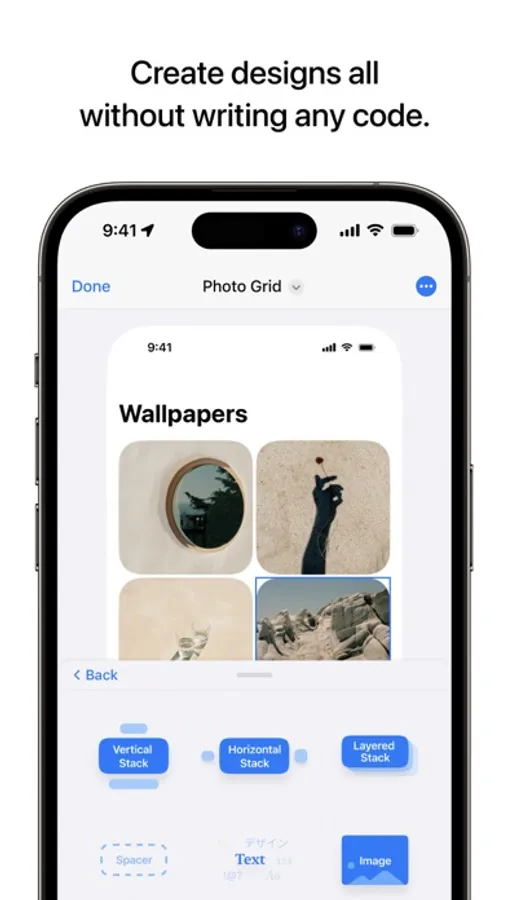
— Make real designs without writing any code
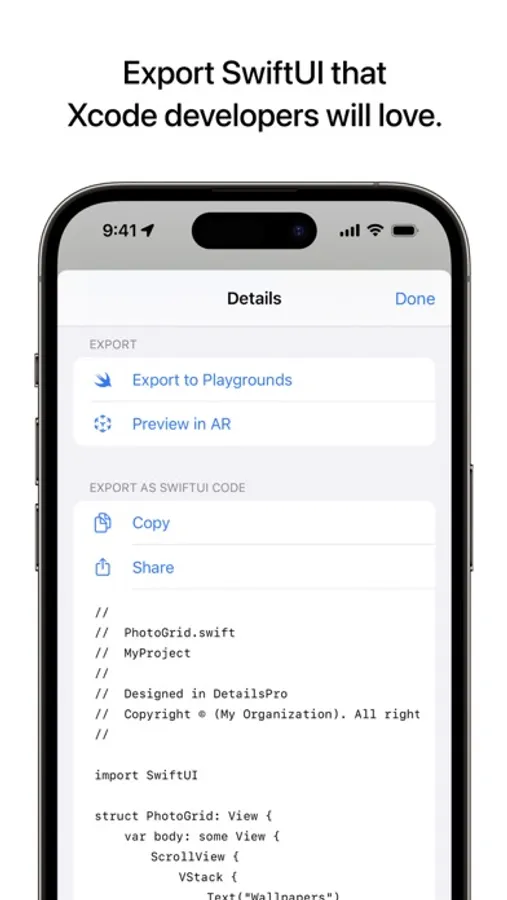
— Export to Xcode, Swift Playgrounds, and more
— Available free forever with unlimited files
— Optionally upgrade to Premium for prototyping tools and premium templates
— Design from iPhone, iPad, Mac, and Apple Vision Pro
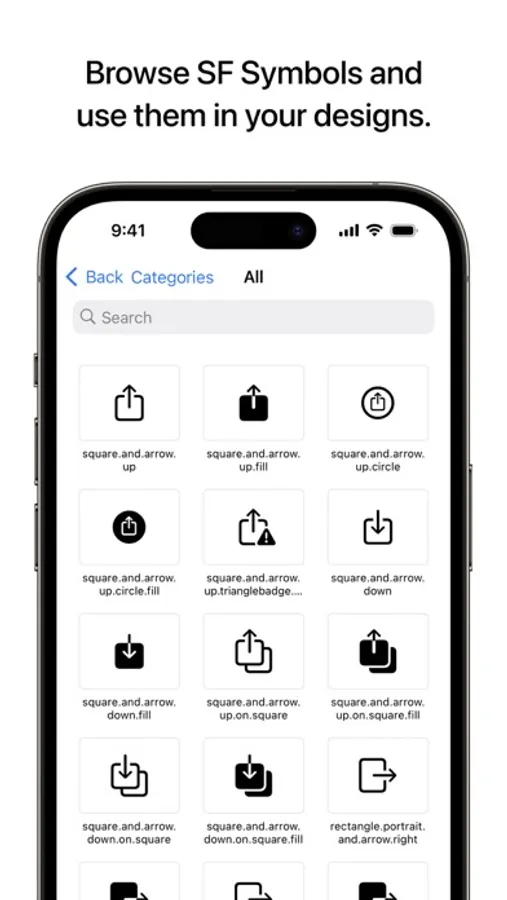
— SF Symbols for browsing and searching
Features:
— VStack, HStack, ZStack
— Text, Images, Shapes
— Dividers, Spacers
— Grids, Scrolls
— Visual Effect Blur Views
— SF Symbols
— Gradients
— Maps
— Frame, Padding modifiers
— All Text modifiers like kerning, lineHeight, font, fontWeight, and more
— Liquid Glass modifiers
— Effects modifiers like colorMultiply, opacity, offset, rotate, and scale
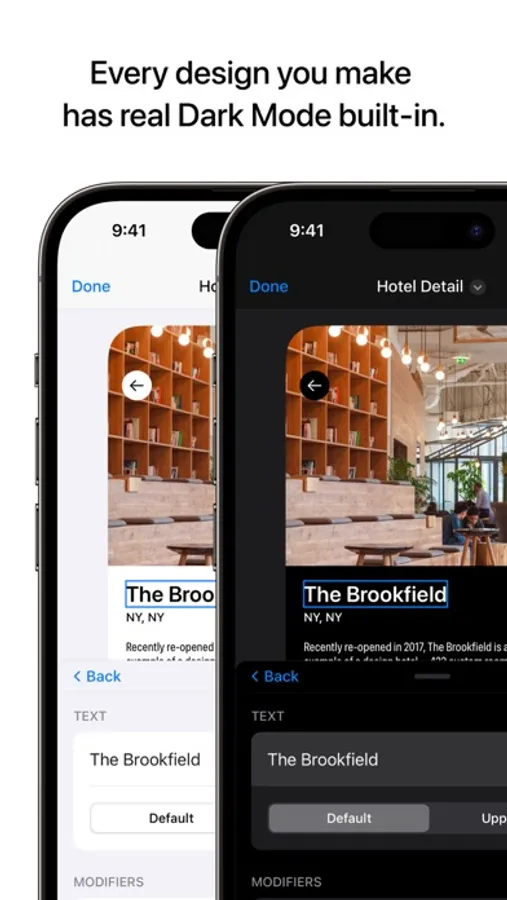
— Dark mode and light mode
— Built-in size templates for iPhone, iPad Pro, and iOS widgets
— Import and export as .detailspro files
— Export to Swift Playgrounds
— Export to Xcode as Swift files
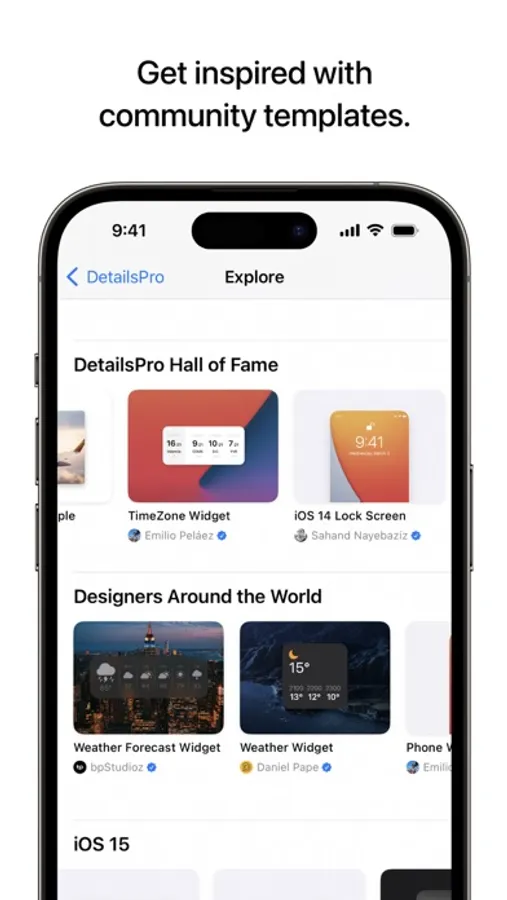
— Download community templates
Templates: Kick start your next design update with built-in SwiftUI design templates and community templates that are being updated all the time. Save time and get straight to your idea without having to set up a full development environment.
Split Mode: Check your design in Dark Mode and Light Mode more easily than ever by previewing both at the same time. Choose from System, Dark, Light, or Split Mode for your design environment and switch between them instantly.
"...the tools you need to start designing an app in SwiftUI using just an iOS device." - 9to5Mac
Your DetailsPro subscription will automatically renew unless you turn off auto-renew at least 24 hours before the current period ends. You can go to Settings > iTunes & App Store > Apple ID > Subscriptions to manage your membership. Your iTunes Account will be charged when the purchase is confirmed.
Read more about our terms and conditions here:
https://detailspro.app/terms
Read more about our privacy policy here:
https://detailspro.app/privacy
DetailsPro Screenshots
Tap to Rate:
Reviews for DetailsPro
SS-MM-00
This is it
This is how I’ve always wanted to design. I don’t write code but I’ve always found it absurd that design tools aren’t built with code in mind - code is so often the end product. Designing this way helps me better understand the engineers limitations and how to better design for them. Maybe one day you’ll consider building variations of Details Pro for other languages. I’d love to build a website this way. Lifetime option purchased!
dnlrva
Great concept but UI needs a facelift!
This app has so much potential! It has all the features needed to design on the iPad however the UI is very outdated and hard to understand especially the layer panel. I hope in the near future you start to focus on the UI. Once that happens this will be a 5 star app!