With this app, you can browse two websites simultaneously and switch between full and dual screens. Includes quick access to favorite sites, comparison tools, and private search options.
AppRecs review analysis
AppRecs rating 4.4. Trustworthiness 78 out of 100. Review manipulation risk 25 out of 100. Based on a review sample analyzed.
★★★★☆
4.4
AppRecs Rating
Ratings breakdown
5 star
76%
4 star
8%
3 star
6%
2 star
2%
1 star
7%
What to know
✓
Low review manipulation risk
25% review manipulation risk
✓
Credible reviews
78% trustworthiness score from analyzed reviews
✓
High user satisfaction
84% of sampled ratings are 4+ stars (4.4★ average)
About Split It : Split Screen
Features:
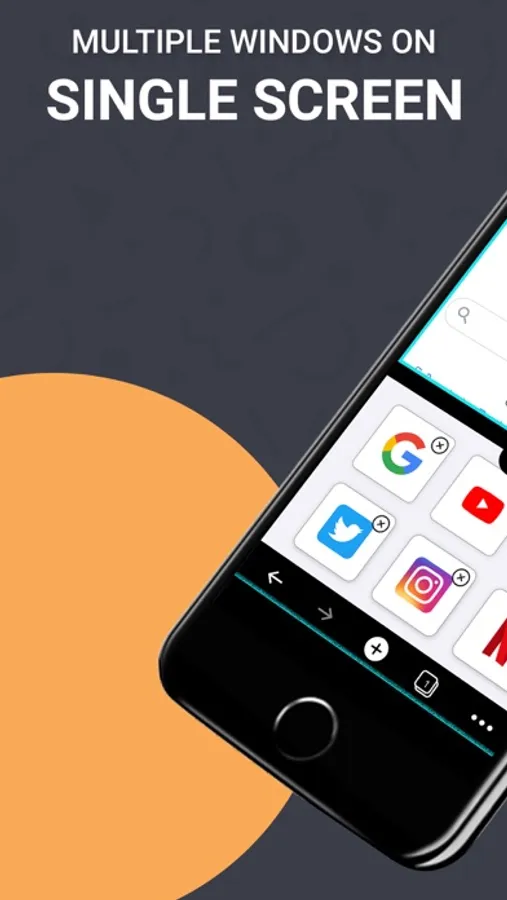
◆ Quick access to your favorite Websites;
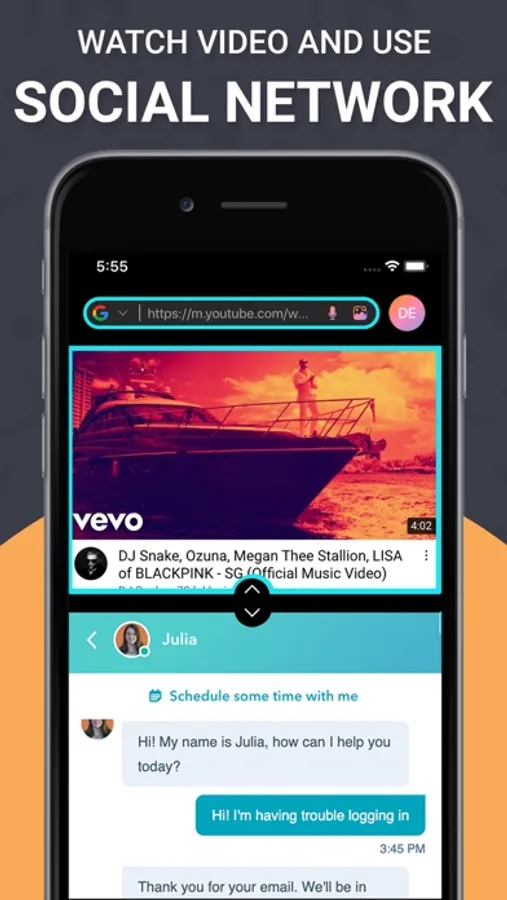
◆ Compare products from different markets on one screen without endless switching between tabs and trying to remember necessary characteristics;
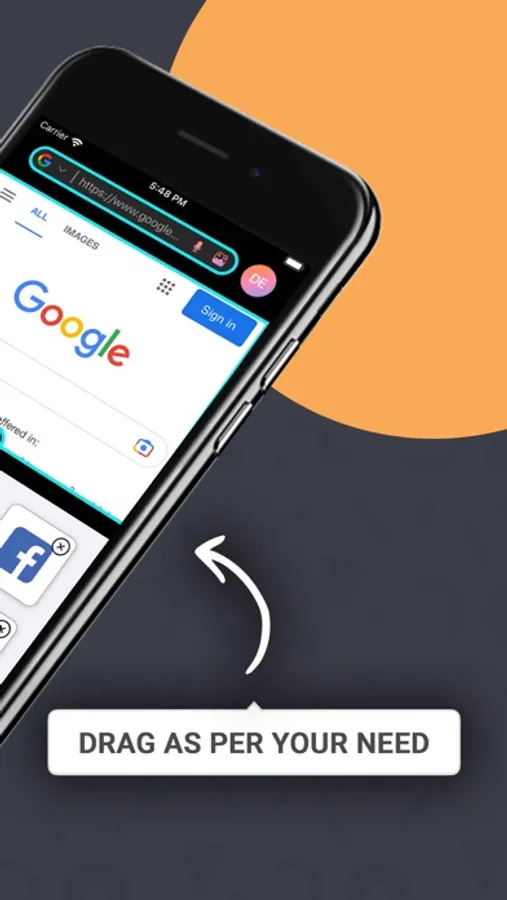
◆ Quick switch between full screen and dual screen
◆ Search with multiple search engines
◆ Search from Audio to Text
◆ Search by image
◆ Profile management
◆ Private safe search
SUBSCRIPTION OPTIONS:
- “Split Screen” App is free to download. It contains preferable auto-renewing subscription options for Unlimited Use.
- Once you subscribe to any of your preferable options, you can enjoy all the features of the app.
- Payment will be charged to iTunes Account at confirmation of purchase.
- Subscription automatically renews unless auto-renew is turned off at least 24-hours before the end of the current period.
- Account will be charged for renewal within 24-hours prior to the end of the current period, and identify the cost of the renewal.
- Subscriptions may be managed by the user and auto-renewal may be turned off by going to the user's Account Settings after purchase.
Privacy Policy:
https://sites.google.com/view/nilu-technologies/privacy-policy
Terms of Use:
https://sites.google.com/view/nilu-technologies/termsconditions
Split It : Split Screen Screenshots
Tap to Rate:
Reviews for Split It : Split Screen
Needs link
You need to provide access to photos
You need to be able to access your photo library so you can look at a photo while you search on the other split screen. Or show me how to because I dot see that option .
Fantasiasmom
So far so good
I’m adjusting to changing from 20 years of Samsung to iPhone and sorely missed the split screen function. I tried 3 other “split screen”apps for iPhone. I even purchased one for $2.99 to get it to function better. This one is the best so far and I’m still in the free version. The only thing lacking (or I haven’t figured out yet) is the ability to adjust the screen sizes to make one larger than the other. If I figure this out or the developers add it, I will update to 5 stars. I think I will be purchasing the paid version regardless.