With this app, you can view weather, news, calendar, music, and stock information on your home screen. Includes customizable styles, detailed weather forecasts, and trend updates.
AppRecs review analysis
AppRecs rating 4.3. Trustworthiness 72 out of 100. Review manipulation risk 22 out of 100. Based on a review sample analyzed.
★★★★☆
4.3
AppRecs Rating
Ratings breakdown
5 star
70%
4 star
1%
3 star
4%
2 star
10%
1 star
13%
What to know
✓
Low review manipulation risk
22% review manipulation risk
✓
Credible reviews
72% trustworthiness score from analyzed reviews
✓
High user satisfaction
72% of sampled ratings are 4+ stars (4.0★ average)
About Tday Widget - Weather, News
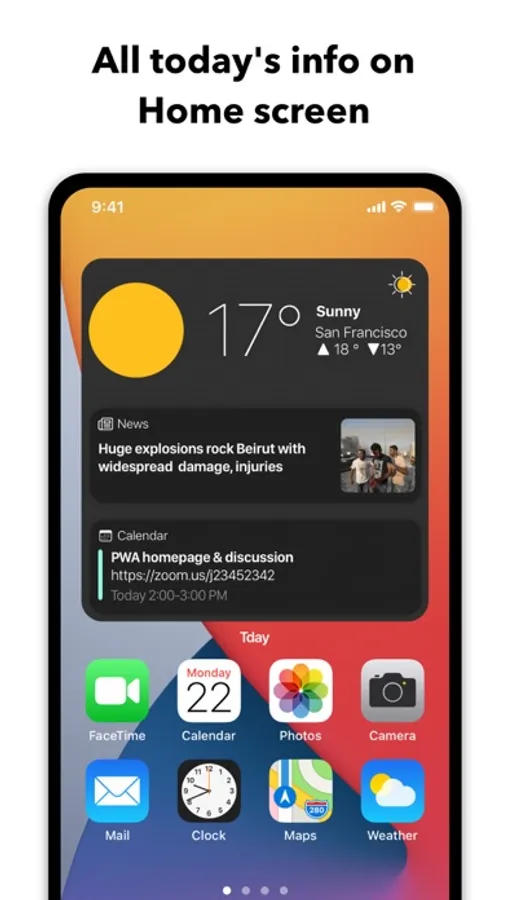
Today's essential information for you, on iOS 14 Home Screen.
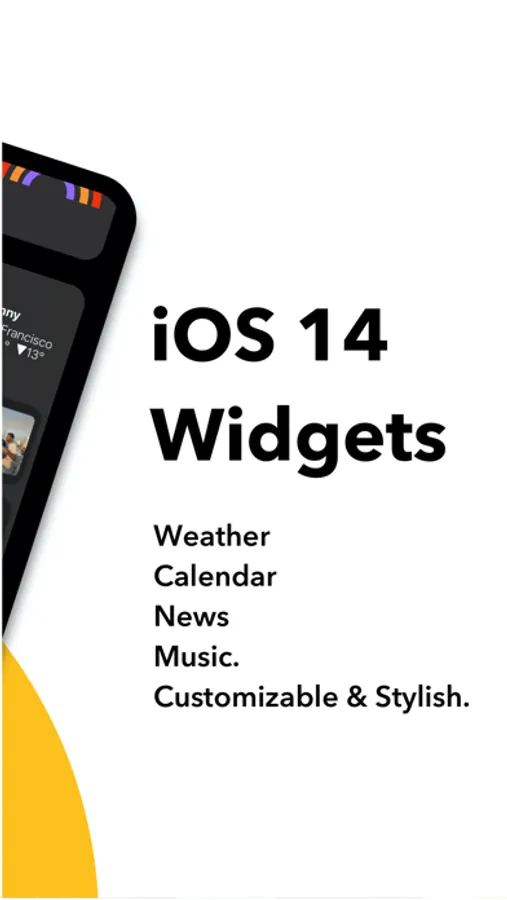
Tday Widget is informative, stylish, and customizable.
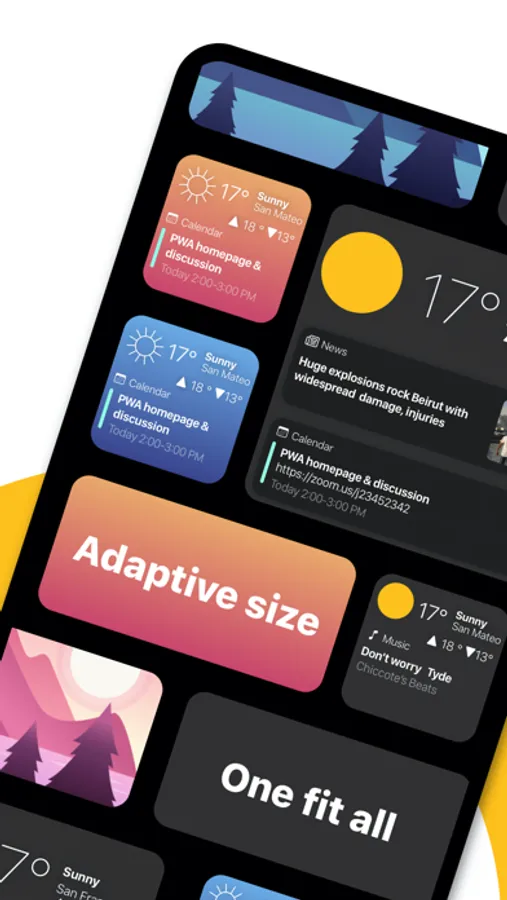
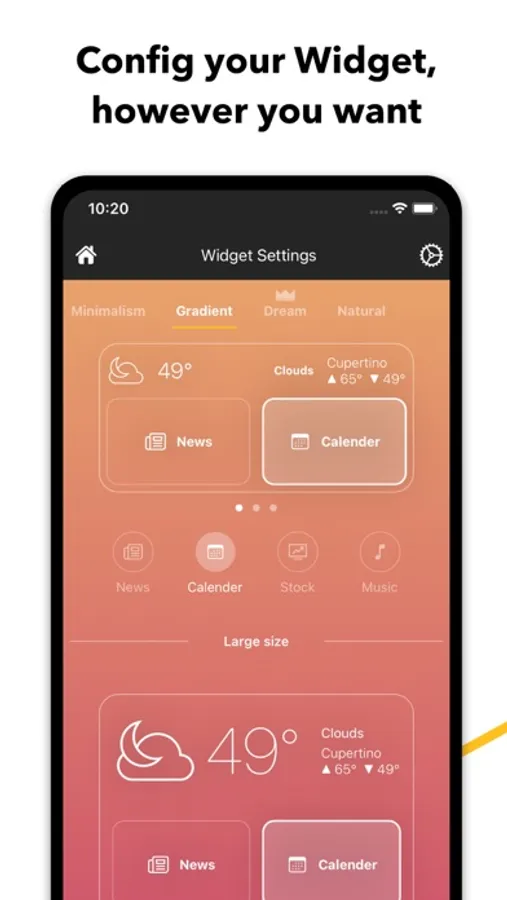
- Stylish: looks beautiful on your home screen, with 4 styles to choose from - Minimalism, Gradient, Dream, and Natural.
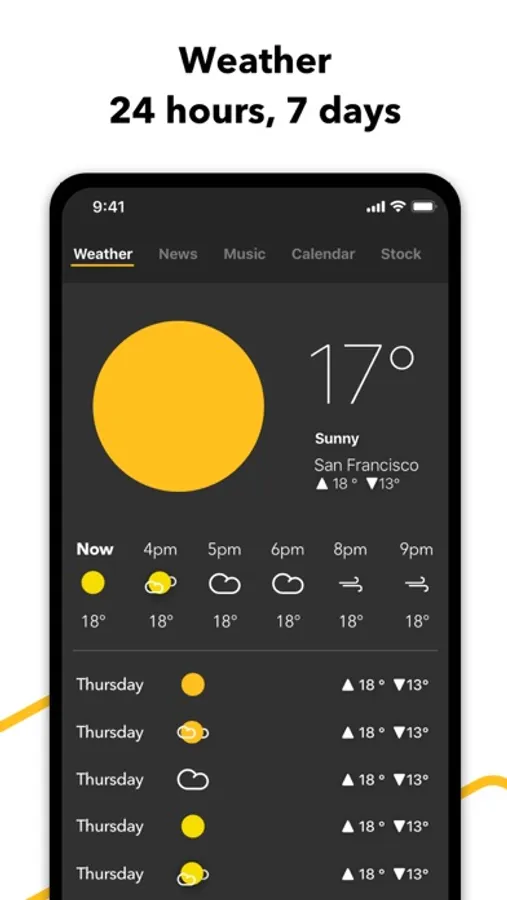
- Weather: looks great on home screen widget; more detailed weather info inside the app
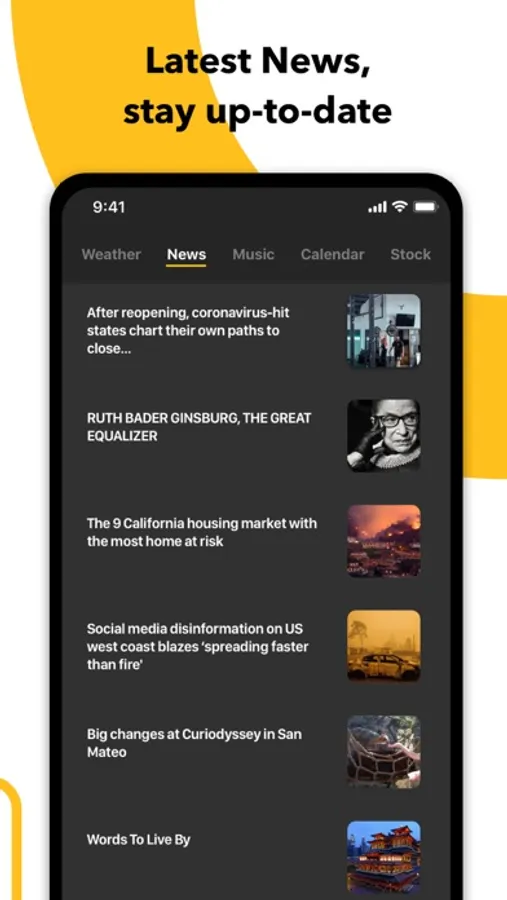
- News: show you what's trending
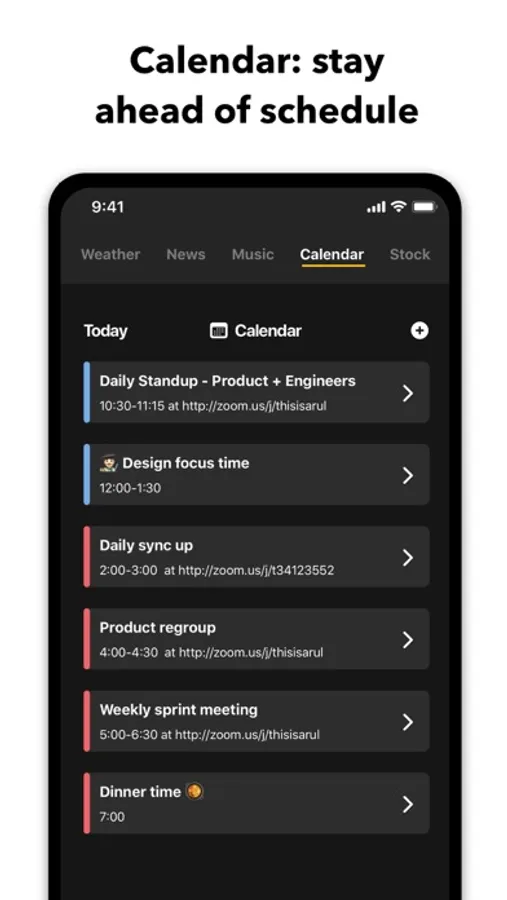
- Calendar: take a glance to know the next meeting for yourself
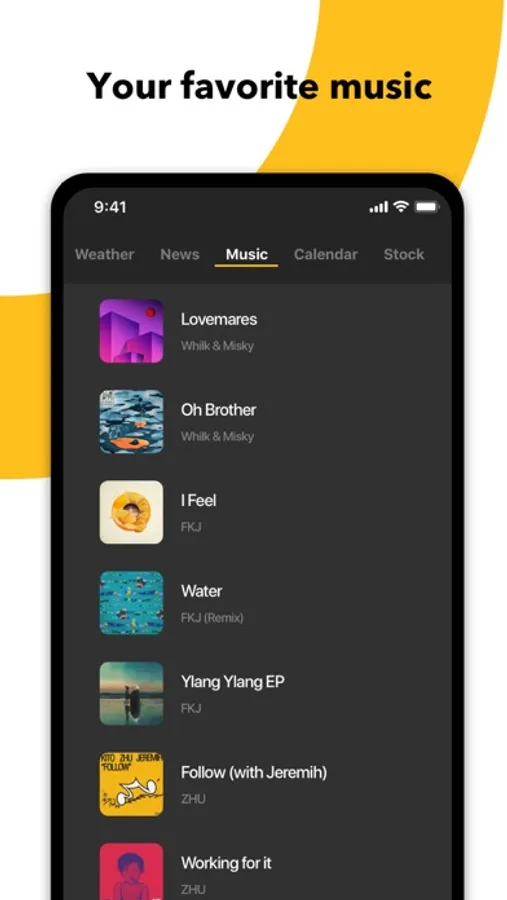
- Music: play most recent music, from home screen
- Stock: show the performance of major stock indices, as well as the stocks you picked
- Customizable: you can define what you see throughout the day, from Widget Settings
- More inside the app: hourly weather forecast for the next 24 hours, and daily weather forecast for the next 7 days
- Easy-to-use: we have step-by-step onboarding tutorial who anyone who is new to iOS 14 widget
Tday + Subscription:
- You can subscribe for premium features from inside the app; subscriptions are billed weekly or monthly or annually at the rate selected depending on the subscription plan.
- Payment will be charged to your iTunes account at confirmation of purchase.
- Subscriptions will automatically renew unless auto-renew is turned off at least 24 hours before the end of current period.
- Your account will be charged according to your plan for renewal within 24 hours prior to the end of the current period.
You can manage or turn off auto-renew in your Apple ID account settings at any time after purchase:
- Go to Settings > iTunes & App Store
- Tap your Apple ID at the top of the screen
- Tap View Apple ID. You might need to sign in or use Touch ID.
- Tap Subscriptions.
- Tap the subscription you want to manage.
- Use the options to manage your subscription.
- No cancellation of the current subscription is allowed during the active subscription period. Once purchased, refunds will not be provided for any unused portion of the term.
Privacy Policy:
http://myfancy.app/is/TdayWidget74/privacy
Terms of Use:
http://myfancy.app/is/TdayWidget74/term
Connect with us:
support@touchberry.net
Tday Widget is informative, stylish, and customizable.
- Stylish: looks beautiful on your home screen, with 4 styles to choose from - Minimalism, Gradient, Dream, and Natural.
- Weather: looks great on home screen widget; more detailed weather info inside the app
- News: show you what's trending
- Calendar: take a glance to know the next meeting for yourself
- Music: play most recent music, from home screen
- Stock: show the performance of major stock indices, as well as the stocks you picked
- Customizable: you can define what you see throughout the day, from Widget Settings
- More inside the app: hourly weather forecast for the next 24 hours, and daily weather forecast for the next 7 days
- Easy-to-use: we have step-by-step onboarding tutorial who anyone who is new to iOS 14 widget
Tday + Subscription:
- You can subscribe for premium features from inside the app; subscriptions are billed weekly or monthly or annually at the rate selected depending on the subscription plan.
- Payment will be charged to your iTunes account at confirmation of purchase.
- Subscriptions will automatically renew unless auto-renew is turned off at least 24 hours before the end of current period.
- Your account will be charged according to your plan for renewal within 24 hours prior to the end of the current period.
You can manage or turn off auto-renew in your Apple ID account settings at any time after purchase:
- Go to Settings > iTunes & App Store
- Tap your Apple ID at the top of the screen
- Tap View Apple ID. You might need to sign in or use Touch ID.
- Tap Subscriptions.
- Tap the subscription you want to manage.
- Use the options to manage your subscription.
- No cancellation of the current subscription is allowed during the active subscription period. Once purchased, refunds will not be provided for any unused portion of the term.
Privacy Policy:
http://myfancy.app/is/TdayWidget74/privacy
Terms of Use:
http://myfancy.app/is/TdayWidget74/term
Connect with us:
support@touchberry.net
Tday Widget - Weather, News Screenshots
Tap to Rate:
Reviews for Tday Widget - Weather, News
monsterjazz12
Music Display
Music display doesn’t update as soon as song changes, there’s a delay. If that were fixed, it would be 5 stars
user4206996xD
eh
it looks great on the homescreen but it doesn't update and to get the temperature to refresh i have to delete the widget and add it again