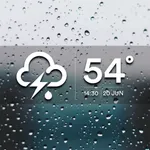
In this weather widget app, you can customize backgrounds and icons to display accurate weather reports on your home screen. Includes themes, forecast details, and multi-city support.
AppRecs review analysis
AppRecs rating 4.8. Trustworthiness 73 out of 100. Review manipulation risk 24 out of 100. Based on a review sample analyzed.
★★★★☆
4.8
AppRecs Rating
Ratings breakdown
5 star
92%
4 star
1%
3 star
2%
2 star
2%
1 star
5%
What to know
✓
Low review manipulation risk
24% review manipulation risk
✓
Credible reviews
73% trustworthiness score from analyzed reviews
✓
High user satisfaction
92% of sampled ratings are 5 stars
About Weather ++++
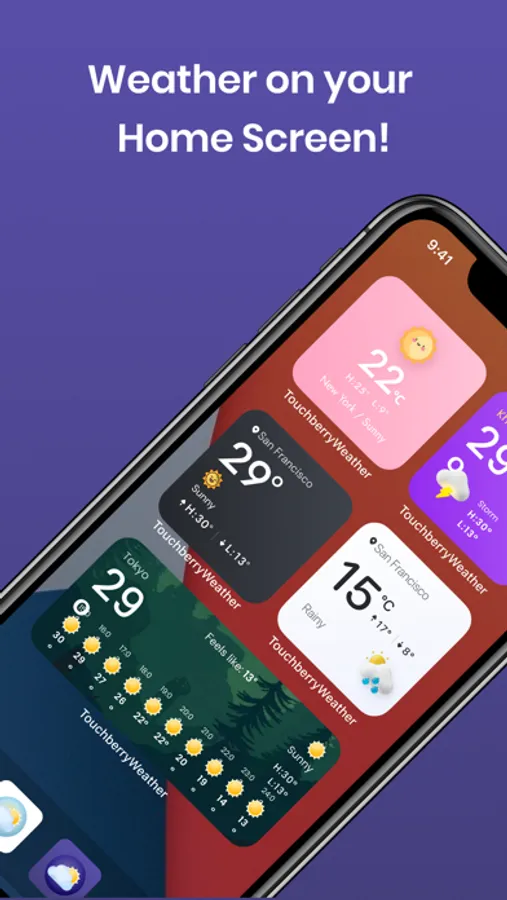
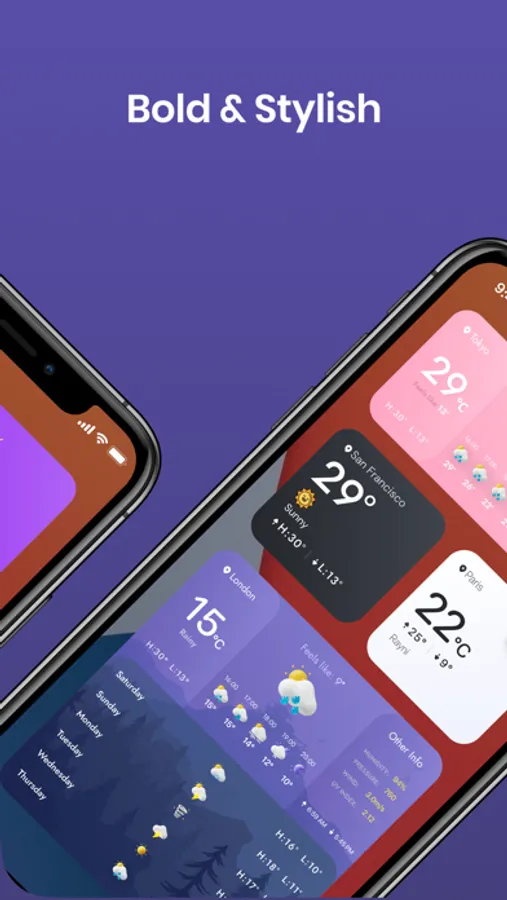
Colorful weather widget on your iPhone home screen! Carefully crafted weather widgets, with highly customizable backgrounds and icons, we aim to make your weather reports accurately and stylishly.
Cool features:
- Weather report on home screen widgets
- Widget designs are gorgeous, making your home screen good-looking
- Pick from 20+ preloaded themes
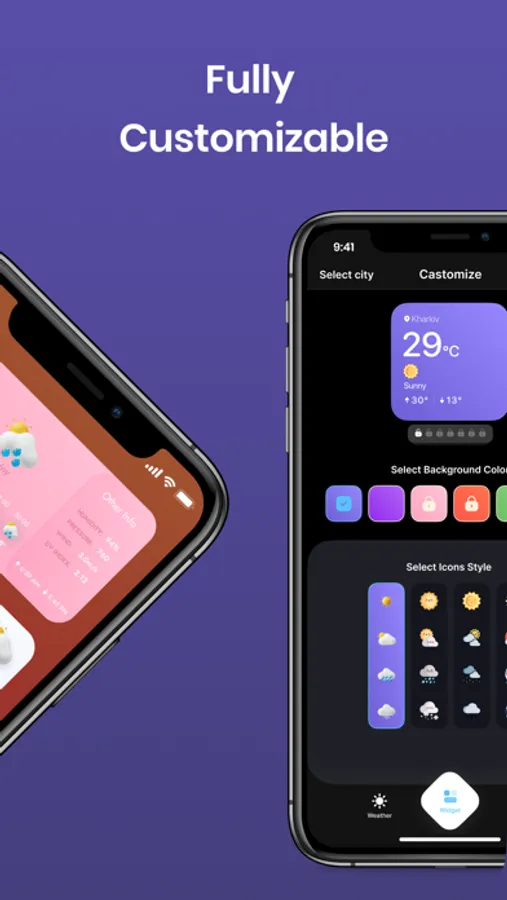
- Highly customizable: pick your own background color & weather icons
- Accurate weather forecast
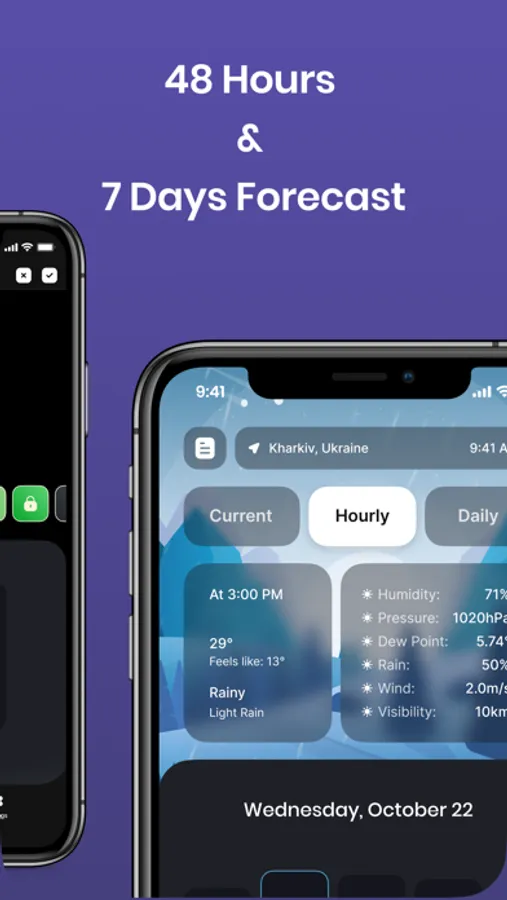
- We provide 48 hours & 7 days forecast
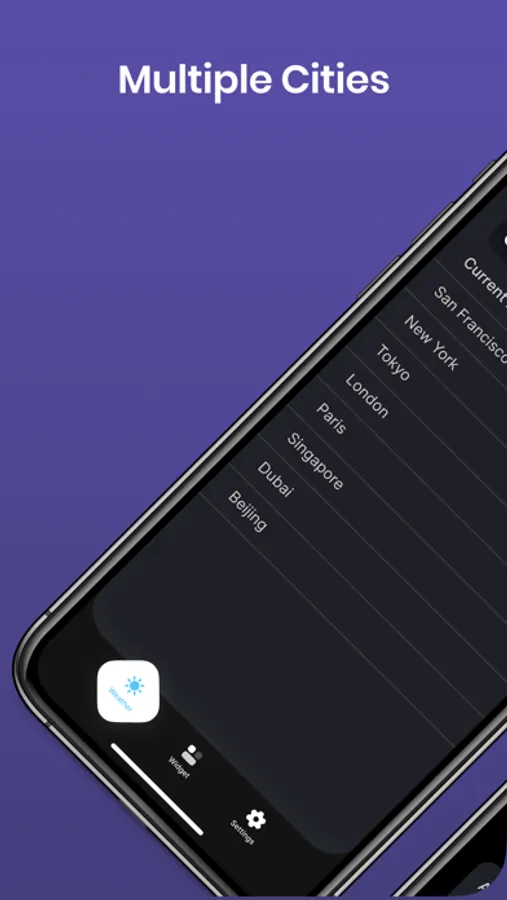
- You can easily check weather of multiple cities
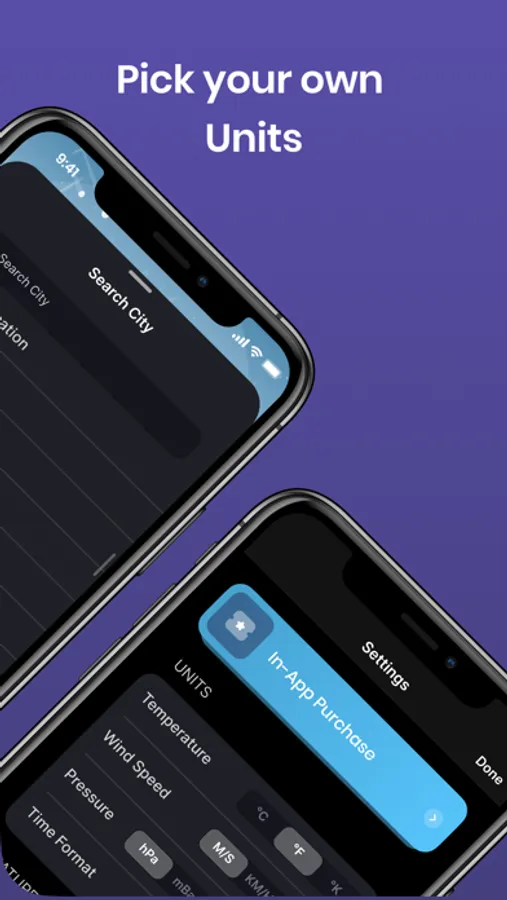
- Pick your own units: ℃ vs ℉, m/s vs mph, etc
Our users love our app, here's what users say:
*** This app is different from all other weather apps - it's not just an app, it's information at a glance
*** I love the gorgeous designs of the weather widgets. There're so many styles to pick from!
Subscription to access premium themes:
- You can subscribe for premium features from inside the app; subscriptions are billed weekly or monthly or annually at the rate selected depending on the subscription plan.
- Payment will be charged to your iTunes account at confirmation of purchase.
- Subscriptions will automatically renew unless auto-renew is turned off at least 24 hours before the end of current period.
- Your account will be charged according to your plan for renewal within 24 hours prior to the end of the current period.
You can manage or turn off auto-renew in your Apple ID account settings at any time after purchase:
- Go to Settings > iTunes & App Store
- Tap your Apple ID at the top of the screen
- Tap View Apple ID. You might need to sign in or use Touch ID.
- Tap Subscriptions.
- Tap the subscription you want to manage.
- Use the options to manage your subscription.
- No cancellation of the current subscription is allowed during the active subscription period. Once purchased, refunds will not be provided for any unused portion of the term.
Privacy Policy:
https://colorful-weather.flycricket.io/privacy.html
Terms of Use:
https://colorful-weather.flycricket.io/terms.html
Connect with us:
support@touchberry.net
Cool features:
- Weather report on home screen widgets
- Widget designs are gorgeous, making your home screen good-looking
- Pick from 20+ preloaded themes
- Highly customizable: pick your own background color & weather icons
- Accurate weather forecast
- We provide 48 hours & 7 days forecast
- You can easily check weather of multiple cities
- Pick your own units: ℃ vs ℉, m/s vs mph, etc
Our users love our app, here's what users say:
*** This app is different from all other weather apps - it's not just an app, it's information at a glance
*** I love the gorgeous designs of the weather widgets. There're so many styles to pick from!
Subscription to access premium themes:
- You can subscribe for premium features from inside the app; subscriptions are billed weekly or monthly or annually at the rate selected depending on the subscription plan.
- Payment will be charged to your iTunes account at confirmation of purchase.
- Subscriptions will automatically renew unless auto-renew is turned off at least 24 hours before the end of current period.
- Your account will be charged according to your plan for renewal within 24 hours prior to the end of the current period.
You can manage or turn off auto-renew in your Apple ID account settings at any time after purchase:
- Go to Settings > iTunes & App Store
- Tap your Apple ID at the top of the screen
- Tap View Apple ID. You might need to sign in or use Touch ID.
- Tap Subscriptions.
- Tap the subscription you want to manage.
- Use the options to manage your subscription.
- No cancellation of the current subscription is allowed during the active subscription period. Once purchased, refunds will not be provided for any unused portion of the term.
Privacy Policy:
https://colorful-weather.flycricket.io/privacy.html
Terms of Use:
https://colorful-weather.flycricket.io/terms.html
Connect with us:
support@touchberry.net
Weather ++++ Screenshots
Tap to Rate:
Reviews for Weather ++++
bertmerps
Hasn’t worked in ages
Widget doesn’t work. It’s just a black box on my home screen.
Honeybee 367
Widget blacked out
This is a nice app. It’s just the widget option. When it post on the Home Screen it’s just black it doesn’t show the widget.