
AppRecs review analysis
AppRecs rating 3.3. Trustworthiness 89 out of 100. Review manipulation risk 21 out of 100. Based on a review sample analyzed.
★★★☆☆
3.3
AppRecs Rating
Ratings breakdown
5 star
56%
4 star
0%
3 star
0%
2 star
11%
1 star
33%
What to know
✓
Low review manipulation risk
21% review manipulation risk
✓
Credible reviews
89% trustworthiness score from analyzed reviews
About Quick Note for Notion
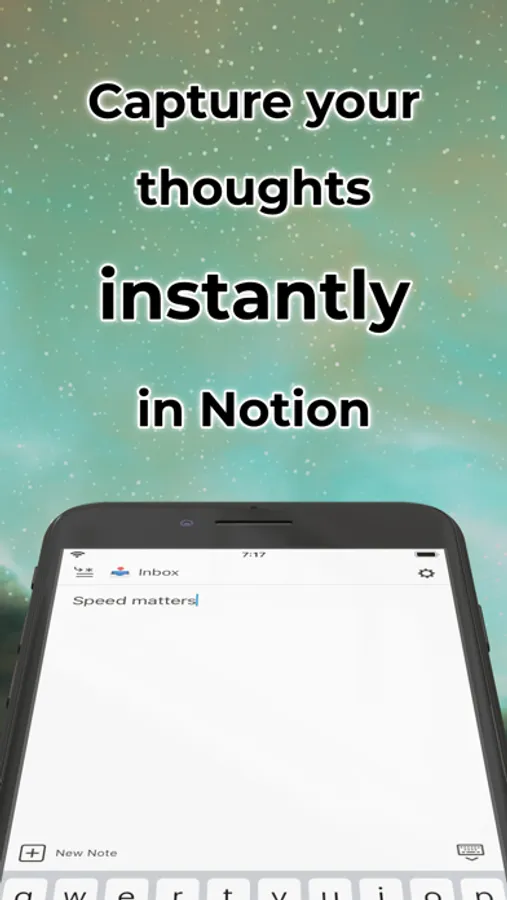
Quickly jot down notes into your Notion without delay or distraction.
Taking a quick note should be super fast. Now it is.
Quick Note…
• launches instantaneously
• is always ready for you to immediately start typing
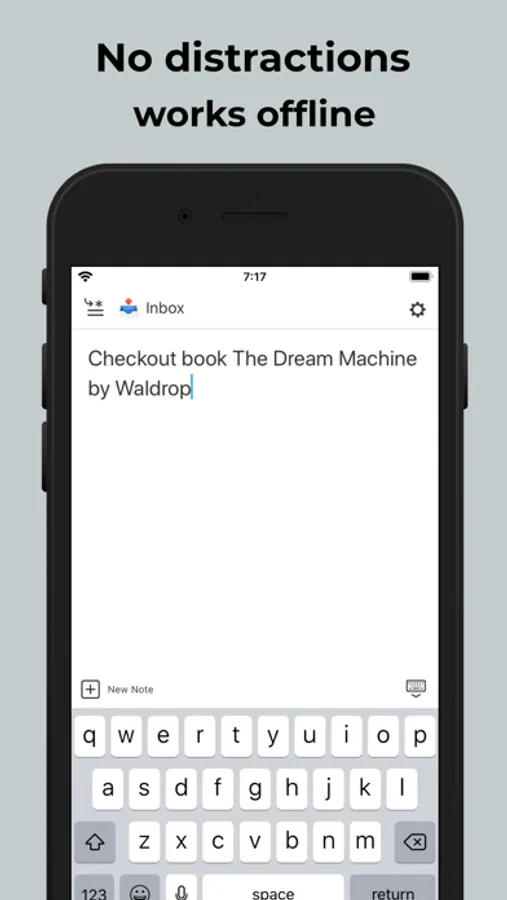
• works offline
• gives you a distraction-free blank notepad
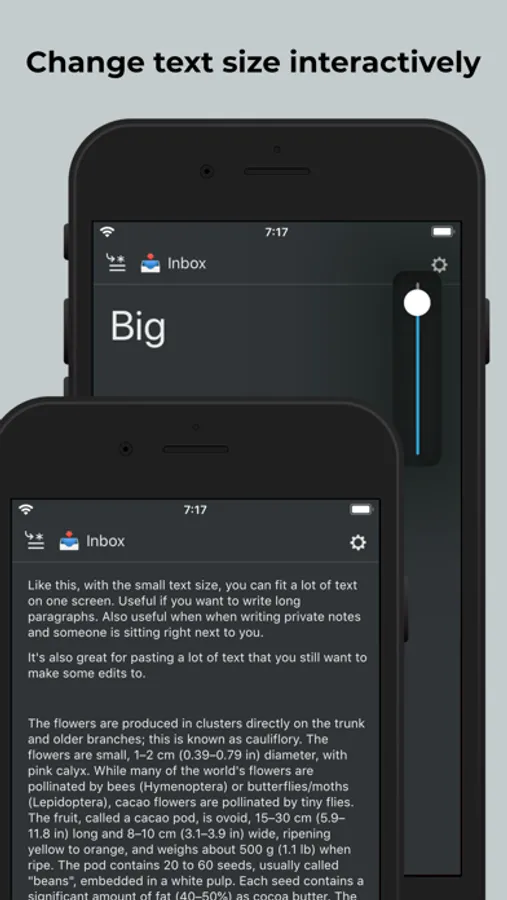
• allows you to smoothly adjust the text size
Here's how it works:
You get a blank notepad and can type right away. What you type goes straight into your Notion. It works best with a dedicated page (like "Inbox" or "Quick Notes") but you can easily change pages per note if you want.
You can now either keep this note around for a while (good for e.g. a quick shopping list) or just clear the notepad and enter a new note. Either way, it's synced to your Notion so you don't have to worry about finding it later.
Minimal by design:
Quick Note is focused on purpose. It doesn't display any existing page content. It only submits the text you enter. To read, browse, and format, please use the Notion iOS or Mac app.
Current limitations:
You can only append to regular pages. Inserting new entries to database pages will follow in a later version.
Taking a quick note should be super fast. Now it is.
Quick Note…
• launches instantaneously
• is always ready for you to immediately start typing
• works offline
• gives you a distraction-free blank notepad
• allows you to smoothly adjust the text size
Here's how it works:
You get a blank notepad and can type right away. What you type goes straight into your Notion. It works best with a dedicated page (like "Inbox" or "Quick Notes") but you can easily change pages per note if you want.
You can now either keep this note around for a while (good for e.g. a quick shopping list) or just clear the notepad and enter a new note. Either way, it's synced to your Notion so you don't have to worry about finding it later.
Minimal by design:
Quick Note is focused on purpose. It doesn't display any existing page content. It only submits the text you enter. To read, browse, and format, please use the Notion iOS or Mac app.
Current limitations:
You can only append to regular pages. Inserting new entries to database pages will follow in a later version.
Quick Note for Notion Screenshots
Tap to Rate:
Reviews for Quick Note for Notion
zlinger1
login broken
login takes me to a blank page with no buttons or exit, all i can do is restart the app. totally nonfunctional.
Google©
This would hands down be the best app, if it actually, like
Did something. Particularly the thing is says it does. But it doesn’t. But man would this be THE BEST notion widget hands down ¯\_(ツ)_/¯ oh well