
In this communication app, users can make and receive calls with real-time captions. Includes automatic transcription, secure connection, and easy contact management.
AppRecs review analysis
AppRecs rating 4.5. Trustworthiness 76 out of 100. Review manipulation risk 23 out of 100. Based on a review sample analyzed.
★★★★☆
4.5
AppRecs Rating
Ratings breakdown
5 star
89%
4 star
8%
3 star
1%
2 star
1%
1 star
2%
What to know
✓
Low review manipulation risk
23% review manipulation risk
✓
Credible reviews
76% trustworthiness score from analyzed reviews
✓
High user satisfaction
89% of sampled ratings are 5 stars
About CaptionCall
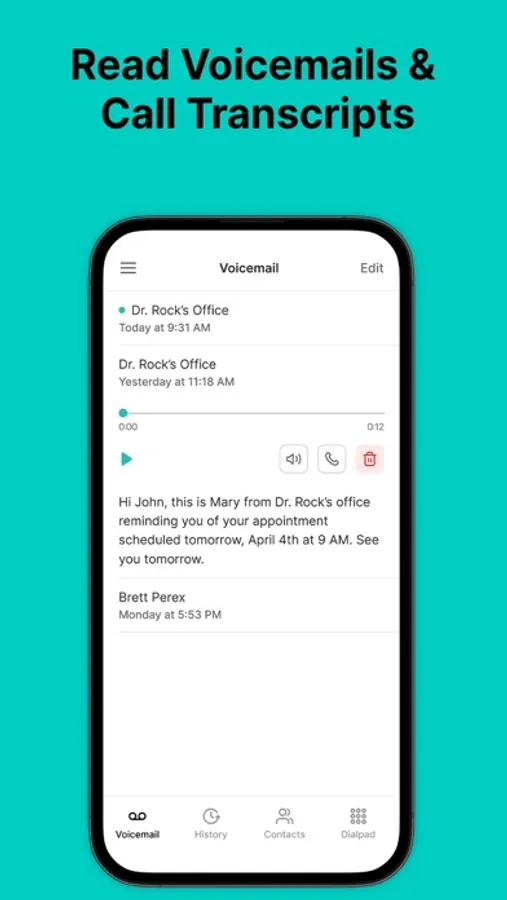
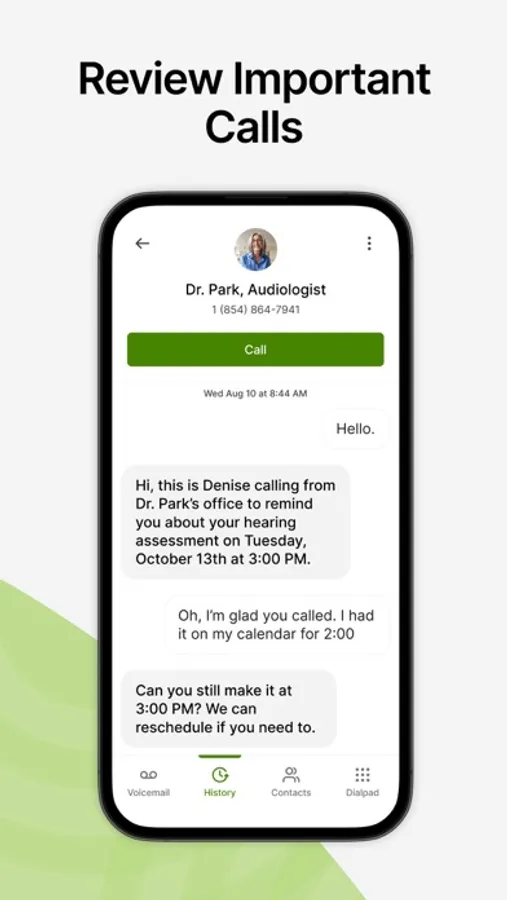
CaptionCall Mobile empowers deaf and hard-of-hearing individuals to make and receive phone calls with instant live captions. CaptionCall Mobile offers captioned phone calls in real-time at no cost to qualified deaf and hard-of-hearing users in an easy-to-use mobile app that integrates seamlessly into daily life and work.
Why CaptionCall?
No more landlines. CaptionCall Mobile goes where you go, allowing you to make and receive captioned calls from your mobile device anywhere with WiFi or mobile data service.
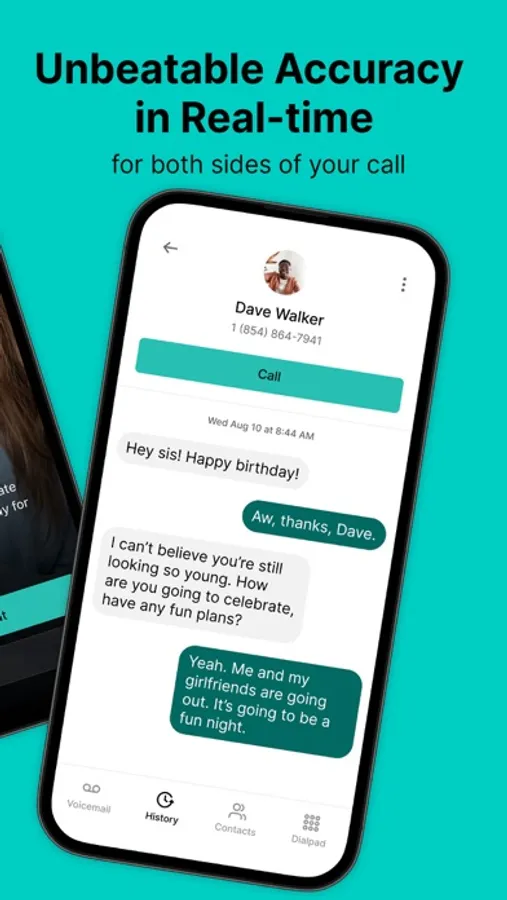
Fast, accurate, and easy, CaptionCall automatically transcribes both sides of your conversation in a customizable easy-to-read format, using advanced voice to text for deaf and hard-of-hearing that is 100% private and secure.
Accurate call captions appear in real-time for free-flowing, natural conversation.
No cost, ever. As an FCC-approved captioned call service, CaptionCall provides 100% no-cost call captioning to those with qualified hearing loss, thanks to a federally-administered fund.
GETTING STARTED WITH CAPTIONCALL MOBILE IS EASY:
1. Install the CaptionCall Mobile app
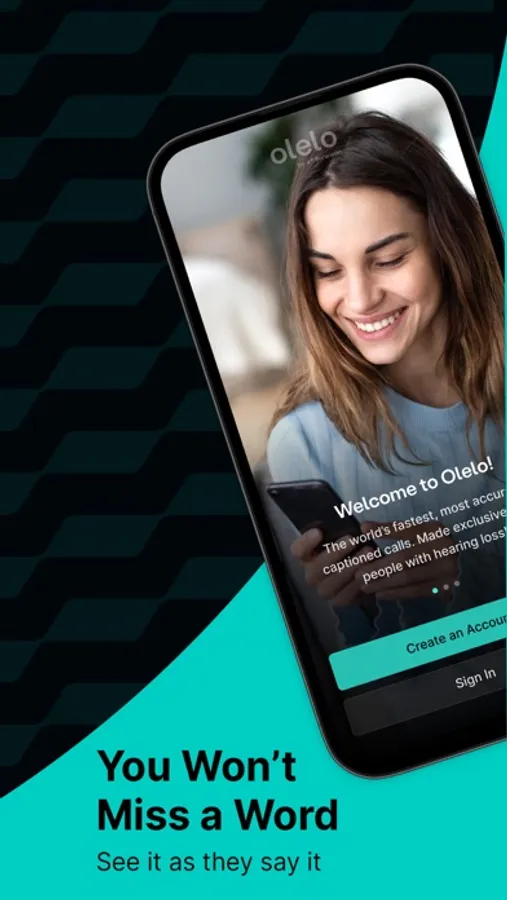
2. Create an account. You must provide accurate account information to meet federal requirements and enable your service.
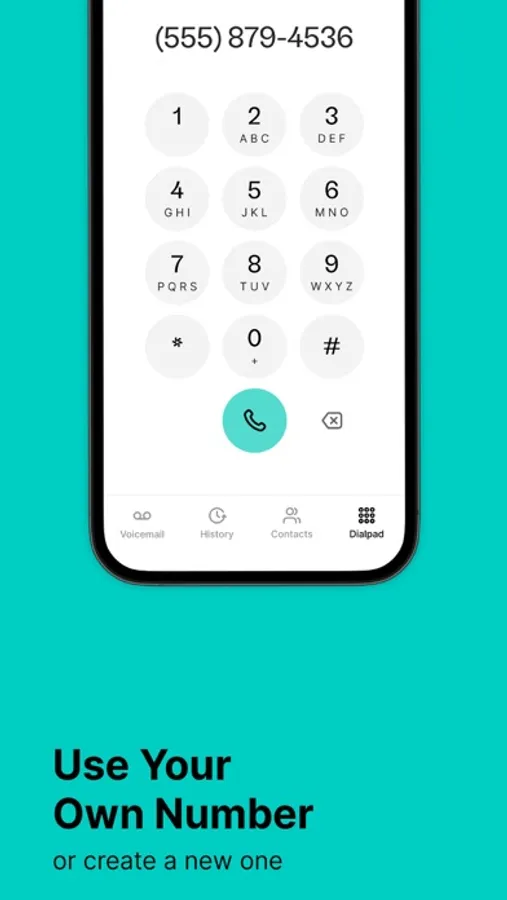
3. Receive your new CaptionCall Mobile phone number for making and receiving captioned calls. Or you can continue using your existing phone number and automatically forward them to CaptionCall Mobile on your mobile device or tablet for captioning.
4. Tap “Allow” when asked to grant permissions to CaptionCall Mobile. You'll have quick access to your saved contacts, captioned voicemail and voicemail alerts, and can dial and receive calls from any phone number, just like your regular phone.
5. Use CaptionCall Mobile to start making calls with instant live captions.
CaptionCall Mobile is exclusively for people with hearing loss who need captions to use the phone effectively in the United States only.
CaptionCall and CaptionCall Mobile are available in the United States only. FEDERAL LAW PROHIBITS ANYONE BUT REGISTERED USERS WITH HEARING LOSS FROM USING INTERNET PROTOCOL (IP) CAPTIONED TELEPHONES WITH THE CAPTIONS TURNED ON. IP captioned telephone service may use a live operator. The operator generates captions of what the other party to the call says. These captions are then sent to your phone. There is a cost for each minute of captions generated, paid from a federally administered fund. No costs are passed along to individuals who qualify for the service. The CaptionCall phone and app remain the property of Sorenson in order to provide ongoing support, service, and upgrades. Patent information: www.Sorenson.com/Legal.
Please report any bugs and feedback to
Happy calling!
Thanks,
The CaptionCall Mobile Team
Why CaptionCall?
No more landlines. CaptionCall Mobile goes where you go, allowing you to make and receive captioned calls from your mobile device anywhere with WiFi or mobile data service.
Fast, accurate, and easy, CaptionCall automatically transcribes both sides of your conversation in a customizable easy-to-read format, using advanced voice to text for deaf and hard-of-hearing that is 100% private and secure.
Accurate call captions appear in real-time for free-flowing, natural conversation.
No cost, ever. As an FCC-approved captioned call service, CaptionCall provides 100% no-cost call captioning to those with qualified hearing loss, thanks to a federally-administered fund.
GETTING STARTED WITH CAPTIONCALL MOBILE IS EASY:
1. Install the CaptionCall Mobile app
2. Create an account. You must provide accurate account information to meet federal requirements and enable your service.
3. Receive your new CaptionCall Mobile phone number for making and receiving captioned calls. Or you can continue using your existing phone number and automatically forward them to CaptionCall Mobile on your mobile device or tablet for captioning.
4. Tap “Allow” when asked to grant permissions to CaptionCall Mobile. You'll have quick access to your saved contacts, captioned voicemail and voicemail alerts, and can dial and receive calls from any phone number, just like your regular phone.
5. Use CaptionCall Mobile to start making calls with instant live captions.
CaptionCall Mobile is exclusively for people with hearing loss who need captions to use the phone effectively in the United States only.
CaptionCall and CaptionCall Mobile are available in the United States only. FEDERAL LAW PROHIBITS ANYONE BUT REGISTERED USERS WITH HEARING LOSS FROM USING INTERNET PROTOCOL (IP) CAPTIONED TELEPHONES WITH THE CAPTIONS TURNED ON. IP captioned telephone service may use a live operator. The operator generates captions of what the other party to the call says. These captions are then sent to your phone. There is a cost for each minute of captions generated, paid from a federally administered fund. No costs are passed along to individuals who qualify for the service. The CaptionCall phone and app remain the property of Sorenson in order to provide ongoing support, service, and upgrades. Patent information: www.Sorenson.com/Legal.
Please report any bugs and feedback to
Happy calling!
Thanks,
The CaptionCall Mobile Team
CaptionCall Screenshots
Tap to Rate:
Reviews for CaptionCall
debajeanb
This App is great!
I am extremely hard of hearing. My hearing is so bad I can’t only wear a hearing aid in my left ear. The calls I have made have been crystal clear with the captioning. I am so grateful I found this App.
scrumptious pants
New helper
I have just found a way to communicate without confusion . I am so grateful