In this vehicle service app, users can remotely start, lock, or locate their INFINITI vehicle and check vehicle status. Includes vehicle health reports, maintenance scheduling, and account management features.
AppRecs review analysis
AppRecs rating 3.6. Trustworthiness 77 out of 100. Review manipulation risk 24 out of 100. Based on a review sample analyzed.
★★★☆☆
3.6
AppRecs Rating
Ratings breakdown
5 star
93%
4 star
3%
3 star
1%
2 star
1%
1 star
2%
What to know
✓
Low review manipulation risk
24% review manipulation risk
⚠
Pricing complaints
Many low ratings mention paywalls or pricing
⚠
Review quality concerns
50% of sampled 5-star reviews are very short
About MyINFINITI App
The MyINFINITI App is available for use by all INFINITI clients, though the experience has been optimized for vehicles 2014 and later. The complete MyINFINITI experience is available for clients with an active INFINITI InTouch® Services Premium package, available for select models 2018 and newer.* For a complete list of available features for your specific vehicle, or to access or start your subscription, visit owners.infinitiusa.com.
With the Premium package trial or subscription and a compatible vehicle, you can:
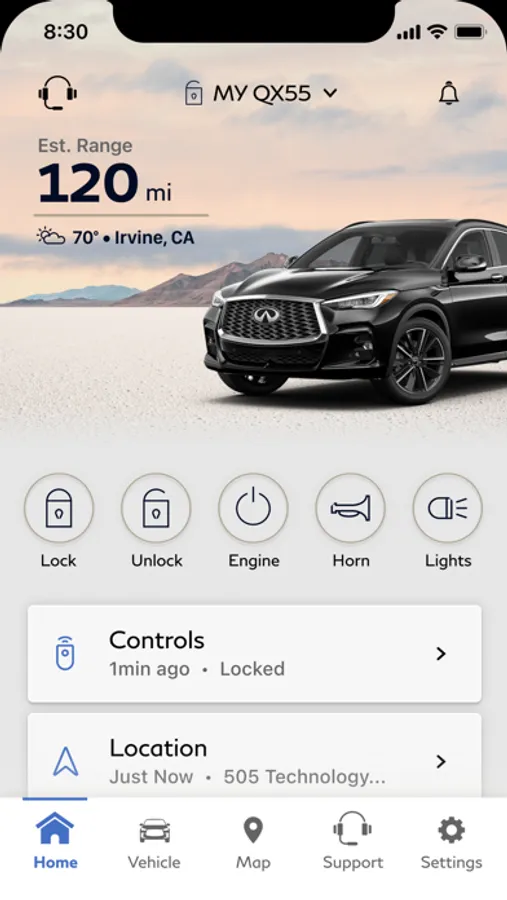
• Remotely start and stop your vehicle**
• Remotely lock and unlock your vehicle’s doors
• Remotely activate the horn and lights
• Search for, save and send points of interest to your vehicle
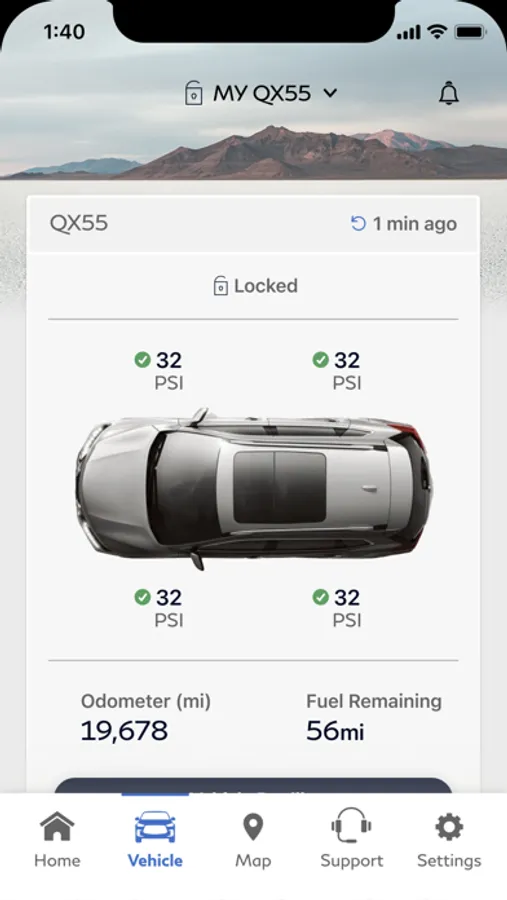
• Check vehicle status (doors, engine, mileage, remaining fuel range, tire pressure, oil pressure, airbags, brakes)
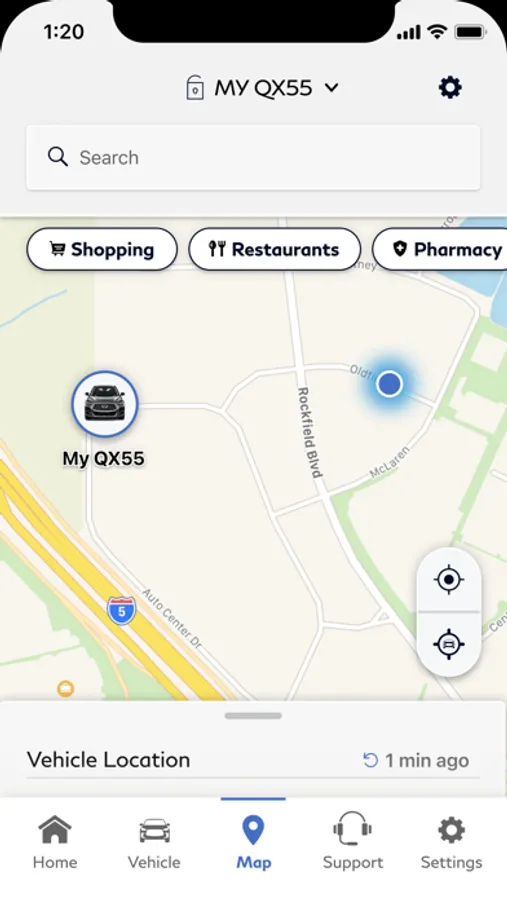
• Locate your vehicle
• Access your latest Vehicle Health Report
• Keep tabs on your vehicle with customizable boundary, speed and curfew alerts***
• Connect with an INFINITI Personal Assistant®
The following MyINFINITI features are available to all INFINITI owners regardless of subscription status:
• Manage your INFINITI account and preferences
• Make a service appointment with your preferred retailer****
• Receive notifications to make you aware of any applicable vehicle recalls or service campaigns
• View your vehicle’s service history
• Refer to your vehicle’s INFINITI maintenance schedule
• Access FAQs
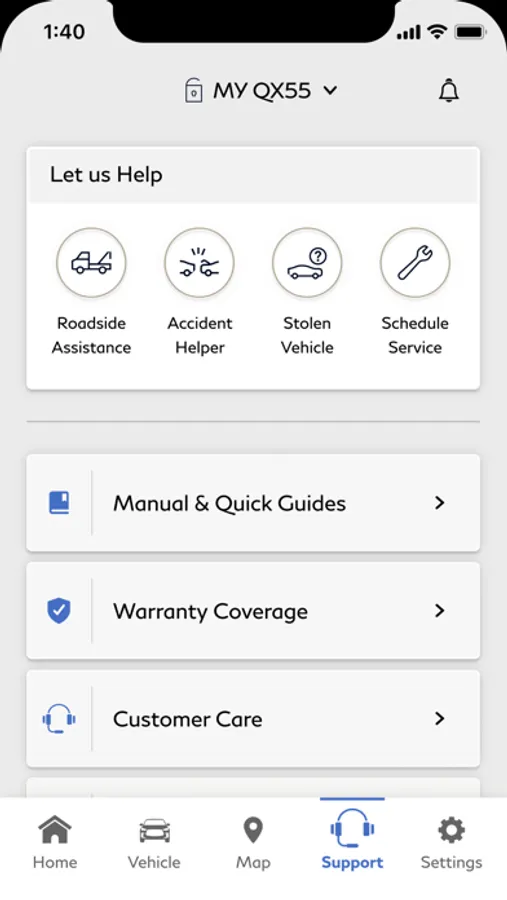
• Access helpful guides and manuals specific to your vehicle
• Review Warranty information, tow coverage, and Roadside Assistance coverage
• Connect to Roadside Assistance
• Access the IFS Account Manager app
• Connect directly with INFINITI to get assistance or ask questions
For important safety information, system limitations, and additional operating and feature information, see dealer, owner’s manual, or www.infinitiusa.com/intouch/legal.
* Models 2018 or newer that are not eligible for INFINITI InTouch® Services are as follows: 2018 (Q50, Q60, Q70, QX30), 2019 (QX30, QX50), 2020 (Q50, Q60, QX50, QX80), and all 2021 models.
** Remote Engine Start System to be used only in accordance with laws or rules in effect in your vehicle’s location.
*** Before deleting a vehicle from your account, it is recommended that you delete all personal data and delete any alerts you have set (Speed, Boundary, and Curfew Alerts).
**** Service appointment booking experience may differ based on retailer selected.
IMPORTANT INFORMATION: The INFINITI InTouch Services telematics program was affected by AT&T’s decision to discontinue its 3G cellular network. As of February 22, 2022, all INFINITI vehicles equipped with the 3G cellular network will be unable to connect to the 3G network and unable to access the INFINITI InTouch Services features. Clients who purchased an INFINITI vehicle with this type of hardware must have enrolled in INFINITI InTouch Services prior to June 1, 2021 to activate the service to have received access through February 22, 2022 (access is subject to cellular network availability and coverage limitations). For more information, please visit http://www.infinitiusa.com/connect/support-faqs.
MyINFINITI App Screenshots
Tap to Rate:
Reviews for MyINFINITI App
Anonimo3385
Remote start stopped working
Since the beginning of summer 2025 I haven’t been able to remotely start my QX80 using the app. Every time I’ve tried it fails with the message saying to check all the door and make sure they’re locked and to try again. I have deleted and re downloaded this app multiple times and it still doesn’t work. Trying calling the app customer service is very frustrating because they don’t even know how to fix it. Let’s not forget about the Vehicle Location feature this one is as inaccurate as Biden’s medical record. You have better chances by just using an air tag. Not too much of an helpful app.
laurenkerr1213
Remote start
Works maybe 1/20 with remote start. Totally pointless