AppRecs review analysis
AppRecs rating 5.0. Trustworthiness 0 out of 100. Review manipulation risk 0 out of 100. Based on a review sample analyzed.
★★★★★
5.0
AppRecs Rating
Ratings breakdown
5 star
100%
4 star
0%
3 star
0%
2 star
0%
1 star
0%
What to know
✓
High user satisfaction
100% of sampled ratings are 5 stars
About ChaReader
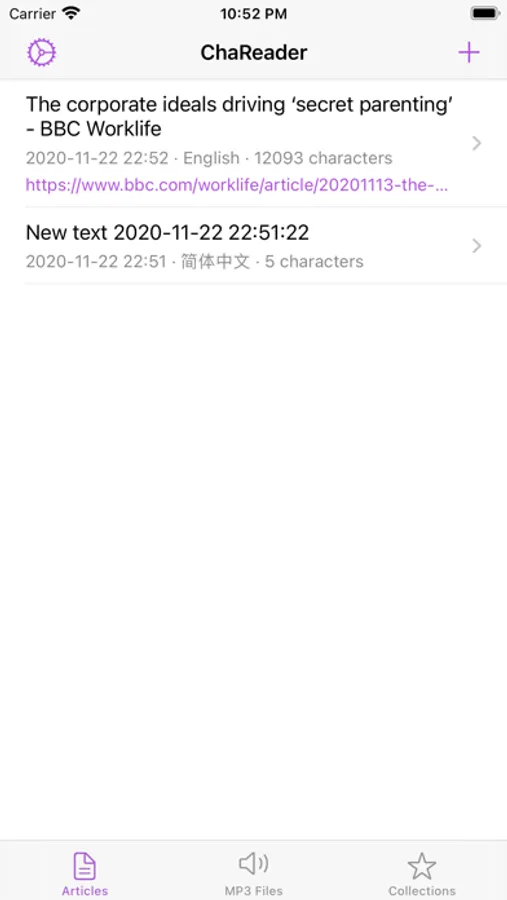
ChaReader - An elegant text-to-speech app
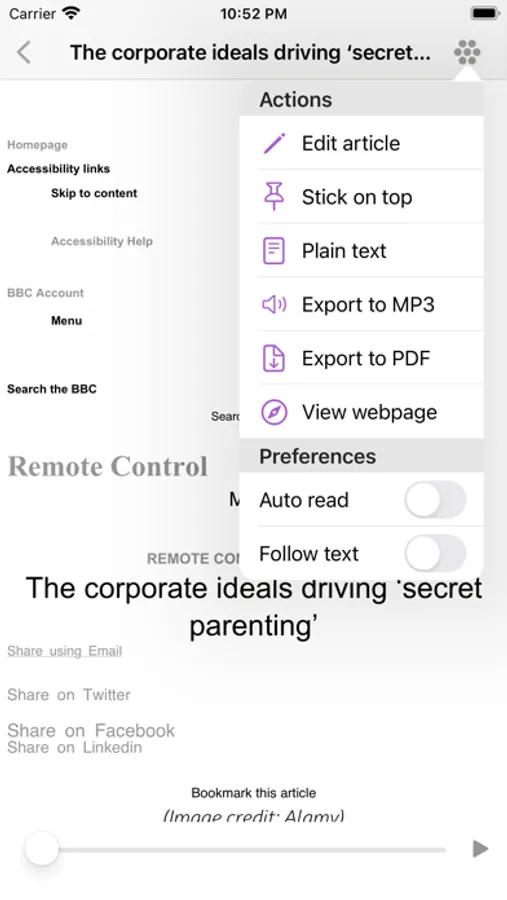
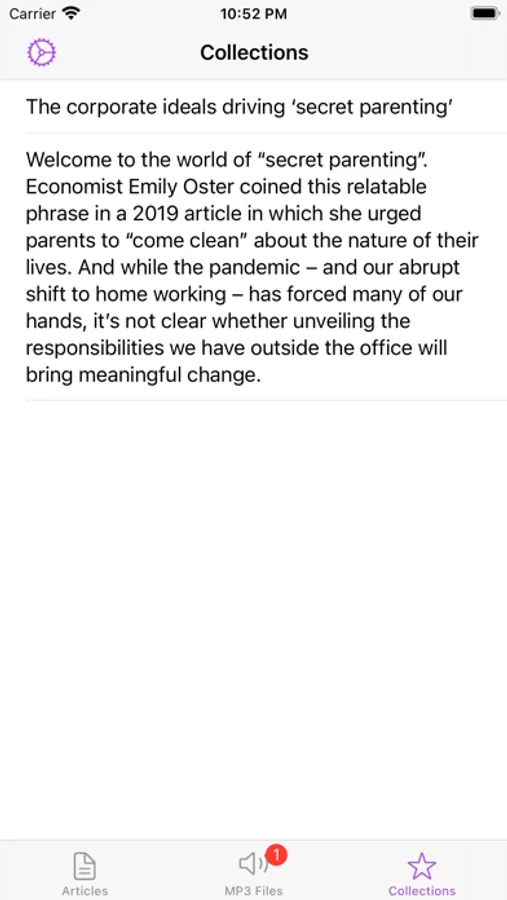
Using ChaReader, you can easily import articles from various resources, use iOS built-in libraries to read these articles, export them to MP3 or PDF format, and add your favorite paragraphs to the Collections!
The main functions are:
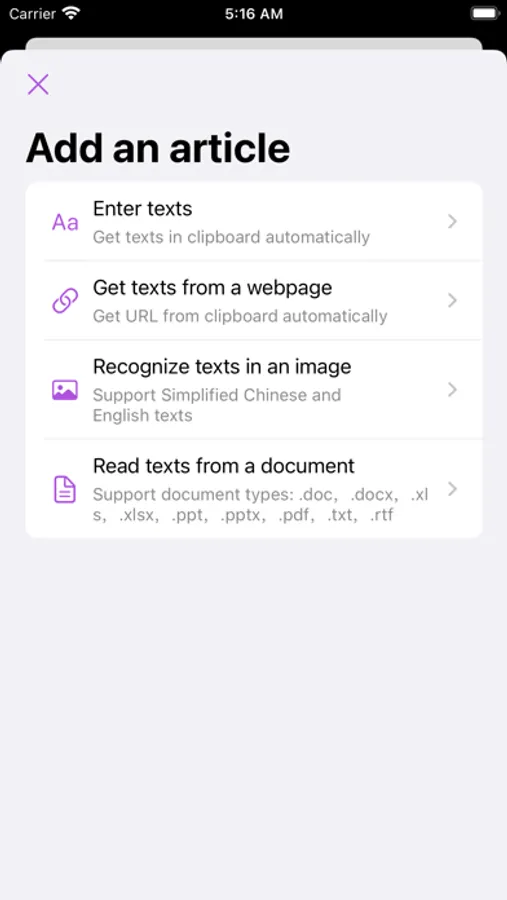
-Various resources for adding articles: copy text from clipboard, extract text from web page, extract text from documents, extract text from images using OCR
-Read added articles aloud
-Use a slider to quickly scroll to the sentence you want to listen to
-Choose whether the screen follows the text during reading
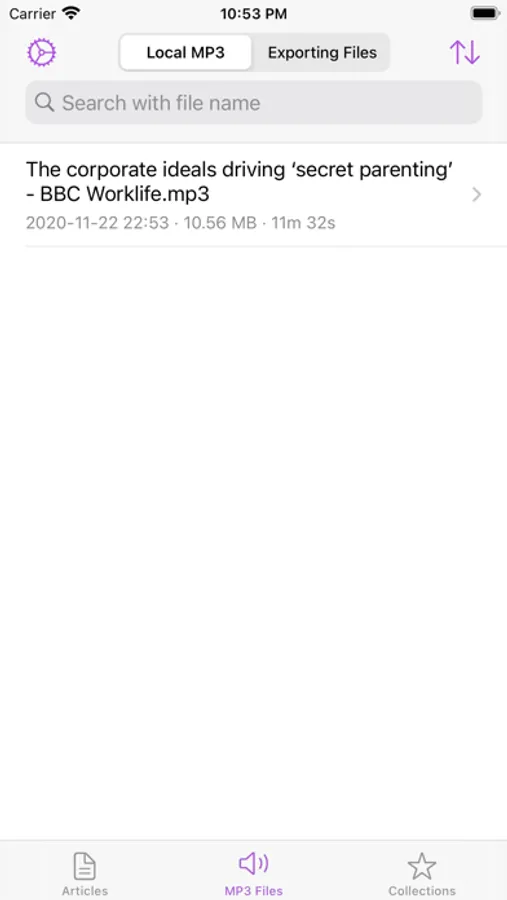
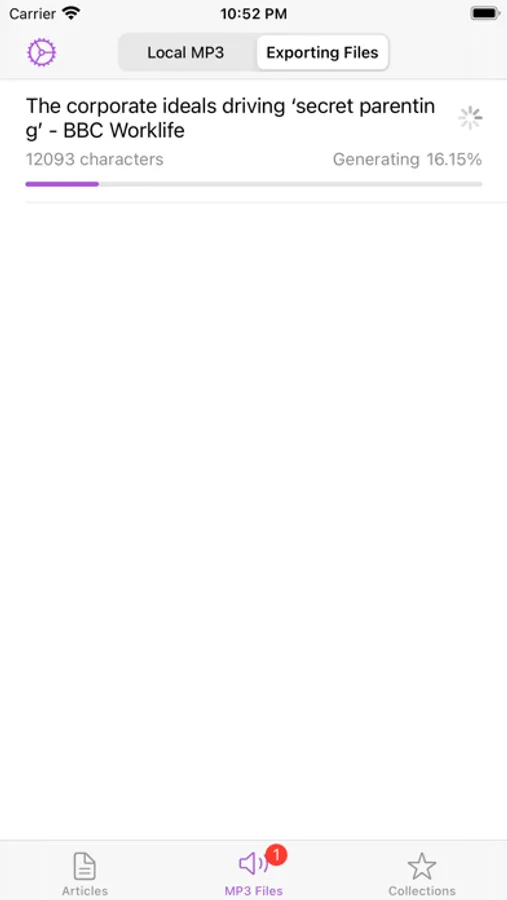
-Export audio of article readings to MP3 files
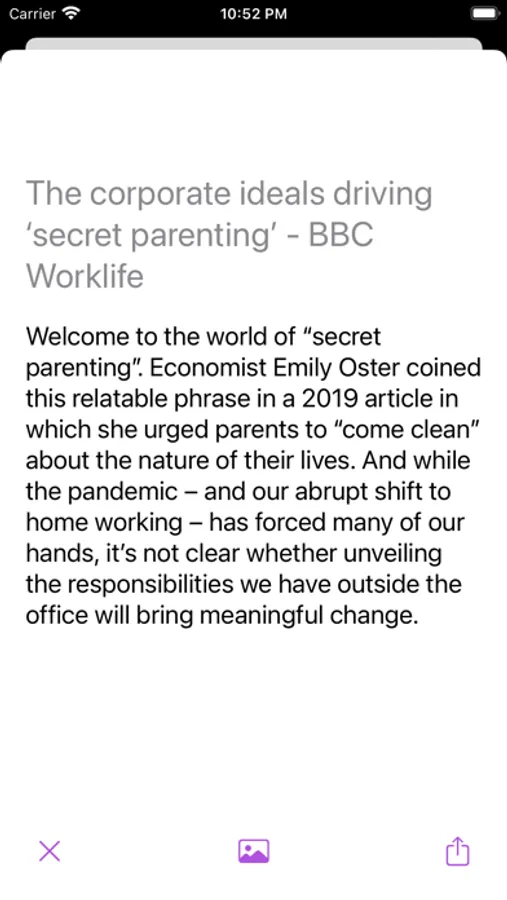
-Export articles to PDF files
-Extract useful information from article (e.g. email, link, phone number, etc.)
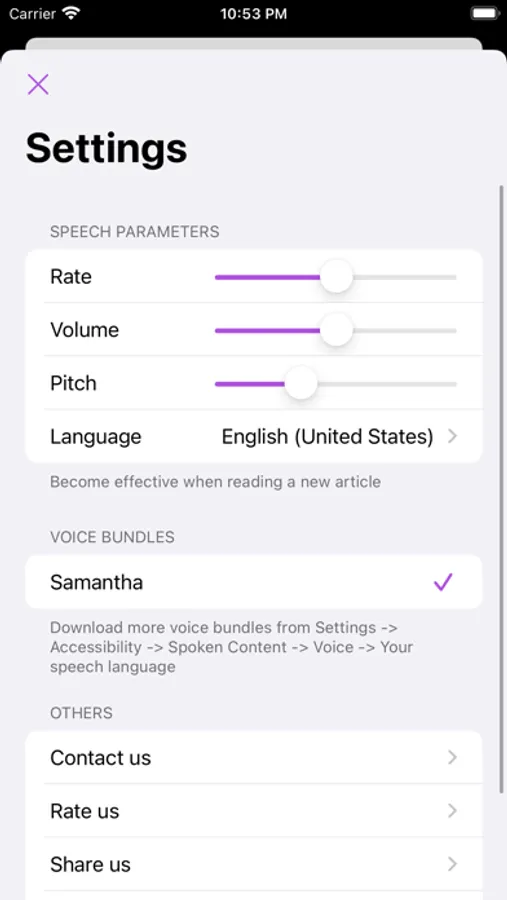
-Use iOS's built-in voice bundles for personalization
-Adjust speaking speed, pitch, volume and language for reading
-Support reading articles in all languages in iOS
-Stick favorite articles on top
-Manage added articles and exported files
-Except when importing text from web pages, all actions are done locally using iOS machine learning frameworks
-Select and text your favorite sentences to Collections, and save them as images into your album
-View articles in plain text and rich text modes
-Elegant design (including Dark mode) and continuous updates
If you have any questions, please contact via Email or iMessage: krayc425@gmail.com
Using ChaReader, you can easily import articles from various resources, use iOS built-in libraries to read these articles, export them to MP3 or PDF format, and add your favorite paragraphs to the Collections!
The main functions are:
-Various resources for adding articles: copy text from clipboard, extract text from web page, extract text from documents, extract text from images using OCR
-Read added articles aloud
-Use a slider to quickly scroll to the sentence you want to listen to
-Choose whether the screen follows the text during reading
-Export audio of article readings to MP3 files
-Export articles to PDF files
-Extract useful information from article (e.g. email, link, phone number, etc.)
-Use iOS's built-in voice bundles for personalization
-Adjust speaking speed, pitch, volume and language for reading
-Support reading articles in all languages in iOS
-Stick favorite articles on top
-Manage added articles and exported files
-Except when importing text from web pages, all actions are done locally using iOS machine learning frameworks
-Select and text your favorite sentences to Collections, and save them as images into your album
-View articles in plain text and rich text modes
-Elegant design (including Dark mode) and continuous updates
If you have any questions, please contact via Email or iMessage: krayc425@gmail.com
ChaReader Screenshots
Tap to Rate:
Reviews for ChaReader
xianqiejiao
希望可以调节显示字体的大小
希望可以调节字体大小,英文太密了。年纪大了看着有些累
burnsac100
Feature request: add sharesheet functionality
Hello, would it be possible to add the ability to share to the app?