In this sign-in app, users verify their identity, generate QR codes, and sign out quickly. Includes features for feedback collection and document management.
AppRecs review analysis
AppRecs rating 2.9. Trustworthiness 78 out of 100. Review manipulation risk 21 out of 100. Based on a review sample analyzed.
★★☆☆☆
2.9
AppRecs Rating
Ratings breakdown
5 star
39%
4 star
8%
3 star
4%
2 star
7%
1 star
42%
What to know
✓
Low review manipulation risk
21% review manipulation risk
⚠
Mixed user feedback
Average 3.0★ rating suggests room for improvement
⚠
High negative review ratio
49% of sampled ratings are 1–2 stars
About Accushield Mobile
What is Accushield Mobile?
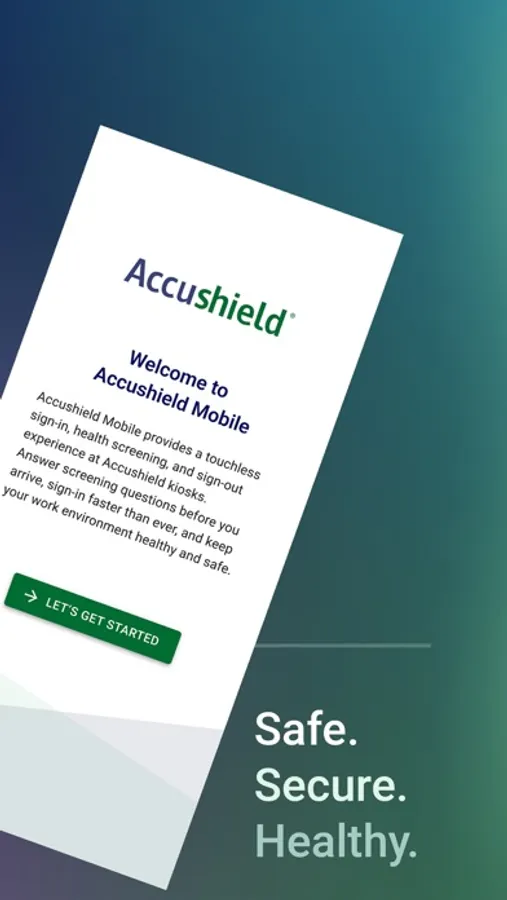
Accushield Mobile enables a fast sign-in experience at senior living communities and skilled nursing facilities paired with Accushield’s Visitor Management technology.
Who is it for?
● Family & Guests
● Healthcare / Service providers
● Staff members
● Volunteers
● Residents
● All other visitors
Why Choose Accushield Mobile?
Keep your residents, staff, and visitors safe with these powerful features:
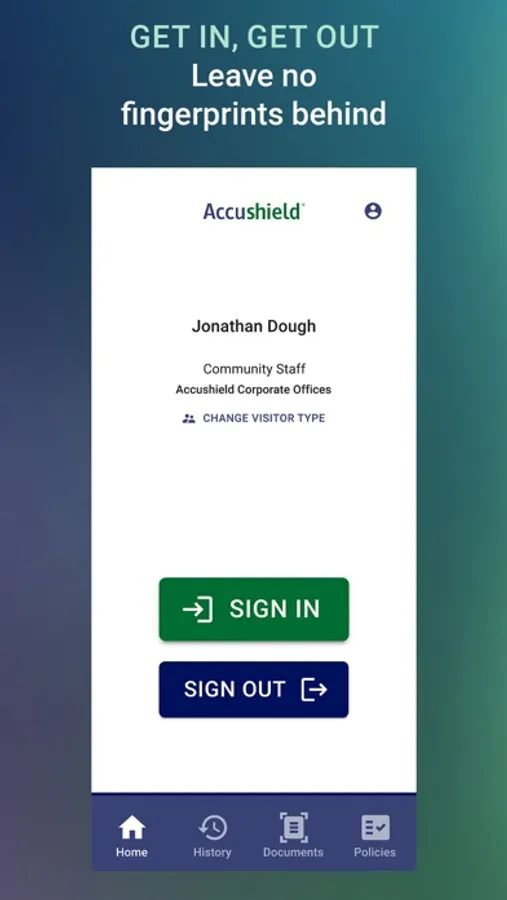
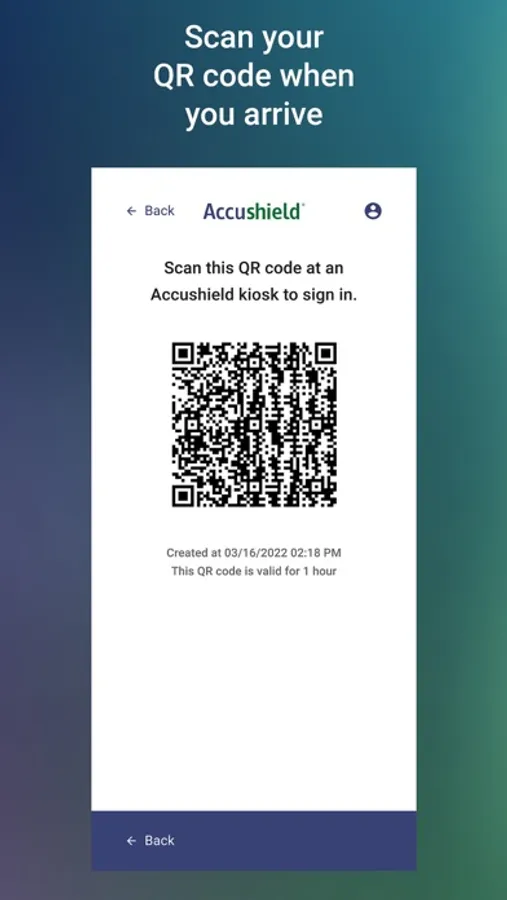
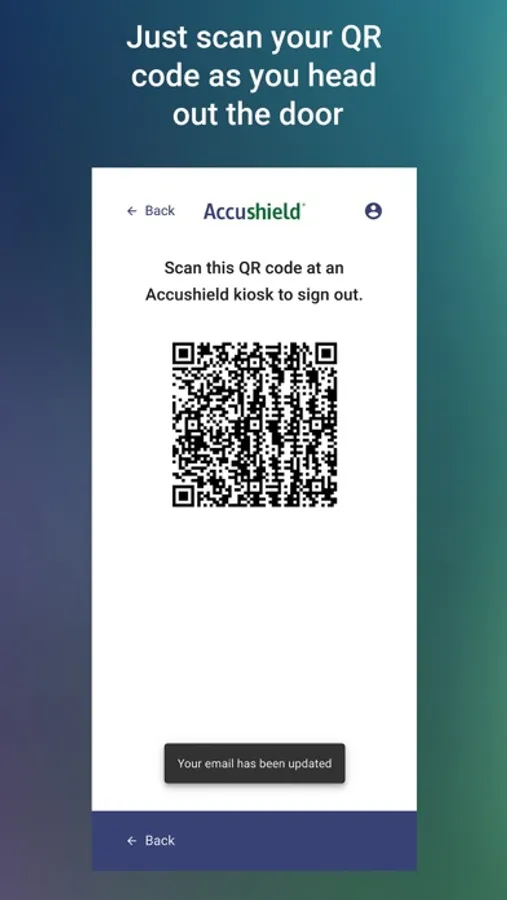
● Speedy Sign-In: Quickly complete your community's specific sign-in process and generate a QR code for seamless sign-in and sign-out
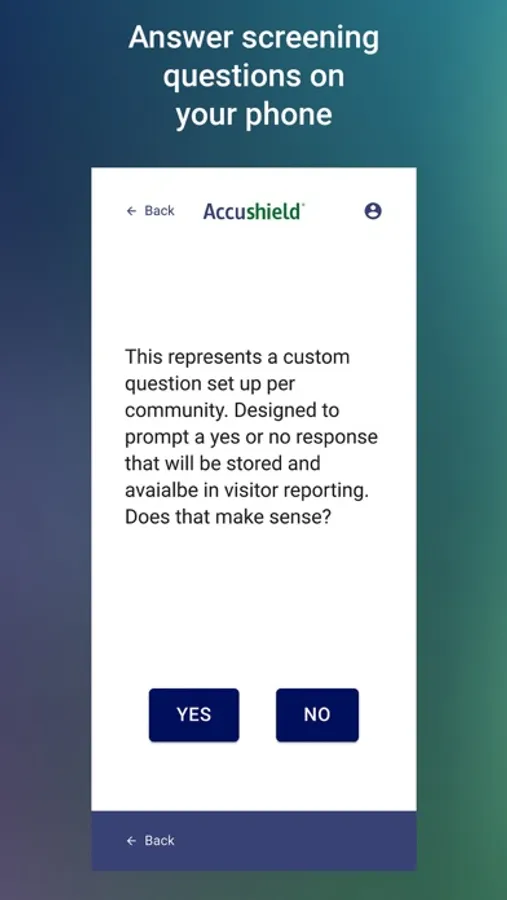
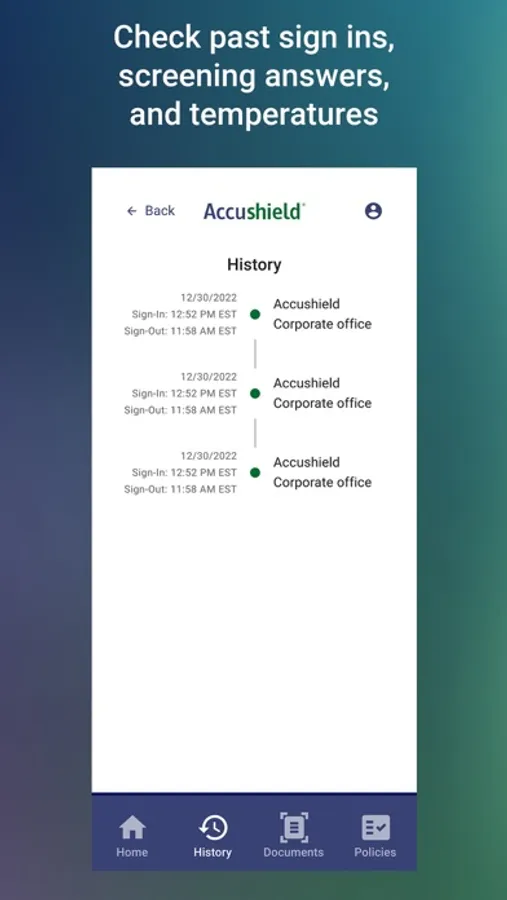
● Feedback Made Easy: Rate your experience with a quick survey on your way out right from your mobile device
● User-Friendly Across Communities: Manage multiple community connections from one account
● Credential Upload and Compliance Status: For healthcare providers, upload and store community-required documents and understand compliance status with community policy
How to Use Accushield Mobile
1. Select the community you are visiting from the list
2. Verify your status by entering your mobile number and receiving a text verification code. (Note: You must have previously signed in at an Accushield Kiosk with your mobile number for verification)
3. Complete the sign-in process and generate a QR code before arriving at the kiosk
4. Scan your QR code at the Accushield Kiosk
5. When leaving, simply hit the sign-out button on the app
With Accushield Mobile, senior living communities and skilled nursing facilities
can ensure a safer, more efficient experience for everyone entering their doors.
Accushield Mobile Screenshots
Tap to Rate:
Reviews for Accushield Mobile
Fritz McAllenton
Completely stopped working
This app worked well enough until recent updates, after which it doesn’t even turn on. I click on the icon and all I get is a white screen with the Acca shield symbol. At first I thought it was a simple glitch and an update and they would quickly fix it. But then the fixed did the same thing. So I had to remove it all together. Perhaps one day they will fix it
Msmart0609
Not working consistently
Having to register every time I use the app. It works outside the senior facility to check in, but when inside, and on their network, the app freezes and when it responds I have to register again and then login again. Not sure if it’s related to iOS 26 or not?