In this ad blocker app, you can configure filters to block unwanted ads, trackers, and scripts in Safari. Includes options for whitelisting sites, customizing blocking rules, and optimizing browsing speed and privacy.
AppRecs review analysis
AppRecs rating 3.7. Trustworthiness 72 out of 100. Review manipulation risk 25 out of 100. Based on a review sample analyzed.
★★★☆☆
3.7
AppRecs Rating
Ratings breakdown
5 star
61%
4 star
6%
3 star
8%
2 star
6%
1 star
20%
What to know
✓
Low review manipulation risk
25% review manipulation risk
✓
Credible reviews
72% trustworthiness score from analyzed reviews
✓
Good user ratings
67% positive sampled reviews
About Ad blocker - Remove ads
Features:
- Blocks all kinds of ads in safari
- Protect your privacy. Blocks all the trackers to keep your personal information safe
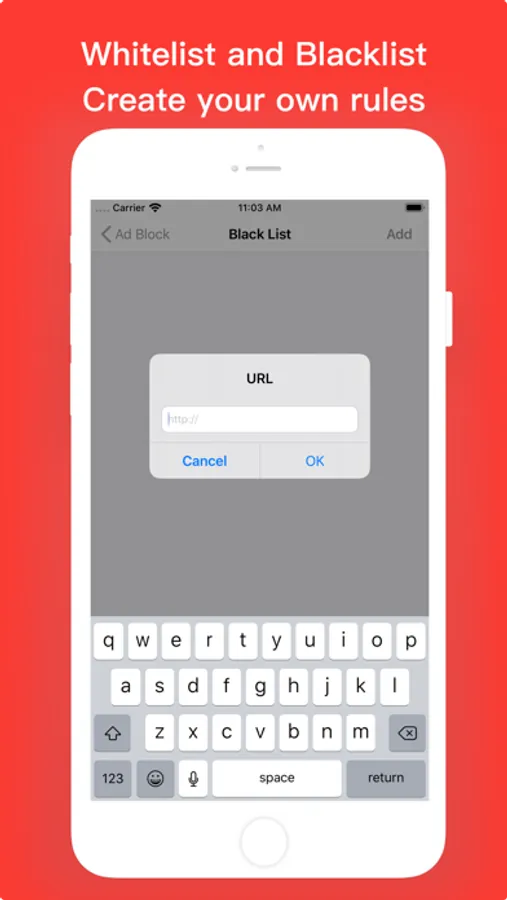
- Whitelist the ones you like and blacklist the ones you don't like
- Enjoy a faster web surfing speed, and lower data usage.This will help you improve battery life.
- Works in Safari and all apps that use Safari
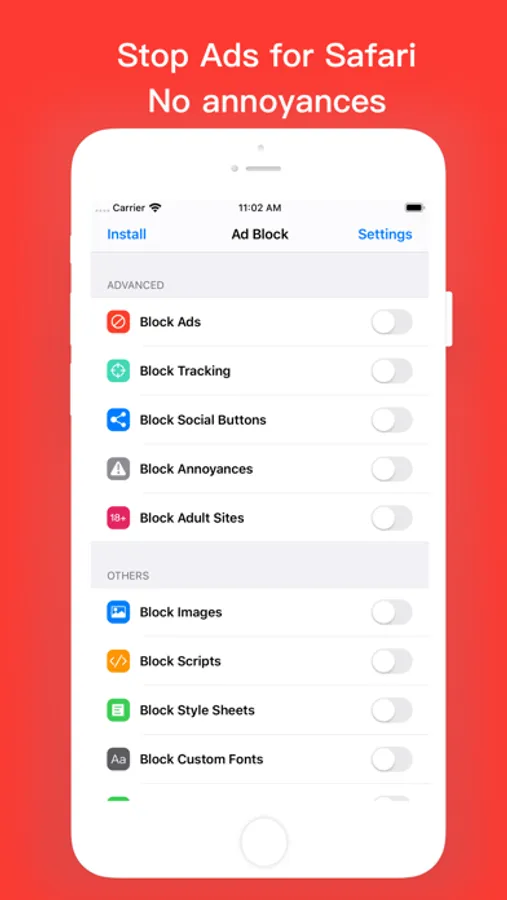
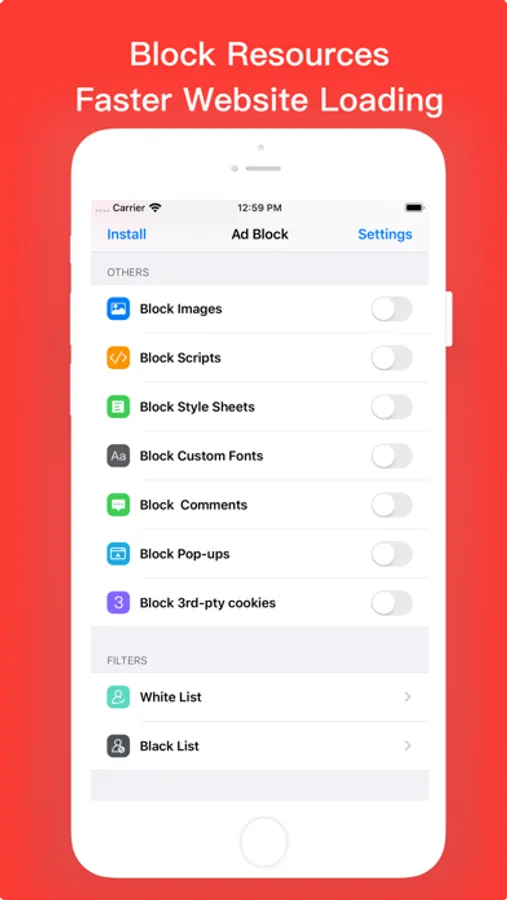
What do we block:
- Block Ads
- Block Tracking
- Block Social Buttons
- Block Annyances
- Block Adult Sites
- Block Images
- Block Scripts
- Block Style Sheets
- Block Custom Fonts
- Block Commets
- Block Pop-ups
- Block 3rd-pty cookies
If you have any questions or suggestions about our app, please e-mail lilliancream@163.com.We are looking forward to your feedbacks
Ad blocker - Remove ads Screenshots
Tap to Rate:
Reviews for Ad blocker - Remove ads
Chooch440
Using this app changes the way some web pages appear.
After installing the app and allowing it as an extension on iPad Safari, a few web pages did not display as they did before using the app (Yahoo Finance and HomeDepot). I disabled the extension and the web pages displayed as they did previously. Sorry, but this app doesn't work for me so I'm deleting it.
PBIStaran!
Can’t Install
The app does not show up in Safari Extensions on my iPad. The link for “App Support” just takes me to the Privacy policy page. The developer screen shots do not match what is on my screen. How do I actually install/activate the app?