AppRecs review analysis
AppRecs rating 4.5. Trustworthiness 64 out of 100. Review manipulation risk 28 out of 100. Based on a review sample analyzed.
★★★★☆
4.5
AppRecs Rating
Ratings breakdown
5 star
78%
4 star
11%
3 star
0%
2 star
6%
1 star
6%
What to know
✓
Low review manipulation risk
28% review manipulation risk
✓
High user satisfaction
78% of sampled ratings are 5 stars
About Webcam Plus
Easy to use and completely free!
Features:
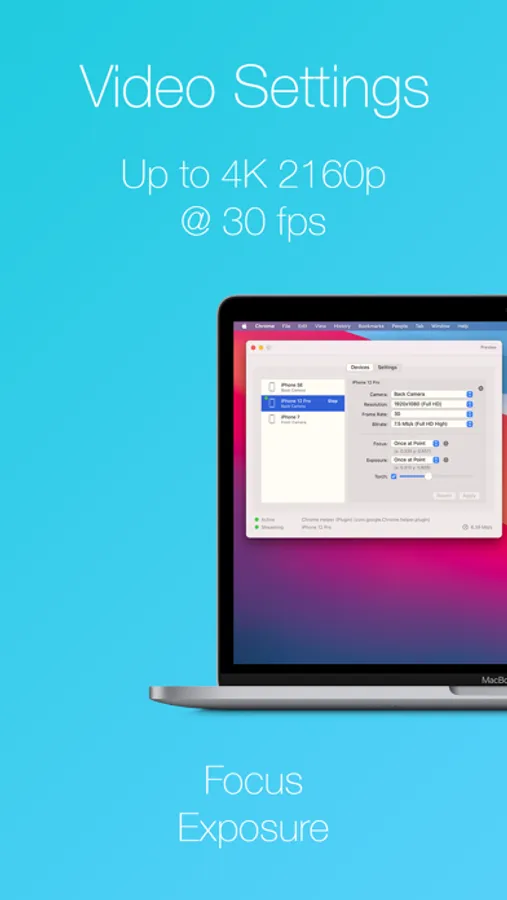
- 4K 2160p, Full HD 1080p, 720p and 480p.
- Up to 60 FPS.
- Low latency.
- Use any camera lens on your phone.
- Focus, Exposure and Torch controls.
- Stream via USB.
- Control via Mac’s Menu Bar.
This app requires the installation of a Mac companion app and camera plugin, both compatible with macOS 10.13 (High Sierra) and later.
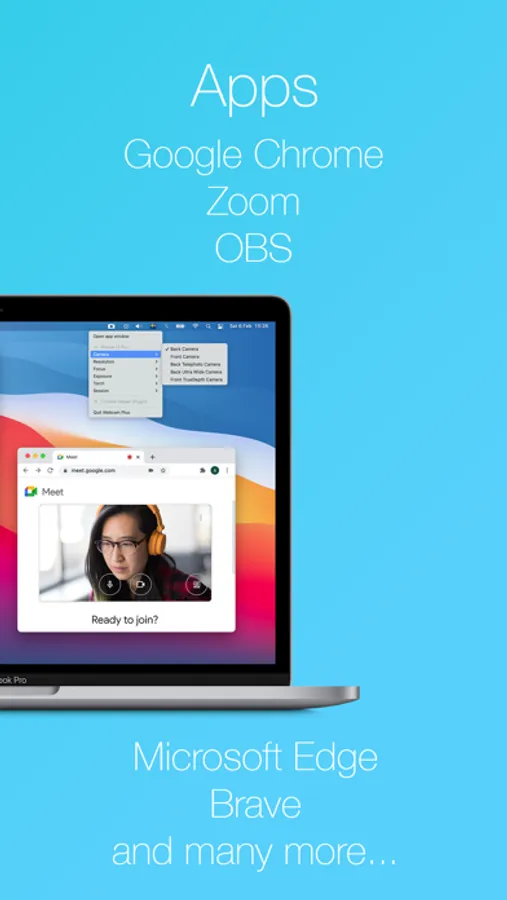
Webcam Plus supports many apps, such as Google Chrome, Microsoft Edge, Zoom, OBS, and more. Please check app availability list on our website.
For more details and instructions, visit:
https://webcamplus.app
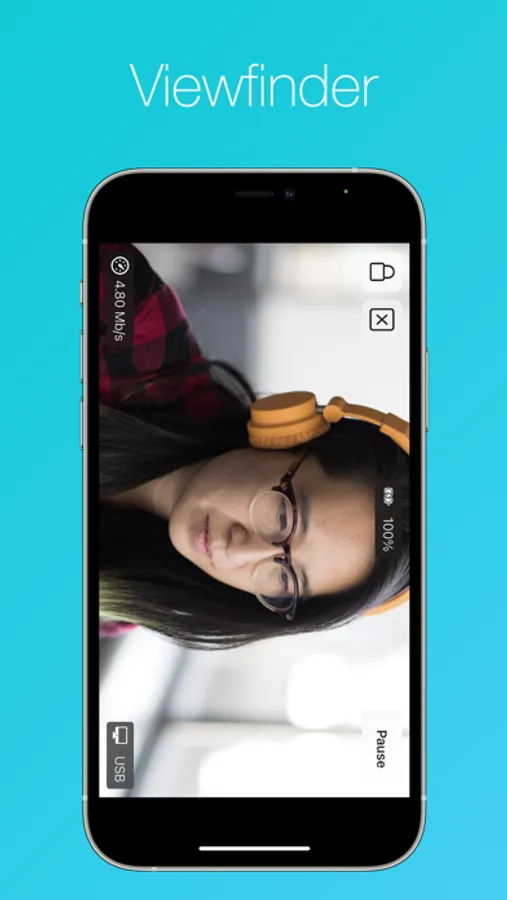
Webcam Plus Screenshots
Tap to Rate:
Reviews for Webcam Plus
2RobertC
Unbelievable!
I don’t normally review apps, but I couldn’t help myself for this one. I have evaluated a dozen WebCam apps, and this one takes the cake. It’s simple to use and works flawlessly with Zoom. It’s just what I needed without the bells and whistles. Thanks
Oliviaa3005
Great Design But Missing Functionality
While using this I could really appreciate the simple and straightforward interface of the desktop app and especially liked the matching aesthetic to the native layout and design of Mac apps. On top of that, the configurability was perfectly aligned with what I needed giving me access to all my iPhone cameras and features. With all that being said, I really wish I could have used this. The issue was that when previewing on the app I could view myself and whatever my camera was pointing at but the apps I was using like PhotoBooth were not displaying anything-just a blacked out window. This is also after I saw and switched over to the camera option for this app. Definitely strange, because I know the data was being transmitted through my usb cable via the preview. Something just seems to be off with the interfacing and compatibility between this app and the apps on my MacBook. Any suggestions are welcome and I do really like this app compared to the others I’ve used . If I get it to work, I will update this review.