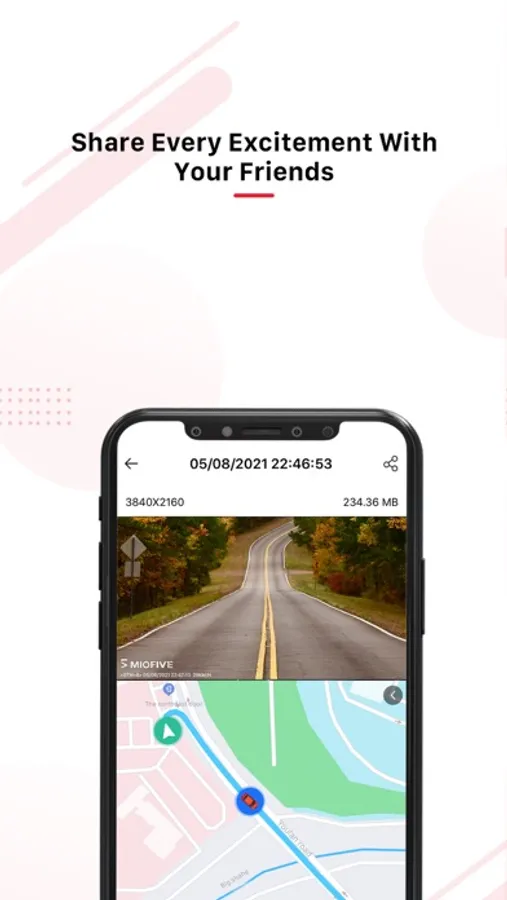
With this app, you can preview footage, control your dash cam settings, and transfer files wirelessly. Includes firmware updates, trip logging, and social sharing options.
AppRecs review analysis
AppRecs rating 4.6. Trustworthiness 79 out of 100. Review manipulation risk 30 out of 100. Based on a review sample analyzed.
★★★★☆
4.6
AppRecs Rating
Ratings breakdown
5 star
80%
4 star
9%
3 star
4%
2 star
2%
1 star
5%
What to know
✓
Credible reviews
79% trustworthiness score from analyzed reviews
✓
High user satisfaction
80% of sampled ratings are 5 stars
✓
Authentic reviews
No red flags detected
About Miofive
[Easy control and access to your Miofive dash cam]
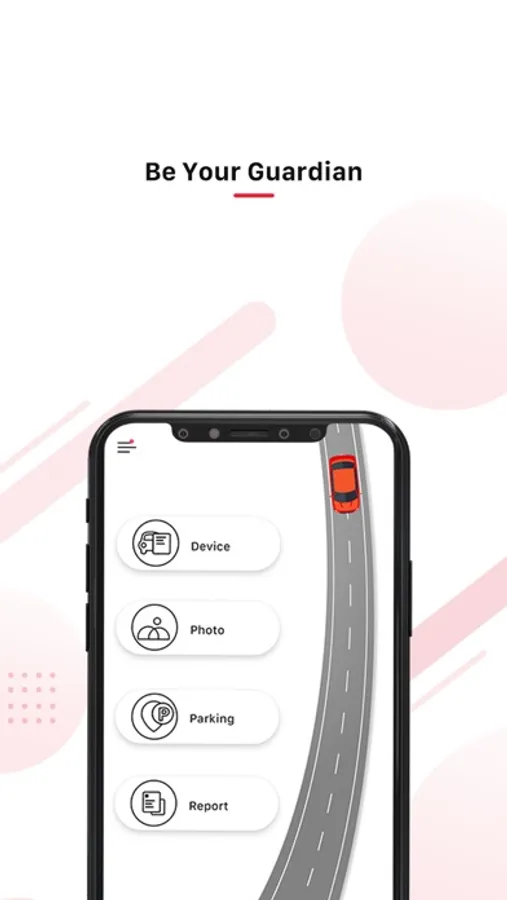
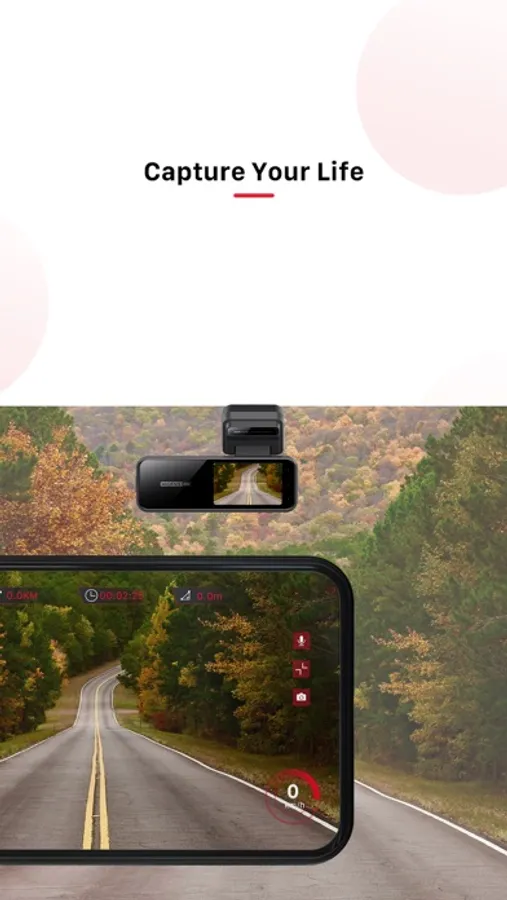
You could preview your footage, photos, control all your dash cam settings, update the firmware via the App. Footage and photos can be transferred wirelessly from your dash cam to your phone so you'll always have the videos and images you need on hand. No computers, manual transfers, or cables are needed. You may review and transfer footage, photos, and share them to social networks with ease straight from the Miofive App.
[Perfect for the road trip enthusiast]
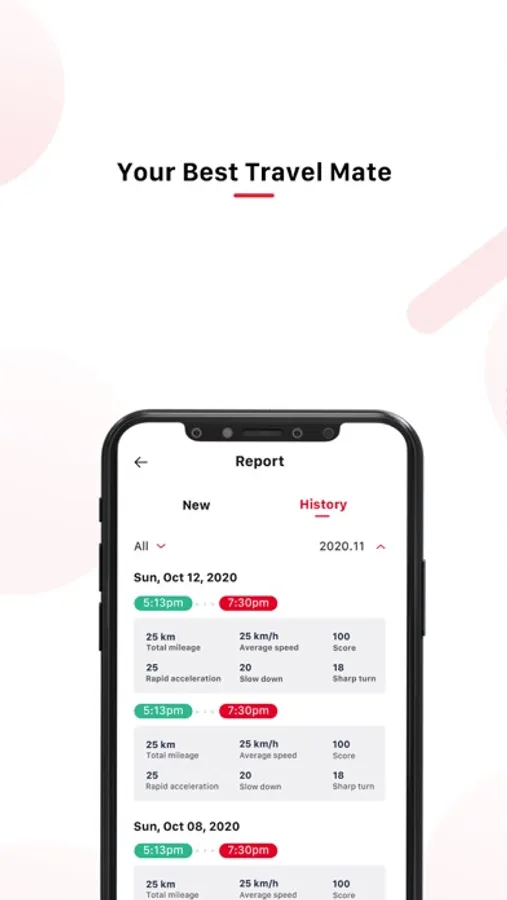
Capture and track your trips with the built-in GPS module. Create and access trip logs with ease, along with footage captured on each route.
Miofive Screenshots
Tap to Rate:
Reviews for Miofive
Princess leía 667
craaaap
need a verification code to start an account, but they won't send you a code!! there's nothing in the app that prompts the app to send a code
Rlahti
Stopped recording 5 months ago?
The app was working fine, then it stopped recording. Every time I hop in the car it says it’s recording, but when I try to find ANY current videos on the loop or local device, it has nothing. I’ve updated the app, but the firmware won’t update. It downloads to my phone then says “failed “ to upload to device. This is useless this way!