Device Tracker: Detect Devices
Sandya Leelarathne
4.4 ★
653 ratings
Free
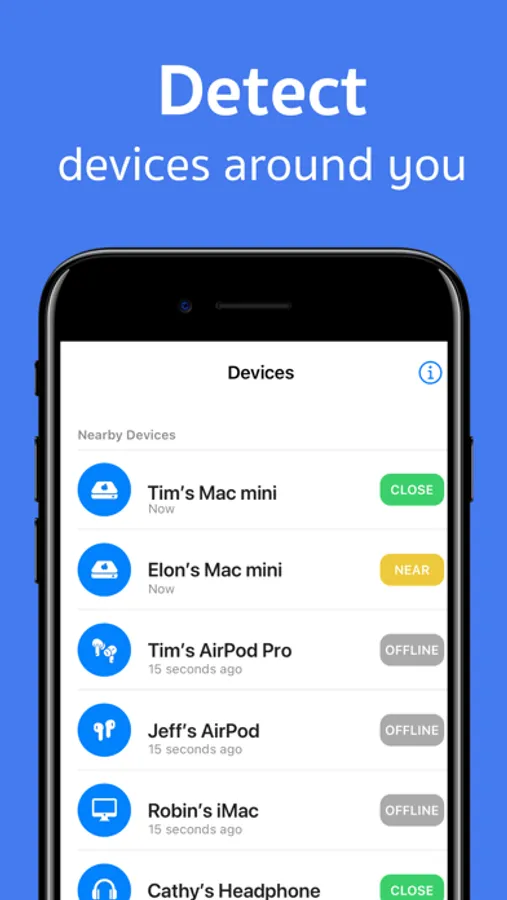
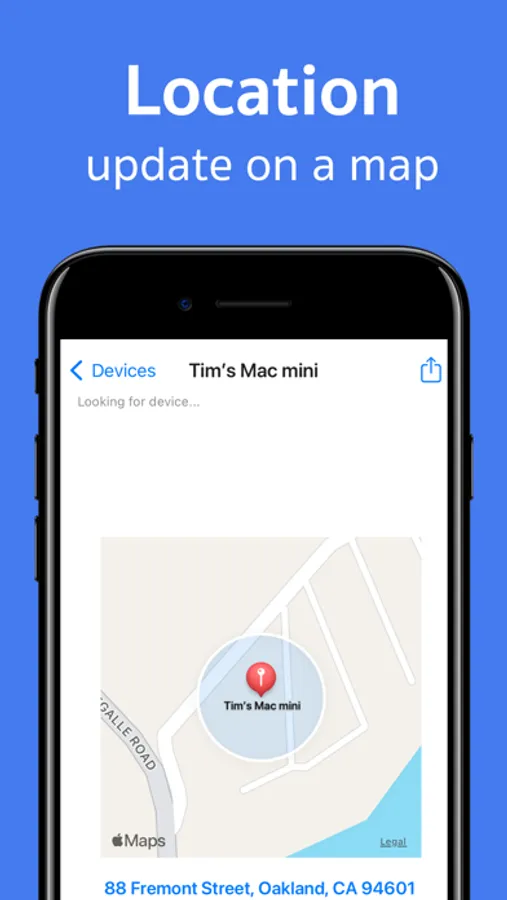
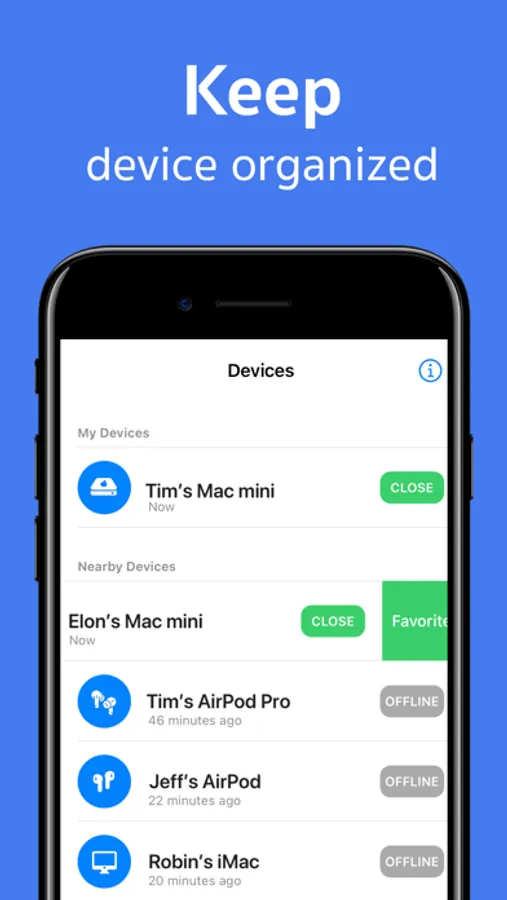
In this device tracking app, you can use Bluetooth signals to locate your lost devices and view real-time signal strength. Includes Bluetooth detection, device management, and location history features.
AppRecs review analysis
AppRecs rating 4.5. Trustworthiness 68 out of 100. Review manipulation risk 29 out of 100. Based on a review sample analyzed.
★★★★☆
4.5
AppRecs Rating
Ratings breakdown
5 star
75%
4 star
9%
3 star
5%
2 star
3%
1 star
8%
What to know
✓
Low review manipulation risk
29% review manipulation risk
✓
High user satisfaction
85% of sampled ratings are 4+ stars (4.4★ average)
✓
Authentic reviews
Natural distribution, no red flags
About Device Tracker: Detect Devices
Lost It? Find It. Fast.
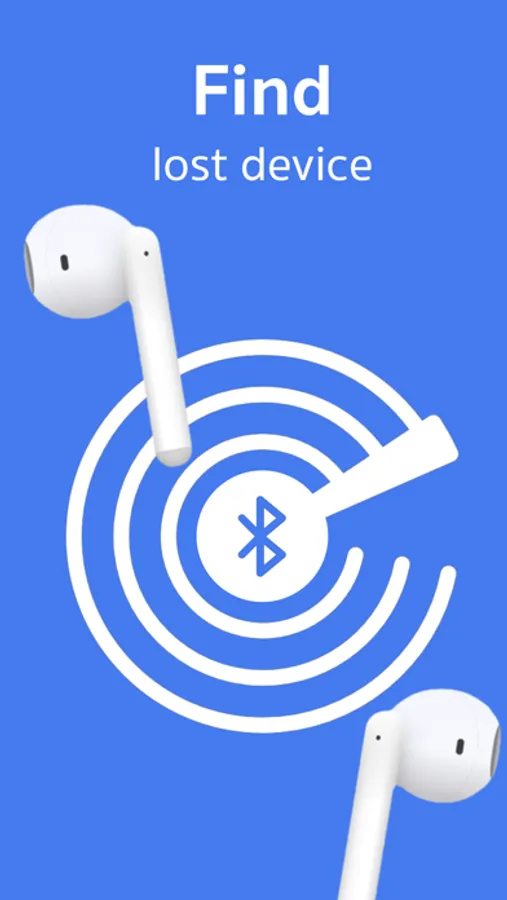
Never stress over lost AirPods, Apple Watch, or other Bluetooth devices again. Device Tracker helps you locate them in seconds — no technical skills required.
Why Choose Device Tracker?
Because finding your devices shouldn’t feel like searching for a needle in a haystack. With advanced Bluetooth tracking, you’ll be reunited with your lost item quickly and effortlessly.
How It Works:
1. Open the app and grant Bluetooth permission
2. Select the device you’re looking for
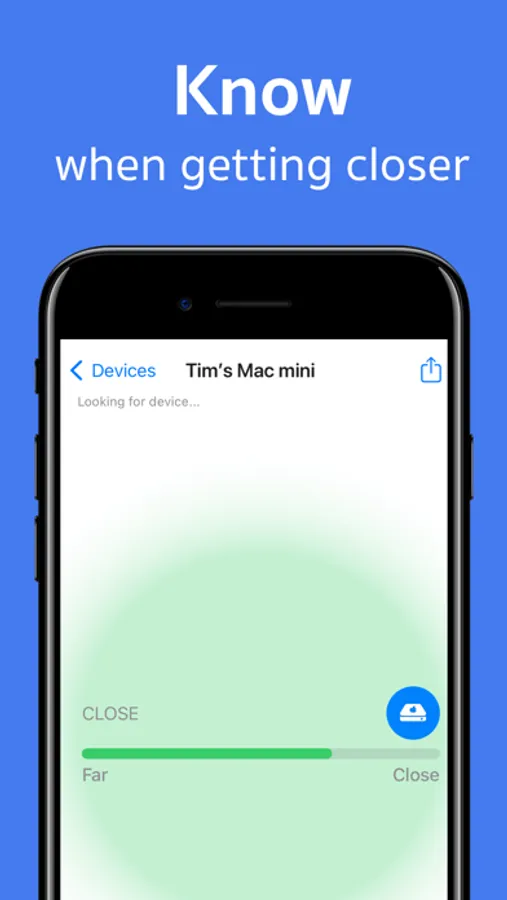
3. Walk around — the signal strength updates in real time as you get closer
4. When the signal peaks, your device is nearby
Find What Matters:
• AirPods (1st, 2nd, Pro) — must be out of the case
• Apple Watch and Apple Pencil
• iPhone, iPad, and Mac
• Beats headphones, Fitbits, and other smartwatches
• Tile and other Bluetooth trackers
If your lost device has an active Bluetooth signal and is within range (up to 330 feet / 100 meters), Device Tracker can help you find it.
Tips for Success:
• Move slowly and watch the signal indicator go from weak to strong
• If you’re searching for one AirPod, keep the other one in the case
• Ensure your lost device has battery and Bluetooth enabled
Fast, Friendly Support
We’re here to help. Email us at sandya.leelarathne@gmail.com with any questions. We respond quickly and are happy to guide you through the process.
Found your device?
Please leave a 5-star rating and review. Your feedback helps others discover the app and helps us continue improving it.
Subscription Information:
Try it free — no risk, all reward.
• Payment is charged to your iTunes Account at confirmation of purchase
• Subscriptions automatically renew unless canceled at least 24 hours before the end of the current period
• Manage your subscription and turn off auto-renewal in your iTunes Account Settings
• Unused portions of a free trial are forfeited when a subscription is purchased
Plans Available:
• Monthly Subscription
• Annual Subscription (Best Value)
Privacy Policy: https://paddyviewfoundry.com/devicetracker/privacy-policy.html
Terms of Use: https://paddyviewfoundry.com/devicetracker/terms-condition.html
Never stress over lost AirPods, Apple Watch, or other Bluetooth devices again. Device Tracker helps you locate them in seconds — no technical skills required.
Why Choose Device Tracker?
Because finding your devices shouldn’t feel like searching for a needle in a haystack. With advanced Bluetooth tracking, you’ll be reunited with your lost item quickly and effortlessly.
How It Works:
1. Open the app and grant Bluetooth permission
2. Select the device you’re looking for
3. Walk around — the signal strength updates in real time as you get closer
4. When the signal peaks, your device is nearby
Find What Matters:
• AirPods (1st, 2nd, Pro) — must be out of the case
• Apple Watch and Apple Pencil
• iPhone, iPad, and Mac
• Beats headphones, Fitbits, and other smartwatches
• Tile and other Bluetooth trackers
If your lost device has an active Bluetooth signal and is within range (up to 330 feet / 100 meters), Device Tracker can help you find it.
Tips for Success:
• Move slowly and watch the signal indicator go from weak to strong
• If you’re searching for one AirPod, keep the other one in the case
• Ensure your lost device has battery and Bluetooth enabled
Fast, Friendly Support
We’re here to help. Email us at sandya.leelarathne@gmail.com with any questions. We respond quickly and are happy to guide you through the process.
Found your device?
Please leave a 5-star rating and review. Your feedback helps others discover the app and helps us continue improving it.
Subscription Information:
Try it free — no risk, all reward.
• Payment is charged to your iTunes Account at confirmation of purchase
• Subscriptions automatically renew unless canceled at least 24 hours before the end of the current period
• Manage your subscription and turn off auto-renewal in your iTunes Account Settings
• Unused portions of a free trial are forfeited when a subscription is purchased
Plans Available:
• Monthly Subscription
• Annual Subscription (Best Value)
Privacy Policy: https://paddyviewfoundry.com/devicetracker/privacy-policy.html
Terms of Use: https://paddyviewfoundry.com/devicetracker/terms-condition.html
Device Tracker: Detect Devices Screenshots
Tap to Rate:
Reviews for Device Tracker: Detect Devices
Doc napalm
Excellent
Does what it is intended to do, clear interface.
EarnDD
Worth the price of the device you’ve lost
Easy to use and helps to locate devices with very little effort. I’ve found hidden cameras with this app when I was looking for an ear bud!