
AppRecs review analysis
AppRecs rating 4.2. Trustworthiness 77 out of 100. Review manipulation risk 23 out of 100. Based on a review sample analyzed.
★★★★☆
4.2
AppRecs Rating
Ratings breakdown
5 star
80%
4 star
0%
3 star
0%
2 star
0%
1 star
20%
What to know
✓
Low review manipulation risk
23% review manipulation risk
✓
Credible reviews
77% trustworthiness score from analyzed reviews
✓
High user satisfaction
80% of sampled ratings are 4+ stars (4.2★ average)
About MailJerry
Easy Email Migration with MailJerry
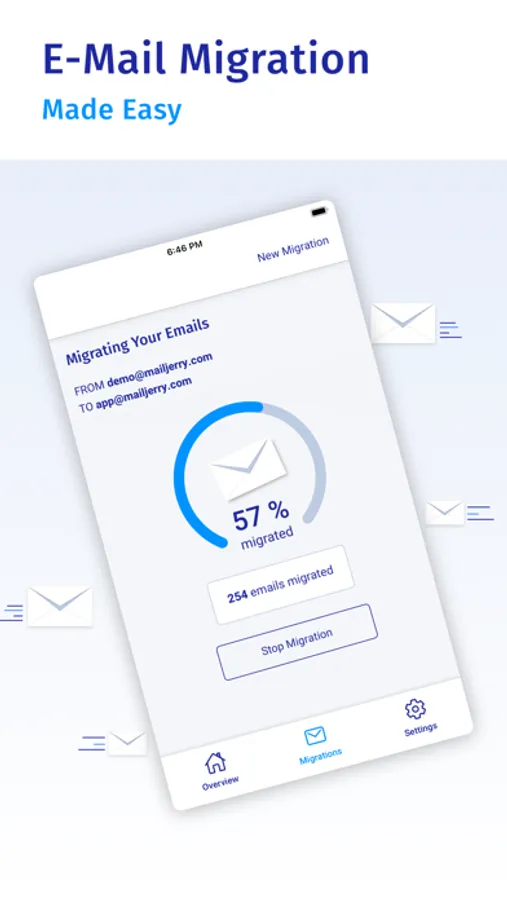
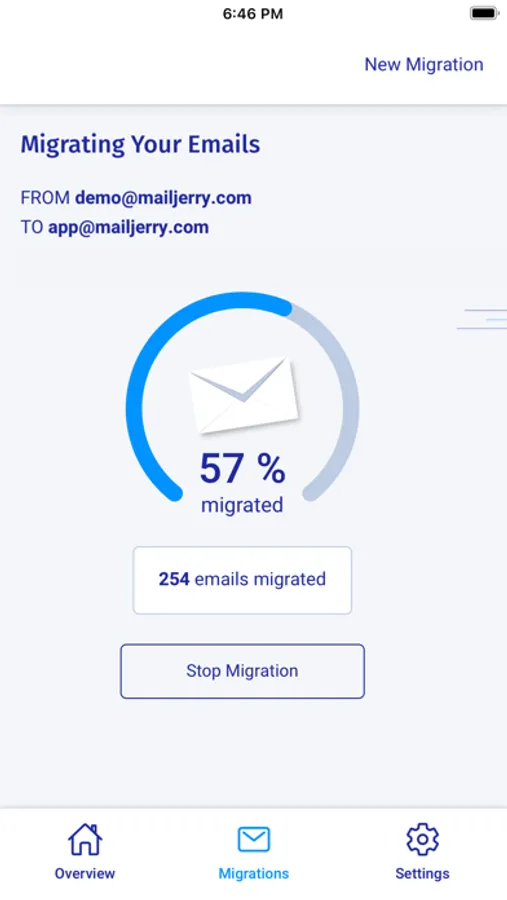
Need to migrate emails and don't know how? With MailJerry, you don't have to be an IT expert. Our email migration tool takes care of all your emails and migrates them securely to their new destination.
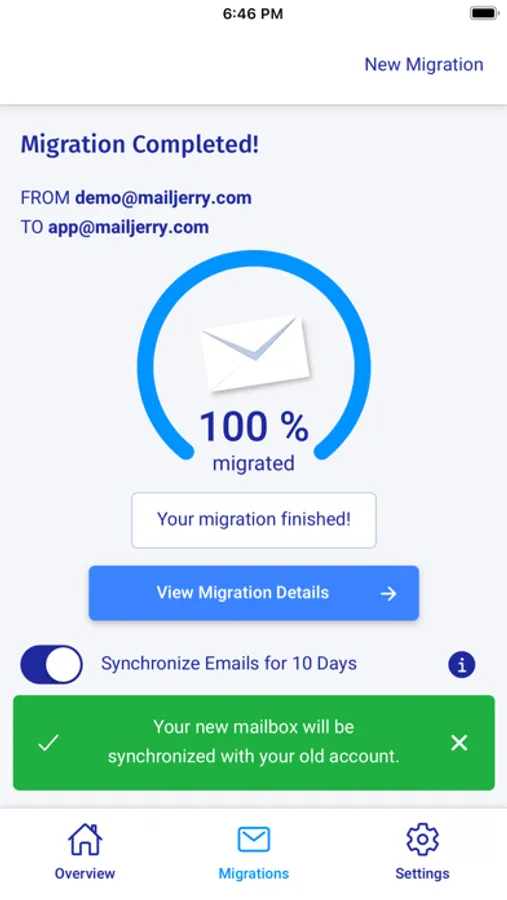
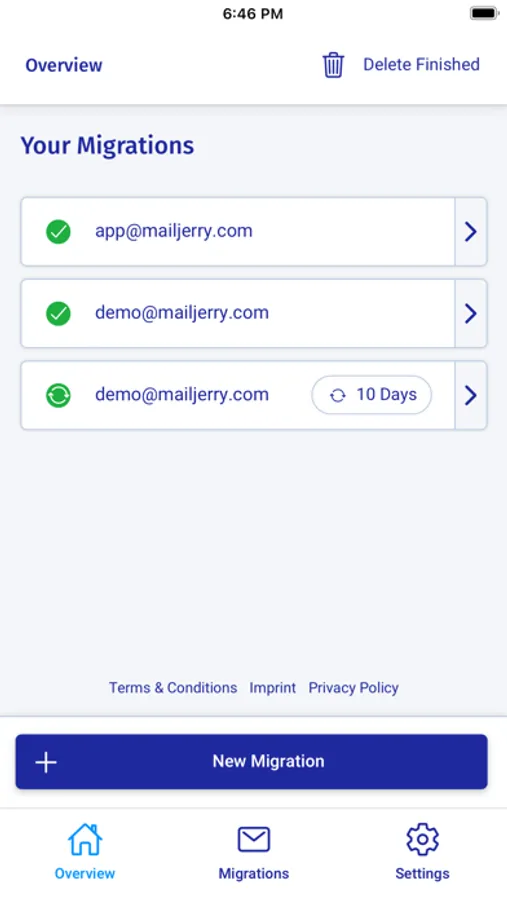
With the MailJerry email migration tool, you can copy your emails to a new server or mailbox and sync your emails after the migration. MailJerry works with all major providers, exchange accounts & all IMAP mailboxes!
FEATURES:
+ Mailbox Sync
After the migration, MailJerry keeps your accounts synchronised.
+ Migrate Emails & Folders
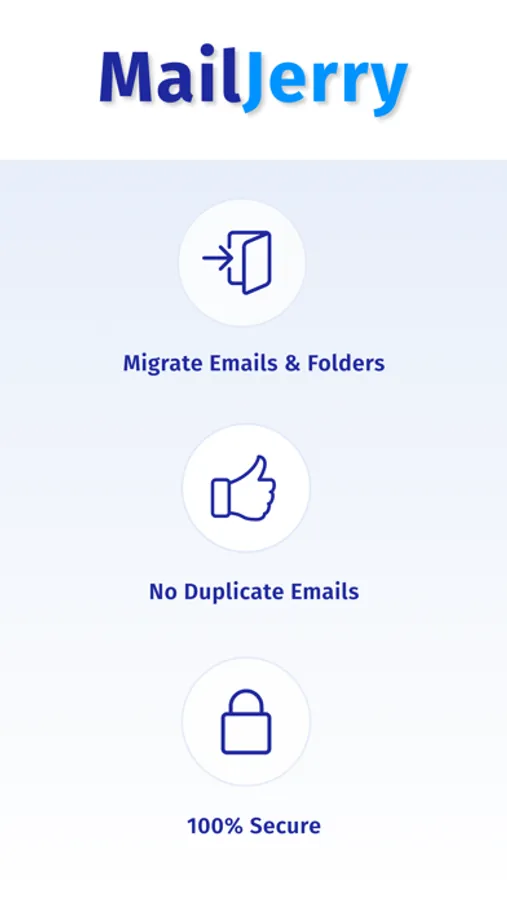
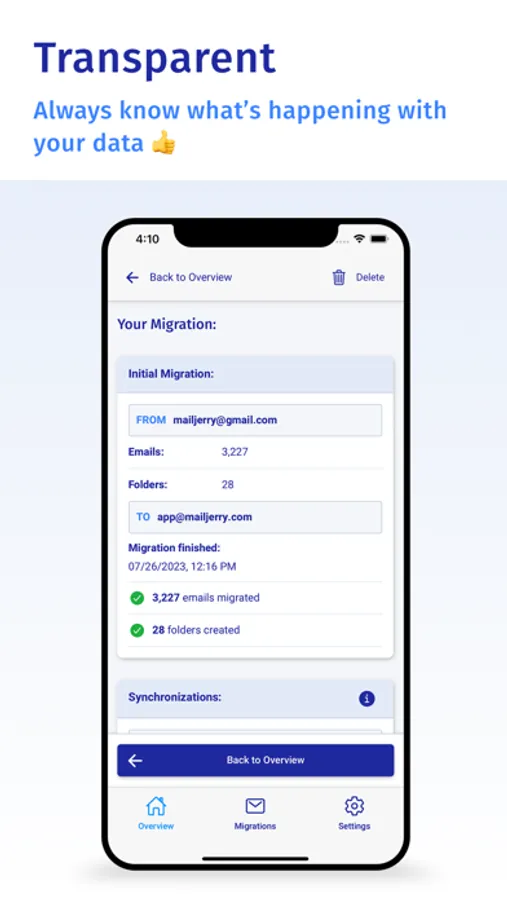
MailJerry migrates your complete folder structure including drafts & sent objects.
+ Works with All Providers
Gmail, MS 365, iCloud, Yahoo!, GMX, Exchange and all IMAP accounts
+ Bulk Migration
Easily migrate hundreds of mailboxes. With CSV upload!
+ No Duplicates
MailJerry checks if your account already contains data & prevents duplicates.
+ Mailbox Health Check
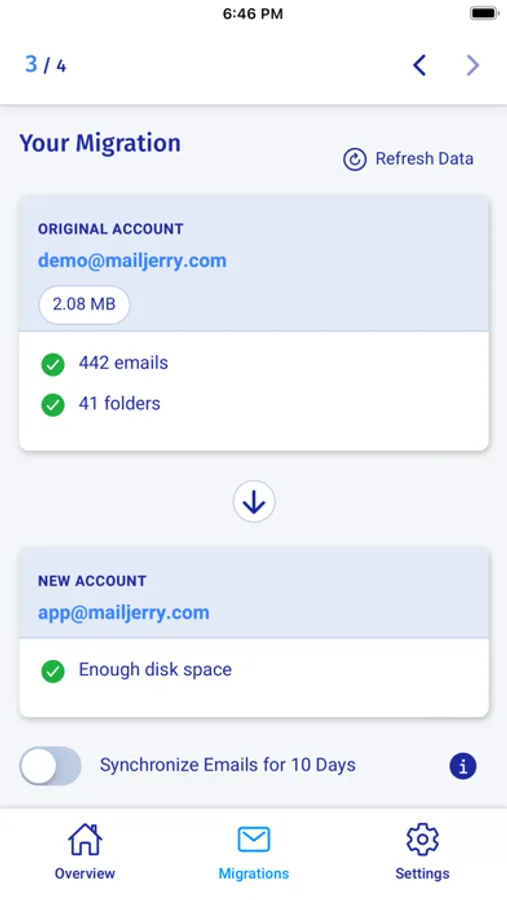
Our email migration service ensures that your new mailbox is ready to receive your data.
+ 100% Secure
Your emails are strictly private. MailJerry does not read or store any of your data.
COMPATIBILITY:
MailJerry works with all major providers, mail clients & all IMAP accounts
With the MailJerry app, you can easily migrate your emails to a new provider.
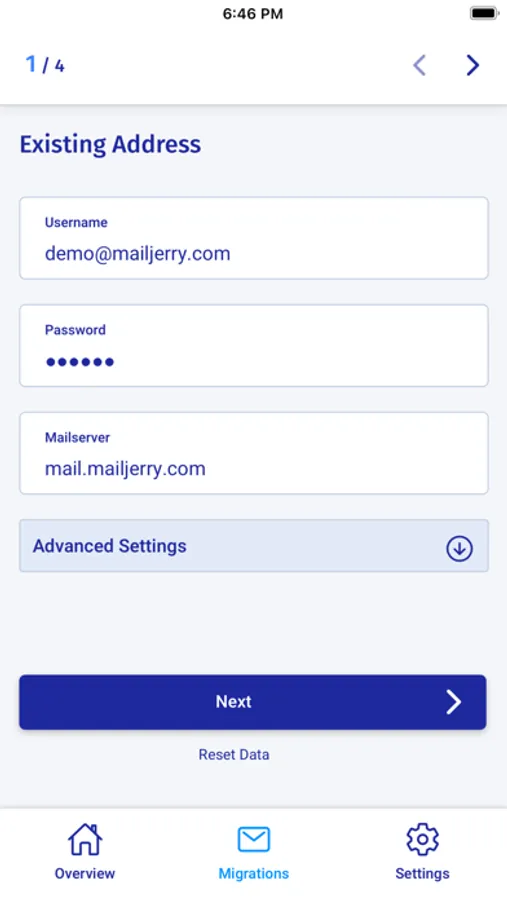
You don’t know the address of your mail server or your email port? Be it Gmail, Yahoo, outlook.com, Amazon Simple Email, GMX, Exchange or many more, MailJerry comes with a large range of provider presets and facilitates your migration.
Lean back and enjoy the smoothest email migration ever:
MailJerry – The most efficient way to migrate email accounts!
Need to migrate emails and don't know how? With MailJerry, you don't have to be an IT expert. Our email migration tool takes care of all your emails and migrates them securely to their new destination.
With the MailJerry email migration tool, you can copy your emails to a new server or mailbox and sync your emails after the migration. MailJerry works with all major providers, exchange accounts & all IMAP mailboxes!
FEATURES:
+ Mailbox Sync
After the migration, MailJerry keeps your accounts synchronised.
+ Migrate Emails & Folders
MailJerry migrates your complete folder structure including drafts & sent objects.
+ Works with All Providers
Gmail, MS 365, iCloud, Yahoo!, GMX, Exchange and all IMAP accounts
+ Bulk Migration
Easily migrate hundreds of mailboxes. With CSV upload!
+ No Duplicates
MailJerry checks if your account already contains data & prevents duplicates.
+ Mailbox Health Check
Our email migration service ensures that your new mailbox is ready to receive your data.
+ 100% Secure
Your emails are strictly private. MailJerry does not read or store any of your data.
COMPATIBILITY:
MailJerry works with all major providers, mail clients & all IMAP accounts
With the MailJerry app, you can easily migrate your emails to a new provider.
You don’t know the address of your mail server or your email port? Be it Gmail, Yahoo, outlook.com, Amazon Simple Email, GMX, Exchange or many more, MailJerry comes with a large range of provider presets and facilitates your migration.
Lean back and enjoy the smoothest email migration ever:
MailJerry – The most efficient way to migrate email accounts!
MailJerry Screenshots

Tap to Rate:
Reviews for MailJerry
Christopher R R
Great support!
Happy with it - great support
Pashteta17
Would Recommend
I used the app to transfer my school mails it worked successfully, it helped a lot with the tutorials, the price is very good and reasonable for the work it does. I would recommend it.