With this photo editing app, you can enhance and restore old photos using AI algorithms, improving their clarity and quality. Includes auto-enhancement tools and options to save or share results.
AppRecs review analysis
AppRecs rating 4.2. Trustworthiness 75 out of 100. Review manipulation risk 27 out of 100. Based on a review sample analyzed.
★★★★☆
4.2
AppRecs Rating
Ratings breakdown
5 star
78%
4 star
8%
3 star
4%
2 star
1%
1 star
9%
What to know
✓
Low review manipulation risk
27% review manipulation risk
✓
Credible reviews
75% trustworthiness score from analyzed reviews
✓
High user satisfaction
86% of sampled ratings are 4+ stars (4.5★ average)
About Photo Enhancer AI
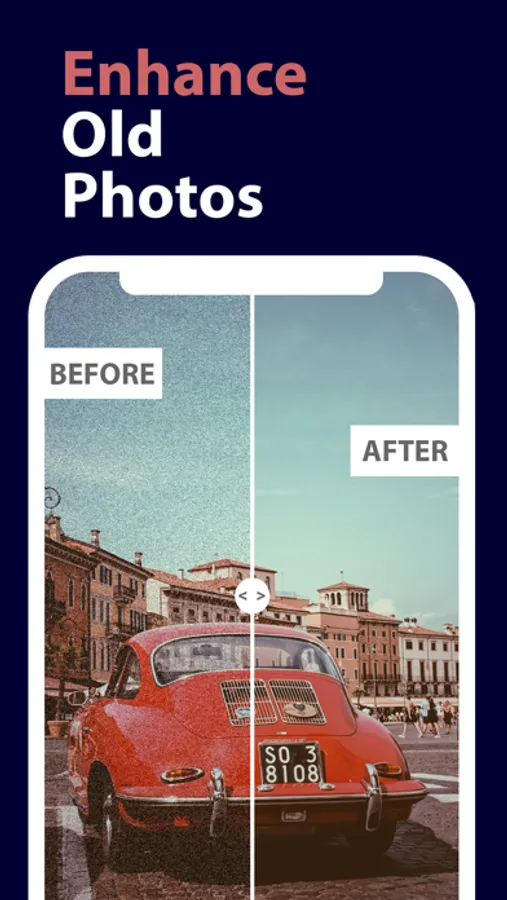
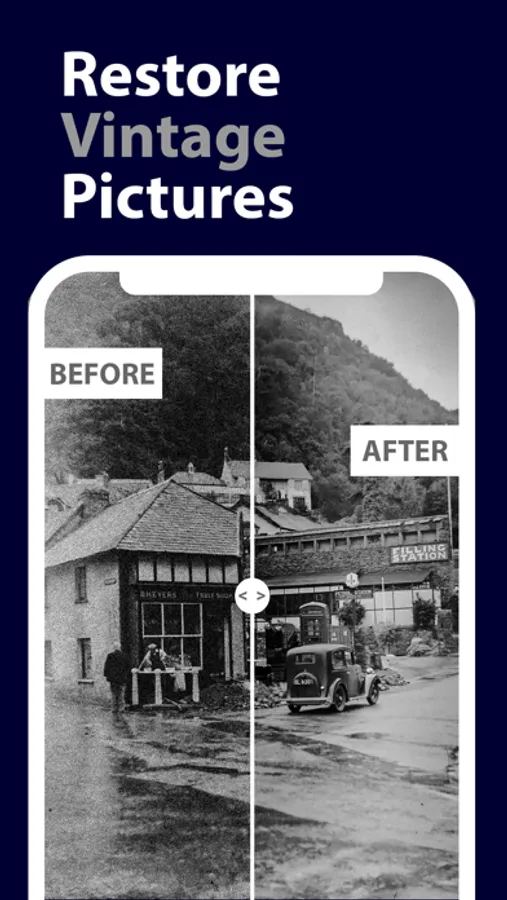
Many people have collection of old photos that look blurry nowadays. Have you wondered about restoring these old photos that keep your memories? If yes then we can offer you a way to fix it.
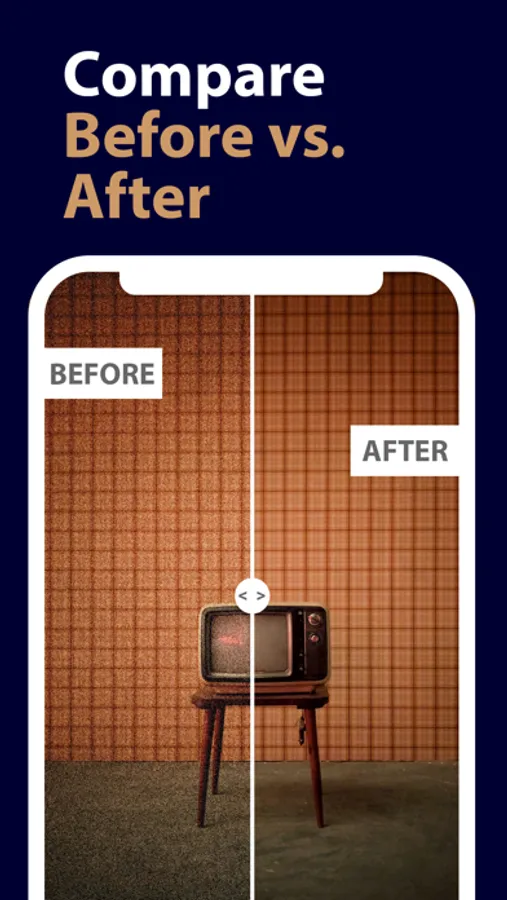
Photo Enhancer AI is a perfect tool for enhancing and restoring your old photos (and memories as well). It uses the the advanced AI image processing algorithm to improve the quality of old photos. No matter if the photo is blurry, damaged, or black & white.
>>> Follow these simple steps:
1. Import an old photo
2. Run the AI-powered enhancement algorithm in one tap
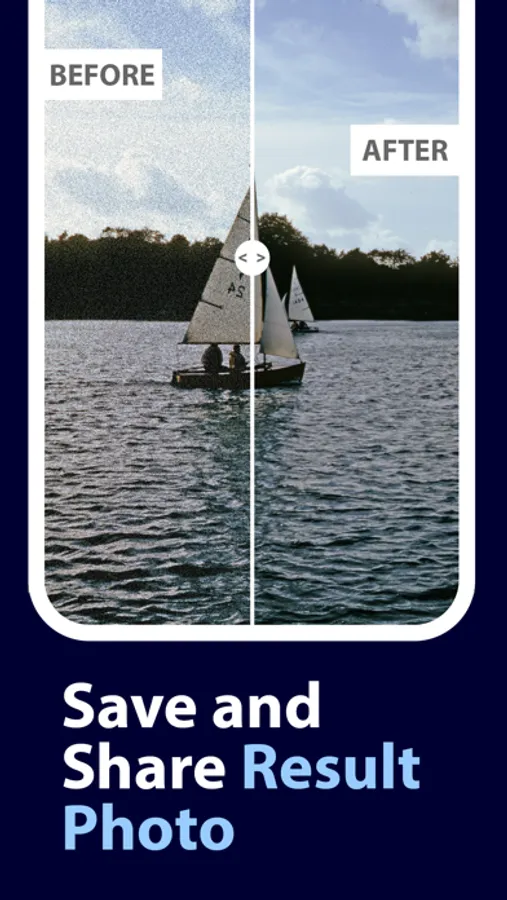
3. Save the result photo in your Photo Library or share it with your family
If you have any issues or ideas, please contact the author at support@alextataurov.com.
Photo Enhancer AI Screenshots
Tap to Rate:
Reviews for Photo Enhancer AI
Frierson’s am
Very good
I’m so happy there is no ads , great app
Bricks9
No way to revert
There are no instructions on how to work this app. So I played with it a little bit and Photo Enhancer sent it back to my photo app and it put it in there WITHOUT returning the original. I wanted to have the photo put on a canvas, and since there is no library on the photo enhancer, I can’t go back and revert the photo to its original. Since they didn’t return the original photo, I have no way of getting it back to its original look. Now I have a definited line between the enhanced and the not enhanced. I can’t get rid of that dividing enhancement. The picture is ruined.