AppRecs review analysis
AppRecs rating 3.4. Trustworthiness 76 out of 100. Review manipulation risk 20 out of 100. Based on a review sample analyzed.
★★★☆☆
3.4
AppRecs Rating
Ratings breakdown
5 star
54%
4 star
0%
3 star
8%
2 star
8%
1 star
31%
What to know
✓
Low review manipulation risk
20% review manipulation risk
✓
Credible reviews
76% trustworthiness score from analyzed reviews
About i3DMovieMaker
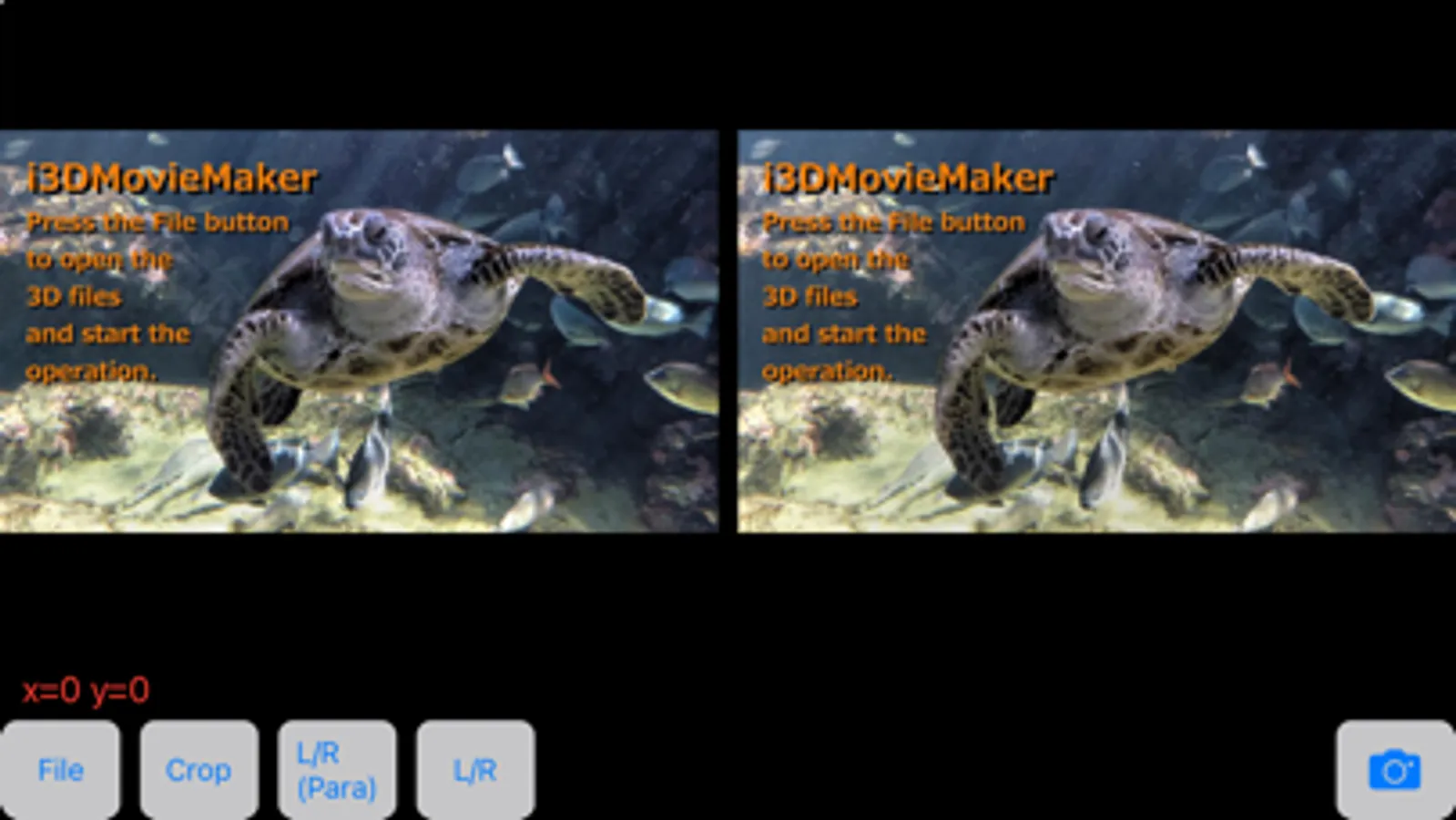
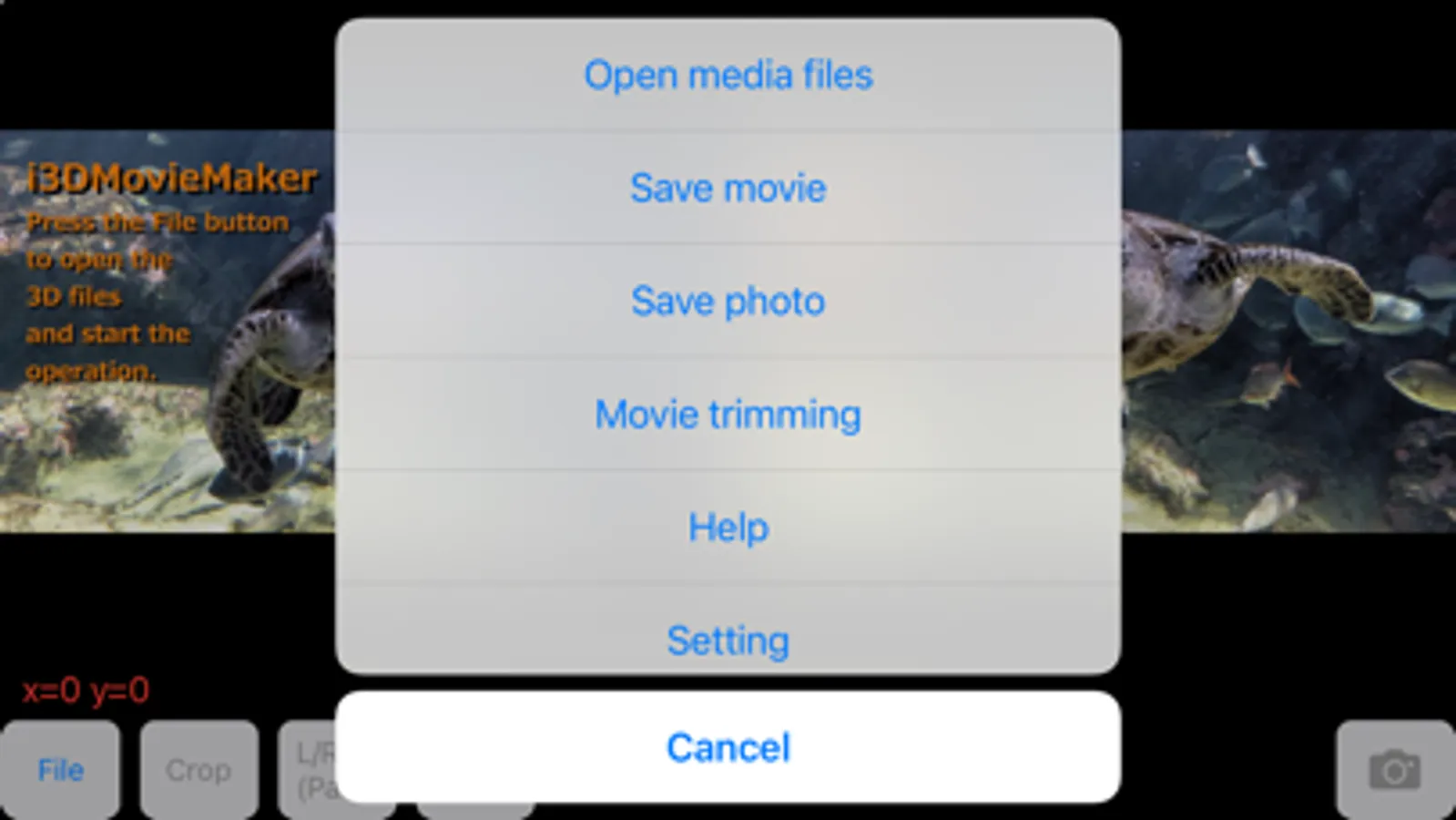
3D video/still image editing application for iPhone / iPad.
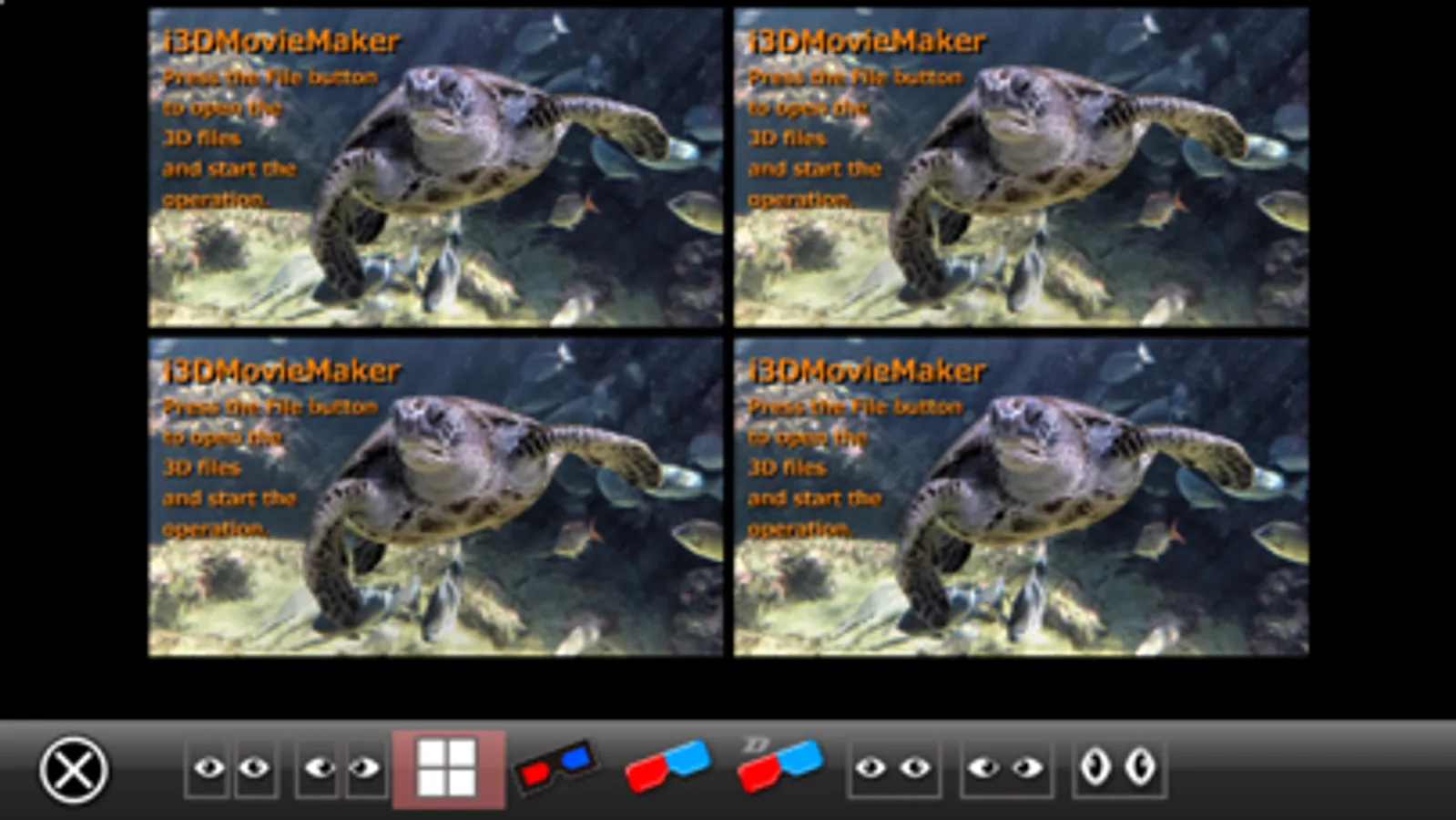
It can convert and display 3D video (separate left and right, half-width SBS, full-width SBS, spatial video, cinematic video 3D conversion, 3D360, VR180) and 3D still images (separate left and right, SBS, spatial photo, portrait photo 3D conversion, 3D360, VR180) into various stereo formats (separate left and right, half-width SBS, full-width SBS, LR/RL, anaglyphs, VR).
In addition to saving in display stereo format, it can also save as spatial video or spatial photo.
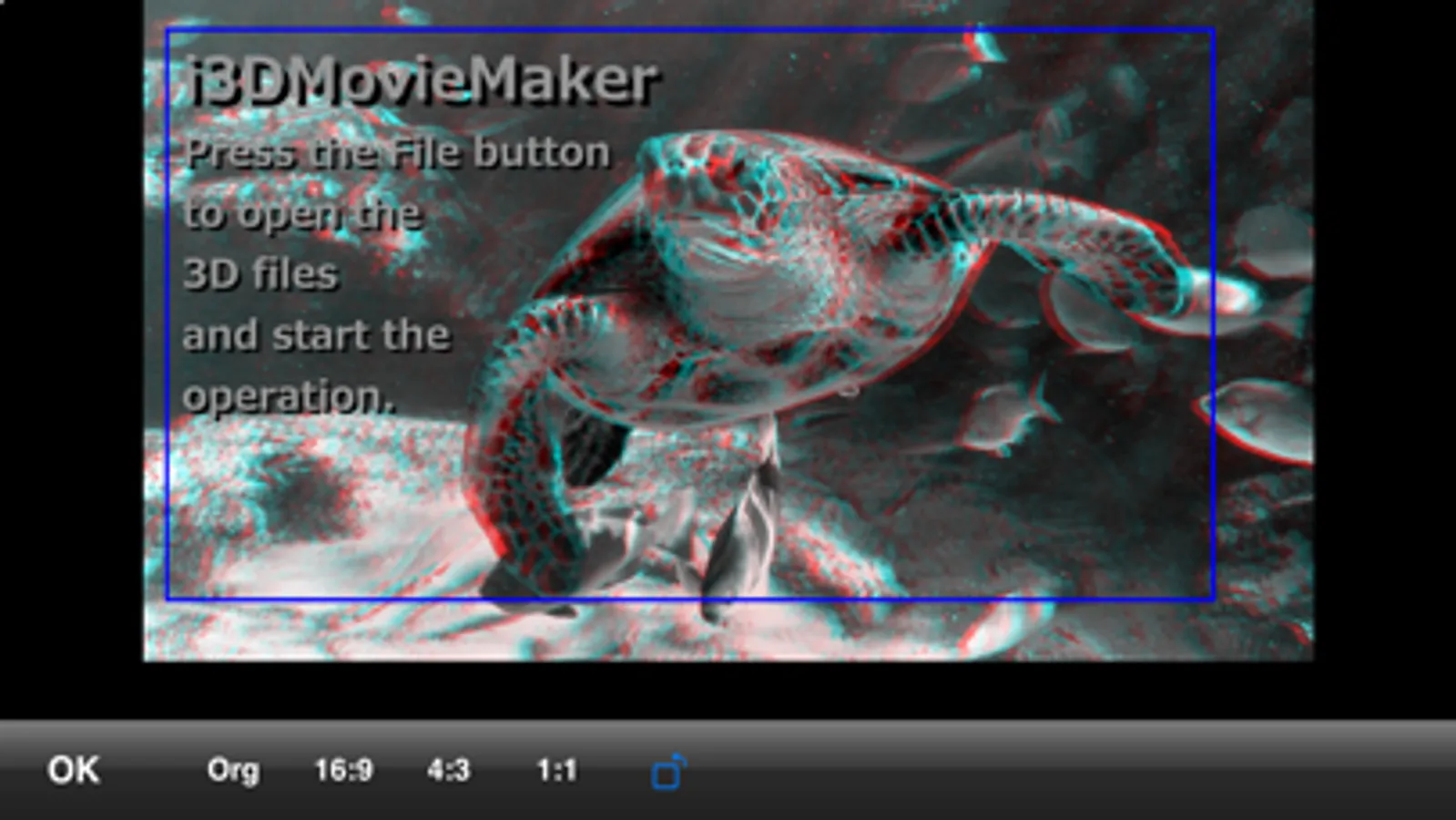
The left and right images can be positioned and trimmed, and the beginning and end of the video can be cut and edited.
With the app's built-in camera, you can also take 3D video/still images using the two cameras on the back.
When "Use SmartGlasses" is turned on in the settings and the smart glasses are connected, the video will be played back on the smart glasses.
In-app purchase is required to use the video saving function, but other functions are available for free.
It can convert and display 3D video (separate left and right, half-width SBS, full-width SBS, spatial video, cinematic video 3D conversion, 3D360, VR180) and 3D still images (separate left and right, SBS, spatial photo, portrait photo 3D conversion, 3D360, VR180) into various stereo formats (separate left and right, half-width SBS, full-width SBS, LR/RL, anaglyphs, VR).
In addition to saving in display stereo format, it can also save as spatial video or spatial photo.
The left and right images can be positioned and trimmed, and the beginning and end of the video can be cut and edited.
With the app's built-in camera, you can also take 3D video/still images using the two cameras on the back.
When "Use SmartGlasses" is turned on in the settings and the smart glasses are connected, the video will be played back on the smart glasses.
In-app purchase is required to use the video saving function, but other functions are available for free.
i3DMovieMaker Screenshots
Tap to Rate:
Reviews for i3DMovieMaker
geolehman
Only from Photos?
Are you kidding? You can only open files in your Photos library? This has got to be the least intuitive interface I have ever seen. It’s ridiculous.
Paulwallmp3
Very useful
Like Having a 3D camera in your pocket. This works great on my IPhone 11



![3D Photo Book [3D-NARITA] icon](https://apprecs.org/ios/img/icons/webp/150/578202166/S1yCKs7JAaS3DfK6_-4OEmXXUZCYxBBt28S_ZlzV6IQ-icon)