In this utility app, you can capture, preview, stream, and export spatial photos and videos. Includes support for AR glasses, large screens, and exporting to common 3D formats.
AppRecs review analysis
AppRecs rating 4.1. Trustworthiness 81 out of 100. Review manipulation risk 21 out of 100. Based on a review sample analyzed.
★★★★☆
4.1
AppRecs Rating
Ratings breakdown
5 star
66%
4 star
9%
3 star
7%
2 star
2%
1 star
17%
What to know
✓
Low review manipulation risk
21% review manipulation risk
✓
Credible reviews
81% trustworthiness score from analyzed reviews
✓
High user satisfaction
74% of sampled ratings are 4+ stars (4.0★ average)
About Spatialify
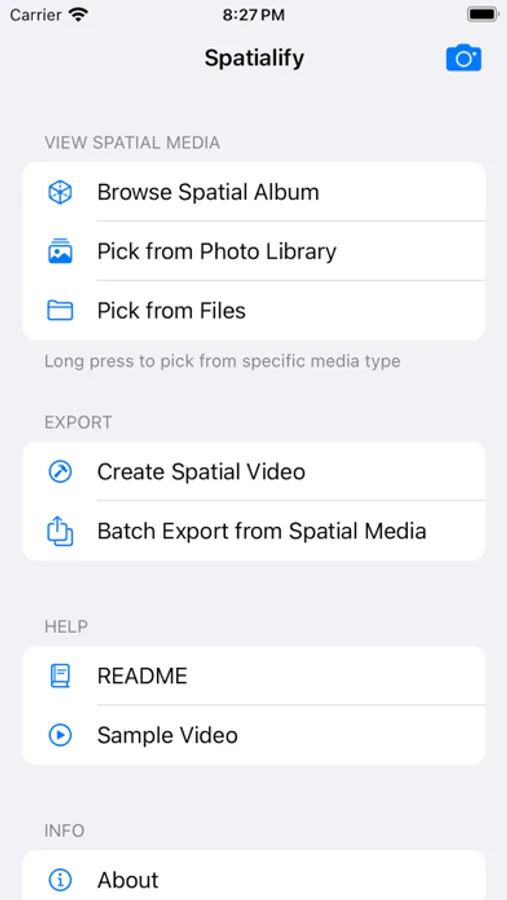
• Capture: (iPhone 15 Pro series, iPhone 16 or newer) Capture 4K HDR spatial videos and 12MP HDR spatial photos with Live Photo and Portrait Depth within the app, and launch camera via Camera Control, Action Button, lock screen or shortcuts.
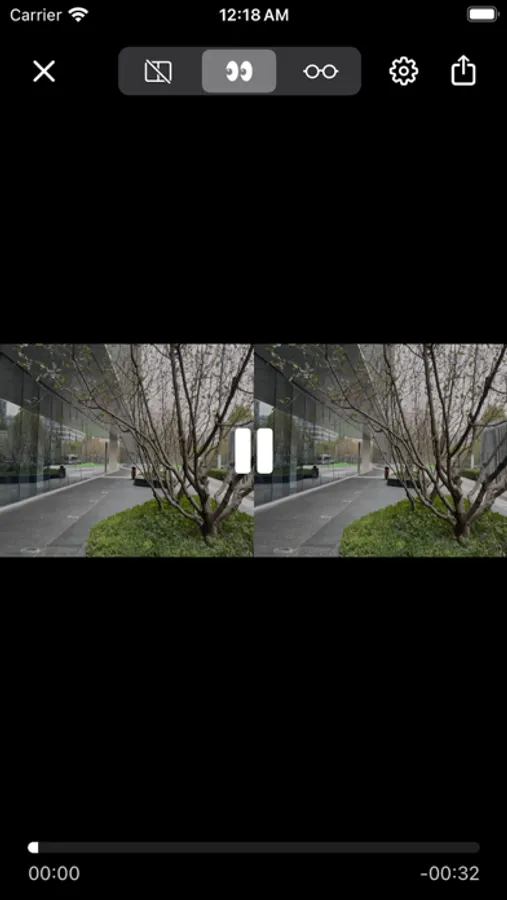
• Preview: View spatial videos and photos on your phone using parallel viewing, anaglyph, wigglegram or cardboard mode.
• Streaming: Connect to supported AR glasses or large screens to browse spatial videos and photos
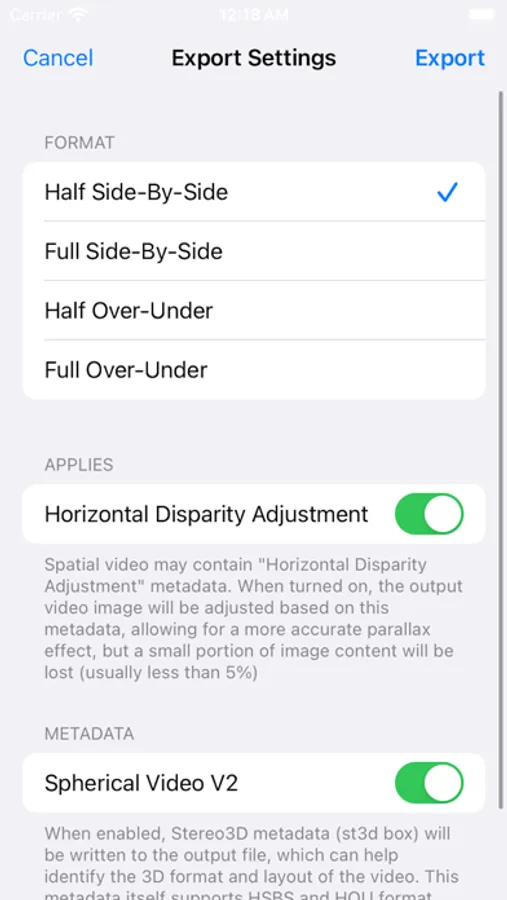
• Export: Convert spatial media into common 3D formats for viewing on other VR devices or sharing to social platforms.
• Make: Create spatial videos and photos using other 3D formats.
Spatialify Screenshots
Tap to Rate:
Reviews for Spatialify
s.h.l.x
Incredible recording quality compared to Apple Spatial Video
The app is really amazing, thank you so much. I have changed the Camera Control button to open Spatialify and I don't even use the native Apple Camera anymore. Taking a screenshot from a recorded video reveals the significant improvement in image quality when using 4K. There is only one significant issue for me., that you could perhaps fix. Obviously the camera is Landscape while recording, but the app seems to only have an internal Portrait orientation. This is an issue when Screen Mirroring because the orientation is then rotated 90 degrees into Portrait. And with the new iPhone, Orientation Lock cannot lock Landscape, only Portrait. If you could update the app so that it displays correctly in Screen Mirroring, something the Apple Camera already does correctly, then the app will be 5-star. I have one more suggestion, but it’s not important like the first request was. Neither your app nor the Apple Camera app allow the Flash to be used. Is there a technical reason for this? If not, an option to enable the flash would be awesome.
Abdias_Z
poor quality
Even worse than apple Camera app. 1, loss high light. 2, many gradient layer in blue sky. 3, details in complex areas of the videos