With this app, you can shoot 360° HDRi images by capturing bracketed multi-exposure panoramas and stitching them into high-dynamic-range files. Includes image stitching, dynamic range selection, and access to a large crowdsourced HDRi collection.
AppRecs review analysis
AppRecs rating 4.1. Trustworthiness 0 out of 100. Review manipulation risk 0 out of 100. Based on a review sample analyzed.
★★★★☆
4.1
AppRecs Rating
Ratings breakdown
5 star
80%
4 star
8%
3 star
3%
2 star
2%
1 star
6%
What to know
✓
High user satisfaction
80% of sampled ratings are 5 stars
⚠
Pricing complaints
Many low ratings mention paywalls or pricing
About HDReye
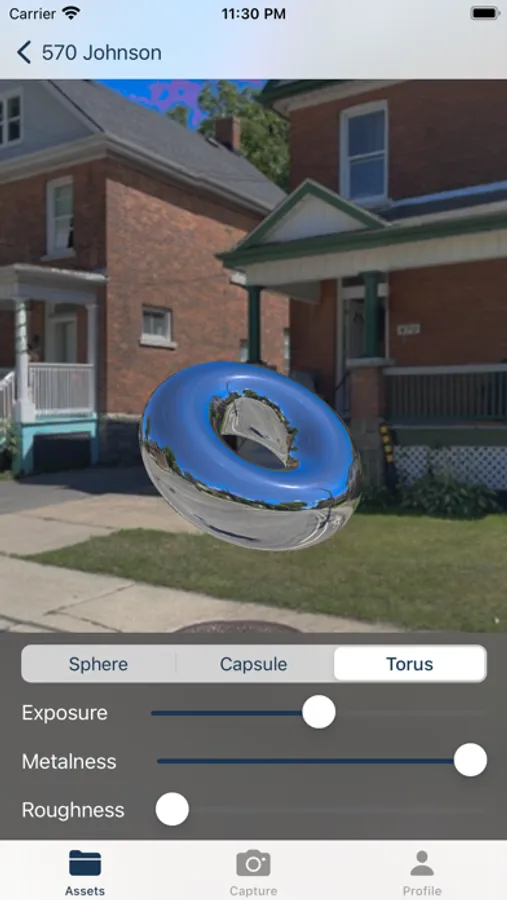
HDReye is the first and only iOS app for creating custom 360° HDRi images for realistic 3D lighting and compositing.
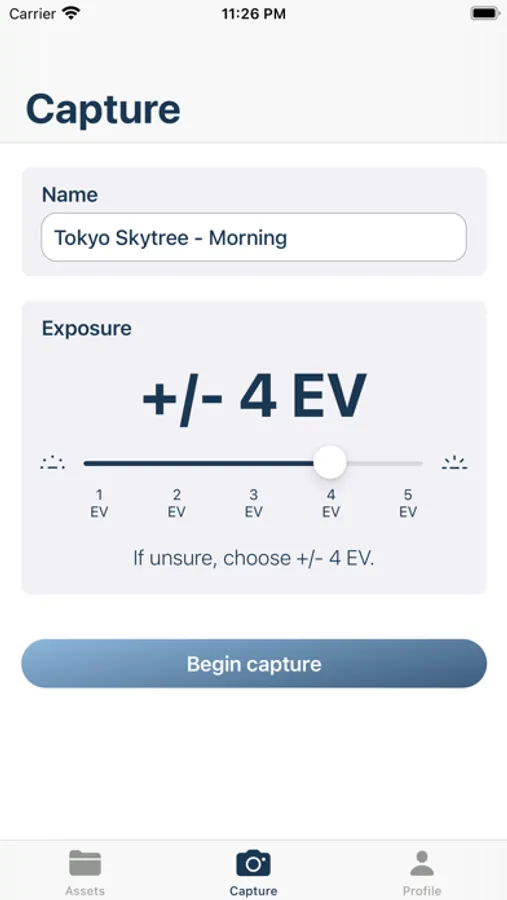
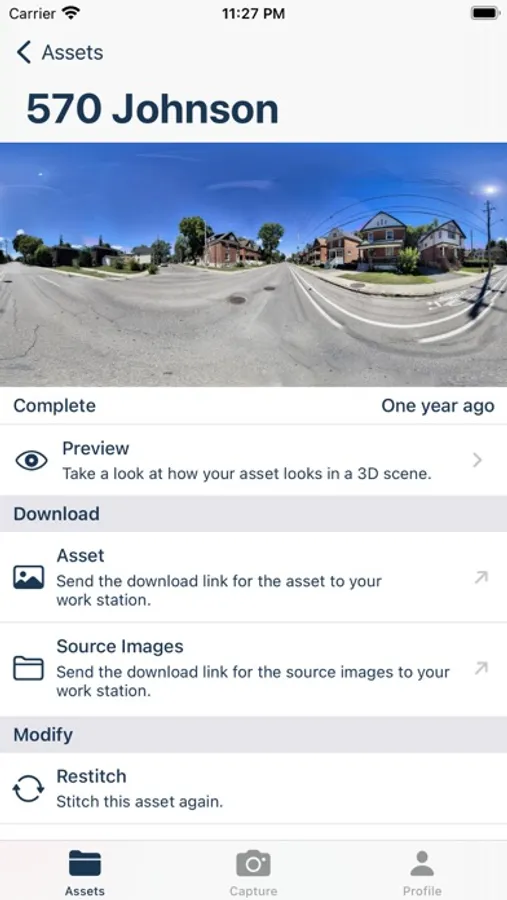
Just select your desired dynamic range, follow the prompts to shoot a bracketed multi-exposure panorama of your location, and HDReye will stitch and generate a 32-bit (.EXR format) HDRi of your location.
HDReye is an essential app for combining 3D animation realistically with footage or capturing lightmaps of any location. What used to require an expensive 360° camera or chrome ball light probe, now can be done conveniently on your phone with HDReye.
Whether you are an independent 3D artist, VFX studio, AR developer, NFT artist, content creator, or just a hobbyist - HDReye is here to make your workflow simpler and renders more realistic.
HDReye is your image-based lighting solution. Compatible with all 3D packages and render engines including Cinema 4D, Blender, Houdini, Maya, 3D Studio Max, Adobe After Effects, Element 3D, OTOY Octane Render, Redshift, V-ray, Arnold, Unreal Engine, Unity, Spark AR, and more.
HDReye users also have access to the largest crowdsourced collection of HDRi images in the world.
HDReye also works well for capturing 360° panoramas similar to the Google Street View app.
Terms of Use: http://hdreye.app/terms/
Privacy Policy: http://hdreye.app/privacy/
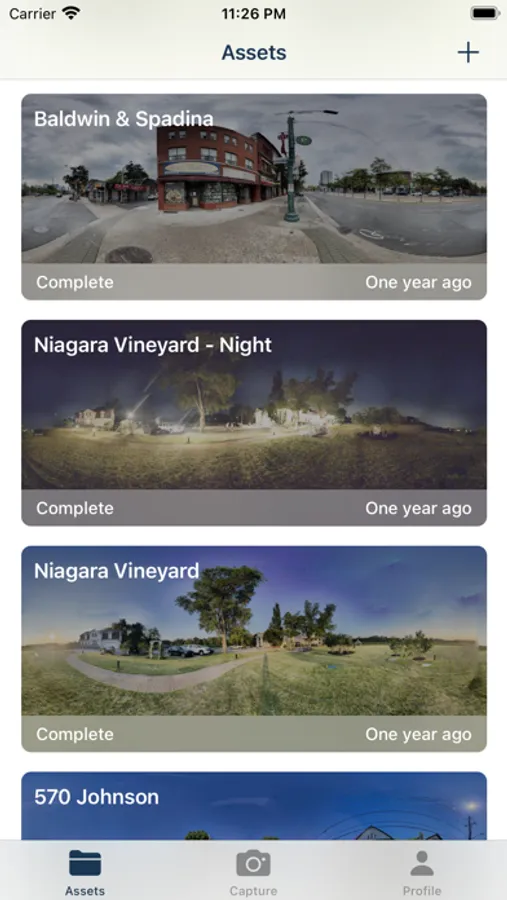
HDReye Screenshots
Tap to Rate:
Reviews for HDReye
Deerkota
No free demo; can’t check image quality before stitching
I got this app purely so that I can train people at my work on turning on aircraft APU without having to use a cockpit diagram. I spent the $3 for the stitched image, and the picture quality is horrible. Part of it is my own fault (I had to be crouching to take the pictures and couldn’t turn around easily), but it’s ridiculous that you can’t review pictures before proceeding to the stitching part. I also wish that you weren’t required to take a full “sphere”/16(?) pictures since I didn’t need the full view. Waste of money and time.
JSNY10022
Bait and switch
Only after you download and spend time creating an image do they tell you that you cannot view it until you pay them. You can’t even see if it works or if the image is acceptable. Complete waste of my time. Deleted.