AppRecs review analysis
AppRecs rating 3.6. Trustworthiness 74 out of 100. Review manipulation risk 28 out of 100. Based on a review sample analyzed.
★★★☆☆
3.6
AppRecs Rating
Ratings breakdown
5 star
55%
4 star
10%
3 star
5%
2 star
0%
1 star
30%
What to know
✓
Low review manipulation risk
28% review manipulation risk
✓
Credible reviews
74% trustworthiness score from analyzed reviews
✓
Good user ratings
65% positive sampled reviews
About DWG Converter, DWG to PDF
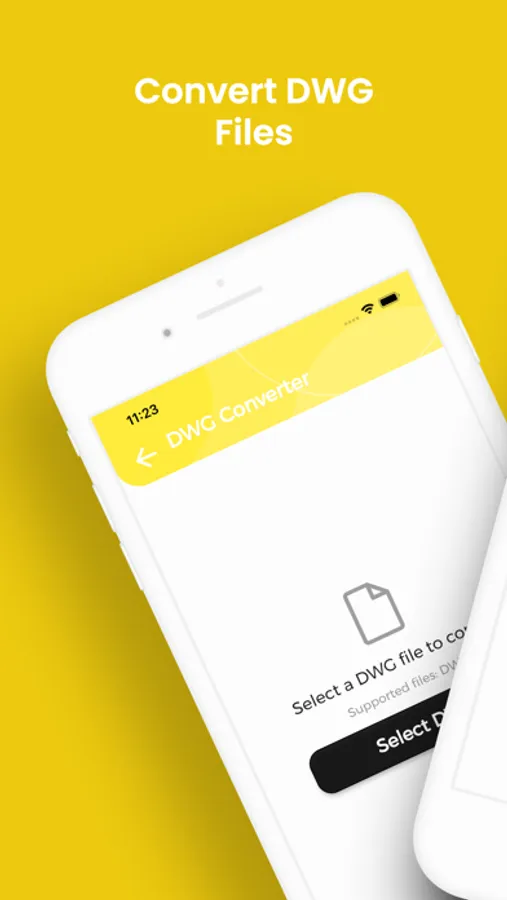
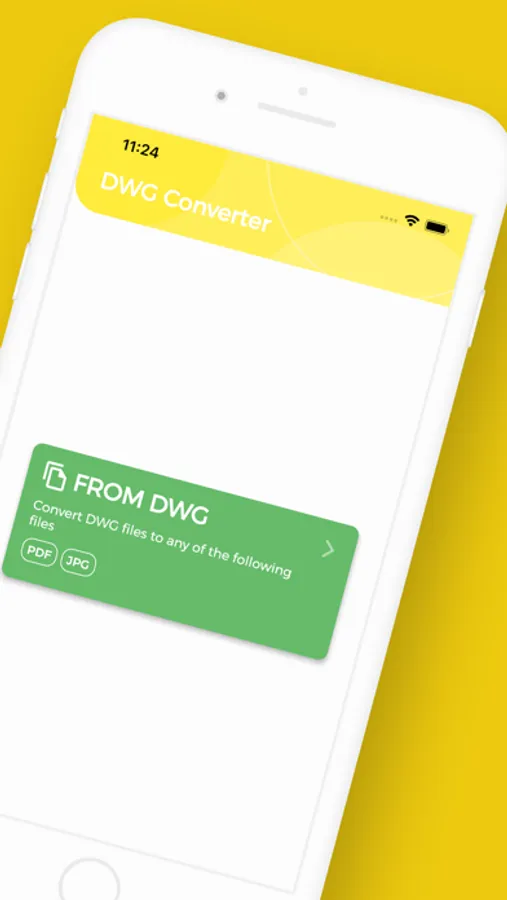
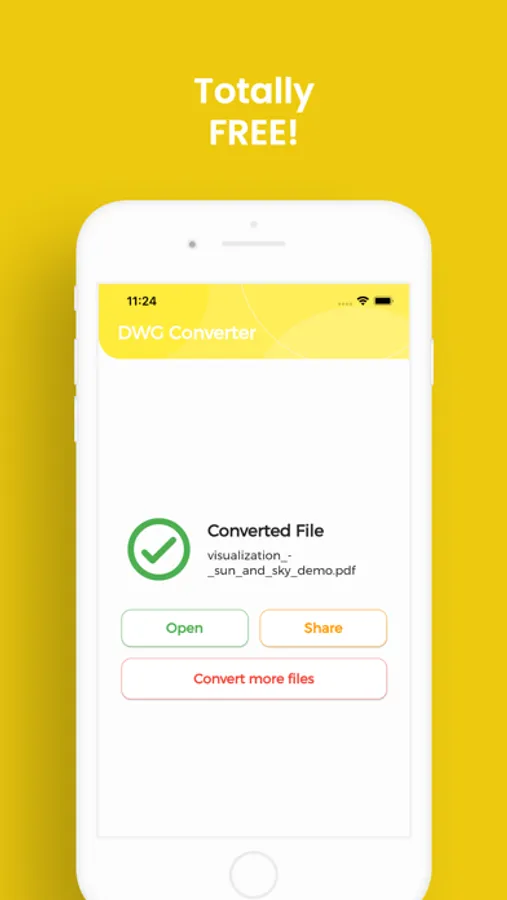
Need to convert DWG to PDF or JPG? With DWG Converter you get unlimited, lightning fast conversions on your iPhone or iPad with no fees, no sign-ups, just perfect images every time.
Stop wrestling with files your device won’t open. DWG Converter lets you flip any DWG or turn other formats back into DWG while preserving every pixel’s quality.
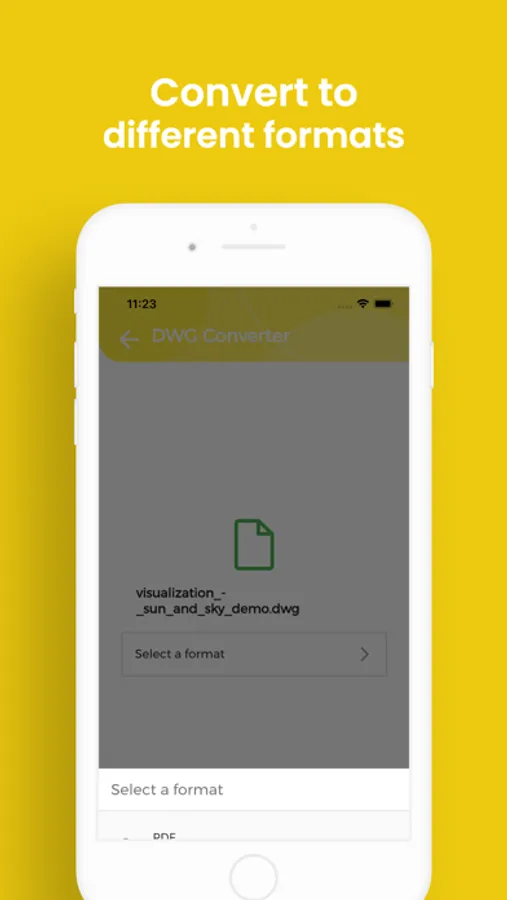
• Wide format support – Convert DWG to PDF and JPG…and back again.
• Unlimited & free – No file-size caps, quotas, paywalls or subscriptions.
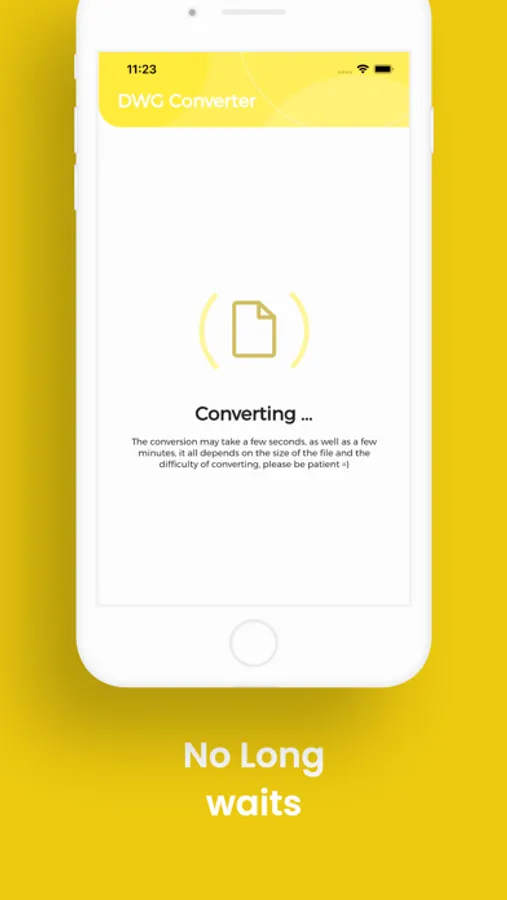
• Fast & precise – Local engine optimizes each pixel, so even large images finish in seconds.
• Custom output – Choose image size before exporting for perfect social-media or print fits.
• Private & secure – Files stay on your device; no email or registration required.
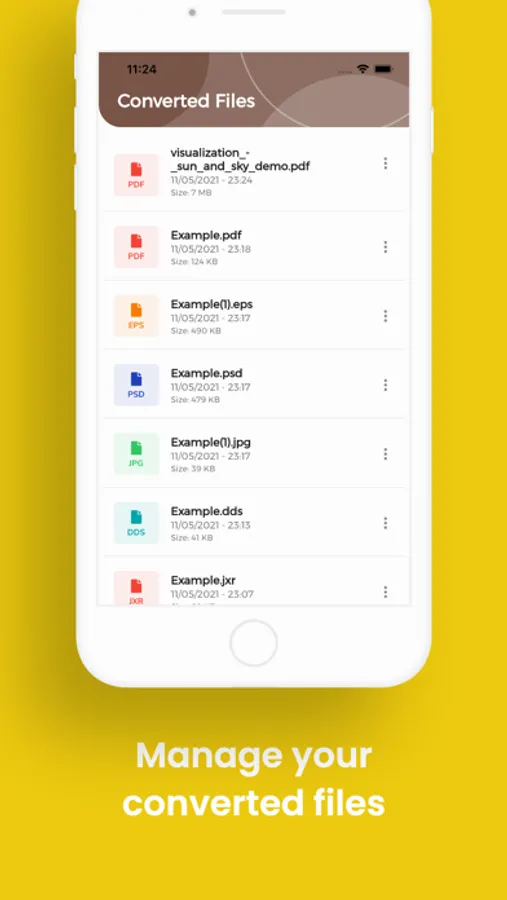
• Easy file access – Converted items land in the “DWG Converter” folder, ready to share.
• Multilingual UI – English, Spanish, French, German, Italian, Portuguese, Russian, Japanese and Chinese.
Download DWG Converter today and unlock every DWG file you own, convert, share and enjoy it anywhere!
Stop wrestling with files your device won’t open. DWG Converter lets you flip any DWG or turn other formats back into DWG while preserving every pixel’s quality.
• Wide format support – Convert DWG to PDF and JPG…and back again.
• Unlimited & free – No file-size caps, quotas, paywalls or subscriptions.
• Fast & precise – Local engine optimizes each pixel, so even large images finish in seconds.
• Custom output – Choose image size before exporting for perfect social-media or print fits.
• Private & secure – Files stay on your device; no email or registration required.
• Easy file access – Converted items land in the “DWG Converter” folder, ready to share.
• Multilingual UI – English, Spanish, French, German, Italian, Portuguese, Russian, Japanese and Chinese.
Download DWG Converter today and unlock every DWG file you own, convert, share and enjoy it anywhere!
DWG Converter, DWG to PDF Screenshots
Tap to Rate:
Reviews for DWG Converter, DWG to PDF
VS nah nah nah nah
Doesn’t work
Not working
Mr. Jozsef
Doesn’t work
Tried several times but it doesn’t convert anything. Guess that’s why it’s free.