
About Routechoices Tracker
Routechoices Tracker lets you stream your live location to Routechoices.com, an open-source live GPS tracking solution for orienteering and outdoors events.
How It Works:
- Grant the app access to high accuracy location at all time, as well as background execution permission. This ensures uninterrupted GPS tracking throughout your activity - e.g. when your phone goes to sleep.
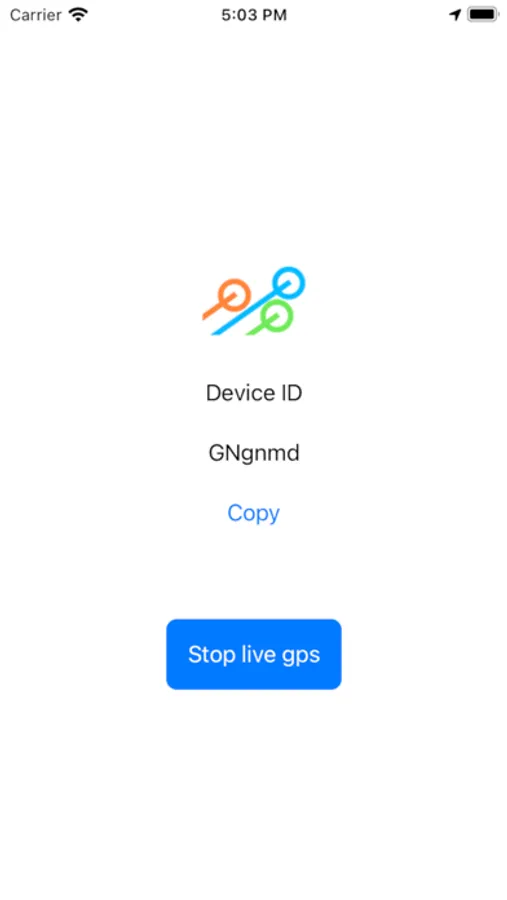
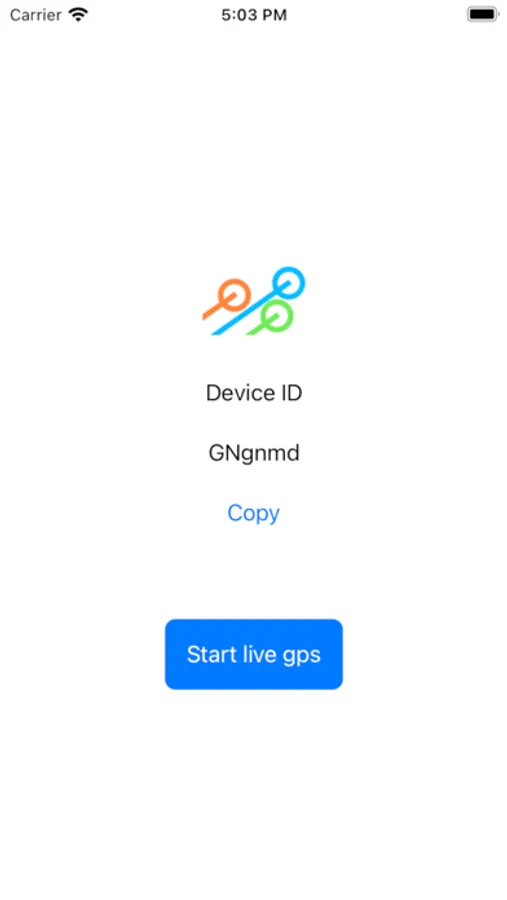
- Your 8 digits Device ID is then displayed in the screen center, you need it to enter events.
- Press "Start live GPS tracking" when you're ready to begin your run. The Device ID turns green when you are "Live".
- Go on your adventure!
- Press "Stop Live GPS tracking" when you've finished.
Troubleshooting:
- Ensure that high-accuracy GPS is enabled in your phone's system settings.
- To avoid restriction to can run in the background, make sure that background execution is allowed and that Routechoices Tracker has permission to access location services at all times.
- To avoid limitations when it can fetch location data, ensure that the privacy setting for location access in "Settings > Privacy > Location Services > Routechoices Tracker" is set to "Always"
How It Works:
- Grant the app access to high accuracy location at all time, as well as background execution permission. This ensures uninterrupted GPS tracking throughout your activity - e.g. when your phone goes to sleep.
- Your 8 digits Device ID is then displayed in the screen center, you need it to enter events.
- Press "Start live GPS tracking" when you're ready to begin your run. The Device ID turns green when you are "Live".
- Go on your adventure!
- Press "Stop Live GPS tracking" when you've finished.
Troubleshooting:
- Ensure that high-accuracy GPS is enabled in your phone's system settings.
- To avoid restriction to can run in the background, make sure that background execution is allowed and that Routechoices Tracker has permission to access location services at all times.
- To avoid limitations when it can fetch location data, ensure that the privacy setting for location access in "Settings > Privacy > Location Services > Routechoices Tracker" is set to "Always"
Routechoices Tracker Screenshots

Tap to Rate: