
AppRecs review analysis
AppRecs rating 3.4. Trustworthiness 83 out of 100. Review manipulation risk 24 out of 100. Based on a review sample analyzed.
★★★☆☆
3.4
AppRecs Rating
Ratings breakdown
5 star
57%
4 star
0%
3 star
0%
2 star
14%
1 star
29%
What to know
✓
Low review manipulation risk
24% review manipulation risk
✓
Credible reviews
83% trustworthiness score from analyzed reviews
About PieChart Maker
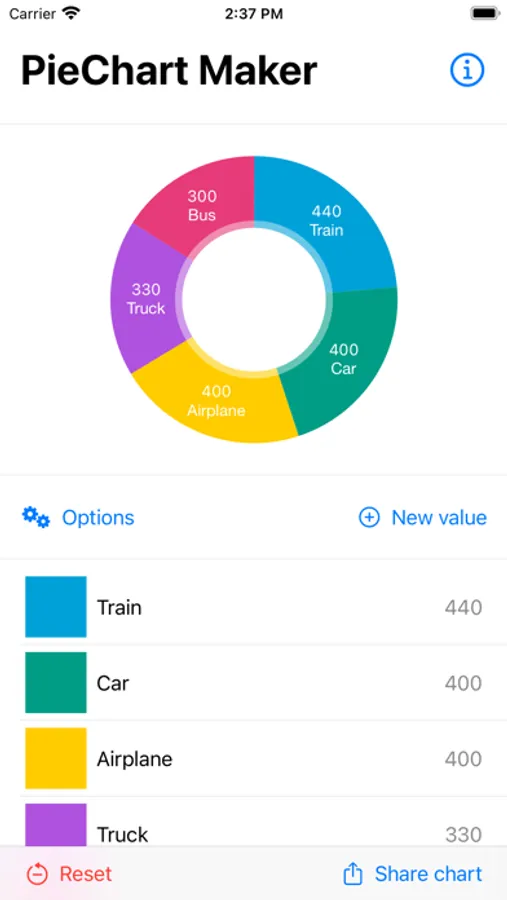
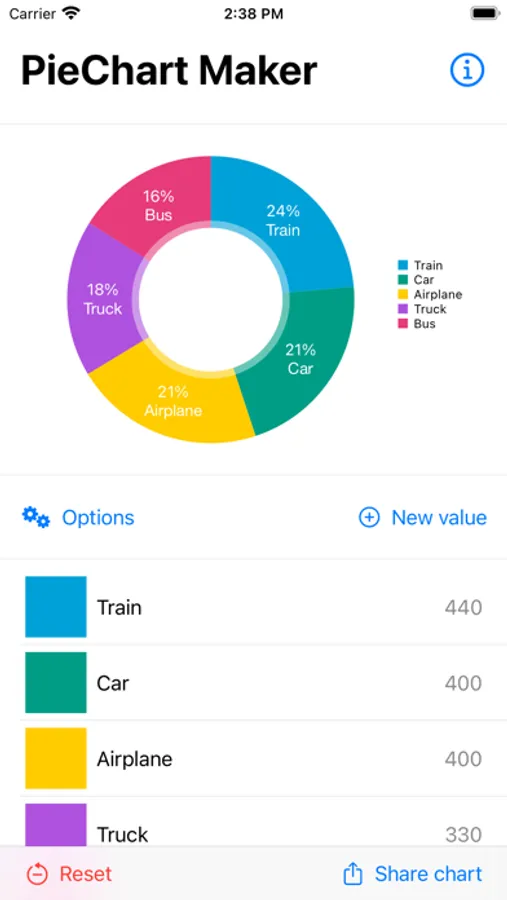
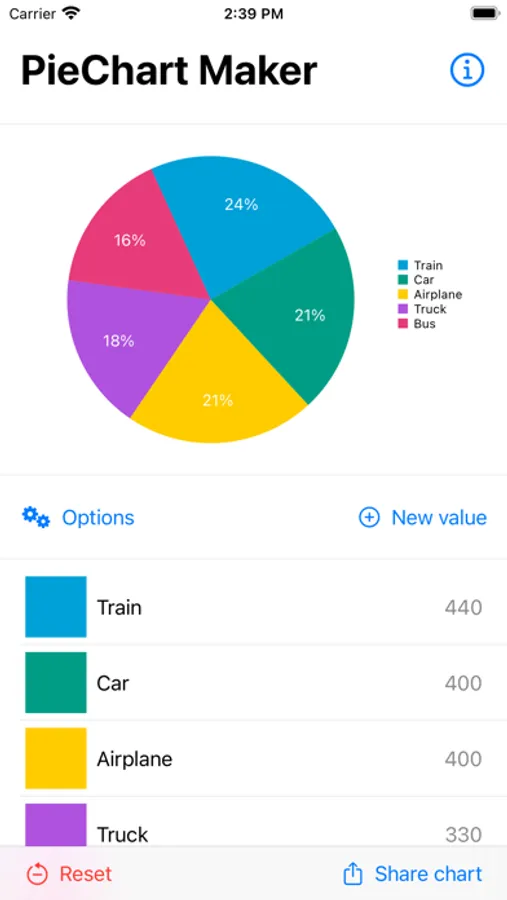
Quickly create professional-looking pie charts with PieChart Maker. Ideal for students, teachers, business professionals, and anyone who needs clear, customizable visual data.
Key features:
• Real-time pie chart preview while editing.
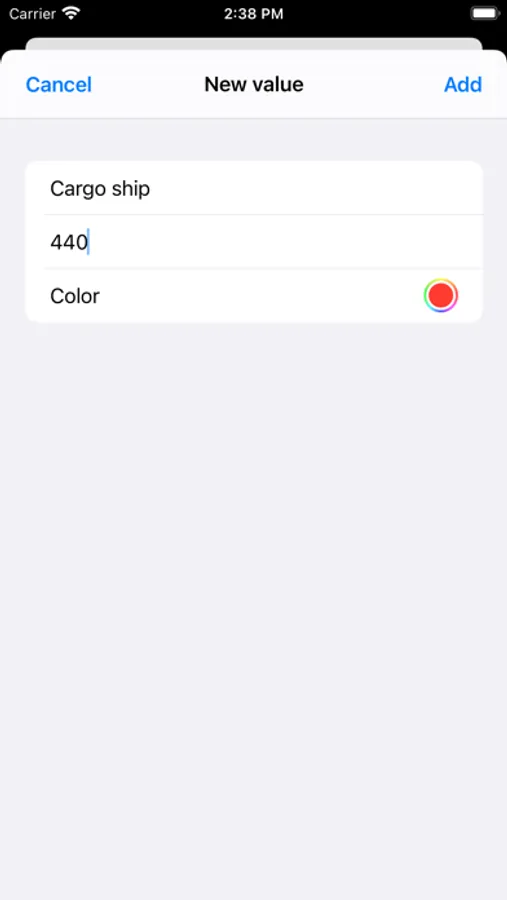
• Add custom labels and choose individual colors for each data value.
• Adjust preview options to personalize your chart style.
• Export your pie chart as an image to your device’s gallery.
• Save charts locally to edit or view them later.
Whether you’re preparing a report, a presentation, or just exploring your data visually, PieChart Maker makes pie chart creation fast and intuitive — no complex tools required.
Key features:
• Real-time pie chart preview while editing.
• Add custom labels and choose individual colors for each data value.
• Adjust preview options to personalize your chart style.
• Export your pie chart as an image to your device’s gallery.
• Save charts locally to edit or view them later.
Whether you’re preparing a report, a presentation, or just exploring your data visually, PieChart Maker makes pie chart creation fast and intuitive — no complex tools required.
PieChart Maker Screenshots
Tap to Rate:
Reviews for PieChart Maker
TNunes Silva
Percentual
When I active percentual, the number gets too long, I can’t adjust it.
Willterry333
No way to save!
No way to save - lost all my data - easy to make a pie chart - even easier to run your finger across it accidentally and lose it all - with no warning and no, “are you sure you want to delete?”