AppRecs review analysis
AppRecs rating 4.7. Trustworthiness 0 out of 100. Review manipulation risk 0 out of 100. Based on a review sample analyzed.
★★★★☆
4.7
AppRecs Rating
Ratings breakdown
5 star
83%
4 star
11%
3 star
4%
2 star
1%
1 star
1%
What to know
✓
High user satisfaction
83% of sampled ratings are 5 stars
✓
Authentic reviews
Natural distribution, no red flags
About Image Resizer.
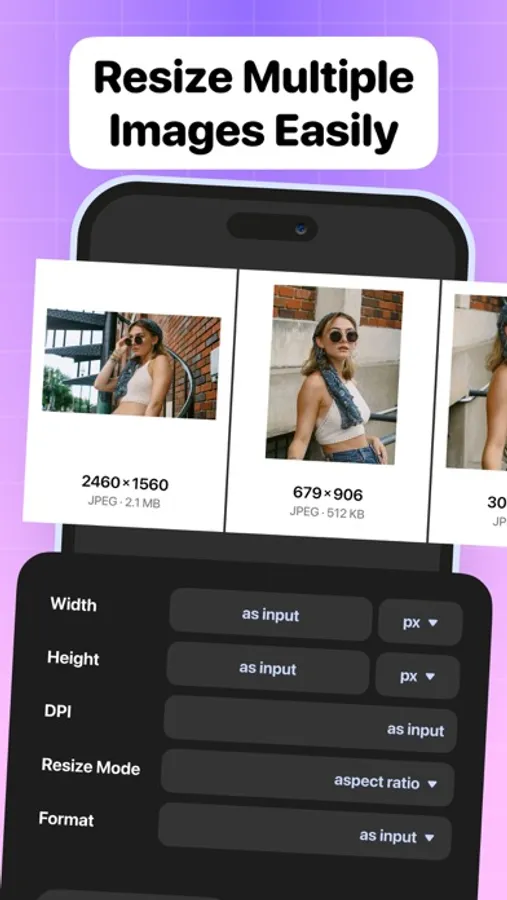
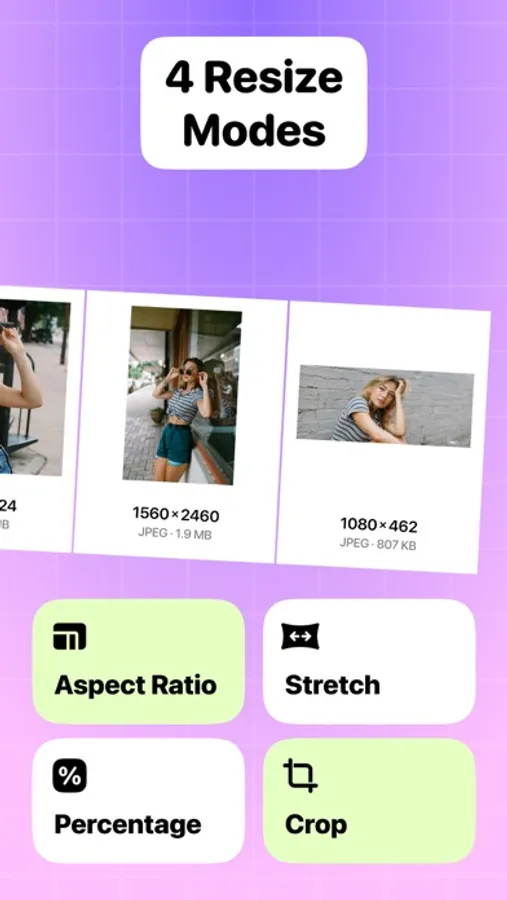
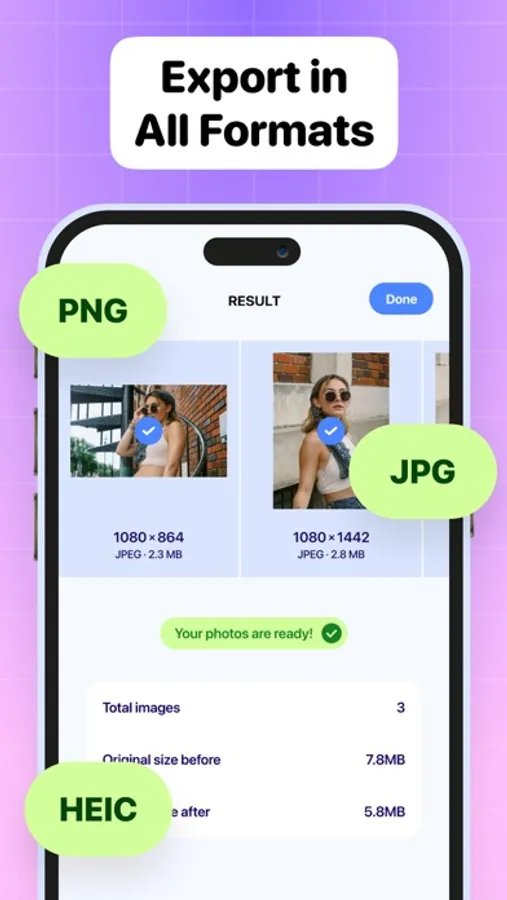
Image Resizing: Resize images with pinpoint precision while preserving excellent quality.
Batch Resizing: Resize multiple images simultaneously, saving valuable time and effort.
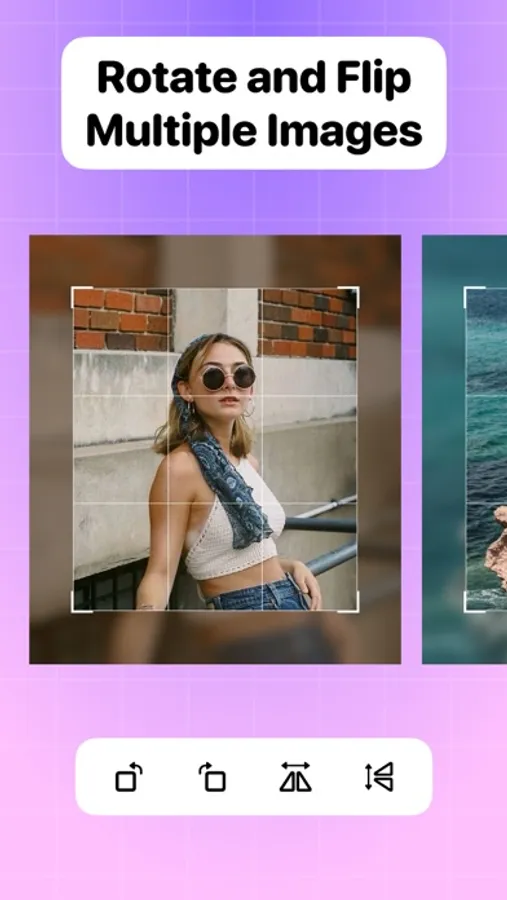
Rotation Tools: Easily rotate images for correct orientation or creative angles.
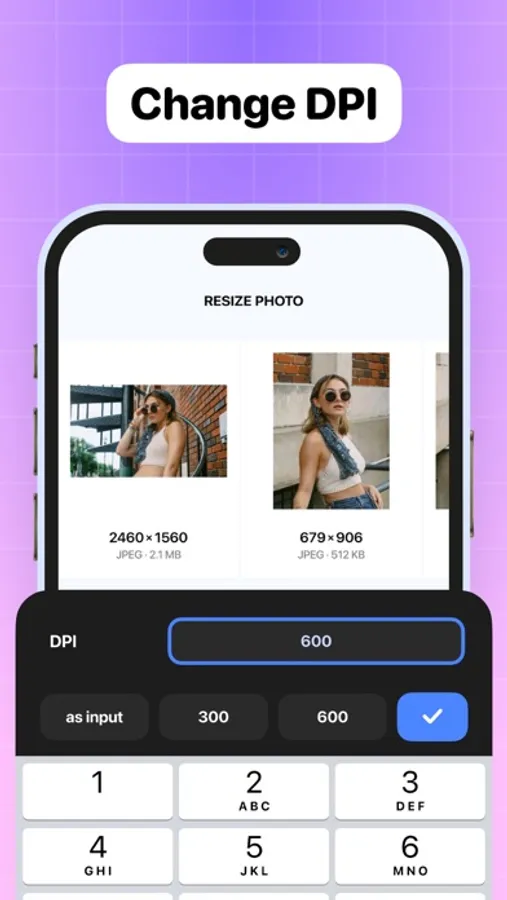
DPI Adjustment: Optimize digital or print output with customizable DPI settings.
User-Friendly Interface: Navigate and edit seamlessly with our intuitive design.
High-Quality Output: Ensure your images retain superb quality after resizing and editing.
Efficient Processing: Streamline your workflow with fast and efficient image processing.
Professional Results: Achieve professional-level editing effortlessly, suitable for all skill levels.
Versatile Use: Perfect for social media, websites, printing, and more.
Experience the exceptional resizing capabilities and professional results of Image Resizer today!
Image Resizer. Screenshots
Tap to Rate:
Reviews for Image Resizer.
xxAPOCxx
Great Image Resizer with room to grow
Image Resizer is a handy tool for quickly resizing images, and I really appreciate how clean and simple the interface is. It’s easy to navigate and gets the job done without unnecessary clutter. Batch editing works quickly and efficiently, which is perfect for handling multiple photos at once. That said, there are a few features that would make this app even better. It’s missing filtering options—being able to sort images by date or file size would make locating specific photos much easier. Another small frustration is that you can’t remove files from the app itself without deleting them entirely from your phone; a simple “remove from app” option would help a lot. Finally, a short in-app tutorial or “how it works” guide would be useful for first-time users to understand all available features. Overall, Image Resizer is fast, clean, and functional—but with a few quality-of-life additions, it could become an excellent photo utility for iOS users.
تلاتاء
اختباري
وجه