
LightCut - AI Video Editor
Yue-Jie Innovations Science and Technology Co. , Ltd.
4.9 ★
17K ratings
Free
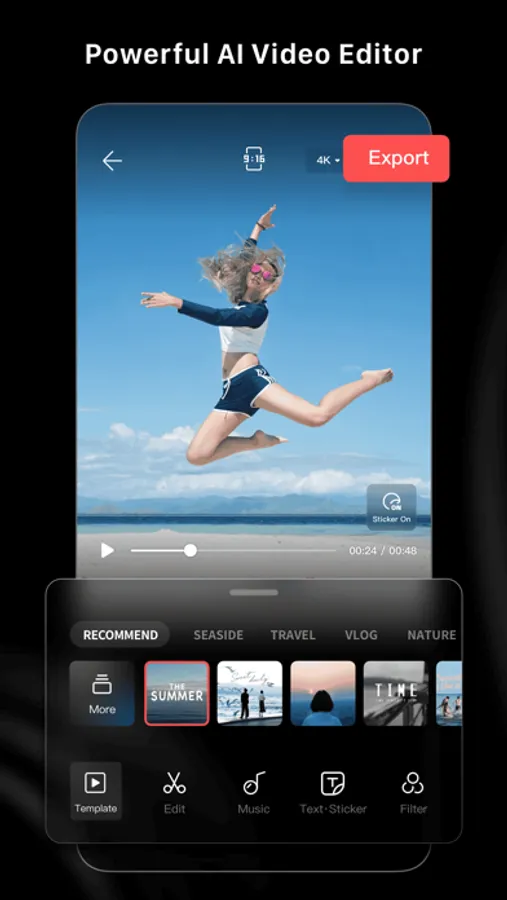
In this video editing app, users can automatically create and customize videos using AI-powered tools and various templates. Includes effects, music, text, transitions, and tutorial guides for shooting.
AppRecs review analysis
AppRecs rating 4.6. Trustworthiness 69 out of 100. Review manipulation risk 36 out of 100. Based on a review sample analyzed.
★★★★☆
4.6
AppRecs Rating
Ratings breakdown
5 star
92%
4 star
7%
3 star
1%
2 star
0%
1 star
1%
What to know
✓
High user satisfaction
92% of sampled ratings are 5 stars
About LightCut - AI Video Editor
Superfast AI-powered Video Editor
-Automatic video creator to edit content in seconds.
-Simply select your favorite video clips and photos, and after analyzing them for a few moments, the AI-powered One-Tap Edit feature will turn them into share-worthy clips, even in 4K UHD.
-AI can analyze your footage and select highlight moments, matching them with suitable video templates for outstanding results.
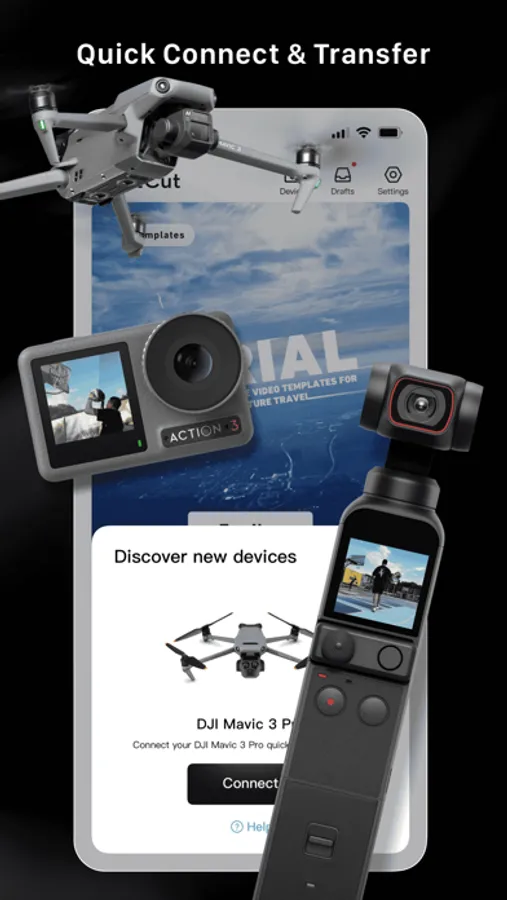
-Supports editing drone footage from the Mavic 3 Series, Air 3, Mini 4 Pro and Mini 3 Series, as well as handheld footage from the Osmo Mobile Series, Osmo Action Series, and Osmo Pocket Series without exporting the footage, saving storage space on your smartphone or mobile device.
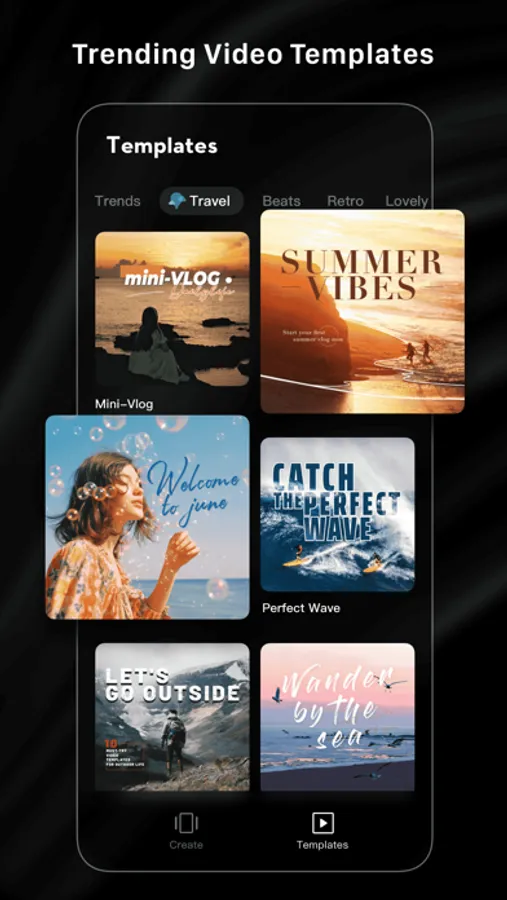
Diverse Video Templates
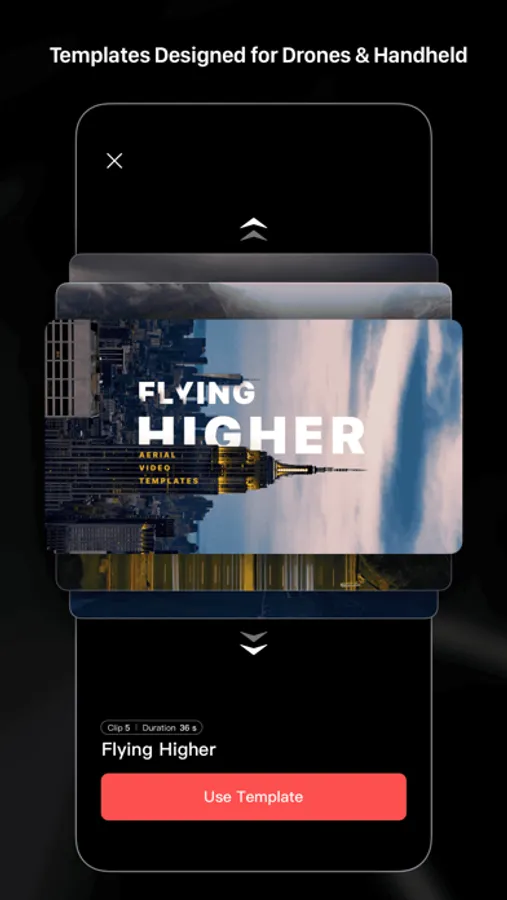
-Easy-to-use Templates: Just choose the template and tempo you like, and then an eye-catching video will be made automatically.
-Multiple creative template styles available: travel, road trips, nature, building & city, fashion, lifestyle vlogs, sports, aerials, and more.
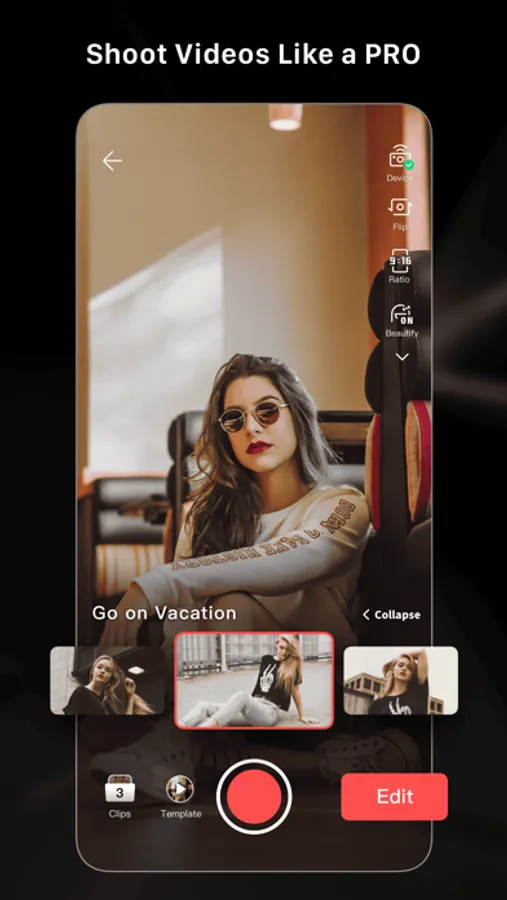
Inspire Cam Shooting Modes for a Pro-level Look
-Unsure how to film or edit? No worries! Convenient tutorials give you step-by-step guides on how to get great shots in a wide variety of scenarios.
-After shooting, a super cool video will be made automatically. This gives you everything you need to shoot, edit, and share videos in one quick step.
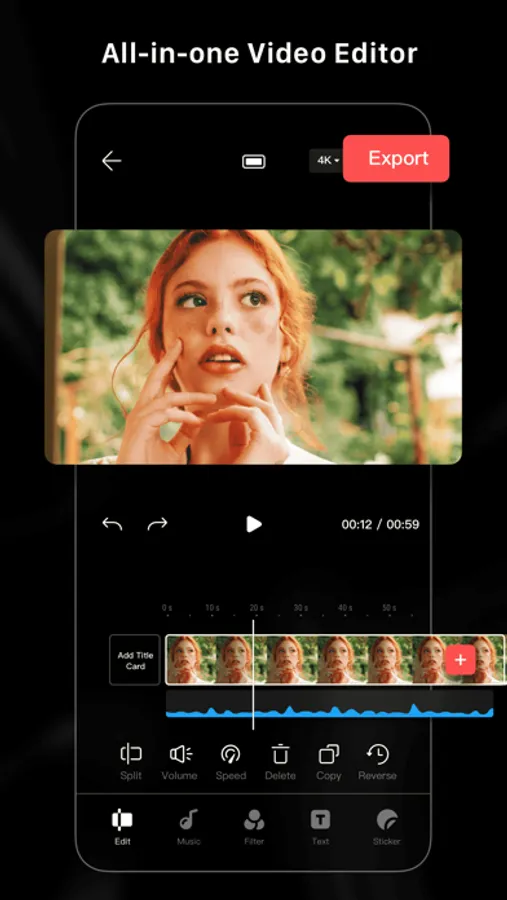
All-in-one Video Editor with Powerful Tools
- Professional editing tools and features help you make epic videos in a flash.
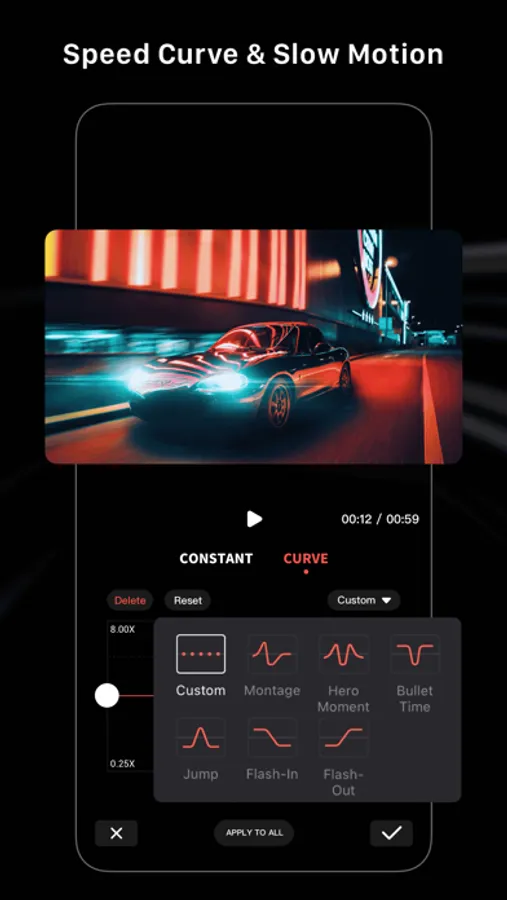
- Convenient features like video trimmer, video cutter, and slow/fast motion with easy adjustments make your videos instantly more attractive. You can even split videos into multiple clips.
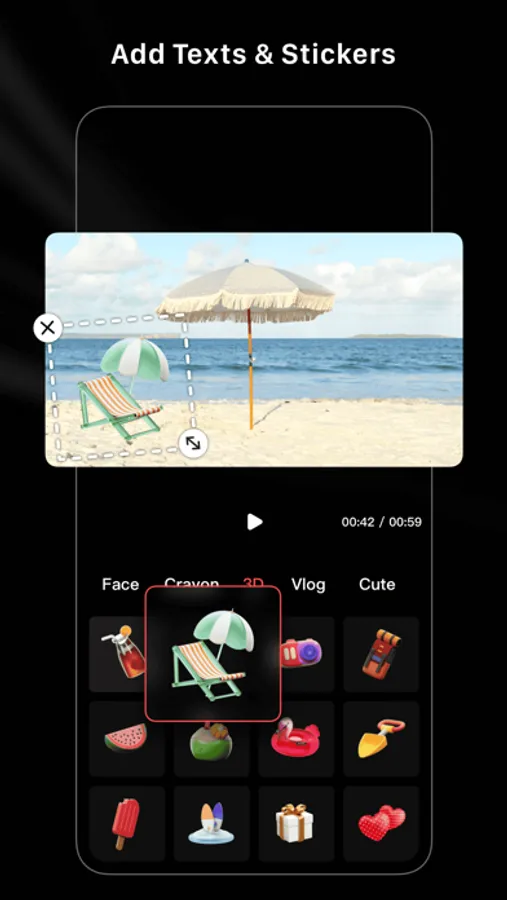
- Multiple stickers and font styles help you get ultra-creative.
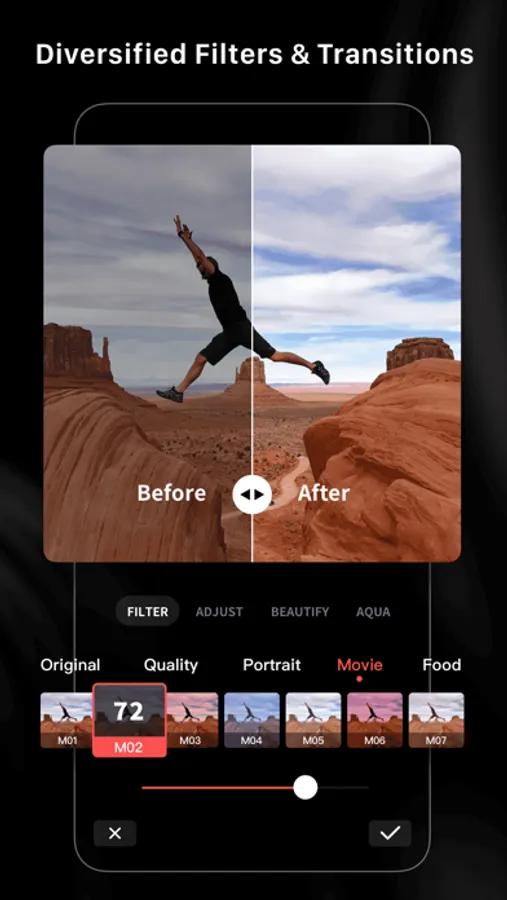
- Edit and combine videos with filters, effects, and transitions.
Tilt-Shift Effects for a Surreal Look
-Try Tilt-Shift Effects to give your shots a miniaturized and unique look.
-Try city streets and other urban settings for truly stunning results.
Aerial AudioMatch: Automatically Add Sound Effects
-AI can automatically add sound effects to your drone footage based on themes like Forest, Sea, Field, Urban Street, and more.
-With just a few taps, you can add high-quality sound effects to your videos without having to manually search for and edit them. Whether you're creating a vlog, a short film, or just having fun, this AI-powered tool can automatically detect the action in your video and suggest an optimized sound effect to match.
-With a library of thousands of professionally recorded sounds, you can easily enhance the audio of your videos and take your content to the next level.
LightCut - AI Video Editor Screenshots
Tap to Rate:
Reviews for LightCut - AI Video Editor
Francis B...
Great find, but please add more templates/songs!
I love it, and I will be using more of it in my blogs. It's clean and easy to work with, especially with my Gimbal DJI pocket 2 cams. I'm hoping to work with it more on other projects where hopefully, there will be added space for about a minute to 2 minutes of video footage of customizable templates making room for that space. I love everything about it! I recently got the DJI mini 3 pro drone to work with, which makes it more demanding for the need for different customizable modifiable templates. The songs/scenic sounds and tones should be free from copyright issues, as I've often been asked to take a video down or change the songs/sounds because of copyright laws on Facebook. It would help if the templates made room for lengthy videos.
av8dr
Cannot edit existing titles
Cannot edit existing titles. Please fix.