In this app, you can view and edit your org mode tasks on the go. Includes org markup rendering, filtering options, and file synchronization features.
AppRecs review analysis
AppRecs rating 4.4. Trustworthiness 72 out of 100. Review manipulation risk 22 out of 100. Based on a review sample analyzed.
★★★★☆
4.4
AppRecs Rating
Ratings breakdown
5 star
85%
4 star
7%
3 star
3%
2 star
3%
1 star
3%
What to know
✓
Low review manipulation risk
22% review manipulation risk
✓
Credible reviews
72% trustworthiness score from analyzed reviews
✓
High user satisfaction
85% of sampled ratings are 5 stars
About Plain Org
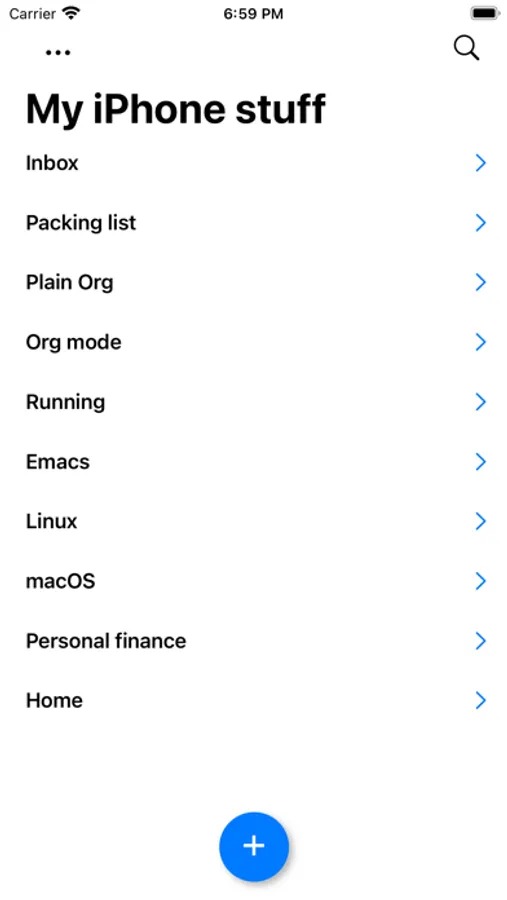
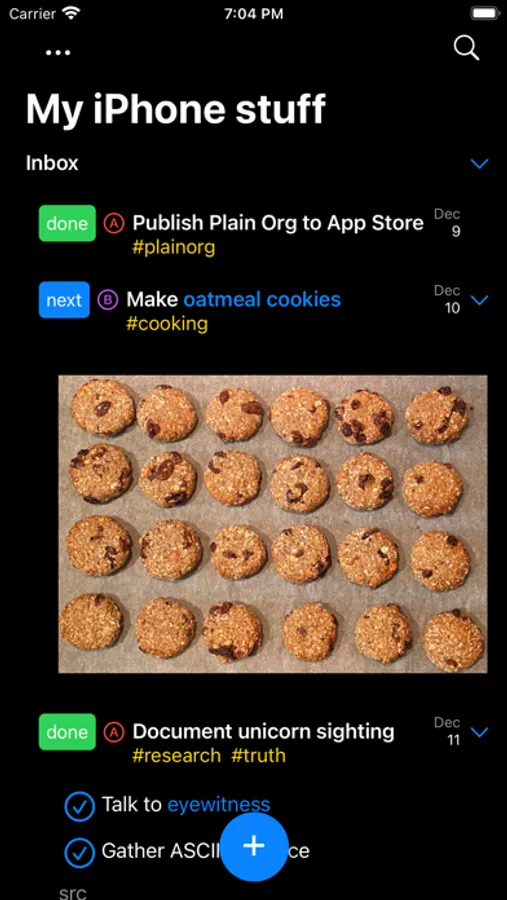
View and edit your org mode tasks while on the go.
Org is a wonderfully rich markup language, so **please check** if your favorite feature is supported below (or check https://plainorg.com/#faq):
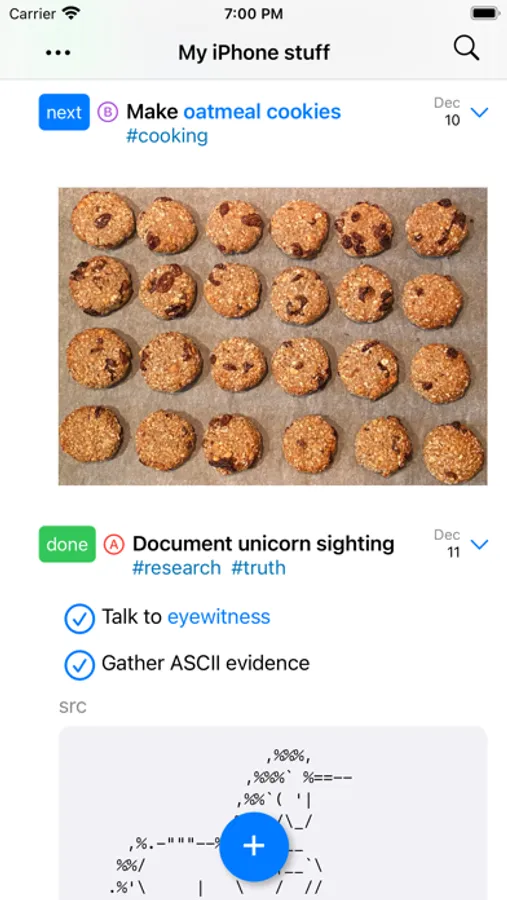
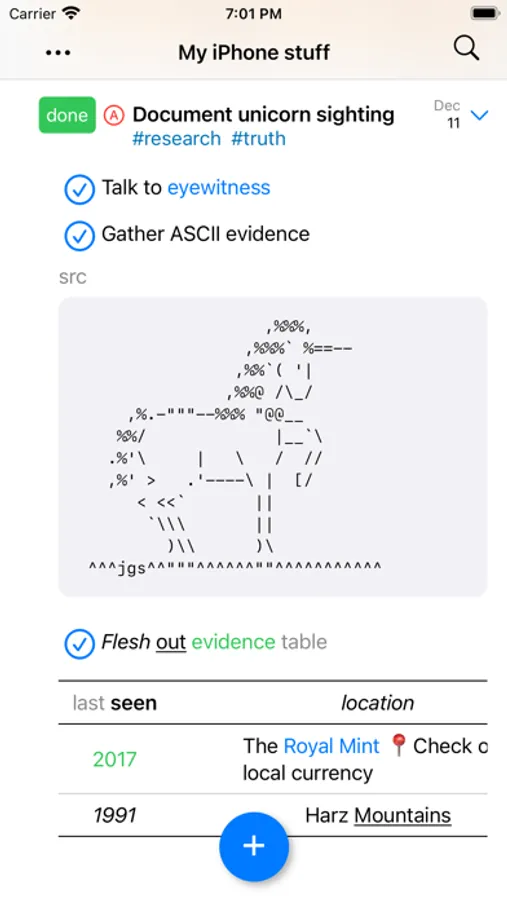
- Beautifully rendered org markup.
- Filter by keyword, tag, and priority.
- High fidelity org roundtripping.
- Sync your org files using your favorite cloud provider.
- Control your display between regular and compact mode.
- Toggle visibility for scheduling, tags, and stars.
- Toggle recurring tasks.
- Log state transitions.
- Optimize wrapping using paragraph fill.
- Regroup your tasks so active ones bubble up.
- Create new files.
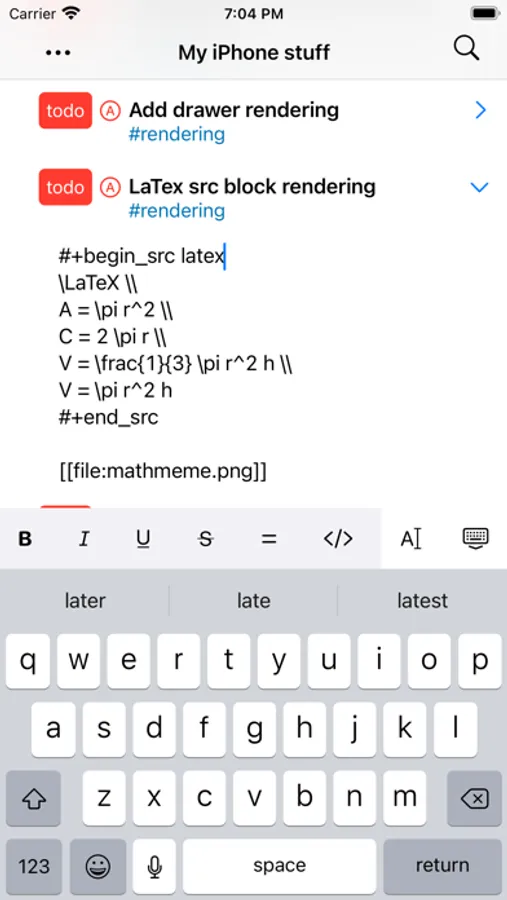
- Outline-style editing with toolbar
- Keywords
- Indent
- Priority
- Tags
- Formatting: bold, italic, underline, strikethrough, verbatim, and code.
- Open files via the iOS Files app using its "Share" menu.
- Add links from Safari via share extension.
- Add new tasks via Spotlight.
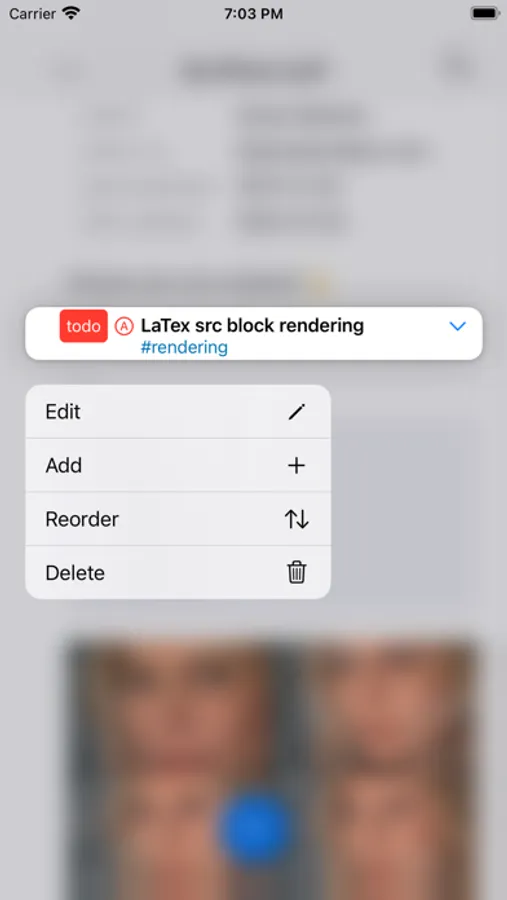
- Reorder headings via drag/drop.
- Checkboxes
- Interactive toggling.
- Quickly reset multiple checkboxes.
- Open local links (including id links).
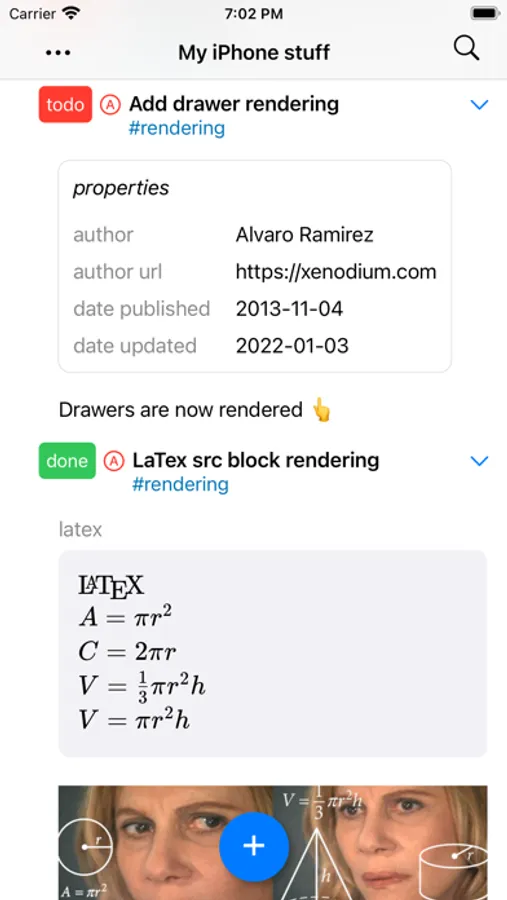
- Render latex src blocks (experimental).
- Render LOGBOOK.
- Show inline images.
- Show property drawers.
- File-local keywords and visibility.
- Filter open/closed tasks.
- Edit raw text.
- Light/dark mode.
- Open either .org or .txt files.
- Quickly switch between open file and recently open (tap on title).
NOTE: Cloud syncing support varies across providers. Please check for compatibility https://plainorg.com/#cloud-providers
Org is a wonderfully rich markup language, so **please check** if your favorite feature is supported below (or check https://plainorg.com/#faq):
- Beautifully rendered org markup.
- Filter by keyword, tag, and priority.
- High fidelity org roundtripping.
- Sync your org files using your favorite cloud provider.
- Control your display between regular and compact mode.
- Toggle visibility for scheduling, tags, and stars.
- Toggle recurring tasks.
- Log state transitions.
- Optimize wrapping using paragraph fill.
- Regroup your tasks so active ones bubble up.
- Create new files.
- Outline-style editing with toolbar
- Keywords
- Indent
- Priority
- Tags
- Formatting: bold, italic, underline, strikethrough, verbatim, and code.
- Open files via the iOS Files app using its "Share" menu.
- Add links from Safari via share extension.
- Add new tasks via Spotlight.
- Reorder headings via drag/drop.
- Checkboxes
- Interactive toggling.
- Quickly reset multiple checkboxes.
- Open local links (including id links).
- Render latex src blocks (experimental).
- Render LOGBOOK.
- Show inline images.
- Show property drawers.
- File-local keywords and visibility.
- Filter open/closed tasks.
- Edit raw text.
- Light/dark mode.
- Open either .org or .txt files.
- Quickly switch between open file and recently open (tap on title).
NOTE: Cloud syncing support varies across providers. Please check for compatibility https://plainorg.com/#cloud-providers
Plain Org Screenshots
Tap to Rate:
Reviews for Plain Org
Kat4president
Super useful!
One of the nicest interfaces, heavily recommend.
ScentedJester
Excellent app!
Best org mode viewer on the Apple ecosystem. It’s so much better then the alternatives that the gap alone is worth the $15 for the app