With this app, you can synchronize clipboards, share files, and control your computer remotely. Includes features such as secure communication, device pairing, and remote input control.
AppRecs review analysis
AppRecs rating 4.2. Trustworthiness 81 out of 100. Review manipulation risk 21 out of 100. Based on a review sample analyzed.
★★★★☆
4.2
AppRecs Rating
Ratings breakdown
5 star
73%
4 star
8%
3 star
4%
2 star
3%
1 star
13%
What to know
✓
Low review manipulation risk
21% review manipulation risk
✓
Credible reviews
81% trustworthiness score from analyzed reviews
✓
High user satisfaction
80% of sampled ratings are 4+ stars (4.2★ average)
About KDE Connect
- Shared clipboard: copy and paste between your devices.
- Share files and URLs to your computer from any app.
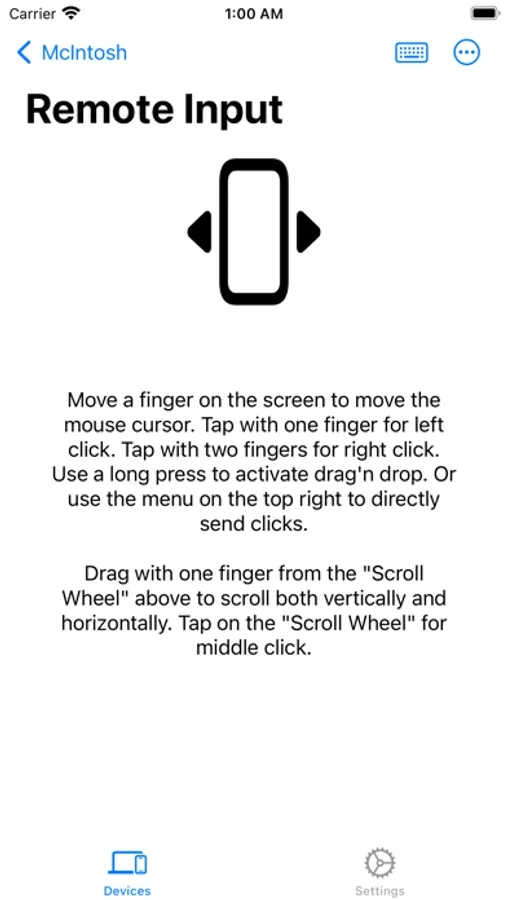
- Virtual touchpad and keyboard: Use your phone screen as your computer's touchpad or keyboard
- Remote presentation remote: control a laser pointer on the screen of your computer by moving your phone around.
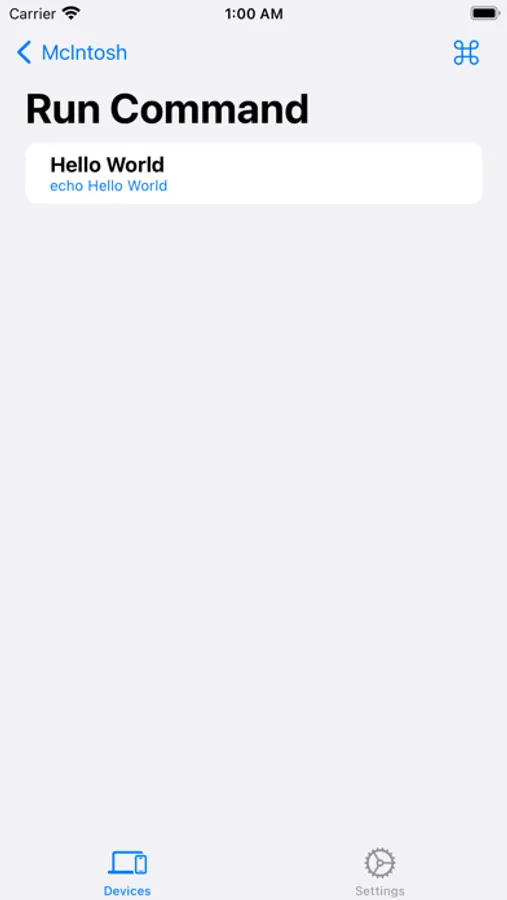
- Remote commands: run commands on your computer from your phone.
- End-to-end TLS encryption: your information is safe.
Please note you will need to install KDE Connect on your other computers/phones/tablets and keep the version up-to-date for the latest features to work.
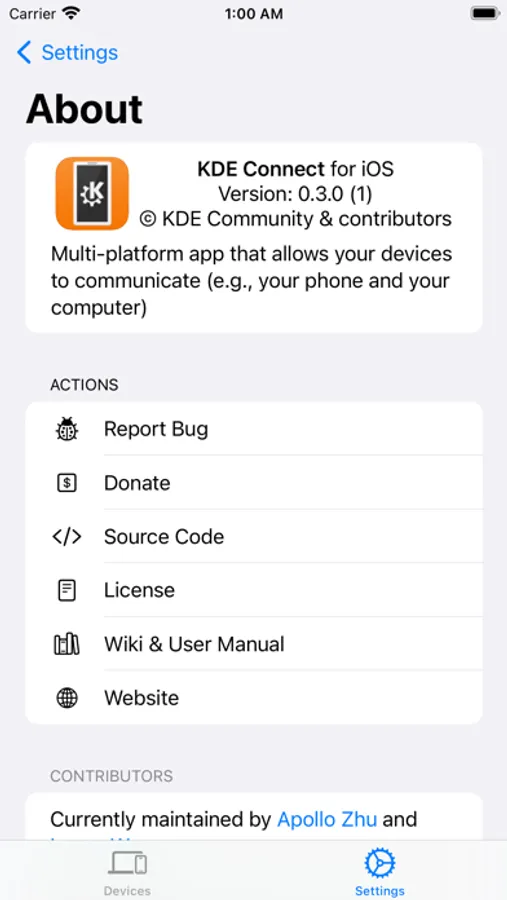
This app is part of an open source project and it exists thanks to all the people who contributed to it. Please visit the KDE Connect website to grab the source code.
KDE Connect Screenshots
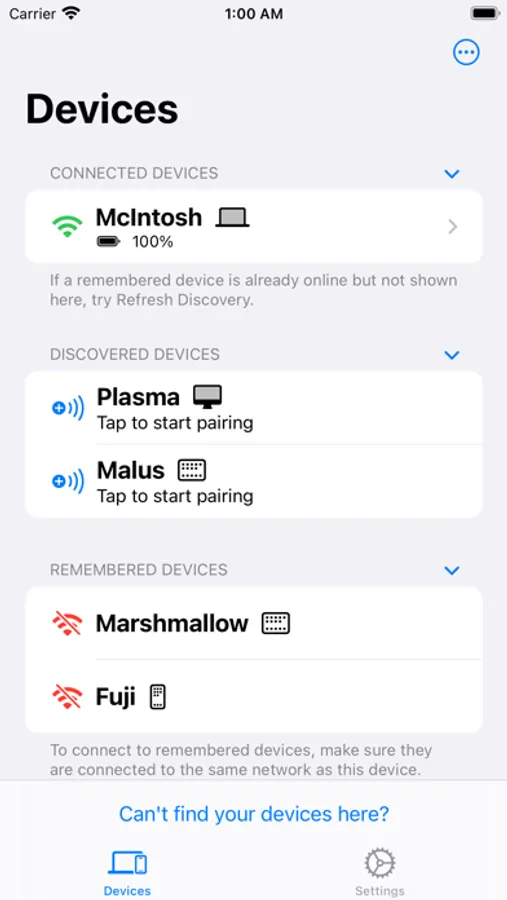
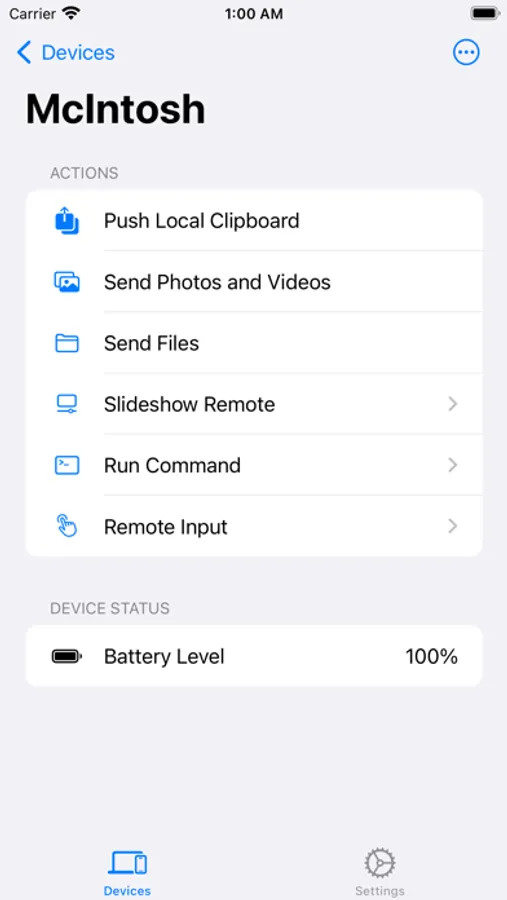
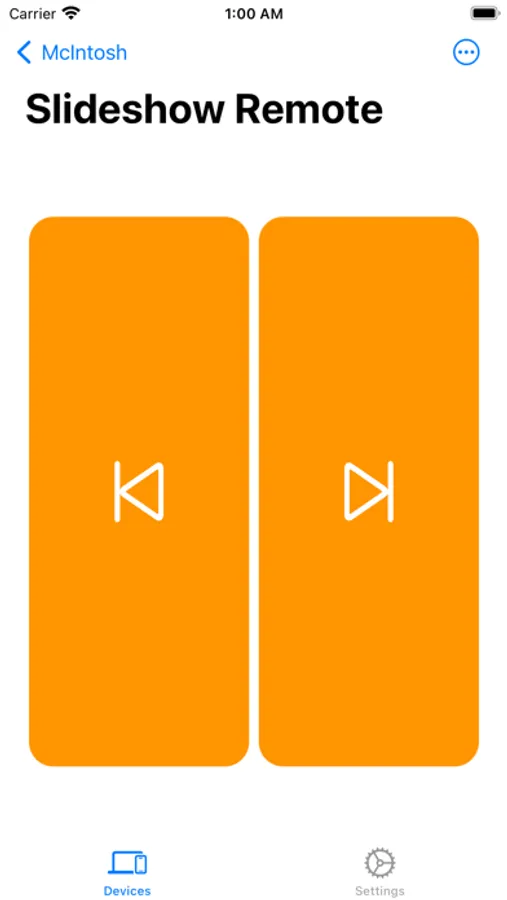
Tap to Rate:
Reviews for KDE Connect
3dNate
Push local clipboard broken
The most useful feature is broken and doesn’t even give any indication that it’s failing to push the local clipboard. Every other feature works just fine.
Nonnobis7
Works with Zorin Connect!
This app allows easy file transfer to and from a computer running linux Zorin OS. Also, KDE Connect does not have to be installed on Zorin OS, and the native Zorin Connect software can communicate with KDE Connect. Bravo, well done for function and communication compatibility!