With this app, you can access, organize, and manage files stored on your Nextcloud account. Includes file viewing, sharing, multi-account support, and offline access features.
AppRecs review analysis
AppRecs rating 4.6. Trustworthiness 77 out of 100. Review manipulation risk 21 out of 100. Based on a review sample analyzed.
★★★★☆
4.6
AppRecs Rating
Ratings breakdown
5 star
83%
4 star
9%
3 star
3%
2 star
1%
1 star
3%
What to know
✓
Low review manipulation risk
21% review manipulation risk
✓
Credible reviews
77% trustworthiness score from analyzed reviews
✓
High user satisfaction
83% of sampled ratings are 5 stars
About Nextcloud
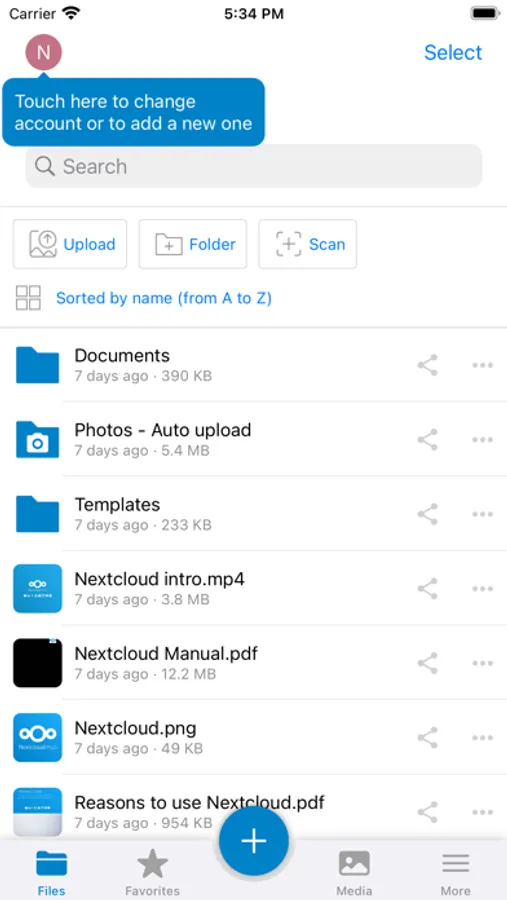
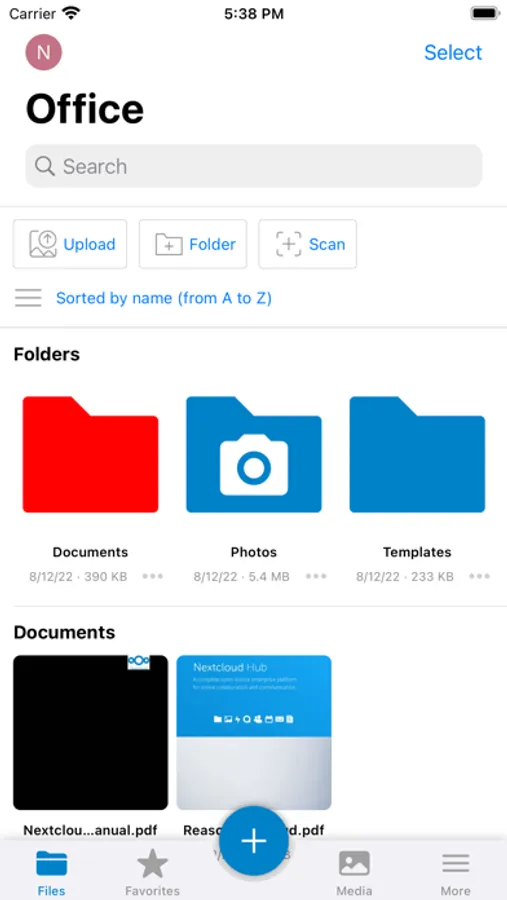
The Nextcloud iOS app allows you to access all your files on your Nextcloud
Features:
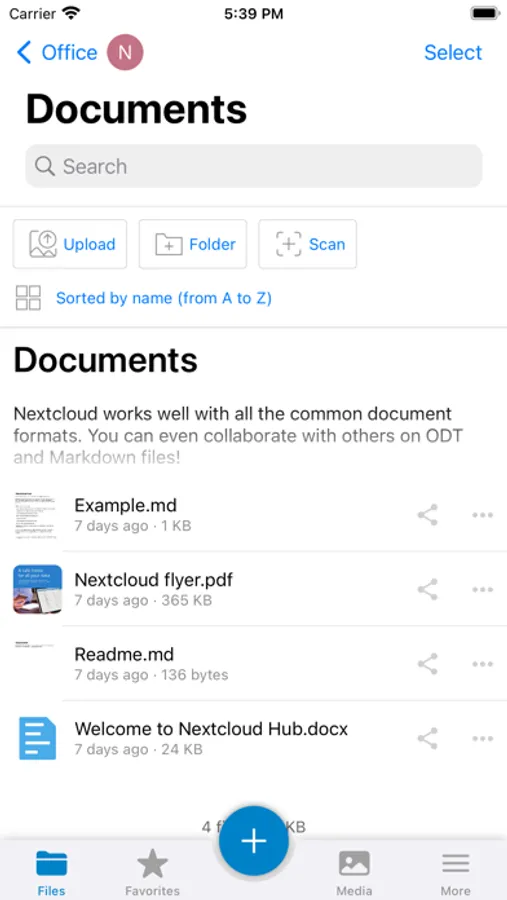
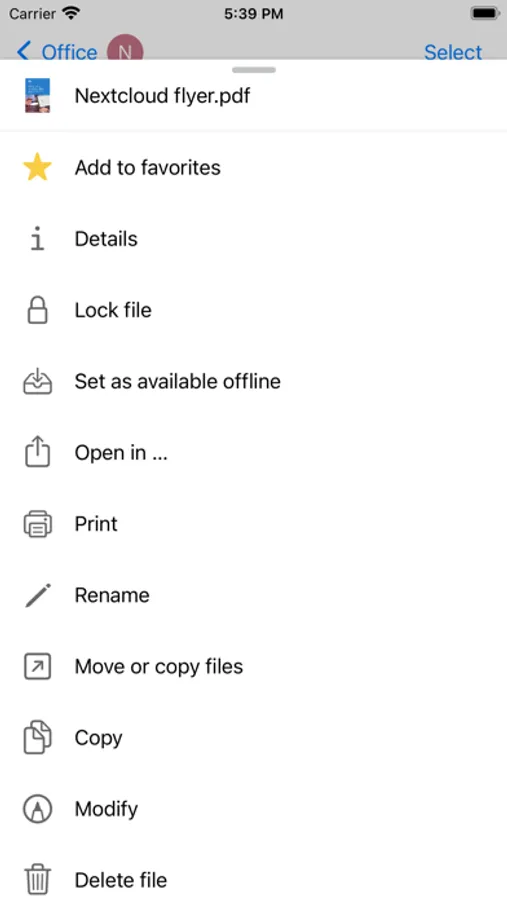
- Read, rename, copy, move, delete all the files stored in your Nextcloud and send them to other App.
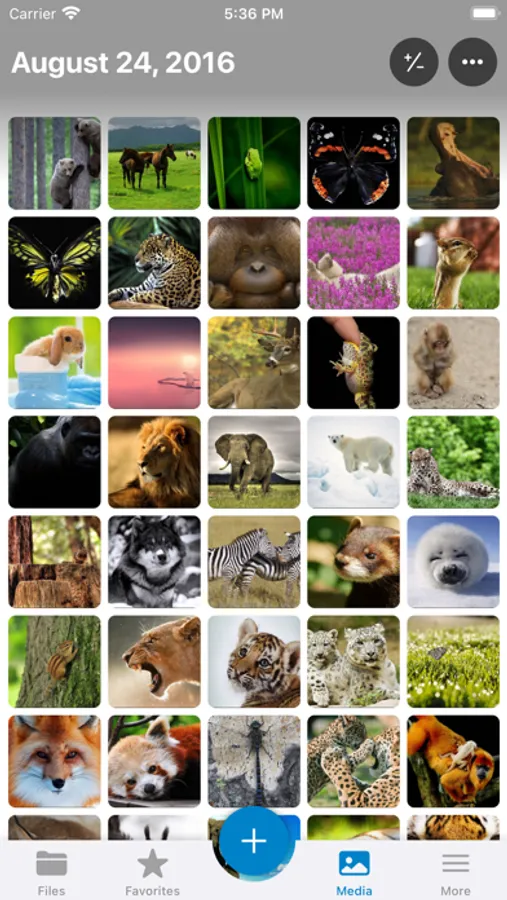
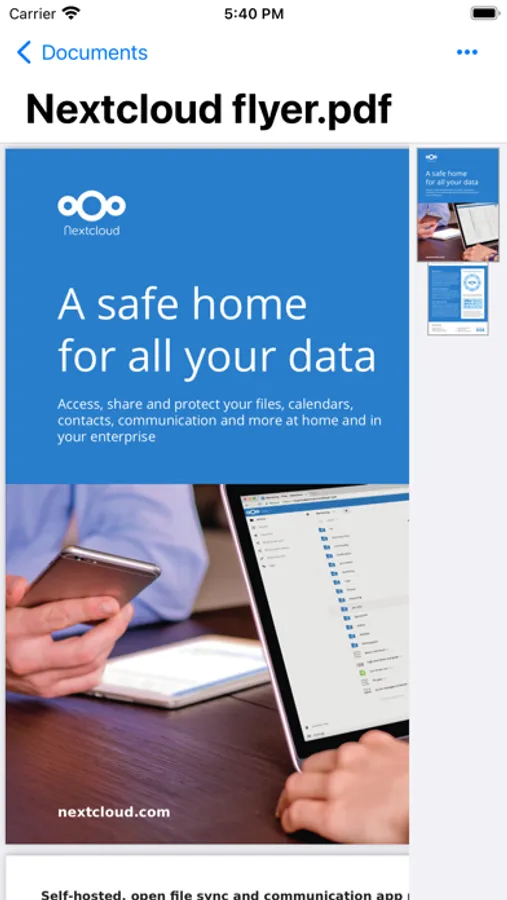
- Display documents, photos, videos, audio files.
- Automatically display previews of images and videos.
- Create new folders.
- Add any kind of data (documents, templates, photos, videos, voice memo, etc…).
- Tag the most important files and folders as ‘favorites’ or ‘offline’ to consult them offline.
- Use the Passcode function for an advanced level of protection of single folders or to prevent access to Nextcloud to other potential users of your iPhone.
- You can enable the automatic loading from the camera so your photos shots will be available on your Nextcloud.
- You can enable memory optimization Nextcloud to save space on your iPhone.
- Share your files with others.
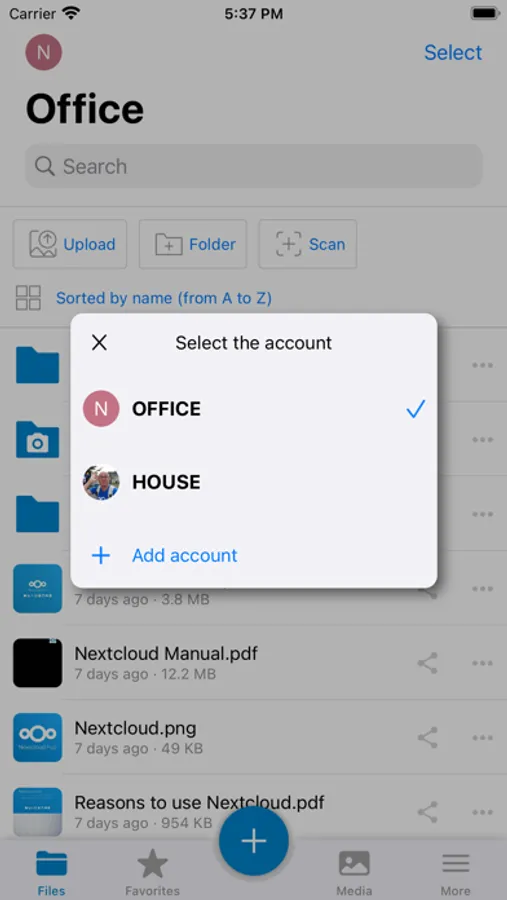
- Multi-account support.
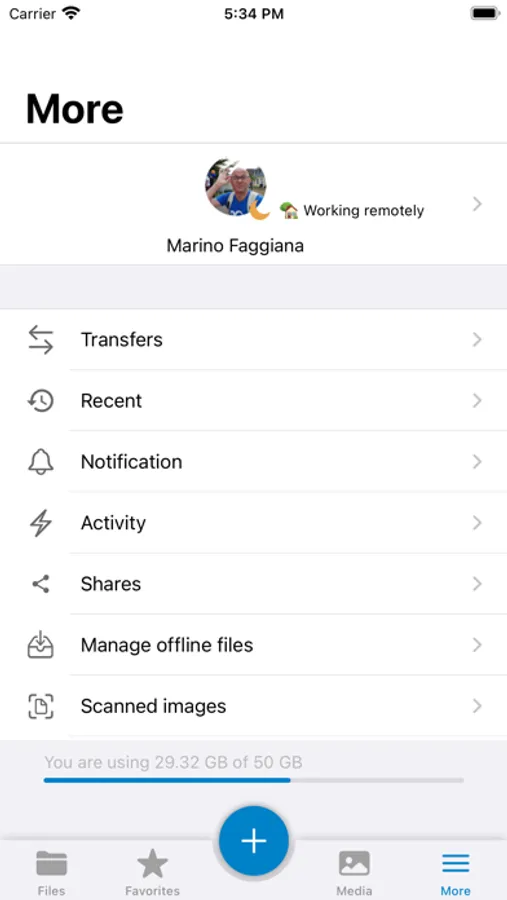
- Monitors your cloud from More menu in tab bar
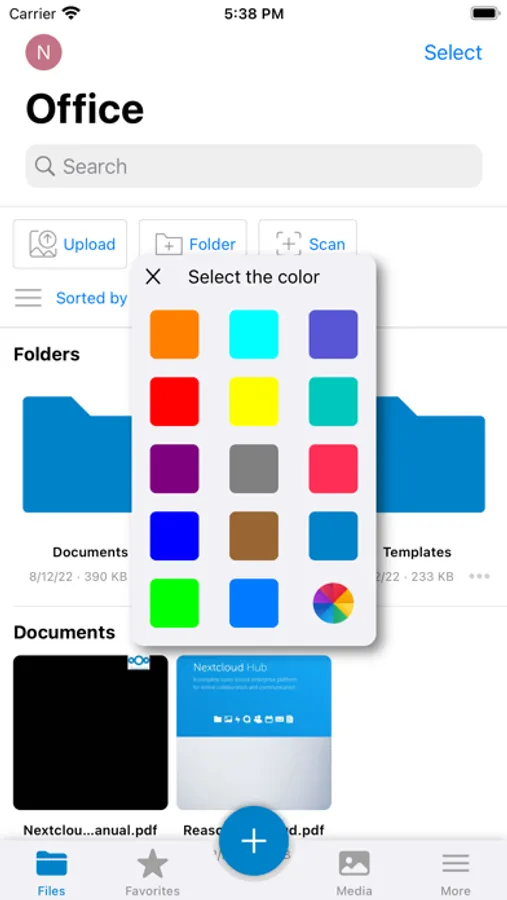
- Use theming Server
- Integration with iOS 11 Files App
Please report all issues at and discuss this app at https://help.nextcloud.com/c/clients/ios
New to Nextcloud? Nextcloud is a private file sync & share and communication server. It is fully open source and you can host it yourself or pay a company to do it for you. That way, you are in control of your photos, your calendar and contact data, your documents and everything else.
Nextcloud Screenshots
Tap to Rate:
Reviews for Nextcloud
Prefect
Buggy, slow, laggy
This is without exaggeration the words app on my phone. The UI is extremely laggy. Apparently there is no async loading implemented, so the whole UI just freezes every time data is loaded. Nothing is cashed. Each folder or the photo view always displays „you have no files/photos“ for several seconds before the files list is loaded. Browsing photos is absolutely tedious, as nothing is cashed and it takes several seconds to load the thumbnails. There is no search for photos. No search or group by date, no map view for location based photo search, no keyword search, no OCR text search. Just one list of photos. With 35‘000 photos this app is completely unusable. Upload is also very buggy. Often some files just don’t get uploaded without any information why. There is no status info or log file. The app does not sync the photos that are already uploaded and duplicates files. What are the developers thinking? This is just frustrating and makes the whole nextcloud project not usable as a dropbox alternative.
DrPeril
Solid app for a great tool
Self hosting NextCloud is pretty straightforward and while there are a ton of solid 3rd party tools this app syncs quickly, is feature rich, and with this last update finally looks like a modern alternative to the other… box-based… file sync Apps.