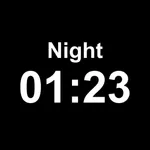
In this app, you can set reminders, view time in various formats, and customize themes. Includes remote control, message display, and alarm management features.
AppRecs review analysis
AppRecs rating 4.6. Trustworthiness 82 out of 100. Review manipulation risk 26 out of 100. Based on a review sample analyzed.
★★★★☆
4.6
AppRecs Rating
Ratings breakdown
5 star
80%
4 star
6%
3 star
6%
2 star
1%
1 star
6%
What to know
✓
Low review manipulation risk
26% review manipulation risk
✓
Credible reviews
82% trustworthiness score from analyzed reviews
✓
High user satisfaction
80% of sampled ratings are 5 stars
About Calendar Clock
· Designed for caretakers and individuals with memory challenges.
Take control of your and your loved ones' daily routine with Calendar Clock, the essential dayclock app for staying organized and connected.
Designed for individuals with memory challenges and caregivers, this shared clock app offers structure, independence, and peace of mind.
From time tracking to personalized reminders, Calendar Clock simplifies everyday tasks while enabling better care.
With 20,000+ daily users, it remains one of the most useful Alzheimer’s & Dementia care assistance apps.
■ HOW TO USE REMOTELY
1. Install this Calendar Clock app on the device on which it should be used;
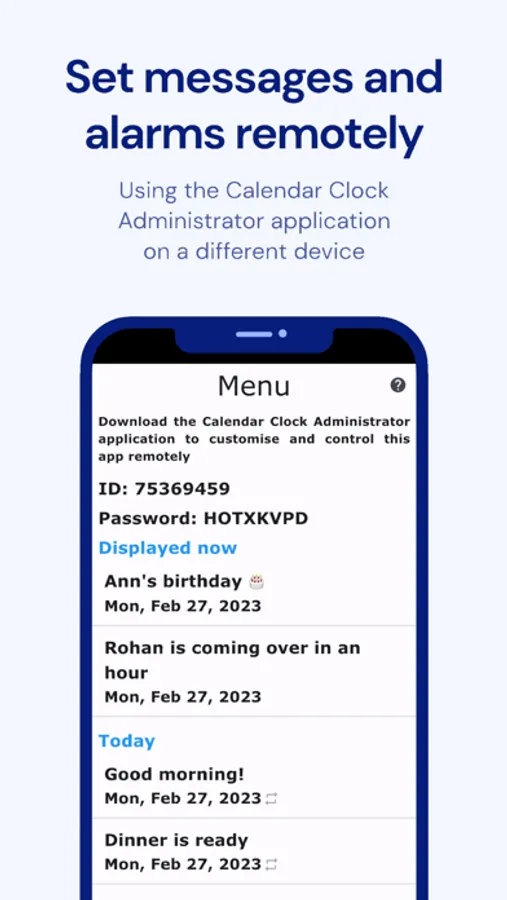
2. Install the Calendar Clock Administrator app on a device that should be used to control the settings/messages/alarms of this device;
3. Connect the two apps and control this clock app remotely!
■ NOT JUST A LARGE & SIMPLE CLOCK WITH DATE & TIME
Calendar Clock boasts a powerful set of features besides the simple and large clock display with time and date.
■ STRUCTURED TIME MANAGEMENT
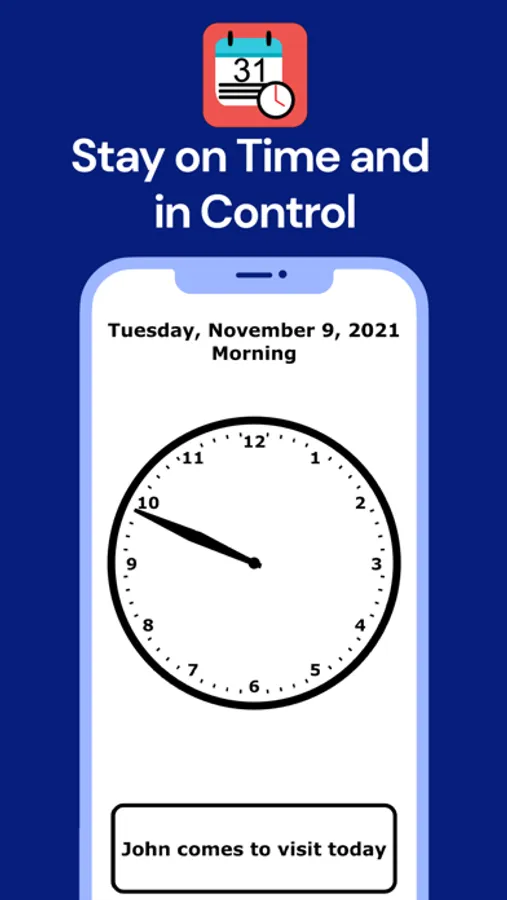
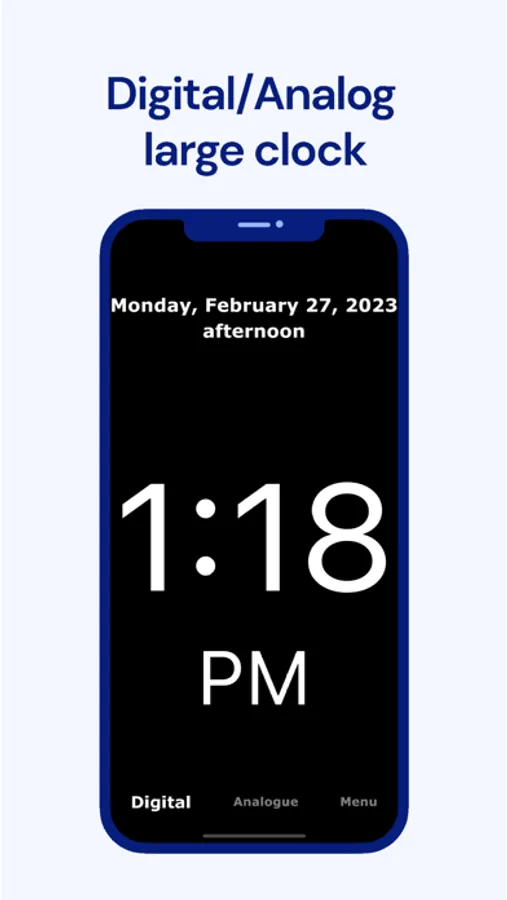
View time in analogue or digital formats, set smart alarms/reminders, and receive confirmations to stay on schedule.
■ ENHANCED CONNECTIVITY
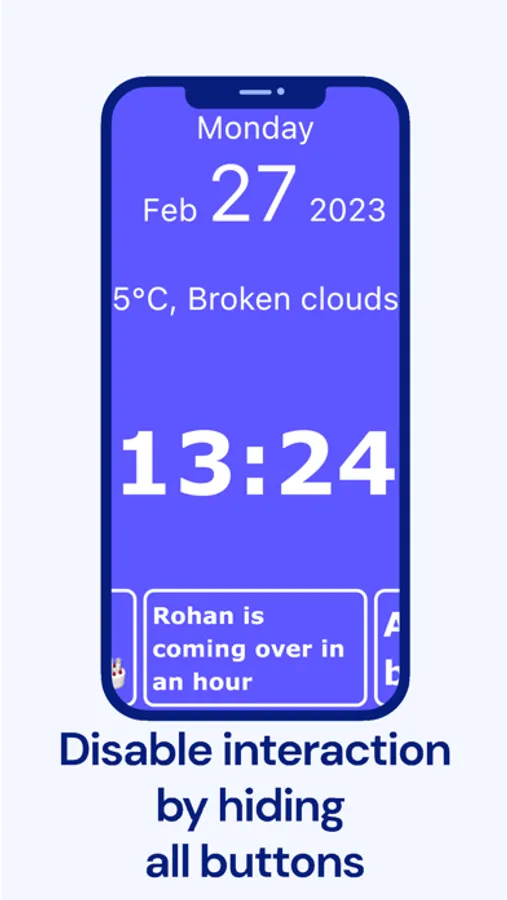
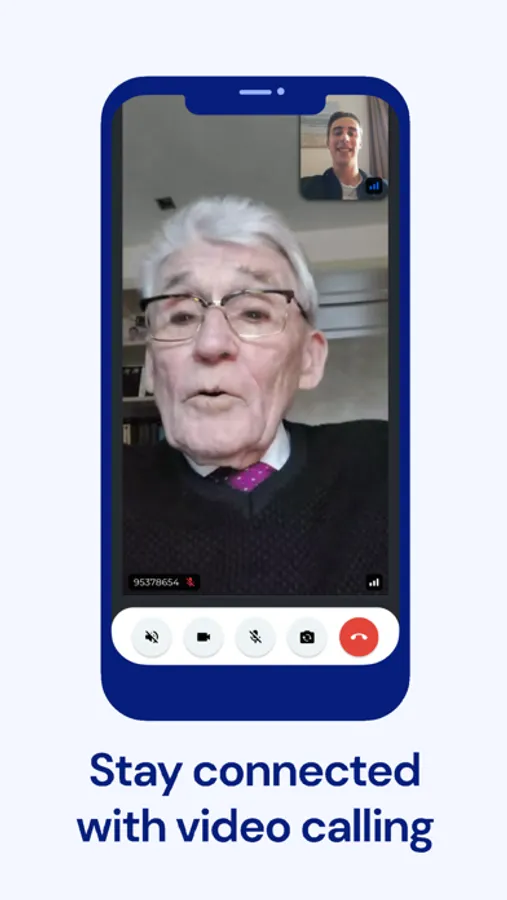
Unlike other digital clock apps, here caregivers can initiate video calls, display personal messages, and manage reminders remotely via the Calendar Clock Administrator app.
■ PERSONALIZED EXPERIENCE
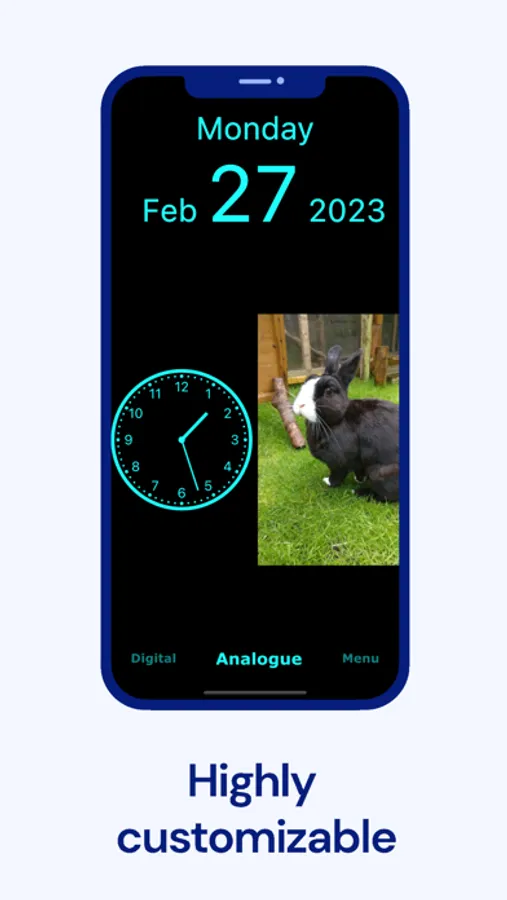
Customize themes, enable soothing chimes, display cherished photos, and use full-screen mode for better visibility.
■ OFFLINE & SECURE USE
Our big clock display with time and date is available offline. Access features without an internet connection, with secure data storage that protects user privacy.
■ CALENDAR CLOCK APP FEATURES:
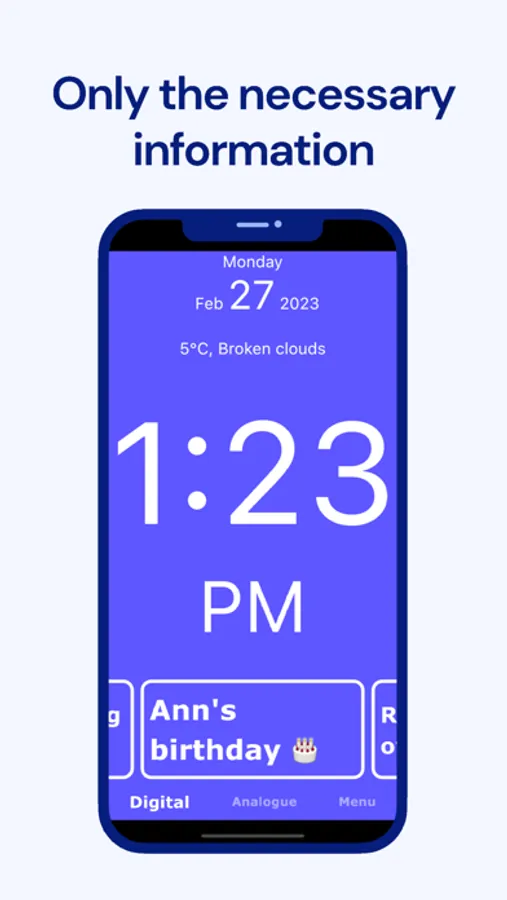
• Large clock with date, time & day that works on most devices, old and new, large and small.
• Choose analogue or digital clock formats.
• Customizable themes for a personalized look.
• Video calls for caregivers to check in.
• Offline access ensures constant availability.
• Simple menu & full-screen mode for easy use.
• Weather updates to stay informed.
• Photo display to keep cherished memories close.
• Smart alarms & confirmations for reminders.
• Soothing chimes to aid time awareness.
• Supports multiple languages for global accessibility.
• Administrator app for remote scheduling and reminders. It can be installed by caretakers, professionals, relatives, or friends.
• Minimalist design with clear, large text that can be used as a nightstand bedside clock.
Whether tracking & managing time, setting reminders, or ensuring accessibility, this clock schedule app provides seamless support for a well-structured life and enables better dementia care.
Download now and help them experience the power of staying independent and connected!
_________________
Privacy and data processing
The app allows you to save calendar items and personal messages, and settings on the Calendar Clock system via a secure connection. This data is only accessible to people with your permission. Calendar Clock stores this data only so that it can be changed by the administrator(s).
We do not process or analyse this data, and it can also be deleted at any time upon request. For more information on this, see our Privacy Policy or contact us.
Calendar Clock Screenshots
Tap to Rate:
Reviews for Calendar Clock
debica
A lifeline to my mother with dementia
I am the sole caretaker for my 81 year-old mother, and this app has been my lifeline to her as she slips deeper and deeper into dementia. For months, especially when I was still working, she would wake up in terror every morning then call me in panic over and over to ask what day it was and what she was supposed to be doing today. I heard about dementia clocks that prominently display the date and time for people with dementia, but they’re awfully pricey, so I was delighted to find the Calendar Clock app for free! I mounted an old Samsung tablet on her wall and installed this app, which I control from my iPhone. I always add a message at the bottom of the screen (I can even make them in Chinese!) saying what time I’ll be coming that day, and my mother knows (mostly!) to check the tablet whenever she’s forgotten what that day’s plan is. If plans change suddenly, I can update the message remotely from my phone, so that she always has the most recent information. The app has made such a difference in my mother’s anxiety that I opted to upgrade to the Premium plan this month, and have been enjoying the added features like video calling and the ability to display a picture. Plus, Teun has been *amazingly* responsive; I emailed him this week a complaining that the ringtone for the video call is too loud and scares my mother. He not only wrote me back the next day, he also immediately released an upgrade that lowered the volume! The free version is already highly customizable and packed with useful features, and the Premium version is worth every penny. I highly recommend this app to everyone caring for a loved one with dementia!
MarianC
Excellent
This app is excellent for caregivers of people with dementia. It has become a valuable resource for me. But here is the best part… the guy who created it is AMAZING. I don’t know him personally but I have emailed him many times and he is extremely responsive. He has made at least three changes to the app based on my feedback. He really wants to help which is incredible. I used the app for months before upgrading to the premium and it was worth every penny. PS - he made all of those changes while I was using the free version which is even more amazing.