AppRecs review analysis
AppRecs rating 2.0. Trustworthiness 0 out of 100. Review manipulation risk 0 out of 100. Based on a review sample analyzed.
★★☆☆☆
2.0
AppRecs Rating
Ratings breakdown
5 star
0%
4 star
0%
3 star
0%
2 star
0%
1 star
100%
What to know
⚠
Mixed user feedback
Average 2.0★ rating suggests room for improvement
About SecuX Firmware Update
SecuX Firmware Update App
Fast, Safe and Easy Update
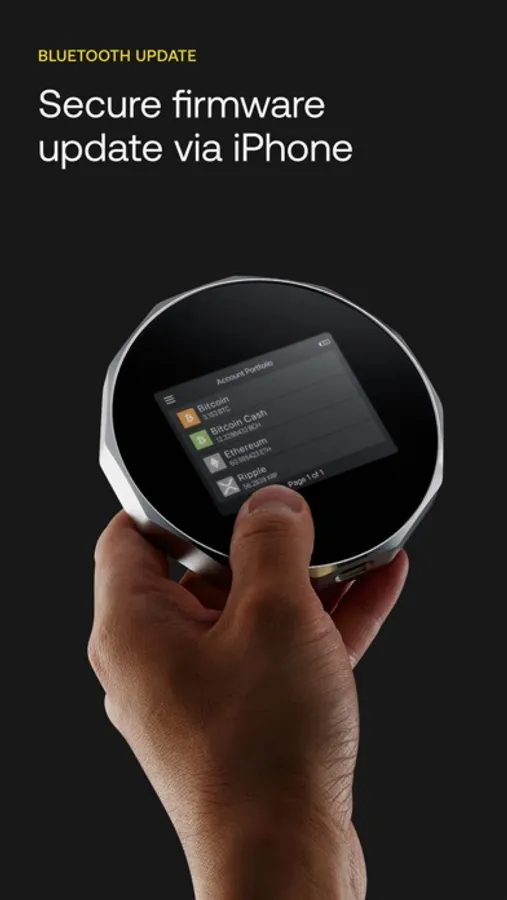
SecuX Firmware Update App provides a fast, safe and easy firmware update process via Bluetooth connection for SecuX V20, W20 and Nifty hardware wallets. The interactive step-by-step guide prepares users to follow instructions, and complete firmware update in just a few minutes.
Why Do I Need to Update Firmware?
At SecuX, we are continuously updating and improving our products and services, so that users worldwide can utilize it to their full capacities. Your SecuX device will be required to update its firmware from time to time, as we add support for new coins, tokens or other features.
Before You Start
Please make sure you have all of the following items:
- Recovery Words & Passphrase
- A Safe and Stable Internet Connection
- iOS device and Wallet sufficiently charged and a charger.
Enter Update Mode, Secure Connection, Download, Verification and Installation
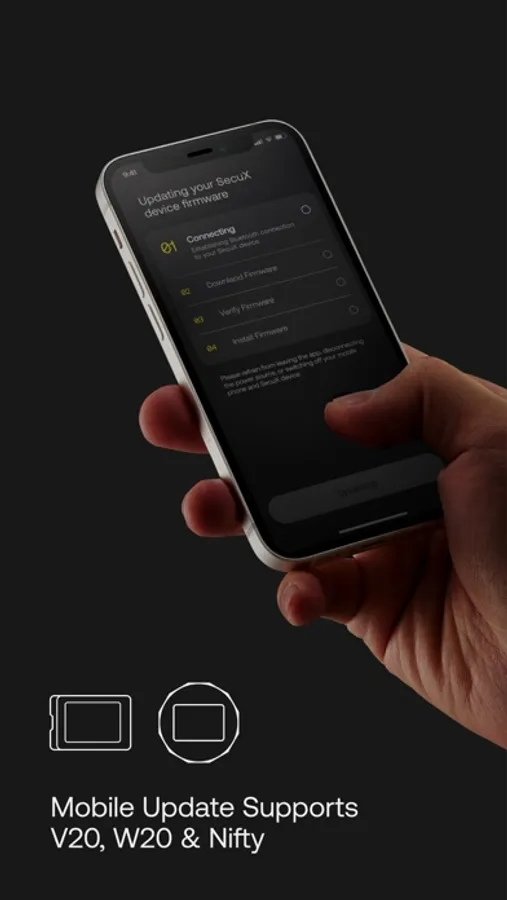
Once your SecuX device is in update mode, you can begin the firmware update process. The SecuX Firmware Update App will automatically start to establish Bluetooth connection, download firmware, verify firmware version and install firmware on your SecuX device.
Compatibility
SecuX Firmware Update App is fully compatible with SecuX V20, W20 and Nifty hardware wallets via Bluetooth connection.
After updating the firmware successfully on your SecuX device, you can connect your SecuX wallet to SecuX App or SecuXess web application, and manage your crypto assets safely and securely. For more information on SecuX products and services, please visit: https://secuxtech.com
Fast, Safe and Easy Update
SecuX Firmware Update App provides a fast, safe and easy firmware update process via Bluetooth connection for SecuX V20, W20 and Nifty hardware wallets. The interactive step-by-step guide prepares users to follow instructions, and complete firmware update in just a few minutes.
Why Do I Need to Update Firmware?
At SecuX, we are continuously updating and improving our products and services, so that users worldwide can utilize it to their full capacities. Your SecuX device will be required to update its firmware from time to time, as we add support for new coins, tokens or other features.
Before You Start
Please make sure you have all of the following items:
- Recovery Words & Passphrase
- A Safe and Stable Internet Connection
- iOS device and Wallet sufficiently charged and a charger.
Enter Update Mode, Secure Connection, Download, Verification and Installation
Once your SecuX device is in update mode, you can begin the firmware update process. The SecuX Firmware Update App will automatically start to establish Bluetooth connection, download firmware, verify firmware version and install firmware on your SecuX device.
Compatibility
SecuX Firmware Update App is fully compatible with SecuX V20, W20 and Nifty hardware wallets via Bluetooth connection.
After updating the firmware successfully on your SecuX device, you can connect your SecuX wallet to SecuX App or SecuXess web application, and manage your crypto assets safely and securely. For more information on SecuX products and services, please visit: https://secuxtech.com
SecuX Firmware Update Screenshots
Tap to Rate:
Reviews for SecuX Firmware Update
Fun facts
Doesn’t work
It would be nice if the app would get an update so I can update my wallet.
Restart unsuccessfully
Update
I have done it five times and hasn’t done squat