
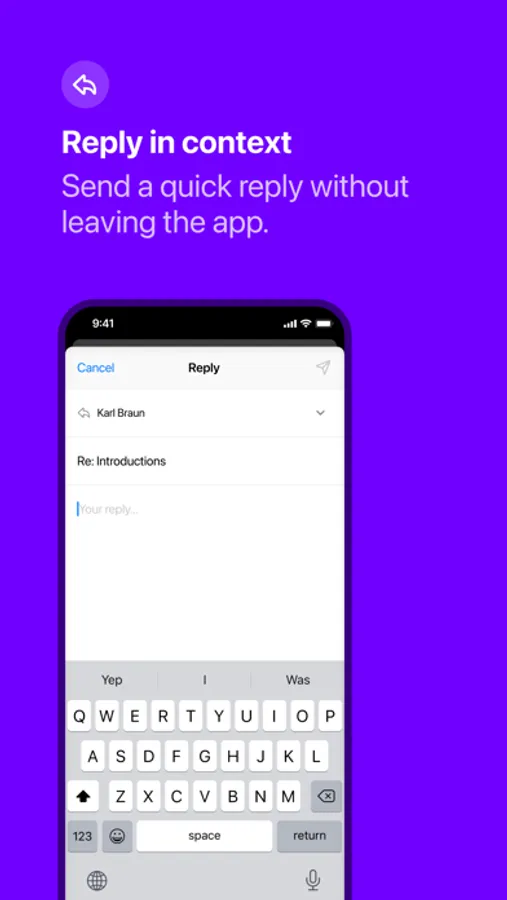
With this email management app, you can quickly review messages, archive unwanted ones, and flag important emails for later. Includes support for multiple email services, a card-based interface, and quick reply options.
AppRecs review analysis
AppRecs rating 4.4. Trustworthiness 84 out of 100. Review manipulation risk 23 out of 100. Based on a review sample analyzed.
★★★★☆
4.4
AppRecs Rating
Ratings breakdown
5 star
81%
4 star
3%
3 star
3%
2 star
4%
1 star
9%
What to know
✓
Low review manipulation risk
23% review manipulation risk
✓
Credible reviews
84% trustworthiness score from analyzed reviews
✓
High user satisfaction
84% of sampled ratings are 4+ stars (4.4★ average)
About Triage 2
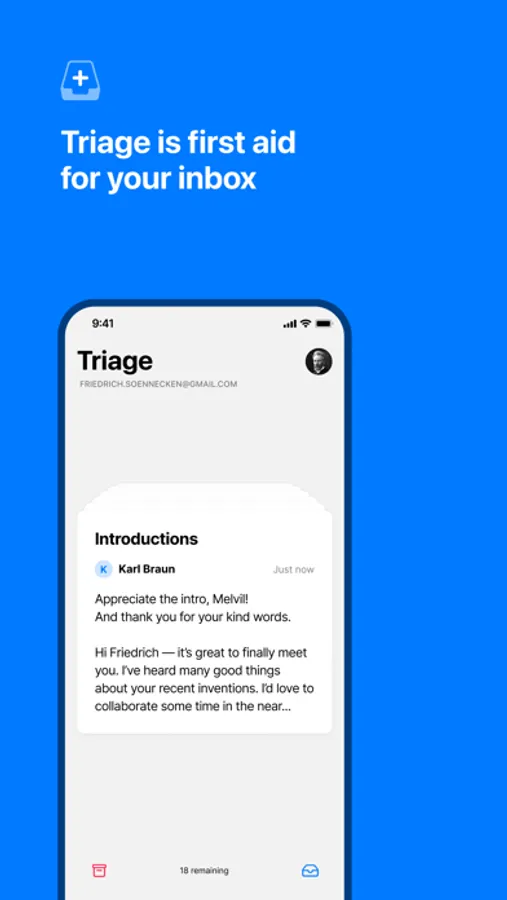
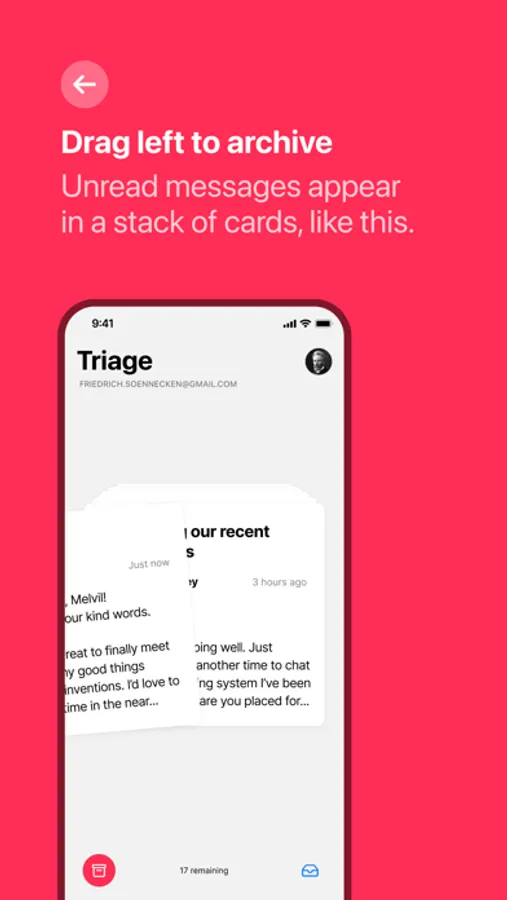
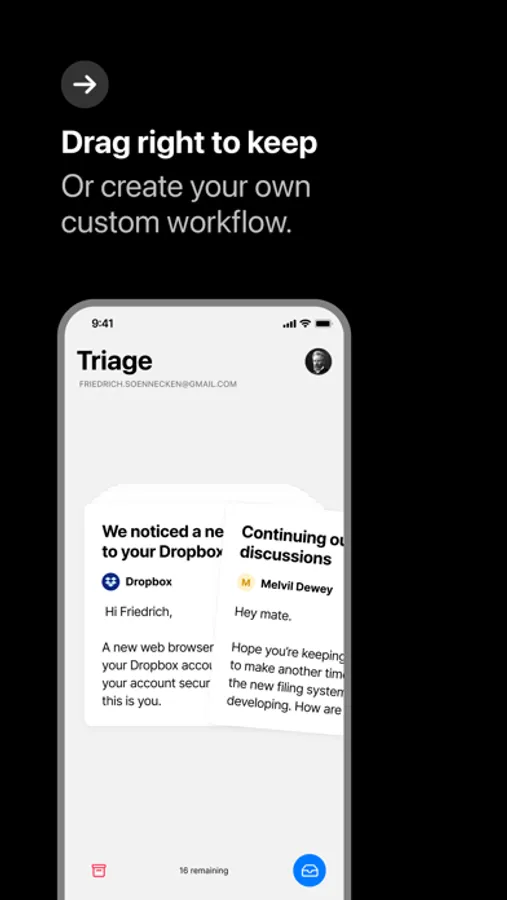
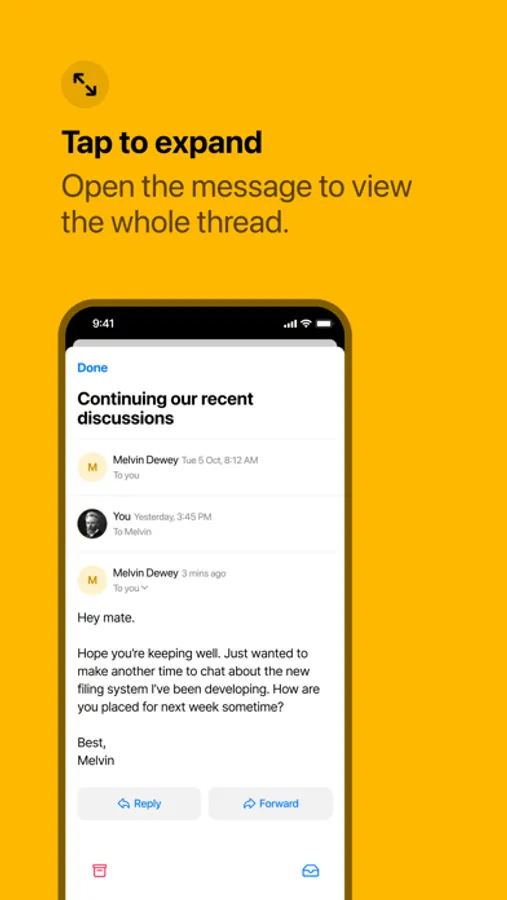
New messages appear as a familiar “stack of cards” interface. With a flick or a tap, you can quickly archive messages, keep important ones in your inbox for later, or compose a short reply.
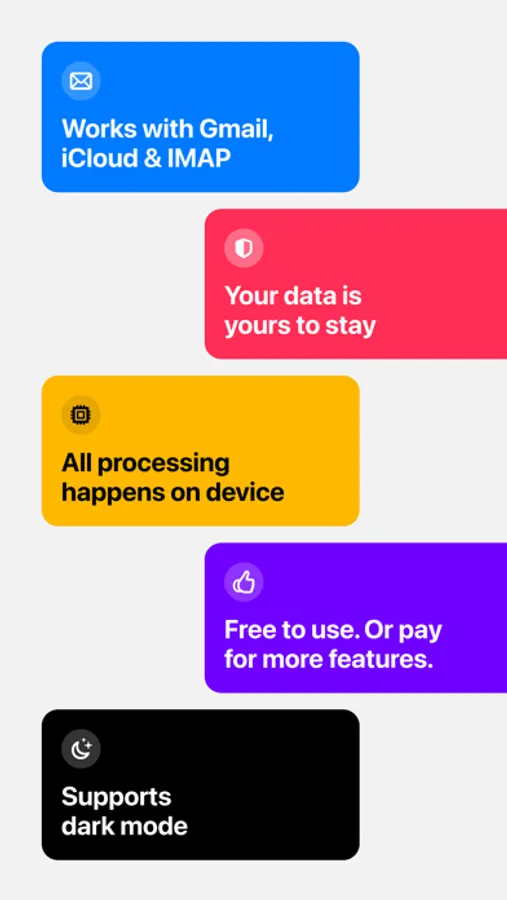
Triage 2 supports Gmail, iCloud Mail, Fastmail or any other server that supports IMAP.
(If you would like us to add support for your mail service please contact us)
Praise for Triage 1:
“Since I’ve been using Triage, I’m more caught up on my email than I have been in years.” — Daring Fireball
“Triage makes it feel seamless, and even fun, to achieve—if not Inbox Zero—at least Inbox Zen.” — Macworld
“Triage is my new favorite email app for iPhone.” — MacStories
“Triage is simple, clean, fast, and one of my new favorite apps.” — iMore
Terms of use: https://triage.cc/terms
Privacy Policy: https://triage.cc/privacy
Triage 2 Screenshots
Tap to Rate:
Reviews for Triage 2
ChiGal85
But how do you email?
Maybe it’s me, but after setting up my account, I couldn't find anything to open an email draft. Maybe it doesn't do that. I'll try something else.
TomTom10200
Needs More Features
It's not a bad app but it's not usable for me. For starters I want to be able to change archive to delete. Secondly there's no way to star or mark an email to remind me to go back and do something with the email. If all you want is to go through an email and only mark read, archive, or reply this will work fine for your workflow.