In this screen mirroring app, you can wirelessly cast your iPhone screen to any smart TV in real time and with high quality. Includes support for all TV models, seamless mirroring, and streaming of photos, videos, and online content.
AppRecs review analysis
AppRecs rating 4.3. Trustworthiness 72 out of 100. Review manipulation risk 26 out of 100. Based on a review sample analyzed.
★★★★☆
4.3
AppRecs Rating
Ratings breakdown
5 star
81%
4 star
5%
3 star
3%
2 star
1%
1 star
10%
What to know
✓
Low review manipulation risk
26% review manipulation risk
✓
Credible reviews
72% trustworthiness score from analyzed reviews
⚠
Pricing complaints
Many low ratings mention paywalls or pricing
About Screen Mirroring | Smart TV
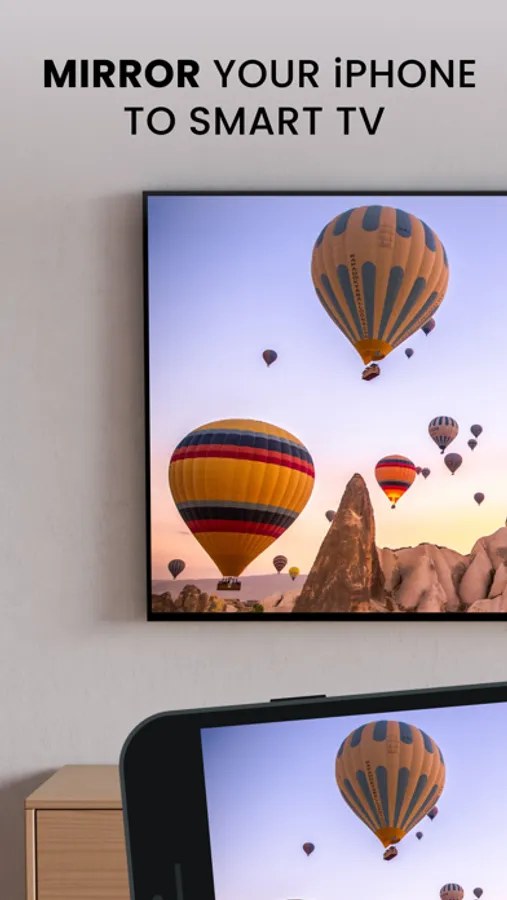
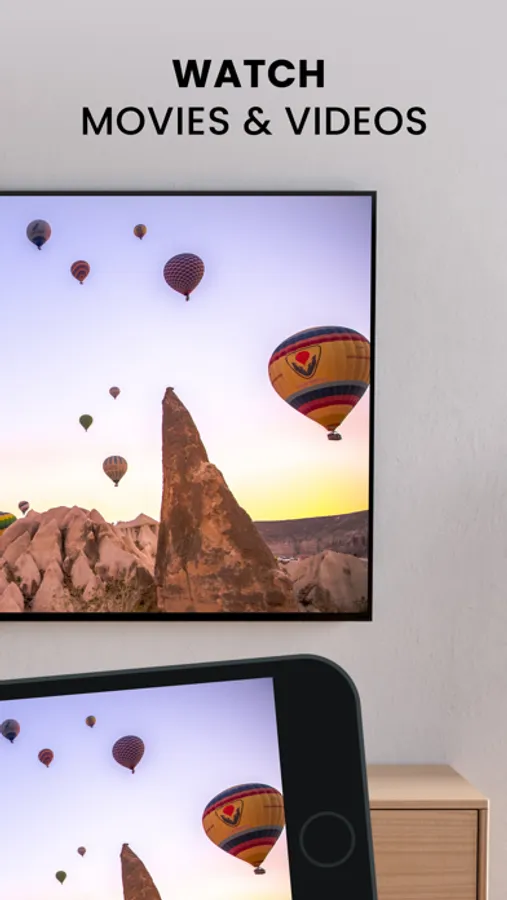
Screen Mirroring app allows you to easily mirror your iPhone's screen to any smart TV in great quality and with no delays.
Making a presentation?
With Screen Mirroring it's easy to view it on a big screen.
Want to enjoy photos or videos?
Bring them to your TV screen for the best viewing experience.
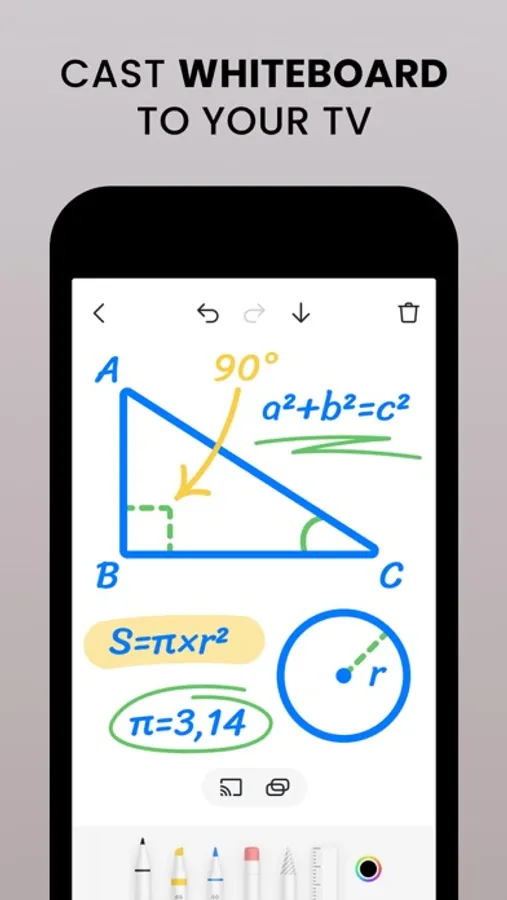
Whiteboard
Doodle with your kids. Share ideas with colleagues. Make presentations to students. Just do this all and cast it on a bigger TV screen in real time
Features:
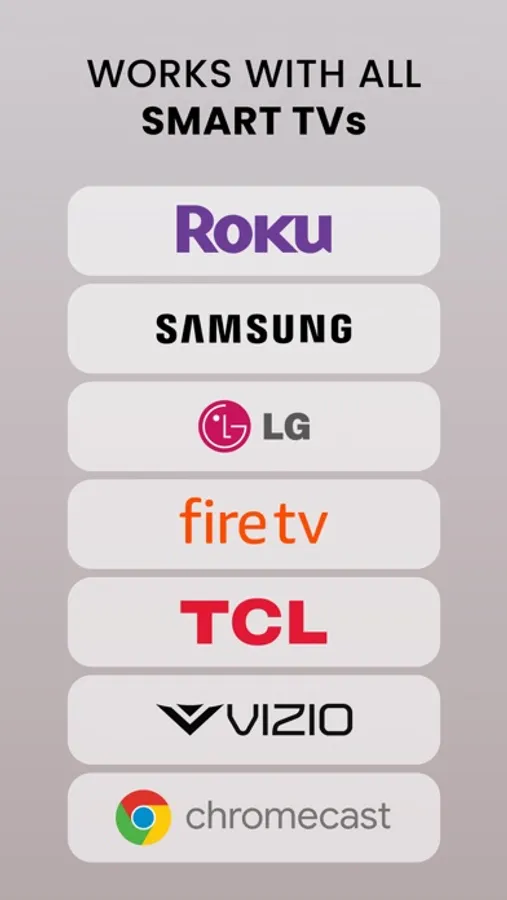
- Works with all TVs
- No delay
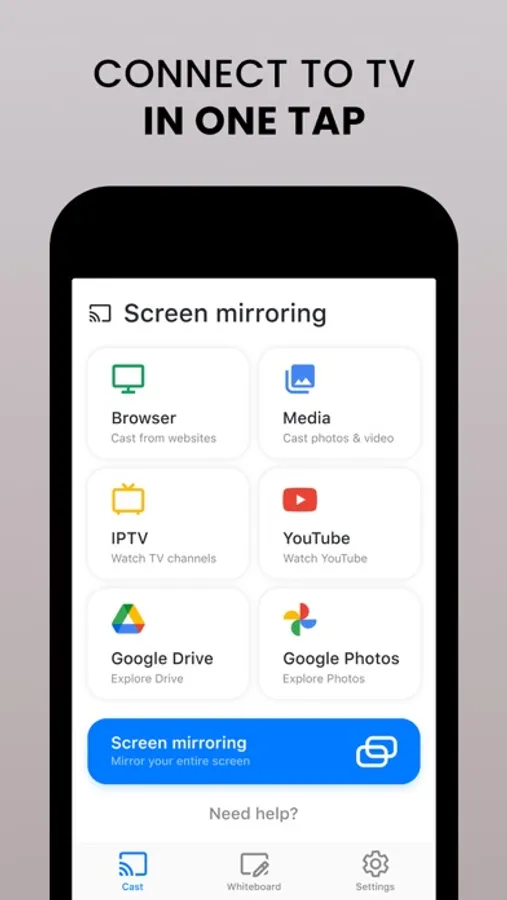
- Mirror anything from your phone screen to TV
- Cast photos and videos from your favourite sources like Photo Library or web
- Watch Youtube, TV shows and more
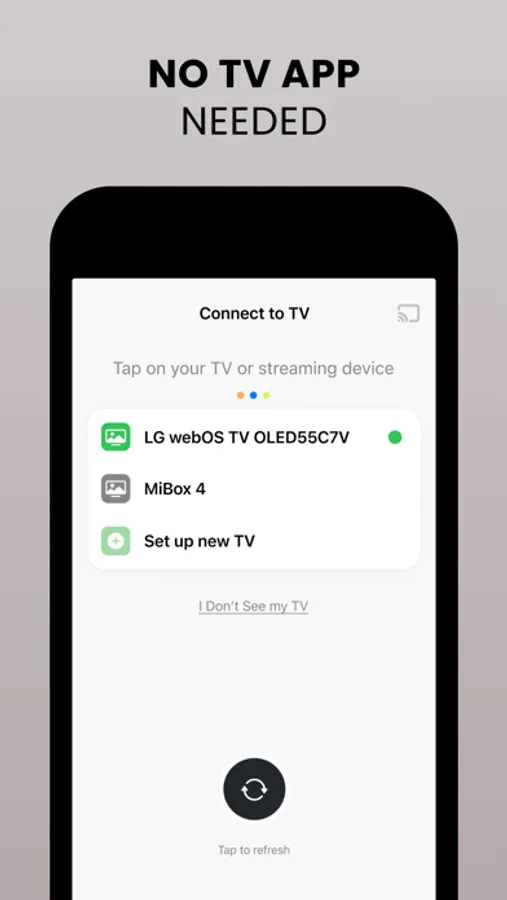
Note: in order to enable mirroring, make sure your devices are on the same Wi-Fi network. Make sure to turn off all VPN and proxy to connect to your TV.
Supported TVs
We have carefully tested our applications on a wide range of TV models to ensure compatibility. However, we cannot guarantee that it will work on every single device.
Some third-party apps have restrictions that may prevent screen mirroring, which can result in a black screen on your TV. For example, services like Netflix have chosen to limit this functionality which is beyond our control.
Privacy Policy: https://appville.io/privacy-policy
Terms of Service: https://appville.io/terms-of-use
Making a presentation?
With Screen Mirroring it's easy to view it on a big screen.
Want to enjoy photos or videos?
Bring them to your TV screen for the best viewing experience.
Whiteboard
Doodle with your kids. Share ideas with colleagues. Make presentations to students. Just do this all and cast it on a bigger TV screen in real time
Features:
- Works with all TVs
- No delay
- Mirror anything from your phone screen to TV
- Cast photos and videos from your favourite sources like Photo Library or web
- Watch Youtube, TV shows and more
Note: in order to enable mirroring, make sure your devices are on the same Wi-Fi network. Make sure to turn off all VPN and proxy to connect to your TV.
Supported TVs
We have carefully tested our applications on a wide range of TV models to ensure compatibility. However, we cannot guarantee that it will work on every single device.
Some third-party apps have restrictions that may prevent screen mirroring, which can result in a black screen on your TV. For example, services like Netflix have chosen to limit this functionality which is beyond our control.
Privacy Policy: https://appville.io/privacy-policy
Terms of Service: https://appville.io/terms-of-use
Screen Mirroring | Smart TV Screenshots
Tap to Rate:
Reviews for Screen Mirroring | Smart TV
worstservicewverintheworld
Really bad
Cannot show a web page
cosmicimmunity
Won’t connect to tv after purchasing
Connected before purchasing and now won’t connect to my TV. I have a Vizio tv. I want my money back. I bought this to view Zeus on my TV and it does not work.