In this screen mirroring app, you can connect your iPhone or iPad to Smart TVs and cast videos, photos, or presentations wirelessly. Includes support for major devices like Samsung, Chromecast, Rokus, and AirPlay, as well as IPTV streaming and file sharing features.
AppRecs review analysis
AppRecs rating 4.0. Trustworthiness 68 out of 100. Review manipulation risk 26 out of 100. Based on a review sample analyzed.
★★★★☆
4.0
AppRecs Rating
Ratings breakdown
5 star
75%
4 star
7%
3 star
3%
2 star
2%
1 star
13%
What to know
✓
Low review manipulation risk
26% review manipulation risk
⚠
Ad complaints
Many low ratings mention excessive ads
⚠
Pricing complaints
Many low ratings mention paywalls or pricing
About Screen Mirroring・TV Cast View
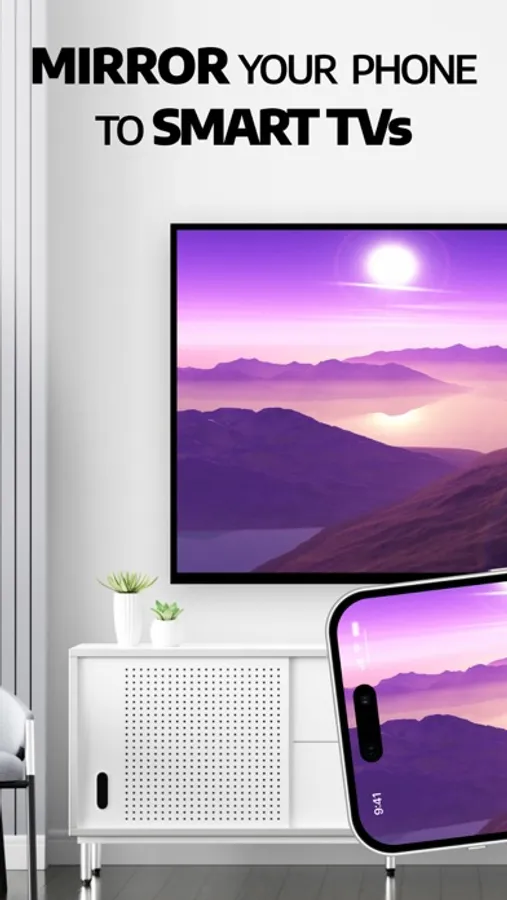
Screen Mirroring: TV Cast View instantly connects your iPhone/iPad to any Smart TV in seconds. Enjoy smooth wireless display, HD video casting, and AirPlay streaming — all wireless, no extra hardware required.
Turn your small screen into a big experience today!
With Screen Mirroring: TV Cast View you can mirror screen or screen share from iPhone/iPad to your Smart TV with TV Smart Player. Protect your eyes from small screens by mirroring to a widescreen TV for a more immersive experience.
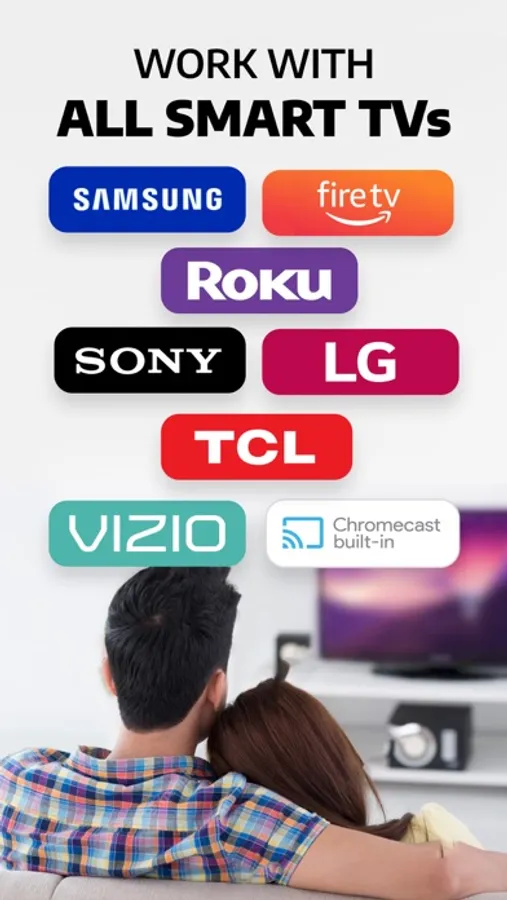
Easily mirror anything on your TV, including games, videos, photos, music, or presentations. Screen mirroring with Samsung TV, Google Chromecast, Roku, and all major Smart TVs. AirPlay supported — no extra devices needed. It’s your all-in-one SmartTV Cast tool for home entertainment, study, and work.
MAIN FEATURES
- Screen Mirroring & Smart TV Cast: Stable, fast connection to Samsung, LG, Roku, Chromecast, Fire TV, and more.
- IPTV Streaming: Access global channels and shows in HD quality.
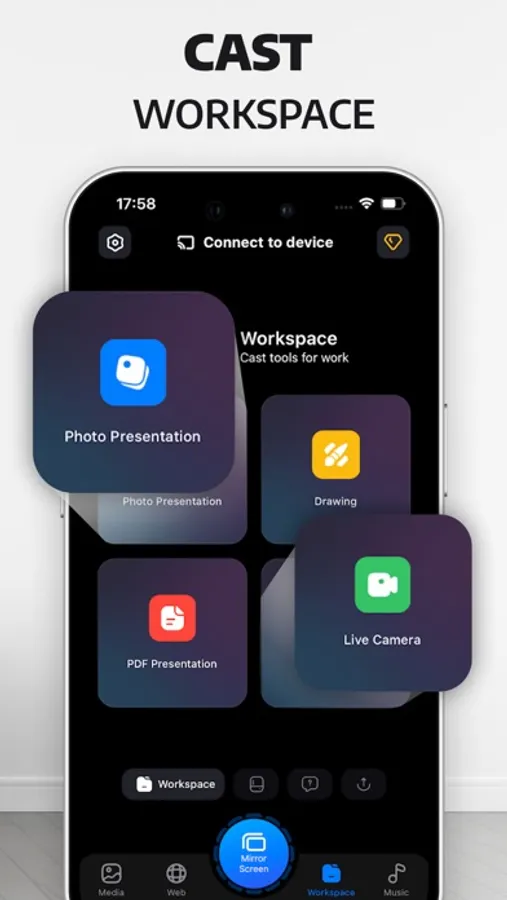
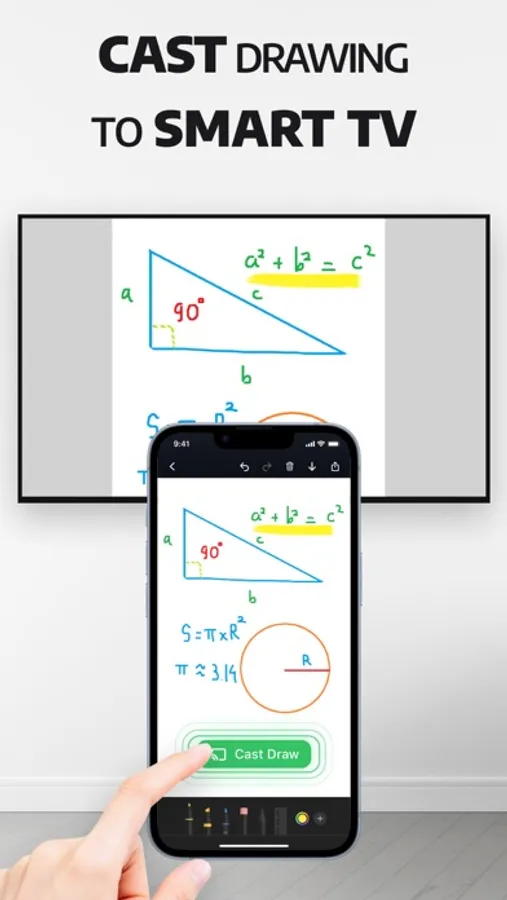
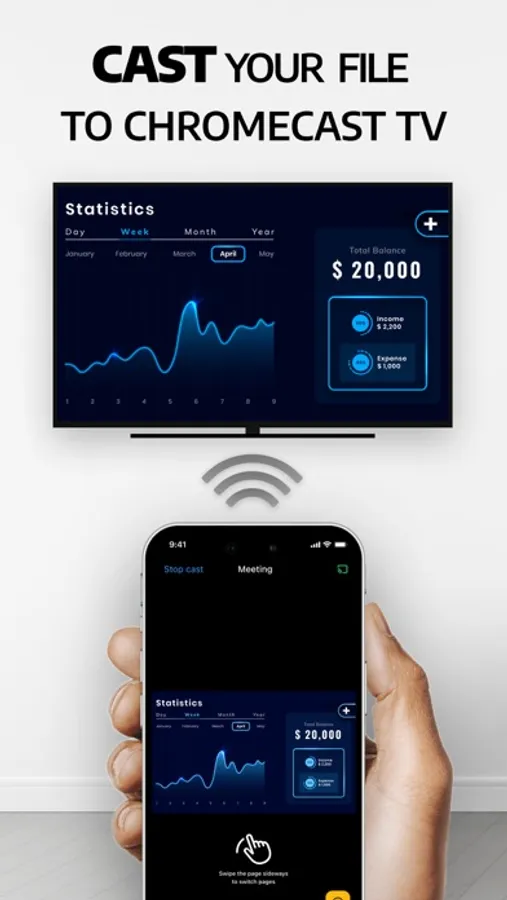
- Work & Study Sharing: Cast PDFs, files, whiteboards, and presentations — ideal for meetings or classes.
- Photo & Video Casting: Share your gallery, albums, or HD videos on the big screen
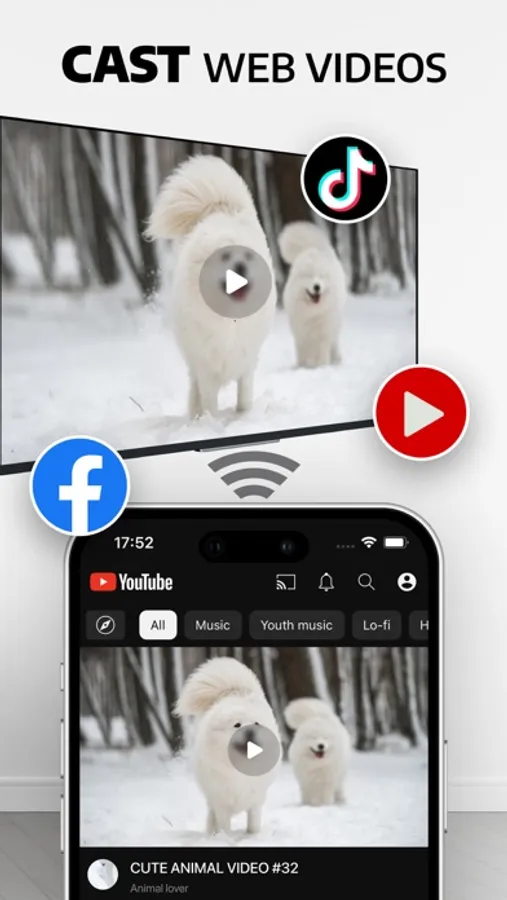
- Web Video Caster: Play videos from YouTube, Facebook, or any website directly on TV.
- Music Casting: Enjoy your favorite music on Smart TV with dynamic sound.
HOW TO USE
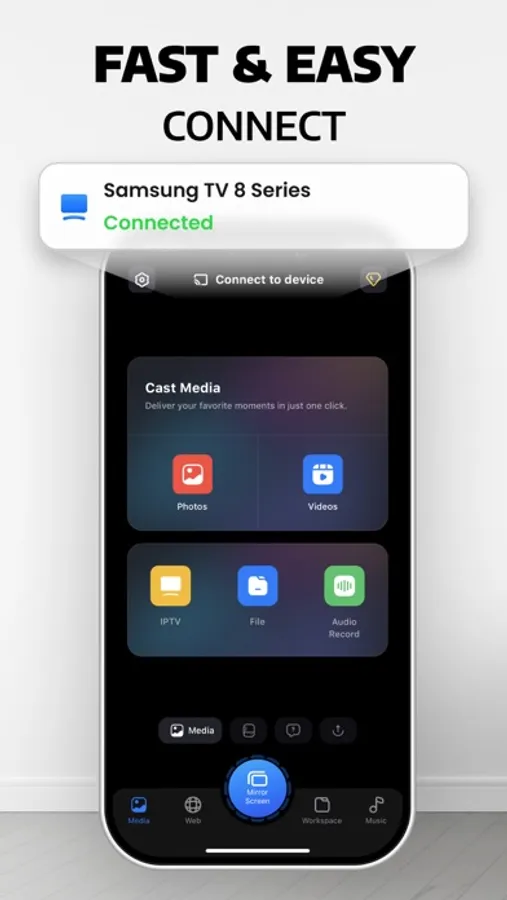
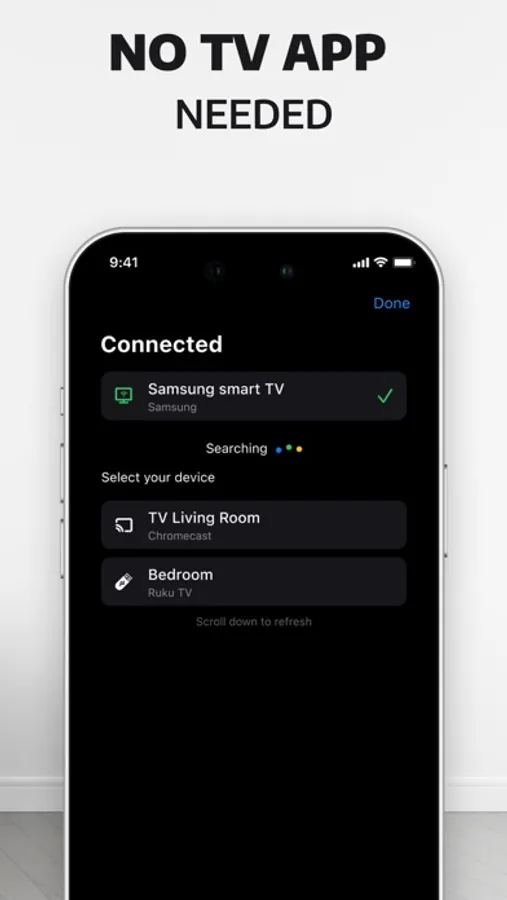
1. Connect your iPhone/iPad and Smart TV to the same Wi-Fi network (Turn off VPN/Proxy if enabled).
2. Open the app and allow local network access.
3. Select your device (Samsung TV, Roku, Chromecast, Fire TV,..)
4. Start mirroring photos, videos, games, or presentations instantly.
TRUSTED WORLDWIDE
Join 1M+ users enjoying seamless screen sharing & AirPlay streaming every day.
SUBSCRIPTION PRICING & TERMS
- Payment will be charged to your iTunes Account as soon as you confirm your purchase.
- You can manage your subscriptions and turn off auto-renewal from your Account Settings after the purchase.
- Subscriptions will renew automatically unless you turn off auto-renew at least 24 hours before the end of the current period. The renewal cost will be charged to your account 24 hours before the end of the current period.
- When canceling a subscription, your subscription will stay active until the end of the period. Auto-renewal will be disabled, but the current subscription will not be refunded.
If offered, any unused portion of a free trial period will be forfeited when purchasing a subscription.
DISCLAIMER: This app is not affiliated with Google or any other trademark mentioned. Thanks for downloading Screen Mirroring TV Cast View.
Policy privacy: https://smarttvcast-screenmirroring.web.app/policy.html
Terms of service: https://smarttvcast-screenmirroring.web.app/term.html
Screen Mirroring・TV Cast View Screenshots
Tap to Rate:
Reviews for Screen Mirroring・TV Cast View
Mr.Tiin
Didn’t Expect This App to Help Me Teach
I found this Screen Mirroring app while searching for tools to help my nephew with his homework, and I downloaded it without thinking much. The first time I tried it, the phone connected to the TV instantly, and the wireless screen casting was so smooth that even animated lessons looked perfect. We used it to display reading exercises, math games, and a few science apps, and the real-time mirroring made everything easier for him to follow. I didn’t realize how much clearer learning becomes when it’s on a big screen. The best part is that he stayed focused way longer thanks to the stable device-to-TV sharing. For something I grabbed out of curiosity, this app turned into a genuinely helpful tool for home learning.
Amily Cris
Best Screen Mirroring app ⭐️⭐️⭐️
I downloaded this Screen Mirroring app right before a small family get together, and it ended up saving the night. I wanted to show some old Thanksgiving photos and videos, and just one tap I was able to mirror phone to the TV instantly. The wireless screen share was smooth with no lag, and everyone loved seeing everything on the big screen instead of crowding around my phone. We event cast a few funny clips and holiday recipes, and it made the whole evening feel more fun and connected. I’ve tried other casting apps before, but this is the first one that actually worked flawlessly. Highly recommended if you need fast, simple and reliable screen mirroring.